How to enable new open Search on hover option on Windows 11
To enable open Search on hover on Windows 11, open Command Prompt (admin) and run the vivetool /enable /id:43572857,43572692 command.
To enable open Search on hover on Windows 11, open Command Prompt (admin) and run the vivetool /enable /id:43572857,43572692 command.
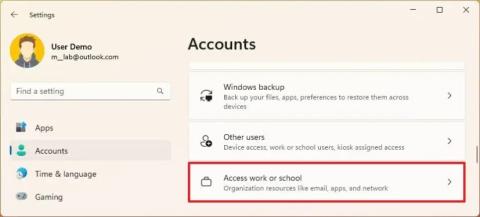
To remove a work or school email account on Windows 11, open Settings > Accounts > Access work or school and disconnect the email address.
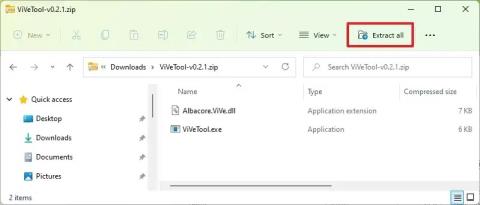
To enable File Explorer header design on Windows 11, open Command Prompt (admin) and run vivetool /enable /id:40950262,41076133 command.
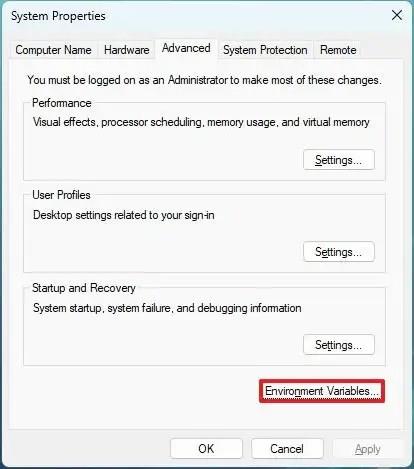
To create environment variables on Windows 11 (10), open System Properties > Advanced > Environment Variables, and create new variable.
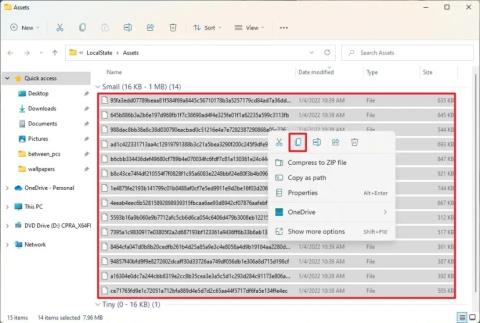
On Windows 11, you can save the Spotlight collection images available on the desktop, but you have to use this workaround.
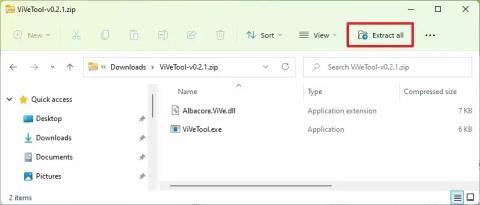
To enable Auto Color Management (ACM) for SDR displays on Windows 11, open Command Prompt (admin) and run vivetool /enable /id:36371531
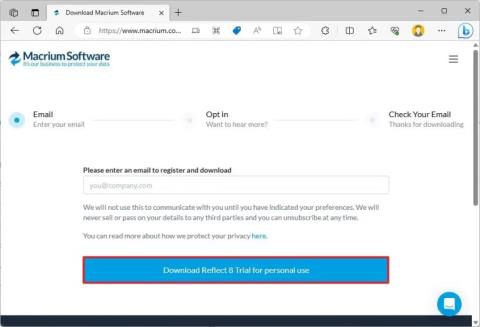
To clone HDD to SSD on Windows 11, open Macrium Reflect, choose the drive and click Clone this disk, choose destination, and clone drive.

To enable touch-optimized Taskbar on Windows 11, launch the ViveTool command tool and run the Vivetool /enable /id:26008830 command.
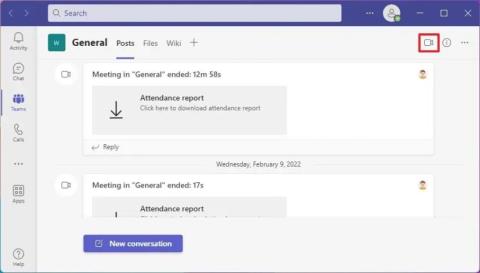
To change background on Microsoft Teams video or meeting, open Teams call, click on Background filters, and select Blur, background, custom.
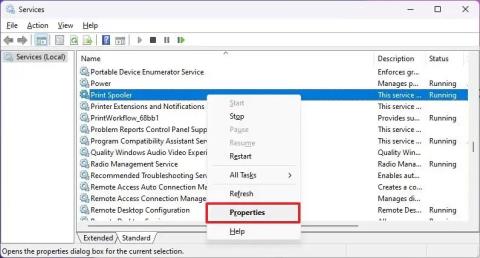
To fix print spooler on Windows 11, on Services, stop the Print Spooler service, delete the contents from printers and start service again
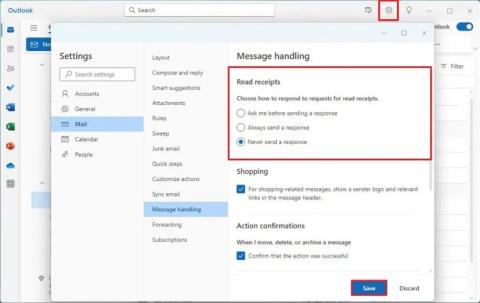
To change read receipts settings in Outlook, open Settings > General > Message handling, and choose another option or disable feature.