How to Download Games to Your Xbox Remotely: 2026 Guide

Learn how to download games to your Xbox remotely in 2026, set up Sleep and remote features, choose the right console, and fix stalled installs.
You can play GTA 5 on mobile by streaming it from a gaming PC, a PlayStation, or an Xbox to your Android phone or iPhone. The game runs on the other machine; your phone receives the picture and sound and sends your controls back. Cloud gaming is another possibility when the game and an eligible access option are available for your account and region.
As of November 1, 2026, Rockstar’s official GTA V platform listing includes PC and consoles but does not list a native Android or iOS edition. Installing a streaming app does not install the full game on your phone.
Remote play means streaming from your own computer or console. Cloud gaming means streaming from a provider’s servers. These require different hardware and access rights.
| What you have | Suitable route | Main condition |
|---|---|---|
| A Windows gaming PC and GTA V on Steam | Steam Link | The PC must run the game and remain available. |
| A PS5 or PS4 with GTA V installed | PS Remote Play | Enable Remote Play and use the same PlayStation account. |
| An Xbox Series X|S or Xbox One with GTA V installed | Xbox Remote Play in a mobile browser | Enable remote features and use the corresponding Microsoft account. |
| No gaming PC or console | Check an official cloud service | Confirm the title, region, account eligibility, controller requirements, and current charges. |
For example, if you already play the Steam edition on a desktop PC, start with Steam Link. If your copy is on PS5, use that console rather than purchasing another edition solely to stream to your phone.
Install and launch GTA V on the host, meaning the computer or console that will run it. Finish updates and account prompts there first. Check that your license includes Story Mode if you want the single-player campaign: Rockstar sells GTA Online separately from packages containing the full game.
On PC, select an edition your hardware can run reliably. The Rockstar Store distinguishes GTA V Enhanced and Legacy requirements. Streaming does not make an underpowered host faster.
Update your phone and the relevant streaming app or browser. Check the current app-store compatibility listing for your particular device. Pair a supported controller with the phone through Bluetooth or a supported wired connection. A controller is a practical starting point for GTA V’s driving, camera movement, and aiming.
For the initial setup, put the host and phone on the same home network. Keep the host powered on while testing, and complete pairing before attempting to play away from home.
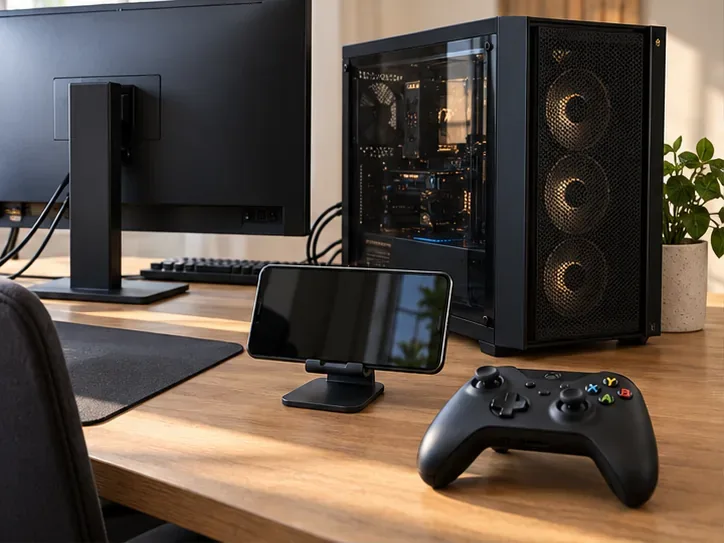
Install Valve’s Steam Link app using the Android or Apple download links on the official Steam Remote Play page. Keep Steam running on the PC that has GTA V installed. Open Steam Link, select that computer, and follow the pairing instructions, approving any pairing code on your own PC.
Check Steam’s Remote Play settings if streaming is disabled. Once connected, open the streamed Steam library and launch GTA V. Complete any Rockstar Games Launcher prompts on the host. Leave the PC awake and Steam running throughout the session.
This route is most straightforward with the Steam edition. Valve’s Remote Play support guide says streaming non-Steam games added to the library may work but is not officially supported. An Epic Games Store or Rockstar Launcher copy should not be presented as equally automatic.
Install PS Remote Play from the app-store links in Sony’s mobile setup guide. On PS5, open Settings > System > Remote Play and turn on Enable Remote Play. On PS4, use Settings > Remote Play Connection Settings; Sony also instructs users to activate the console as their primary PS4.
Open the phone app, sign in with the same PlayStation account, and select PS5 or PS4. After the console screen appears, launch your installed GTA V copy. Supported devices can use a compatible controller; Sony also provides on-screen controls.
For later sessions from rest mode, enable the console’s internet connection and network wake settings. If the app cannot find the console, Sony’s Remote Play settings guide explains manual pairing on the same network.
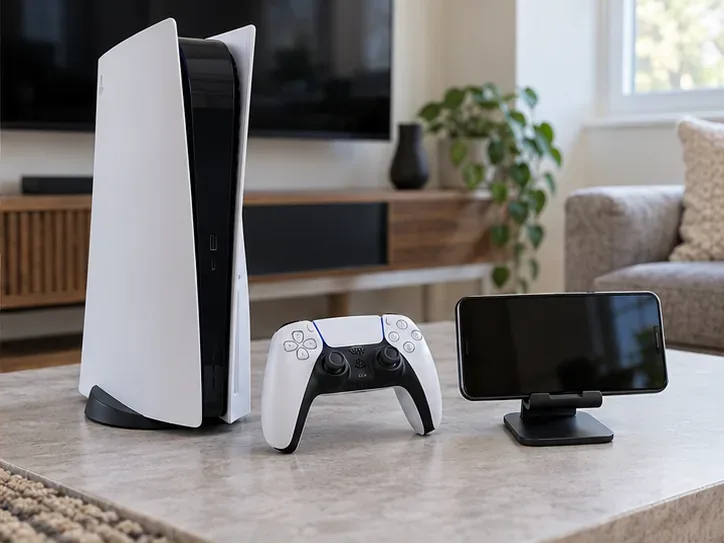
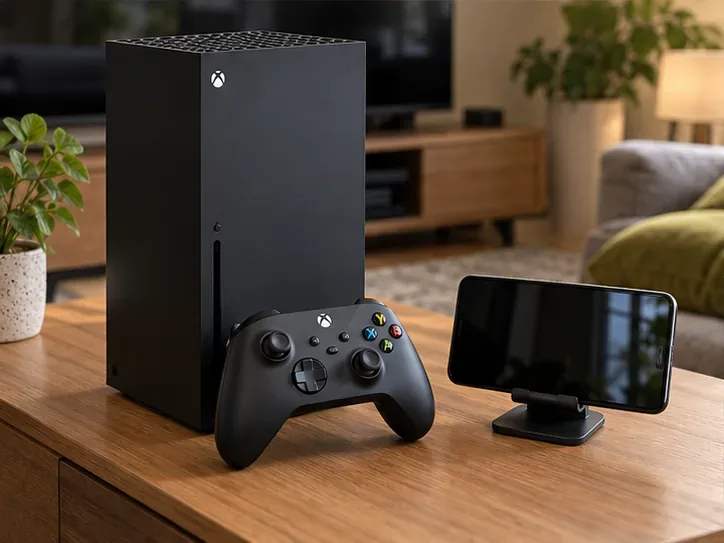
Install GTA V on your Xbox Series X|S or Xbox One and enable the console’s remote features. Microsoft’s Xbox on Mobile instructions allow setup through the web experience or directly on the console.
Pair a supported controller with the phone, then visit Xbox Remote Play in a supported mobile browser. Sign in with the Microsoft account associated with your console, choose the console, connect, and launch GTA V from its installed library.
Do not spend time searching for an old Remote Play button in the Xbox mobile app. Microsoft’s official browser-transition announcement explains that mobile Remote Play moved to the web. Keep the console on or configured to remain available for remote access.
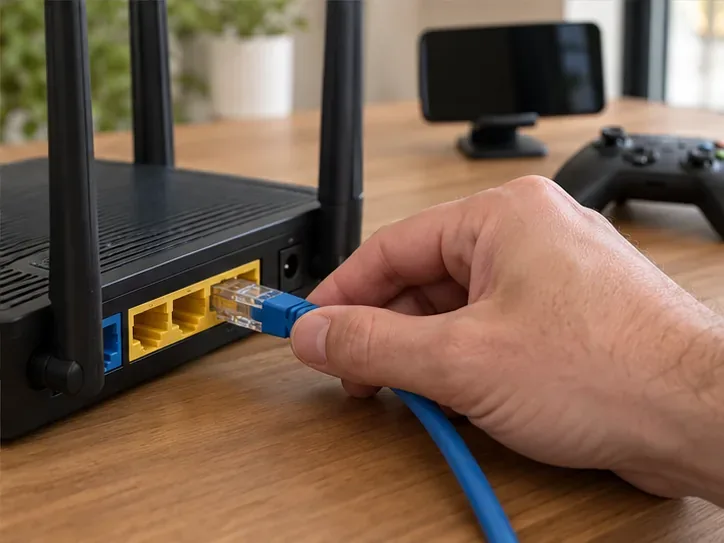
Start with the host connected to the router by Ethernet and your phone on a strong 5 GHz Wi-Fi connection. Valve recommends this arrangement in its Steam Link app listing. Keep the phone reasonably close to the router.
For PlayStation, Sony’s requirements specify at least 5 Mbps upload and download and recommend at least 15 Mbps for better performance. Microsoft’s Xbox Remote Play requirements list a connection of 10 Mbps down. These are service-specific requirements, not guarantees that every connection at that speed will feel responsive.
Latency is the delay between pressing a control and seeing the response. If the picture looks good but steering feels delayed, prioritize stability over sharpness. Pause competing downloads, move closer to the router, and reduce streaming quality where the service offers that option. When playing away from home, the host’s upload connection also matters.
Try a short Story Mode session before a longer mission: check steering, camera movement, sound, and whether the controller remains connected. This is a suggested setup check, not a performance benchmark. Change one setting at a time so you can tell which adjustment helps.
| Problem | What to check first |
|---|---|
| The host does not appear | Confirm its power state, remote-play settings, account, and network connection. |
| Steam Link cannot discover the PC | Use the same home network for pairing. Guest networks and client isolation can prevent discovery. |
| The console connects, but GTA V will not start | Open the game directly on the host and resolve updates, sign-in prompts, or license issues. |
| The picture breaks up or controls lag | Reduce network congestion and streaming quality, then retest near the router. |
| The controller does not respond | Check phone and app compatibility, then confirm it is connected to the phone rather than the console. |
Valve documents network isolation in its Steam Link network guidance. Sony’s Remote Play troubleshooting guide covers account, controller, and connection checks. Use the support page matching your service when a basic check does not resolve the problem.
Potentially, through cloud gaming. An official Xbox Cloud Gaming listing for GTA V exists and specifies controller play. However, a public listing alone does not establish that your account can launch it in your region.
Sign in, check that the game is currently playable, and read the access terms before paying. Confirm the required plan or paid playtime, the game edition, and any ownership requirement. Microsoft has announced cloud-access changes beginning in November 2026, so older subscription instructions may no longer apply. Owning GTA V on another platform does not automatically establish cloud eligibility.
Guide checked November 1, 2026. Device compatibility, service availability, and cloud-access terms can change.
Learn how to download games to your Xbox remotely in 2026, set up Sleep and remote features, choose the right console, and fix stalled installs.
Fortnite lagging despite fast internet? Learn how to identify ping spikes, packet loss, FPS drops, shader stutter, and server issues—and what to try next.
Fix PS5 controller input lag on PC with a wired baseline, firmware updates, Bluetooth checks, Steam Input settings, and a repeatable response test.
Understand how Riot Vanguard anti-cheat works, why it uses a kernel driver, what On-Demand changes, and how privacy, security, and game access fit together.
Yes, Warzone is free to play. Learn what is included, which purchases and subscriptions are optional, and what platform limits to check before downloading.
Find the official VALORANT Mobile APK, check China-region availability, install it on Android, and understand how it differs from the Riot Mobile companion app.
Find out where you can play League of Legends, which PCs and Macs are supported, how Wild Rift differs, and what Xbox, browser, and region listings mean.
Learn how to play PUBG on Mac by streaming from a Windows PC with Steam Link, plus setup steps, compatibility limits, and fixes for common problems.
Learn how to save your game in GTA 5 with Quick Save, safehouse beds, and autosave, plus how to leave GTA Online and check that your progress was saved.
Can you still download Warzone on PS4? Check the 2026 restrictions, existing-library reinstall steps, support cutoff, and fixes for eligible downloads.








