How to Download Games to Your Xbox Remotely: 2026 Guide

Learn how to download games to your Xbox remotely in 2026, set up Sleep and remote features, choose the right console, and fix stalled installs.
You move the stick, but the camera seems to follow a moment later. Or one button press skips two menu items, making the controller feel unreliable. PS5 controller input lag on PC can come from the connection, controller software, game settings, or the display. Replacing the DualSense or applying a supposed universal “zero-lag” tweak may miss the actual cause.
Start by comparing a direct USB connection with Bluetooth, then work through the five checks below. Finish by repeating the same action under matching conditions. The goal is a stable, demonstrably better response, rather than an unsupported promise of zero latency.
Instructions were checked November 1, 2026. Menu paths use Windows 11, and the controller discussed is Sony’s standard DualSense wireless controller. Features and game support vary, as Sony’s DualSense PC connection guide explains.
| What you notice | What to check first |
|---|---|
| Pauses or missed presses over Bluetooth, but a stable USB connection | Wireless range, interference, adapter placement, and Bluetooth drivers. |
| Controller and mouse both feel delayed in the game | Frame delivery, graphics settings, synchronization, and display processing. |
| Only one game has trouble, or one press causes two actions | That game’s controller support and overlapping input-mapping software. |
| The camera moves only after the stick travels a noticeable distance | Stick deadzone and response-curve settings, which can resemble a delay. |
These are diagnostic clues, not confirmed diagnoses. Network lag is another distinction: if local camera movement is responsive but online opponents jump around or actions receive late server confirmation, investigate the game connection as well.
Close the game, connect the DualSense directly to the PC with a known working USB data cable, and reopen the game. Temporarily bypass a hub or dock while testing. If the controller charges but is not detected, try another data-capable cable and another USB port.
Confirm that the controller is using USB for the comparison. PlayStation Accessories can show its connection method. Test in an offline practice area or local menu so server conditions do not dominate the result.
If USB solves intermittent pauses, focus on the wireless path next. If the same delay remains, continue through the software and rendering checks. This comparison does not establish that USB is always faster than Bluetooth on every PC.
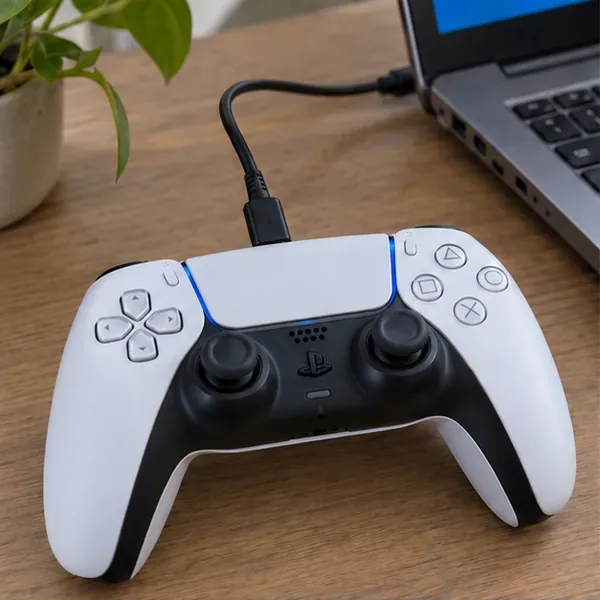
Download PlayStation Accessories from Sony, connect the controller, and install a controller firmware update if the app offers one. Keep the PC powered on and the controller connected until the update finishes. Reconnect afterward and repeat the baseline test.
For wireless trouble, check Windows Update and the support page for your exact PC or Bluetooth adapter model. Microsoft’s Bluetooth driver instructions cover Device Manager updates and explain that a manufacturer may provide a newer driver even when Windows reports that the best available driver is installed. Restart when the update requires it.
An update is a maintenance step, not a guaranteed latency reduction. Record whether it changes the symptom before making another adjustment.
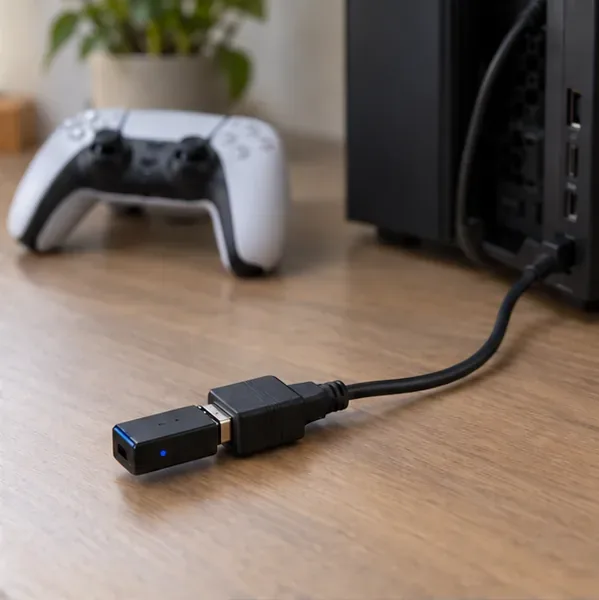
Charge the controller, bring it closer to the PC, and check the position of the receiver or external wireless antenna. If you use a USB Bluetooth dongle, a short extension can help move it away from the tower and nearby USB devices. Microsoft’s Bluetooth troubleshooting guide specifically notes that some unshielded USB 3.0 devices can interfere with Bluetooth connections.
To refresh the pairing, remove the controller from Settings > Bluetooth & devices > Devices. Disconnect its USB cable and turn the controller off. Hold the Create and PS buttons until its lights flash, then add it again through Windows Bluetooth settings, following Sony’s pairing instructions.
Retest from the same seat and distance. If wired play remains reliable while Bluetooth still drops inputs, investigate the adapter or radio environment before changing unrelated graphics settings.
Games differ in how they handle DualSense. Some have native support; others rely on Steam Input or a translation utility. Close other controller remappers and virtual-gamepad utilities temporarily while testing, and disconnect extra controllers. Overlapping mappings can produce duplicate actions that feel like poor responsiveness.
For a game with native DualSense support, try its per-game Steam setting: right-click the game in your Library, select Properties > Controller > Disable Steam Input, then restart the game. Nixxes’ official controller guidance recommend this as a troubleshooting option for their supported PC games.
If the game stops recognizing the controller, restore the setting and use its supported input method. Disabling Steam Input is not a universal speed boost. KOEI TECMO also documents a PlayStation-controller option for games without native support in KOEI TECMO’s controller troubleshooting instructions.
In Steam > Settings > Controller, use Test Device Inputs to check whether each press registers once and whether sticks respond consistently. A functional input test does not measure the full delay between your thumb and the displayed game response.

If input reaches the PC consistently but the game still feels slow, examine the rest of the response chain. A controller change cannot remove a long rendering queue or extra display processing.
V-Sync deserves a controlled comparison rather than a blanket rule. Turning it off can reduce delay in some configurations but may introduce tearing; variable-refresh setups require their own compatible settings. NVIDIA’s system-latency guide explains these tradeoffs.
For compatible DirectX 10 and DirectX 11 games running in windowed or borderless mode, Windows 11 also offers optimizations for windowed games, which Microsoft says can reduce frame latency. Find the option under Settings > System > Display > Graphics, and restart the game after changing it.
Return to the same local practice area or menu used for the baseline. Keep the game, display, graphics settings, and stick deadzone unchanged while comparing connection methods. Then evaluate software or graphics changes separately.
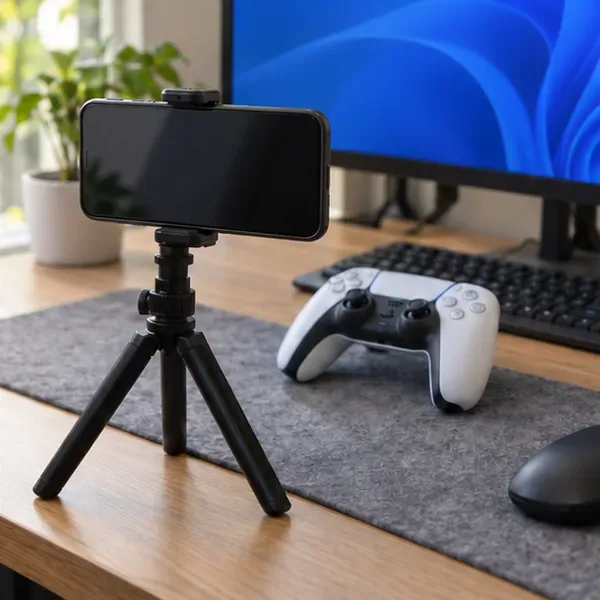
Phone footage provides a rough comparison, not a laboratory-grade latency figure. Likewise, a polling-rate readout or a responsive browser gamepad tester does not measure the complete controller-to-screen delay. No measured millisecond improvement is claimed here.
If the controller works correctly elsewhere but one game remains affected, report the game version, connection method, and input settings to that game’s support team. If inputs fail across games, cables, and another compatible PC, use Sony’s DualSense troubleshooting and repair guidance. The useful endpoint is a repeatable result that identifies the faulty part of the chain and leaves the rest of the setup working normally.
Learn how to download games to your Xbox remotely in 2026, set up Sleep and remote features, choose the right console, and fix stalled installs.
Fortnite lagging despite fast internet? Learn how to identify ping spikes, packet loss, FPS drops, shader stutter, and server issues—and what to try next.
Fix PS5 controller input lag on PC with a wired baseline, firmware updates, Bluetooth checks, Steam Input settings, and a repeatable response test.
Understand how Riot Vanguard anti-cheat works, why it uses a kernel driver, what On-Demand changes, and how privacy, security, and game access fit together.
Yes, Warzone is free to play. Learn what is included, which purchases and subscriptions are optional, and what platform limits to check before downloading.
Find the official VALORANT Mobile APK, check China-region availability, install it on Android, and understand how it differs from the Riot Mobile companion app.
Find out where you can play League of Legends, which PCs and Macs are supported, how Wild Rift differs, and what Xbox, browser, and region listings mean.
Learn how to play PUBG on Mac by streaming from a Windows PC with Steam Link, plus setup steps, compatibility limits, and fixes for common problems.
Learn how to save your game in GTA 5 with Quick Save, safehouse beds, and autosave, plus how to leave GTA Online and check that your progress was saved.
Can you still download Warzone on PS4? Check the 2026 restrictions, existing-library reinstall steps, support cutoff, and fixes for eligible downloads.







