How to Download Games to Your Xbox Remotely: 2026 Guide

Learn how to download games to your Xbox remotely in 2026, set up Sleep and remote features, choose the right console, and fix stalled installs.
You can no longer download Warzone on PS4 as a new player. Activision ended new PS4 downloads on June 4, 2026. Its platform notice makes a limited exception: if you already own Warzone in your PlayStation library, you can reinstall and play through the end of Black Ops 7 Season 06. PS4 access ends with the Modern Warfare 4 Season 1 transition.
This guide was checked on November 1, 2026. Read the availability section before freeing storage or deleting an existing installation. The library instructions below apply only to eligible existing owners before the support cutoff.

According to Activision's Warzone platform update, the answer depends on whether the game is already owned in your platform library and whether the remaining service period has ended.
| Your situation | What to do |
|---|---|
| Warzone is not already in your PS4 account's library | New PS4 downloads are no longer available; use a supported platform instead |
| You already own it and Season 06 has not ended | Check the existing library entry and its Download option |
| The Modern Warfare 4 Season 1 transition has occurred | PS4 play is no longer supported, even with the files installed |
A web listing is not sufficient proof of a new PS4 download entitlement. The U.S. PlayStation Store listing still displays PS4 and PS5 labels, but also warns that PS4 play ends after Black Ops 7 Season 06. Read that warning alongside Activision's specific service rules.
The official October 28 Season 1 announcement schedules the new season for November 6, 2026, at 12:00 a.m. Eastern Standard Time, New York (UTC−5). That is November 5 at 9:00 p.m. Pacific Standard Time, Los Angeles (UTC−8), or November 6 at 05:00 UTC.
Read together with the platform notice, this places the announced PS4 cutoff at that Season 1 transition. This is the published schedule, not a report of independently observed server shutdown timing. Recheck official notices if the rollout schedule changes.
Use the PlayStation account that originally added Warzone to its library, a working internet connection, and enough storage for the installation and required updates. Keep access to your existing Activision account as well, especially if you plan to continue on another platform.
There is no useful permanent download-size figure for every installation. Existing Call of Duty files, updates, and installed content can affect what your console needs. Check the requirement shown on the console and compare it with Settings > Storage. Do not assume a small initial download represents everything needed to play.
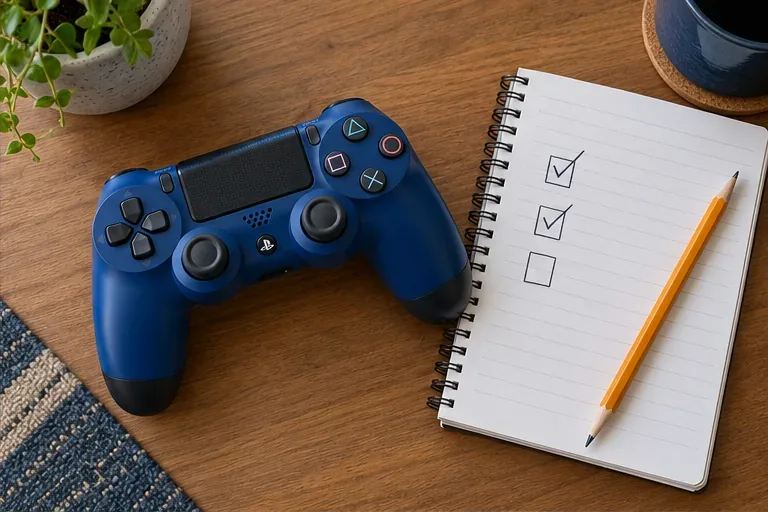
Sign in to the account that previously claimed Warzone. From the PS4 home screen, open Library > Purchased and look for your existing Warzone entry. A Call of Duty application already on the console is not, by itself, confirmation that the signed-in account owns the relevant Warzone entitlement.
If the entry is missing, first check whether you used another PlayStation account in the past. Avoid deleting a working installation while ownership is uncertain. The goal at this stage is to find the existing entitlement, not acquire a new PS4 license through a storefront search.
Select the eligible game entry and choose Download. PlayStation's official PS4 download instructions confirm the Library > Purchased route and automatic installation after downloading.
If an associated add-on is required and available for your installation, PlayStation directs PS4 users to select the game in Purchased, then PlayStation Store > Your Add-Ons, and select the download arrow beside that add-on. Install only content identified as necessary for your Warzone installation; unrelated paid campaigns are not a fix for the platform restriction.
If no download option appears, return to the ownership and availability checks. Repeatedly opening a combined PS4/PS5 web listing does not establish that your account can install the PS4 version.
Allow the required downloads and installation work to finish. On the home screen, highlight the game or application, press the controller's OPTIONS button, and select Check for Update. Follow any available update prompts. These controls are documented in PlayStation's game-update guide.
Also install available PS4 system software updates through Settings > System Software Update. A game icon appearing on the home screen does not necessarily mean all download and installation tasks have finished. Review the download queue before treating an incomplete launch as an account problem.
Before the cutoff, launch the installed application and follow its official Warzone access and sign-in prompts. Use your existing Activision account so you are checking the intended profile. The Activision account-management guide explains platform account linking if you need to verify the connection.
Successful installation and successful online access are separate checks. If the game opens but Warzone is unavailable after the support transition, reinstalling it again cannot restore PS4 service. Keep the exact message and timing if an error occurs before the announced cutoff.
Use PlayStation's download troubleshooting after confirming that the library exception still applies.
| Symptom | Useful next check |
|---|---|
| The download is paused or stalled | Open Notifications > Downloads and try Pause and Resume |
| The console reports insufficient space | Review Settings > Storage and the space required by the download |
| Network or service errors appear | Check PlayStation service notices and Settings > Network > Test Internet Connection |
| An owned game shows a padlock | Verify the owning account, then consider restoring licenses |
For the last issue, the official PS4 license-restoration path is Settings > Account Management > Restore Licenses > Restore. This can address a license problem; it does not create ownership or reverse the end of platform support.
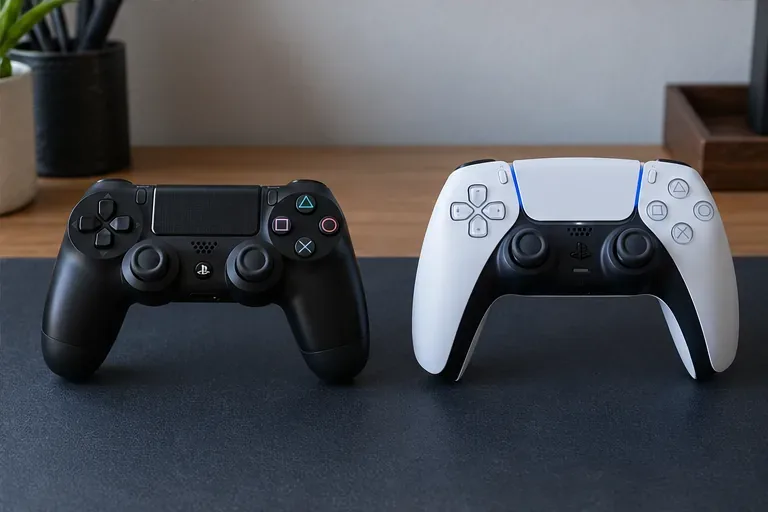
Activision directs players to supported platforms, including PS5, Xbox Series X|S, and supported PCs. Use the same linked Activision account to retain eligible progression and content. Its platform notice explains that COD Points and some purchases remain tied to a platform account or console family, so do not assume every balance transfers to a different platform.
The decisive check is availability first, account ownership second, and download troubleshooting third. That order prevents spending time repairing a download that your PS4 account can no longer access.
Learn how to download games to your Xbox remotely in 2026, set up Sleep and remote features, choose the right console, and fix stalled installs.
Fortnite lagging despite fast internet? Learn how to identify ping spikes, packet loss, FPS drops, shader stutter, and server issues—and what to try next.
Fix PS5 controller input lag on PC with a wired baseline, firmware updates, Bluetooth checks, Steam Input settings, and a repeatable response test.
Understand how Riot Vanguard anti-cheat works, why it uses a kernel driver, what On-Demand changes, and how privacy, security, and game access fit together.
Yes, Warzone is free to play. Learn what is included, which purchases and subscriptions are optional, and what platform limits to check before downloading.
Find the official VALORANT Mobile APK, check China-region availability, install it on Android, and understand how it differs from the Riot Mobile companion app.
Find out where you can play League of Legends, which PCs and Macs are supported, how Wild Rift differs, and what Xbox, browser, and region listings mean.
Learn how to play PUBG on Mac by streaming from a Windows PC with Steam Link, plus setup steps, compatibility limits, and fixes for common problems.
Learn how to save your game in GTA 5 with Quick Save, safehouse beds, and autosave, plus how to leave GTA Online and check that your progress was saved.
Can you still download Warzone on PS4? Check the 2026 restrictions, existing-library reinstall steps, support cutoff, and fixes for eligible downloads.







