How to Download Games to Your Xbox Remotely: 2026 Guide

Learn how to download games to your Xbox remotely in 2026, set up Sleep and remote features, choose the right console, and fix stalled installs.
You can play PUBG on a Mac by streaming it from a Windows gaming PC, but PUBG: BATTLEGROUNDS does not have a native macOS version in the official PC listing checked for this guide. Installing Steam on a Mac does not make the Windows game run locally. The practical route covered here uses Steam Link: the PC runs PUBG, while the Mac receives the picture and sends back your controls.
Illustrative example: Alex owns an M2 MacBook Air and a Windows gaming desktop in another room. Alex wants to join friends who play the PC version of PUBG without sitting at the desktop. Alex is a fictional reader used to explain the setup, not a customer testimonial or a claim about tested performance.
Compatibility information was checked November 1, 2026. This guide covers PUBG: BATTLEGROUNDS for PC; PUBG MOBILE is a separate game.
| Your equipment | Practical route | Main condition |
|---|---|---|
| Apple silicon Mac and a Windows gaming PC | Steam Link or Steam Remote Play | The PC must run PUBG successfully, and the Mac must meet the streaming app’s requirements. |
| Intel Mac and a Windows gaming PC | The same streaming approach | Check that the current Mac app supports your macOS version. |
| Compatible Intel Mac without another PC | Assess Boot Camp as a legacy option | Windows support, graphics capability, drivers, and storage all need checking. |
| Mac alone, with no Windows host | No native installation route is established by the checked sources | A cloud service needs a separately verified listing for this exact game and your region. |
The platform requirements for PUBG: BATTLEGROUNDS on Steam specify Windows. Valve’s Steam Remote Play service instead lets one computer run the game while another device acts as the streaming client. For Alex, this means keeping the desktop available; Steam Link is not a replacement cloud PC.
PUBG’s official PC requirements list an 8 GB RAM minimum and 16 GB recommended, with graphics requirements such as a GTX 960 2 GB minimum or GTX 1060 3 GB recommended. These are host-PC requirements, not a requirement to find an equivalent GPU inside the Mac. The published storage figures are 40 GB minimum and 50 GB recommended; check the launcher’s current space request before installing.
On the desktop, install or update Steam, sign in to your account, and install PUBG from its official Steam listing. Launch it locally and confirm that it reaches the game normally before attempting a stream. Complete any first-launch installations or Windows permission prompts at the PC.
In the example, Alex proceeds only if PUBG works at the desktop. A local crash or anti-cheat error needs fixing there first; sending the picture to a Mac will not repair the Windows installation. Leave the host powered on and awake for the session.
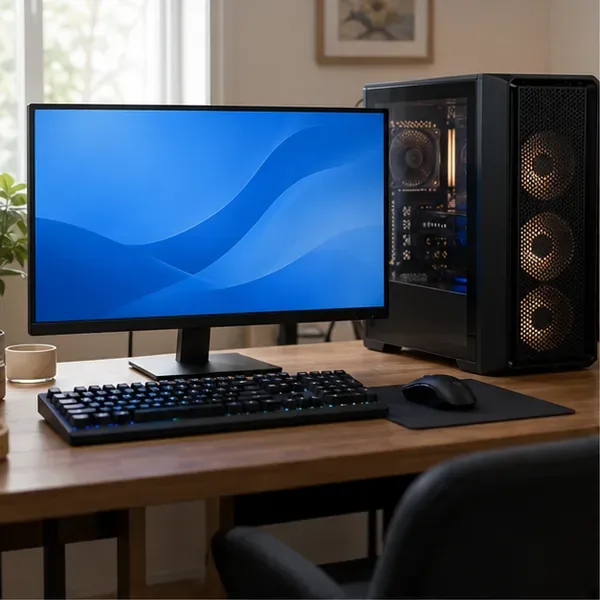
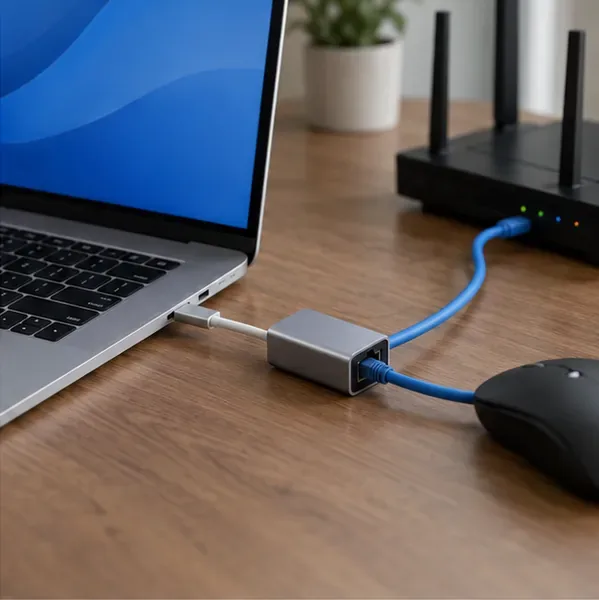
Install Steam Link for Mac from Valve. Connect the Mac and the PC to your home router. If your MacBook lacks an Ethernet port, a compatible USB-C Ethernet adapter provides a wired option. If you use Wi-Fi, start near the router and pause large downloads while checking the connection.
The app listing recommends Ethernet for both computers. A fast internet plan alone does not establish that the local connection between Alex’s two machines is stable.
On the Windows PC, open Steam’s settings and find the Remote Play section. Enable Remote Play if it is off. Open Steam Link on the Mac, select the host computer, and follow the pairing prompts on both devices. Complete any confirmation at the Windows PC rather than assuming the connection is authorized automatically.
Run the app’s connection check if offered. Alex should use the regular home network rather than an isolated guest network, where the two devices may be unable to discover each other. Valve explains the host-and-client process in Valve’s Remote Play support guide.
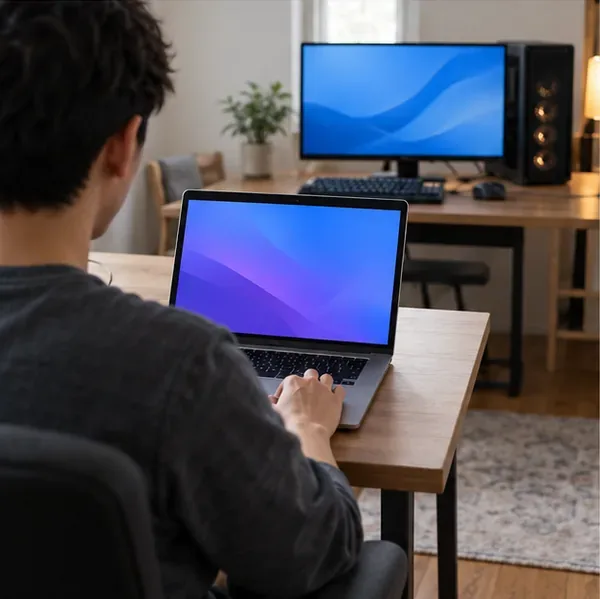
Start the streaming session, open the host’s Steam Library, and launch PUBG. The game remains installed on the PC; the Mac does not need its own Windows game download. Use a training session to check movement, aiming, mouse capture, and sound before joining friends.
Try a modest streaming target such as 1080p at 60 frames per second, then adjust for your connection. This is a suggested starting point, not a measured result or guaranteed frame rate. If the picture stutters, reduce streaming quality or resolution before increasing it. Test voice communication separately: hearing game audio does not prove that the Mac’s microphone reaches the Windows game.

| Symptom | First check | Useful next action |
|---|---|---|
| The Mac cannot find the PC | Host awake, Steam running, same local network | Check guest-network isolation and allow Steam through the host firewall. Keep the firewall enabled. |
| Video freezes or becomes blocky | Wireless interference or competing transfers | Use Ethernet, pause downloads, and lower streaming quality. Enable the performance overlay to inspect network variation. |
| PUBG crashes on both screens | Whether it launches locally on the PC | Resolve the host game, driver, or anti-cheat issue before troubleshooting Mac streaming. |
| The picture works but controls do not | Window focus and pending host prompts | Check locally at the PC, reconnect the session, and consult Steam Support if input remains blocked. |
Valve’s suggested network settings explain how Ethernet, client isolation, and streaming quality affect the connection. In Alex’s scenario, testing first on the home network isolates these variables before trying to stream from elsewhere. Do not disable PUBG’s anti-cheat or install an unofficial bypass to solve a streaming problem.
Boot Camp applies to supported Intel Macs, not M-series Macs. Apple’s Boot Camp instructions describe installing Windows 10 and restarting into it. An Intel Mac would still need suitable graphics hardware and Windows drivers to meet PUBG’s requirements.
Boot Camp also needs a current support assessment: Microsoft’s Windows lifecycle information state that ordinary Windows 10 support ended October 14, 2025, and consumer Extended Security Updates ran through October 13, 2026. An old Windows 10 installation is therefore not a straightforward default recommendation for a new setup in November 2026. Alex’s M2 Mac cannot use Apple’s Boot Camp procedure.
A virtual machine is a different approach. Parallels’ gaming limitations, reviewed August 25, 2026, warn that most anti-cheat software does not run in virtual environments. PUBG’s Steam listing identifies kernel-level anti-cheat. These sources do not establish a supported Parallels route for this game.
CodeWeavers’ PUBG compatibility listing reports a Mac rating of “Installs, Will Not Run,” with CrossOver 25.1.0 shown as the last tested version and an outdated-rating notice. That is not a fresh test of every current release, but it provides no basis for promising that a paid compatibility tool will run PUBG.
Before paying for a cloud service, verify PUBG: BATTLEGROUNDS, the supported store, and availability in your account’s region in its live catalog. For example, consult NVIDIA’s current game catalog; the existence of a Mac streaming app or an older supported-games page is not confirmation that PUBG is currently playable. A current US cloud listing for PUBG was not verified for this guide.
The US App Store listing for PUBG MOBILE identifies an iPhone and iPad game and does not list Mac compatibility in the checked Compatibility section. An M-series chip alone is not proof that every iPhone app is offered on Mac. PUBG MOBILE also does not replace the PC version Alex needs to join PC friends.
For the illustrated setup, the next action is concrete: confirm PUBG runs on the Windows desktop, install Valve’s Mac streaming app, pair the machines, and verify controls in training. If there is no suitable host or verified cloud option, there is no native Mac installer to substitute.
Learn how to download games to your Xbox remotely in 2026, set up Sleep and remote features, choose the right console, and fix stalled installs.
Fortnite lagging despite fast internet? Learn how to identify ping spikes, packet loss, FPS drops, shader stutter, and server issues—and what to try next.
Fix PS5 controller input lag on PC with a wired baseline, firmware updates, Bluetooth checks, Steam Input settings, and a repeatable response test.
Understand how Riot Vanguard anti-cheat works, why it uses a kernel driver, what On-Demand changes, and how privacy, security, and game access fit together.
Yes, Warzone is free to play. Learn what is included, which purchases and subscriptions are optional, and what platform limits to check before downloading.
Find the official VALORANT Mobile APK, check China-region availability, install it on Android, and understand how it differs from the Riot Mobile companion app.
Find out where you can play League of Legends, which PCs and Macs are supported, how Wild Rift differs, and what Xbox, browser, and region listings mean.
Learn how to play PUBG on Mac by streaming from a Windows PC with Steam Link, plus setup steps, compatibility limits, and fixes for common problems.
Learn how to save your game in GTA 5 with Quick Save, safehouse beds, and autosave, plus how to leave GTA Online and check that your progress was saved.
Can you still download Warzone on PS4? Check the 2026 restrictions, existing-library reinstall steps, support cutoff, and fixes for eligible downloads.







