How to Download Games to Your Xbox Remotely: 2026 Guide

Learn how to download games to your Xbox remotely in 2026, set up Sleep and remote features, choose the right console, and fix stalled installs.
You cannot download an official Android version of GTA 5 that installs and runs directly on your phone. As of November 1, 2026, Rockstar's published GTA V platform lineup covers PC and consoles, without an Android edition. The supported routes below let you play through a phone by streaming from a computer or console that runs the game.
That distinction matters before you download anything. With remote play, you install a streaming client on Android, while GTA V stays installed on the host device. You still need access to the game on that platform, and the host must remain available. A website offering a standalone “GTA 5 APK + OBB” is not offering the official Android release described by Rockstar's GTA V platform page.
Start with your existing game library. Buying another copy or a console makes little sense if your current PC or console can already provide the stream. These are recommendations based on each service's documented requirements, rather than a measured performance ranking.
| Option | What you need | Best fit | Main trade-off |
|---|---|---|---|
| Steam Link | A PC running Steam and a playable Steam copy of GTA V, plus a compatible Android device | Players who already use GTA V on Steam | The PC runs the game and must stay available; phone performance cannot fix a struggling host. |
| PS Remote Play | A PS4 or PS5 with GTA V installed, a PlayStation account, and a compatible Android device | Players whose existing copy is on PlayStation | Requires console setup, network access, and a phone/controller combination supported by Sony. |
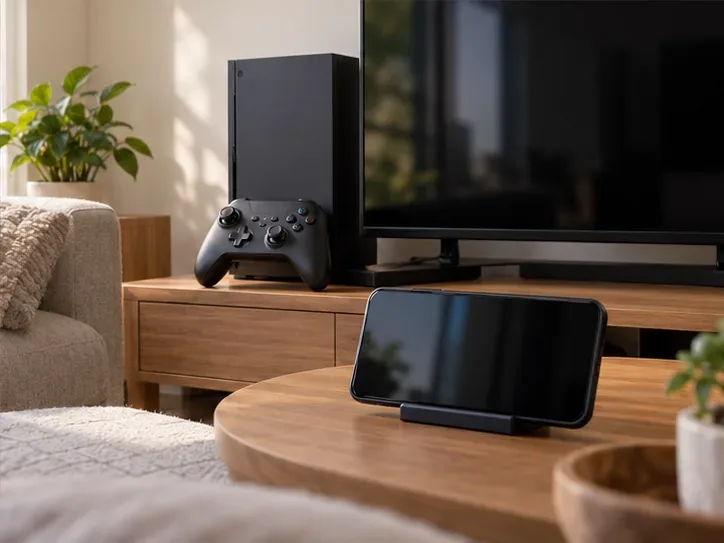
| Xbox Remote Play | An Xbox One or Xbox Series X|S with GTA V installed, remote features enabled, a Microsoft account, and supported browser/controller | Players who already have the game on Xbox | Uses your console; it does not supply a separate Android copy or replace game access requirements. |
| A native GTA Android game | A compatible phone and an official mobile title such as San Andreas | People who want a game installed locally without a PC or console stream | You are choosing a different GTA game, with different content and controls. |
Valve's Remote Play page, Sony's mobile Remote Play guide, and Microsoft's Xbox Remote Play requirements describe the respective host-based services. None turns the PC or console installation into an Android game file.
Install and launch GTA V on the host first. Complete downloads, updates, and any required sign-in there before troubleshooting the phone. If the game will not launch on the host's own display, solve that problem first.
For the PC route in this guide, use a Steam copy. The GTA V Enhanced Steam listing identifies Remote Play on Phone and Tablet support. Rockstar publishes different requirements for Enhanced and Legacy, so check the PC system requirements for the edition you intend to run. Adding a different storefront's installation as a shortcut is outside this walkthrough; launcher behavior can differ.
On PlayStation, Sony's GTA V product page explicitly lists Remote Play support. On either console platform, confirm that your installation includes the mode you want: a GTA Online-only entitlement should not be treated as a purchase of Story Mode.
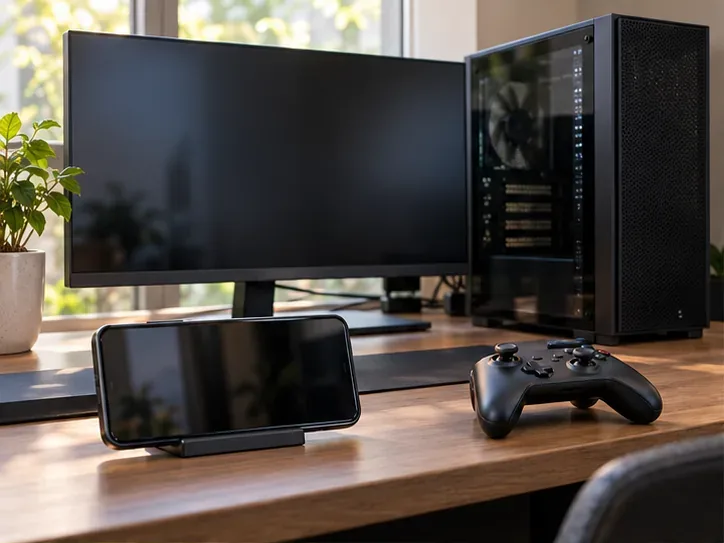
For PC, download Steam Link by Valve Corporation. For PlayStation, download PS Remote Play by PlayStation Mobile Inc.. For Xbox, open the official Xbox Remote Play browser page on a supported device and use its setup flow.
Sony's Android listing currently requires Android 11 or later. Controller support has additional requirements: DualSense is supported on Android 12 or later, while DualSense Edge requires Android 14 or later. Check your device's Play Store compatibility before buying an accessory.
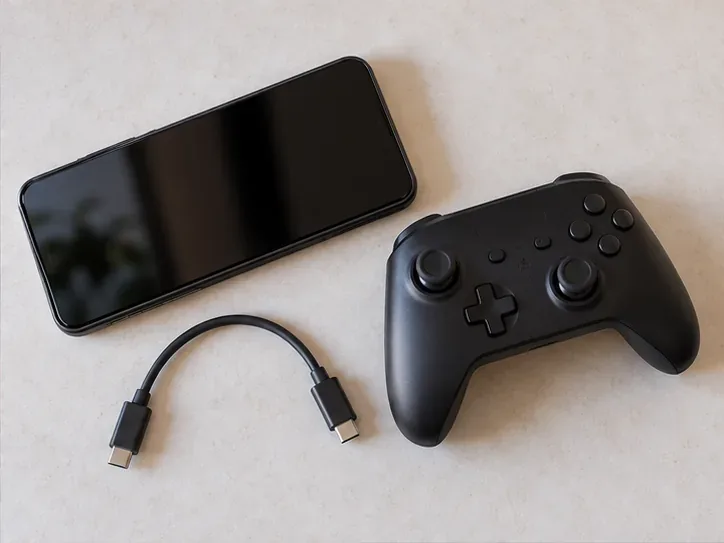
A compatible physical controller is a practical choice for driving, aiming, and camera movement. PS Remote Play also provides on-screen controls. Pair your controller with the phone using the manufacturer's instructions, or use a supported wired/mobile controller. A USB-C connector alone does not prove that every controller works with every streaming client.
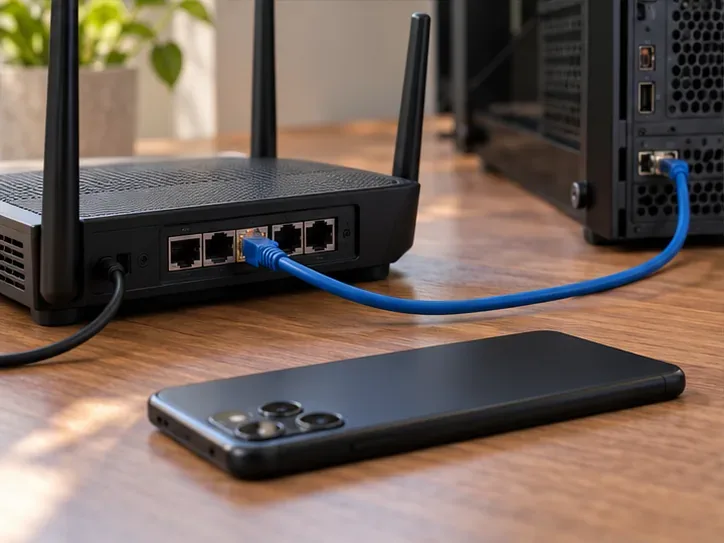
For your first connection, keep the host and phone on your home network. Valve recommends connecting the computer to the router by Ethernet, using the router's 5 GHz Wi-Fi band for the phone, and staying within reasonable range. These are useful starting conditions for separating Wi-Fi trouble from problems with the game itself.
On PC, run Steam and confirm Remote Play is enabled in its settings. On PS5, Sony documents Settings > System > Remote Play > Enable Remote Play. For PS4, use Settings > Remote Play Connection Settings > Enable Remote Play. Sony's guide also explains the separate rest-mode settings needed to wake a console over the network.
For Xbox, enable the console's remote features before returning to the browser connection flow. Microsoft lists at least 10 Mbps for Remote Play. Sony recommends at least 5 Mbps upload and download, or 15 Mbps for best performance. These figures are service guidance, not a guarantee of smooth GTA V play: stability and delay still matter.
In Steam Link, follow the computer-discovery and pairing prompts, approve the connection on the PC when requested, and launch GTA V from your library. In PS Remote Play, sign in with the same account used on the console and select the PS5 or PS4 you want to connect to. For Xbox, sign in with the Microsoft account associated with your console and complete the official browser setup.
You have succeeded when the phone displays the host's game session and your controls respond correctly. You have not installed a native Android edition. Check movement, camera control, audio, and text readability before starting a long mission. If necessary, lower the available streaming quality settings and compare the result.
Keep the host running or in the service's supported standby configuration. Do not expect the session to continue after a PC shuts down or a console becomes unavailable. Set up and check home-network play before relying on a mobile-data connection away from home.
Treat those changes as troubleshooting checks, not promised fixes. Sony also warns that Remote Play can use substantial mobile data. Check your allowance before streaming over a cellular connection.
Without a suitable host, the remote-play routes above do not provide GTA V. Cloud gaming is a separate arrangement in which a provider runs the game; catalog access, countries, subscriptions, and editions can change. This guide does not establish a current GTA V cloud offer for your account or country. Verify an explicit listing with the provider before paying for that purpose.
If your priority is a game installed on the phone, Rockstar's official Grand Theft Auto: San Andreas Android listing is an alternative to examine. Check device compatibility, the price shown for your account, and download requirements. It is a separate game; it does not unlock GTA V or its online world.
No. Rockstar's official GTAV: The Manual listing describes a reference app with controls, features, and an interactive map. Installing it does not install playable GTA V.
No official native Android release is identified in the publisher's platform information checked for this article. APK file size, a familiar logo, or a gameplay video does not establish that a download is authorized. Unofficial ports and PC emulation projects are not the same as a Rockstar Android release, and this guide has not verified their compatibility.
No. The client connects you to a host; it does not grant ownership of the game. Keep a valid purchase or other applicable entitlement on the host platform. Console online multiplayer can also have separate subscription requirements. For the simplest choice, use the platform where you already have the game; for local phone installation, select an official Android title instead.
Learn how to download games to your Xbox remotely in 2026, set up Sleep and remote features, choose the right console, and fix stalled installs.
Fortnite lagging despite fast internet? Learn how to identify ping spikes, packet loss, FPS drops, shader stutter, and server issues—and what to try next.
Fix PS5 controller input lag on PC with a wired baseline, firmware updates, Bluetooth checks, Steam Input settings, and a repeatable response test.
Understand how Riot Vanguard anti-cheat works, why it uses a kernel driver, what On-Demand changes, and how privacy, security, and game access fit together.
Yes, Warzone is free to play. Learn what is included, which purchases and subscriptions are optional, and what platform limits to check before downloading.
Find the official VALORANT Mobile APK, check China-region availability, install it on Android, and understand how it differs from the Riot Mobile companion app.
Find out where you can play League of Legends, which PCs and Macs are supported, how Wild Rift differs, and what Xbox, browser, and region listings mean.
Learn how to play PUBG on Mac by streaming from a Windows PC with Steam Link, plus setup steps, compatibility limits, and fixes for common problems.
Learn how to save your game in GTA 5 with Quick Save, safehouse beds, and autosave, plus how to leave GTA Online and check that your progress was saved.
Can you still download Warzone on PS4? Check the 2026 restrictions, existing-library reinstall steps, support cutoff, and fixes for eligible downloads.








