How to Download Games to Your Xbox Remotely: 2026 Guide

Learn how to download games to your Xbox remotely in 2026, set up Sleep and remote features, choose the right console, and fix stalled installs.
Fixing the VALORANT black screen starts with identifying what went blank: the game window, the entire Windows desktop, or the display after switching apps. Restart the PC first, then test the relevant display, driver, and game-file fixes below. Change one thing at a time so you can tell which adjustment helped.
This guide covers VALORANT on a Windows PC. A black screen alone does not identify a single cause, and no fix here is guaranteed. Riot documents both launch-time black screens and displays that turn black during gameplay, with different troubleshooting paths for each.
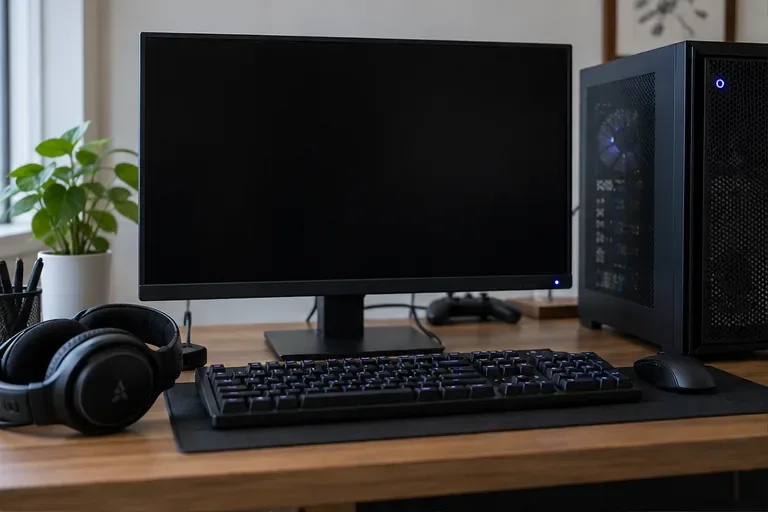
| What you notice | Where to focus | Useful observation |
|---|---|---|
| The game opens to black, but other apps work | Restart, graphics drivers, background conflicts, and game repair | Does the problem begin before the main menu? |
| The picture disappears during play, but audio continues | Graphics drivers, dedicated GPU selection, and hardware tuning | Can you still return to the desktop? |
| The screen goes black after Alt+Tab | Fullscreen optimization and app-switching behavior | Does switching apps consistently trigger it? |
| Windows stays black after the game closes | Windows display recovery, cables, and monitor output | Can you open the Windows security screen? |
| A VAN or VAL error appears | The official guide for that exact code | Record the complete prefix and number |
Riot's PC crash guide includes black screens at launch. Its separate black-screen-during-game guide applies when the game loaded successfully before the image disappeared. If your PC has never run VALORANT, compare it with the official PC requirements before reinstalling anything.
If you can still use Windows, close VALORANT and the Riot Client, save work in other applications, and choose Start > Power > Restart. After Windows restarts, open the Riot Client, let any pending game update finish, and try launching again. Use Restart rather than repeatedly clicking Play while the previous launch remains stuck.
If the entire display is black, try Windows+Ctrl+Shift+B to reset the graphics driver. A beep or flicker can indicate a response. This does not repair game files.
Try Ctrl+Alt+Delete as well. If the security screen appears, open Task Manager or restart normally. For a desktop that remains blank outside the game, follow Microsoft's blank-screen troubleshooting instead of treating it solely as a VALORANT problem.
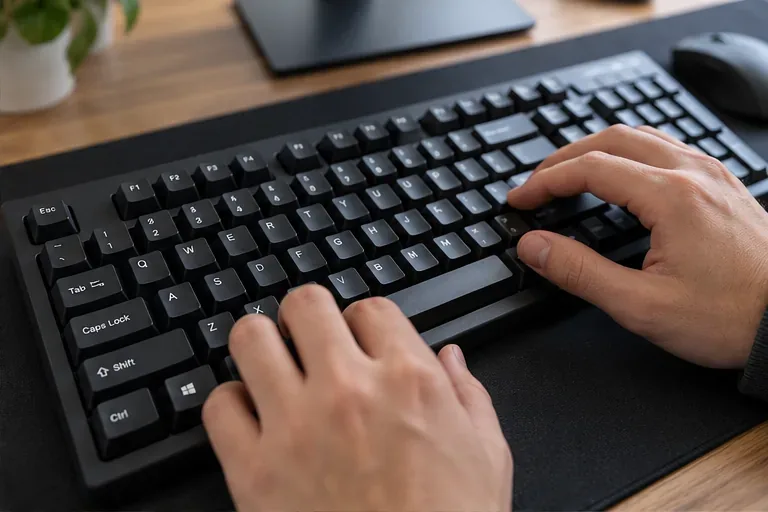
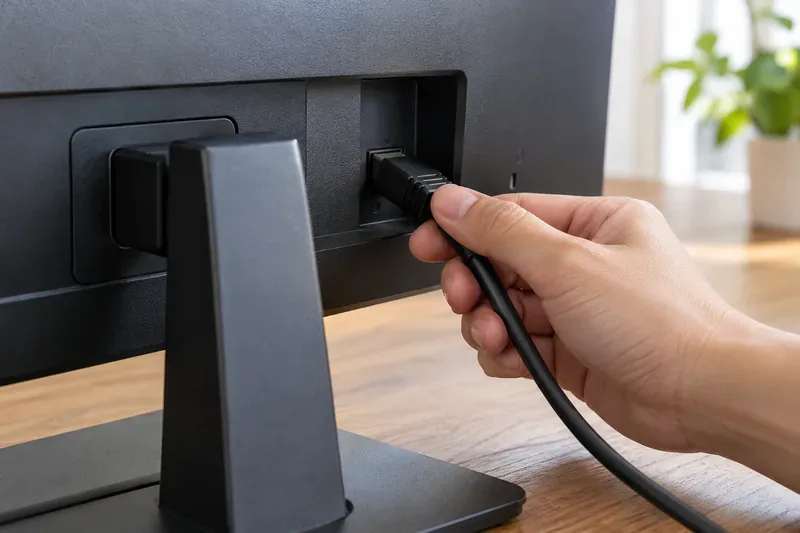
For an external monitor, check power, selected input, and both ends of its display cable. Turn off the equipment before reseating a cable. If available, test another cable or monitor. On a laptop, disconnect external displays and test the built-in screen. These checks are particularly relevant when the monitor reports no signal.
Press Windows+R, enter dxdiag, and open the Display tab to identify your graphics hardware. Use the appropriate NVIDIA, AMD, Intel, or PC manufacturer's official support channel for your model. Install the driver and restart before testing again. Riot's graphics-driver guide provides identification instructions and manufacturer links.
If the problem began immediately after a driver update, Microsoft's guidance also includes rolling back that driver. Record the current version first. A clean driver reinstall is an advanced option in Riot's gameplay black-screen guide; use its linked instructions if a normal update fails.
On a PC with integrated and dedicated graphics, open Settings > System > Display > Graphics. Select VALORANT, open its graphics options, choose High performance, save, and restart the game. If it is missing, browse to the installed game's executable. Riot's dedicated-GPU guide for Riot games explains this process; the installation path depends on your setup.
Also install pending Windows updates. If you use custom overclocking or tuning, temporarily restore the affected settings to their defaults and restart. Follow Riot's tuning guidance or the hardware manufacturer's instructions rather than changing unfamiliar BIOS settings.
Riot specifically recommends testing Disable fullscreen optimizations for Alt+Tab-related flickering or black screens. Close the game, right-click the VALORANT executable or shortcut, choose Properties > Compatibility, select that checkbox, and apply the change. Relaunch and reproduce the same app-switching action. Revert the checkbox if it does not help.
This setting is separate from running the game in compatibility mode for an older Windows version. See Riot's VALORANT Alt+Tab troubleshooting guide for the symptom-specific advice.
Temporarily close nonessential overlay, recording, and performance-monitoring applications, then retest. For a more systematic check, follow Riot's Windows clean-boot instructions. A clean boot temporarily reduces background software so you can investigate conflicts.
Keep Vanguard's vgc service enabled. Riot's procedure requires hiding Microsoft services before disabling other services, then re-enabling vgc. VALORANT will not launch with that required service disabled. Record the startup items you change and restore them gradually, testing between changes, if the clean boot helps.
In the Riot Client, sign in and select the profile icon > Settings > VALORANT > Repair. Follow the prompts, let the repair finish, and test another launch. The Riot Client Full Repair Tool can repair missing or corrupted files; it does not establish that file corruption caused your black screen.
If an error code appears, switch to its specific support article. VAN and VAL are different prefixes, so record the complete message. Use the Vanguard error-code index for VAN errors. A plain black screen is not enough evidence to choose a TPM, Secure Boot, or other security-setting fix.
If the relevant fixes and Repair have failed, consider reinstalling. Close the Riot Client before uninstalling VALORANT through Windows Installed apps. For a clean reinstall, follow the VALORANT section of Riot's uninstall-and-reinstall guide. Read the named folders carefully, preserve any local information you need, and use Riot's official installer afterward.
Before removing local files, collect logs if you plan to contact support. Download Riot Repair Tool (RRT) from Riot's page, run it as administrator on Windows, select VALORANT, and attach the resulting ZIP to your support ticket. Despite its name, RRT's documented role here is gathering logs. It is different from the Riot Client's game-file Repair function.
Use the same action that previously triggered the problem: launch the game, switch apps, or enter a practice session. Reaching the menu is encouraging, but it does not verify a fix for a problem that only appears during play. Test outside a competitive match before returning to your normal queue.
Learn how to download games to your Xbox remotely in 2026, set up Sleep and remote features, choose the right console, and fix stalled installs.
Fortnite lagging despite fast internet? Learn how to identify ping spikes, packet loss, FPS drops, shader stutter, and server issues—and what to try next.
Fix PS5 controller input lag on PC with a wired baseline, firmware updates, Bluetooth checks, Steam Input settings, and a repeatable response test.
Understand how Riot Vanguard anti-cheat works, why it uses a kernel driver, what On-Demand changes, and how privacy, security, and game access fit together.
Yes, Warzone is free to play. Learn what is included, which purchases and subscriptions are optional, and what platform limits to check before downloading.
Find the official VALORANT Mobile APK, check China-region availability, install it on Android, and understand how it differs from the Riot Mobile companion app.
Find out where you can play League of Legends, which PCs and Macs are supported, how Wild Rift differs, and what Xbox, browser, and region listings mean.
Learn how to play PUBG on Mac by streaming from a Windows PC with Steam Link, plus setup steps, compatibility limits, and fixes for common problems.
Learn how to save your game in GTA 5 with Quick Save, safehouse beds, and autosave, plus how to leave GTA Online and check that your progress was saved.
Can you still download Warzone on PS4? Check the 2026 restrictions, existing-library reinstall steps, support cutoff, and fixes for eligible downloads.








