How to Download Games to Your Xbox Remotely: 2026 Guide

Learn how to download games to your Xbox remotely in 2026, set up Sleep and remote features, choose the right console, and fix stalled installs.
You cannot currently play the official Valorant game directly in a web browser. Riot offers downloadable versions for Windows PC, PlayStation 5, and Xbox Series X|S. Its website starts the download or account process; it does not launch a browser-based match.
There is also a clear limit on the usual alternative: Riot's PC requirements explicitly state that Valorant does not support cloud gaming or virtual machines. A website advertising browser access should not be treated as an official supported route just because other games can be streamed.
Platform and support information checked November 1, 2026. The choices below distinguish playing the actual game from practicing related skills in a browser.
| Your situation | Practical option | Main tradeoff |
|---|---|---|
| You have a compatible Windows PC and want real Valorant matches | Install the official PC game | Requires local software, supported hardware, and Vanguard |
| You own a PS5 or Xbox Series X|S and prefer a controller | Download the console version where available | Console matchmaking is separate from PC |
| You only have browser access | Use a browser aim trainer for practice | It does not provide Valorant matches, agents, or ranked progress |
| You are considering a cloud service or Windows virtual machine | Choose a supported local platform instead | Riot does not support those environments for Valorant |
Riot's official platform selector lists the actual game versions and says a Riot Account is required. Choose according to what you want to do: join friends, use a particular input device, or simply practice aiming.
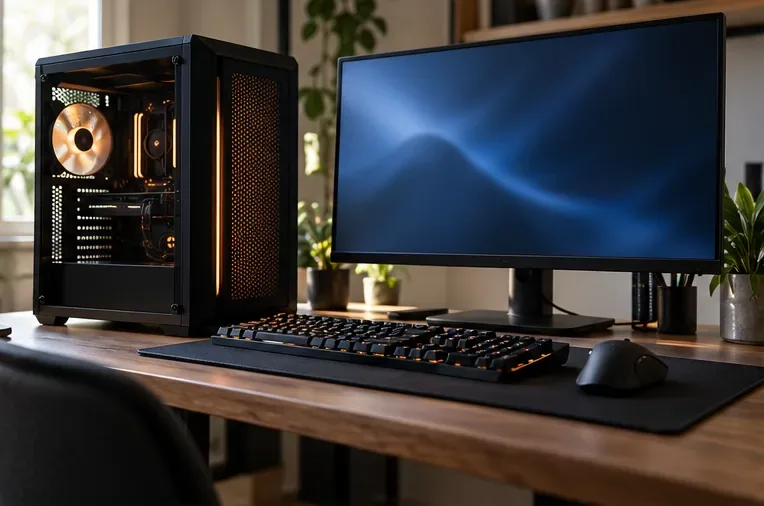
The PC installation is the appropriate route if you want to join friends who play on PC. A browser is useful for reaching the download page, but the match runs in the installed game.
Before downloading, compare your hardware with Riot's published specifications. These include 64-bit Windows 10 Build 19041 or later, or Windows 11; 4 GB RAM; and a compatible processor and graphics solution. On Windows 11, Riot also requires TPM 2.0 and UEFI Secure Boot. The specifications distinguish minimum, recommended, and higher-performance configurations, so meeting the entry requirement is not a promise of high-refresh-rate performance.
Vanguard is part of the decision. Riot describes Vanguard as its game security software, including a client and kernel-mode driver. If you cannot install the required software on a work, school, or shared computer, opening another browser does not remove that requirement.
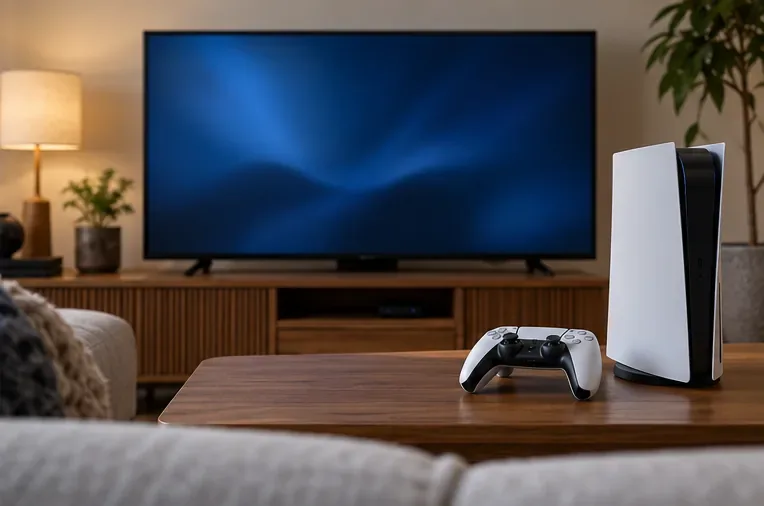
The console release is useful when you already own supported hardware and want to play from a television. Check your local console store for availability, then download the game through that store. This is a console application, not a game running in the console's browser.
The official console guide explains the important compromise: PlayStation and Xbox players can play together, but console players cannot join PC matches. Rank and matchmaking rating are separate between PC and console, although much account content and progression is shared.
Console Valorant is designed for a controller; keyboard and mouse are not supported. If joining a PC friend is your priority, a console download will not solve that particular problem.
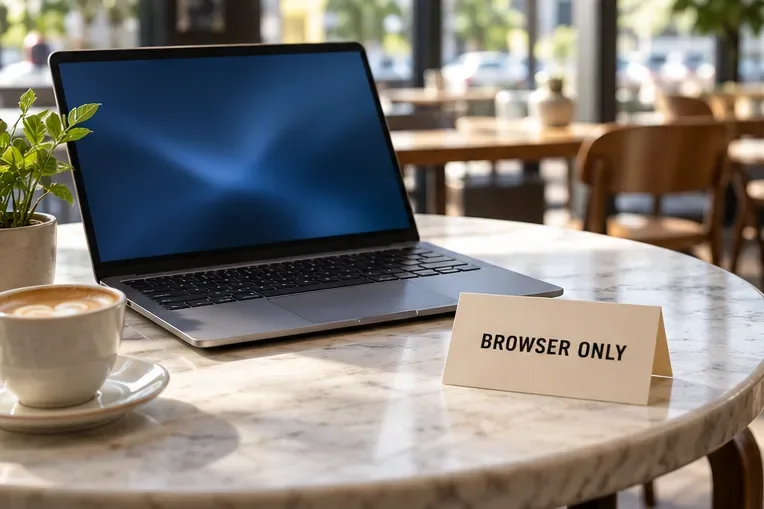
A Mac, Chromebook, or Linux computer with a modern browser does not become a supported Valorant PC simply because it can open Riot's website. Riot's PC operating-system list is Windows-based, and its support guidance rules out virtual machines as a workaround.
For a browser-only aiming session, Aiming.Pro's own website offers browser-based drills for tracking, flicking, target switching, and click timing. That is a reasonable option if your immediate goal is mouse practice without installing the full game.
The limit matters: those drills are not Valorant, do not connect you to Riot's ranked queue, and cannot replace learning its maps, abilities, movement, and team decisions. Evaluate a trainer by whether it provides usable controls and clear practice feedback, rather than expecting a guaranteed increase in rank.
If you decide to install the game, use this short path instead of looking for a browser launch button:
Riot's installation support article confirms that all three programs are available through the installer. If installation fails, use the support instructions for the error you actually see rather than changing browsers repeatedly.
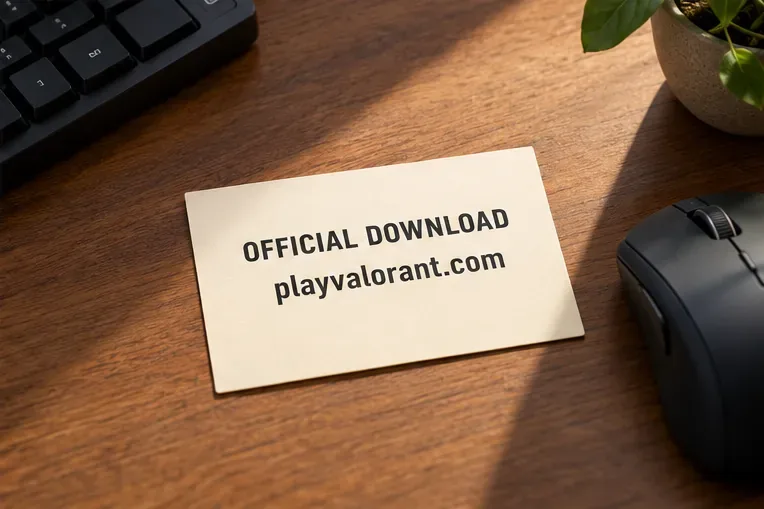
“Online” can describe multiplayer matchmaking, a download website, a streamed video, or a separate browser game. It does not establish that the official game runs inside a tab. Likewise, a browser aim trainer using Valorant-related sensitivity settings is still a training tool.
Before entering your account details, check the destination carefully. Riot's account-protection guidance identifies authenticate.riotgames.com as the website for entering Riot credentials. A page asking for your password to unlock an unofficial browser client deserves scrutiny.
For actual matches, choose the supported platform that fits your friends and preferred controls. For a short browser-only session, use a clearly identified training tool and keep its purpose separate from playing Valorant itself.
Learn how to download games to your Xbox remotely in 2026, set up Sleep and remote features, choose the right console, and fix stalled installs.
Fortnite lagging despite fast internet? Learn how to identify ping spikes, packet loss, FPS drops, shader stutter, and server issues—and what to try next.
Fix PS5 controller input lag on PC with a wired baseline, firmware updates, Bluetooth checks, Steam Input settings, and a repeatable response test.
Understand how Riot Vanguard anti-cheat works, why it uses a kernel driver, what On-Demand changes, and how privacy, security, and game access fit together.
Yes, Warzone is free to play. Learn what is included, which purchases and subscriptions are optional, and what platform limits to check before downloading.
Find the official VALORANT Mobile APK, check China-region availability, install it on Android, and understand how it differs from the Riot Mobile companion app.
Find out where you can play League of Legends, which PCs and Macs are supported, how Wild Rift differs, and what Xbox, browser, and region listings mean.
Learn how to play PUBG on Mac by streaming from a Windows PC with Steam Link, plus setup steps, compatibility limits, and fixes for common problems.
Learn how to save your game in GTA 5 with Quick Save, safehouse beds, and autosave, plus how to leave GTA Online and check that your progress was saved.
Can you still download Warzone on PS4? Check the 2026 restrictions, existing-library reinstall steps, support cutoff, and fixes for eligible downloads.








