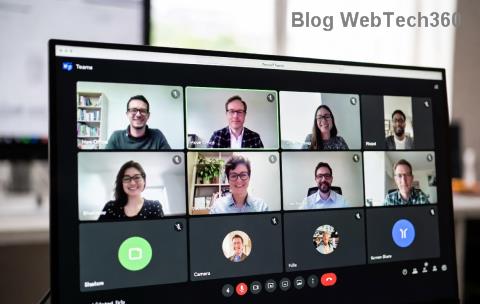
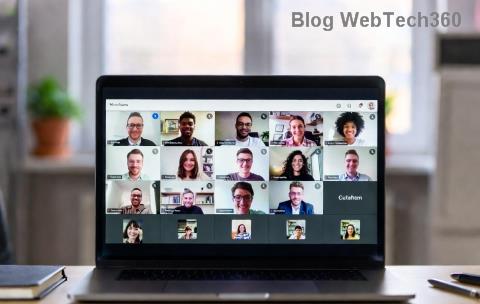
Encountering the frustrating Microsoft Teams "Media Error" when trying to play or share videos? You're not alone! This common issue disrupts meetings, screen shares, and recordings, but don't worry – it's fixable with simple, effective steps. In this guide, we'll walk you through targeted solutions to resolve Microsoft Teams Media Error for videos fast, keeping your workflow smooth. Let's dive in and get your videos playing perfectly! 👍
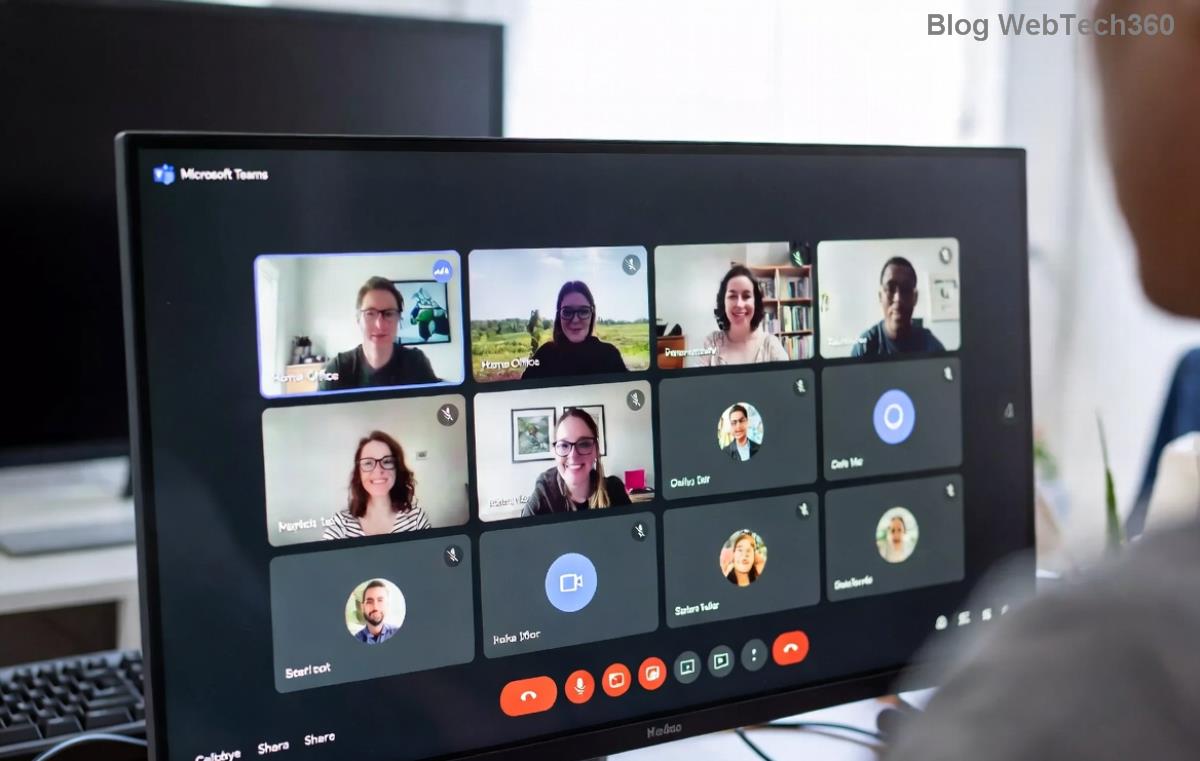
🕵️♂️ What Causes the "Media Error" in Microsoft Teams Videos?
Understanding the root causes empowers you to fix Microsoft Teams "Media Error" for videos efficiently. Common triggers include:
- Corrupted browser cache or outdated extensions blocking media playback.
- Insufficient permissions for camera, microphone, or media access.
- Network glitches or firewall restrictions interrupting video streams.
- Outdated Teams app or browser versions lacking the latest media codecs.
- Temporary glitches in Teams' media subsystem during high-load meetings.
Spot the error message like "Media failed to load" or a blank video player? Time for action! Follow these prioritized fixes for quick wins. 🚀
⚡ Quick Fixes: Resolve 80% of Microsoft Teams Media Errors Instantly
Start with these no-fuss steps – most users see videos working again in under 5 minutes!
- 🔄 Refresh and Restart
Simply refresh your Teams page (Ctrl+R on Windows, Cmd+R on Mac) or fully restart the app. Close all instances via Task Manager (Windows) or Activity Monitor (Mac). Relaunch Teams – this clears minor glitches.
- 🧹 Clear Browser Cache and Cookies
In Chrome/Edge: Settings > Privacy > Clear browsing data (select Cached images/files and Cookies). For Teams desktop: Go to %appdata%\Microsoft\Teams and delete contents of Cache, GPUCache, and IndexedDB folders. Restart!
- 🔊 Check Device Permissions
Ensure Teams has access: Windows Settings > Privacy > Camera/Microphone (toggle on for Teams). On Mac: System Preferences > Security & Privacy > Camera/Microphone. Test in a new meeting.
Still stuck? These basics fix most Microsoft Teams video media errors. If not, proceed to advanced steps. Keep reading for game-changing solutions! ⭐
🔧 Step-by-Step Advanced Fixes for Stubborn Microsoft Teams "Media Error" Videos
Let's tackle deeper issues with precise, tested methods. Follow sequentially for best results.
1️⃣ Update Teams and Your Browser
Outdated software often causes codec mismatches. Download the latest Teams app or update your browser (Chrome/Edge to version 120+). In Teams: Profile > Check for updates. Videos should stream flawlessly post-update.
2️⃣ Disable Extensions and Hardware Acceleration
Extensions like ad-blockers interfere with media. In Chrome: chrome://extensions/ > Disable all, reload Teams. Also, turn off Hardware Acceleration: chrome://settings/system > Toggle off "Use hardware acceleration." Retest video playback.
3️⃣ Network and Firewall Tweaks
Test on a stable Wi-Fi or wired connection. Temporarily disable VPN/firewall: Windows Defender Firewall > Allow Teams. Run Teams Network Assessment Tool from the app settings for diagnostics.
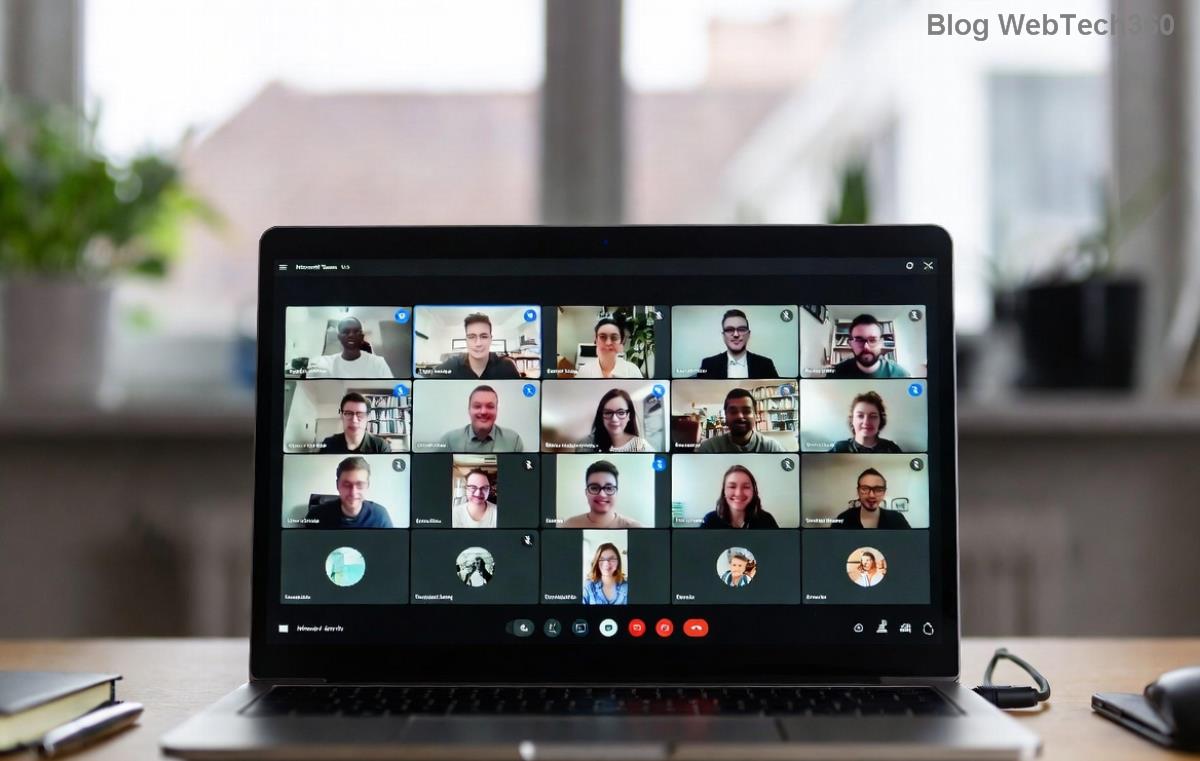
4️⃣ Reset Teams Media Settings
- Open Teams > Settings > Devices.
- Select "Make a test call" to verify audio/video.
- In Meetings > Turn off "Turn on cloud recording" temporarily.
- Reset app: Windows Settings > Apps > Teams > Advanced > Reset.
5️⃣ Reinstall Teams Completely
Last resort for persistent Teams media error videos: Uninstall via Control Panel, delete %appdata%\Microsoft\Teams, then reinstall from official site. Pro tip: Use the new Teams (work or school) version for better stability.
📊 Troubleshooting Table: Match Your Symptoms to the Fix
| Symptom |
Likely Cause |
Quick Fix |
| Video won't load/play |
Cache/Network |
Clear cache + Restart |
| Black screen in share |
Permissions/Extensions |
Check perms + Disable extensions |
| Error during recording |
Outdated app |
Update Teams |
| Intermittent glitches |
Firewall/VPN |
Disable temporarily |
This table is your cheat sheet – scan, fix, and conquer! 😎
🛡️ Prevention Tips: Avoid Future Microsoft Teams Media Errors
- Regularly update Teams and browsers for the newest media optimizations.
- Use wired connections for critical meetings.
- Keep only essential extensions active.
- Run weekly cache clears via Teams' built-in tools.
- Monitor Teams status page for outages.
Implementing these keeps Microsoft Teams "Media Error" for videos at bay, ensuring reliable collaboration.
🎉 You're Back in Action!
Congratulations! You've now armed yourself with proven fixes for Microsoft Teams Media Error. Start with quick steps, escalate as needed, and enjoy uninterrupted videos. If issues persist, check Teams support forums or contact IT. Share your success in the comments – what's your go-to fix? Let's keep the conversation going! 👏