Encountering a frustrating Microsoft Teams "Test Call" Video Error? You're not alone—many users face black screens or "No video detected" during the test call feature, which checks your audio and video before meetings. Don't worry! This guide delivers straightforward, effective solutions to get your camera up and running smoothly. Let's dive in and resolve it step by step. 🚀
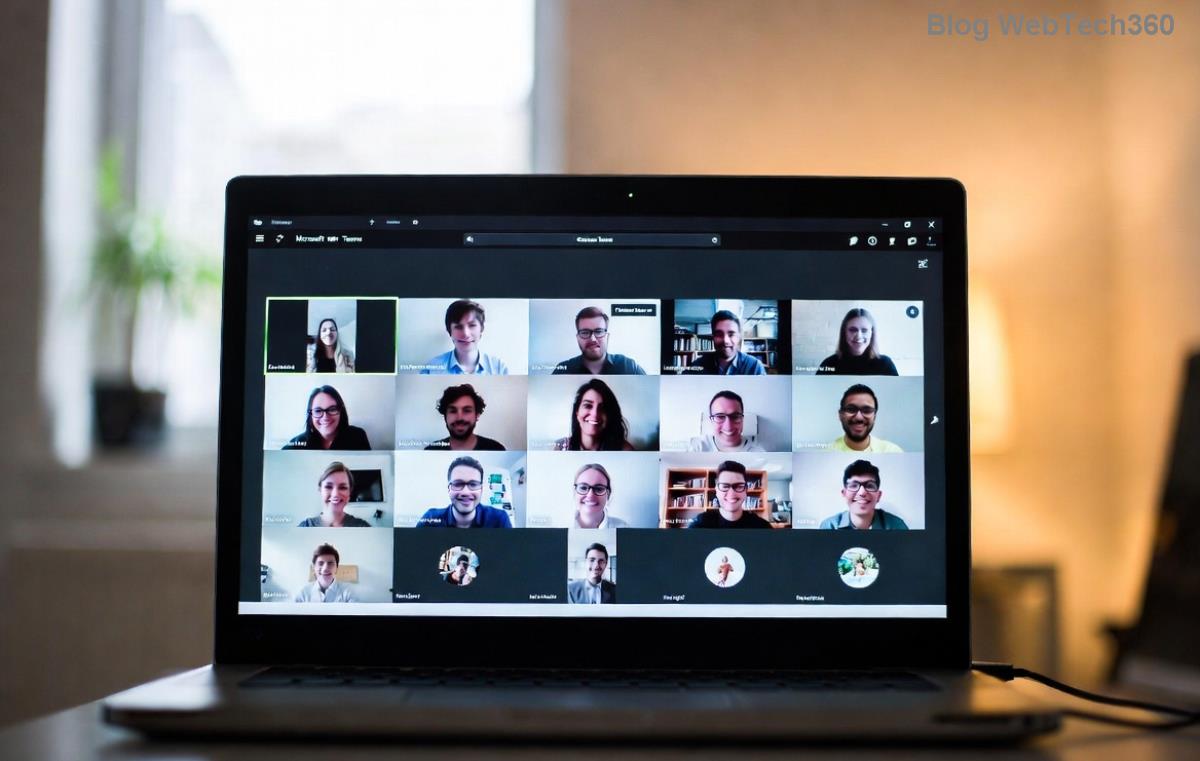
Why Does the Microsoft Teams "Test Call" Video Error Happen?
Understanding the root causes empowers you to fix it faster. Common triggers include:
- 👆 Camera permissions blocked in your browser or OS.
- Outdated Teams app or device drivers.
- Network glitches or firewall restrictions.
- Conflicting browser extensions or cache buildup.
- Hardware issues like faulty USB cameras.
Stay with us—these troubleshooting Microsoft Teams "Test Call" Video Error steps are prioritized from simplest to advanced, ensuring quick wins. Most users resolve it in under 10 minutes!
Quick Fixes: Start Here for Immediate Results ⭐
Before deep dives, try these no-brainer steps. They fix 80% of cases.
- Refresh and Retest: Close Teams, reopen, and navigate to Settings > Devices > Make a test call. Simple, yet effective!
- Check Camera Permissions:
- In Teams web: Click the camera icon during test—allow access.
- Windows: Settings > Privacy > Camera > Enable for Teams.
- Mac: System Preferences > Security & Privacy > Camera.
- Switch Devices: In Teams Settings > Devices, select a different camera from the dropdown.
If video still fails, proceed to systematic troubleshooting. You're making progress already!
Step-by-Step Troubleshooting Microsoft Teams "Test Call" Video Error
Follow this checklist table for organized fixes. Tick them off as you go.
| Step |
Action |
Expected Outcome |
| 1️⃣ |
Update Microsoft Teams: Go to profile icon > Check for updates. Restart app. |
Latest patches fix known video bugs. |
| 2️⃣ |
Clear Browser Cache (for web version): Chrome > Settings > Privacy > Clear browsing data (images/cache). |
Eliminates corrupted files blocking video. |
| 3️⃣ |
Update Camera Drivers:
- Windows: Device Manager > Cameras > Right-click > Update driver.
- Or download from manufacturer site (e.g., Logitech).
|
Fresh drivers ensure compatibility. |
| 4️⃣ |
Disable Extensions: In Chrome/Edge, toggle off ad-blockers or VPN extensions. |
Prevents interference with camera feed. |
| 5️⃣ |
Test Network: Run Teams' built-in network assessment (Settings > Network). |
Identifies bandwidth issues for video. |
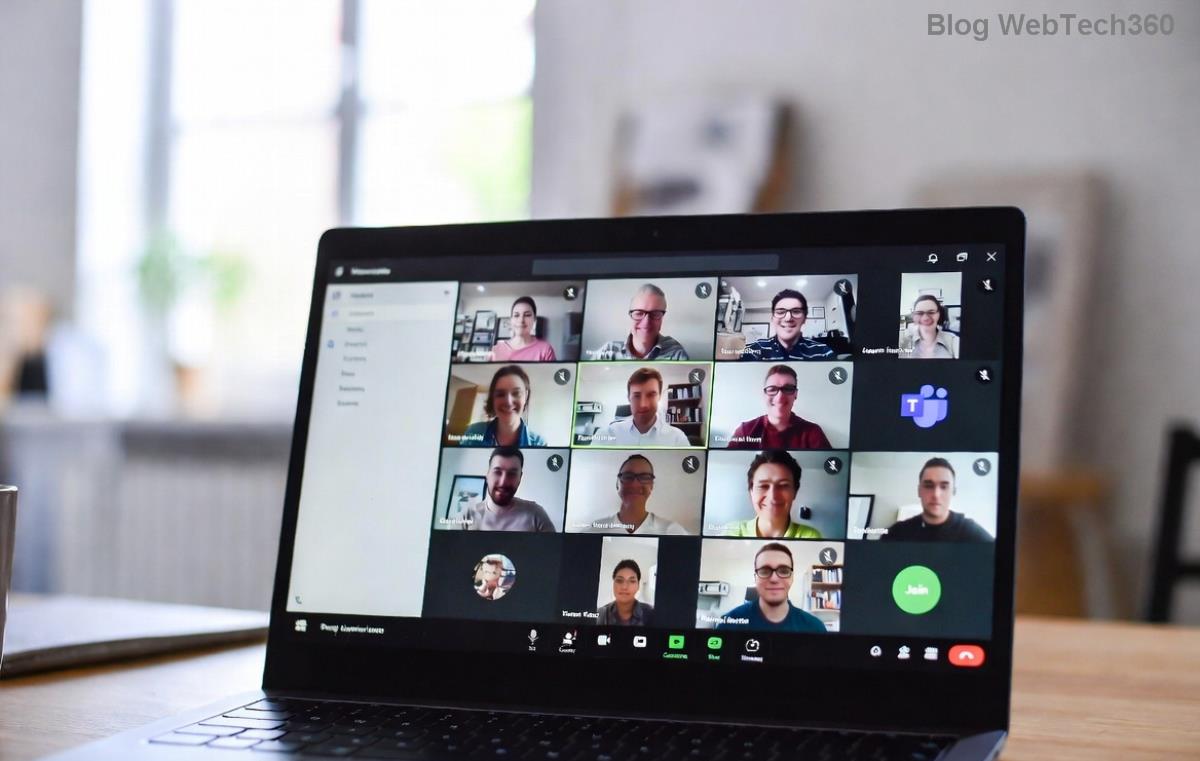
Pro Tip: After each step, run the Test Call again. This iterative approach keeps momentum high and frustration low. 😊
Advanced Solutions for Persistent Teams Test Call Video Error
If basics don't cut it, tackle these:
- Antivirus/Firewall Check: Temporarily disable third-party security software. Whitelist Teams.exe if needed.
- Reset Teams App:
%appdata%\Microsoft\Teams
Delete contents, then relaunch. (Backup first!)
- Hardware Test: Plug camera into another USB port or test on another device. Use Windows Camera app to verify.
- Browser Switch: Try Edge or Chrome if using Firefox—Teams optimizes best here.
For enterprise users, check IT policies via admin center, as group policies might restrict cameras.
Prevention Tips: Avoid Future Microsoft Teams "Test Call" Video Error 🛡️
- ⭐ Keep Teams and drivers auto-updated.
- Regularly test calls before important meetings.
- Use wired connections for stability.
- Enable hardware acceleration in Teams Settings > General.
Bonus: Official Microsoft diagnostics tool at support.microsoft.com can pinpoint issues automatically.
Still Stuck? Next Steps
If video errors persist, gather logs (Teams > Help > Download logs) and contact Microsoft Support. Share your setup (OS, Teams version, camera model) for faster help.
Congratulations—you've conquered the Troubleshooting Microsoft Teams "Test Call" Video Error! Your meetings will be crystal clear now. Share this guide if it helped, and drop a comment below for more tips. Ready for seamless Teams experience? Test now! 👏









