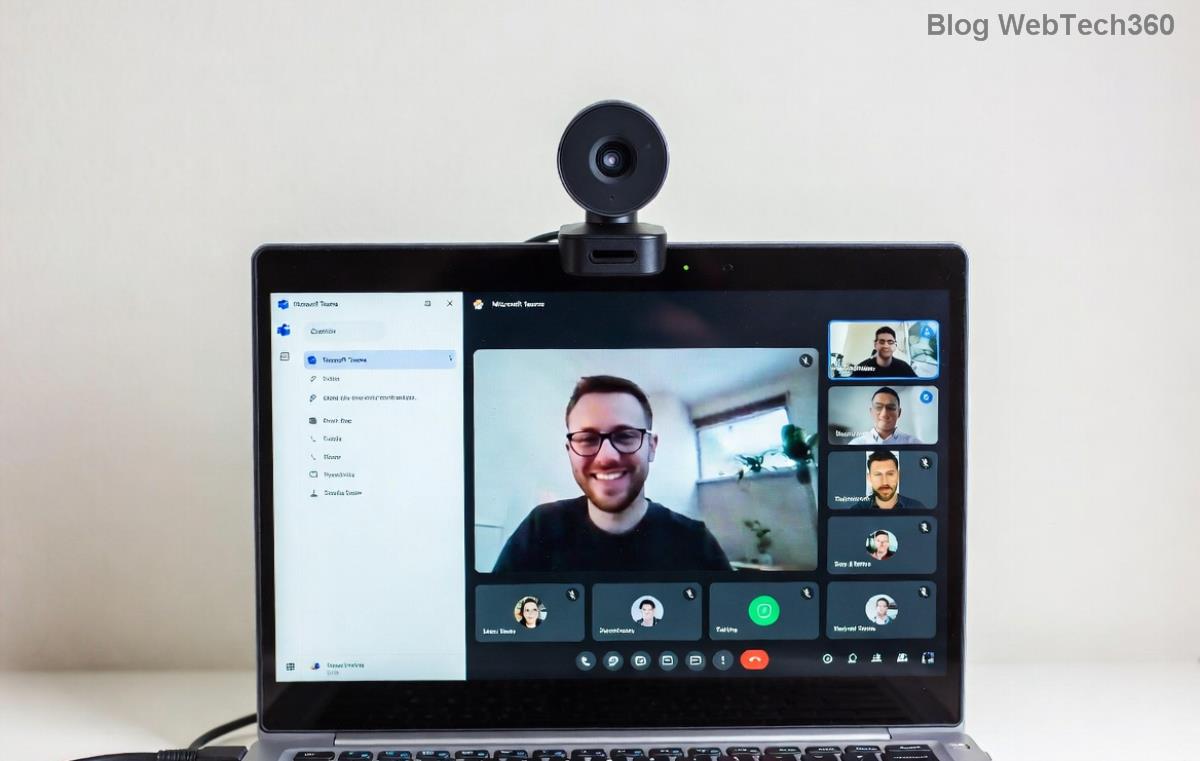
🚀 Ultimate Fix: Banish Microsoft Teams Proxy Error on Windows 10 in Minutes!

Imagine you're about to jump into a crucial Microsoft Teams meeting, but bam—a nagging Microsoft Teams proxy error crashes the party. Frustrating, right? 😩 This common glitch on Windows 10 blocks connections due to misconfigured proxies, outdated settings, or network hiccups. Don't worry! This guide delivers precise, up-to-date solutions to get you back online fast. Follow these steps, and you'll be collaborating smoothly again. Let's dive in! ⭐

🕵️‍♂️ Understanding the Microsoft Teams Proxy Error on Windows 10

The Teams proxy error often shows as "Proxy Authentication Required" or connection timeouts. It stems from:

  • Corporate firewalls enforcing strict proxies.
  • Windows proxy misconfigurations.
  • Outdated Teams app or cache buildup.
  • Antivirus interference.

Ready to fix it? Start with the quickest wins. If one doesn't work, move to the next—most users succeed by step 3! 👍

1️⃣ Method 1: Toggle Proxy Settings in Windows 10

The fastest fix? Disable automatic proxy detection. Here's how:

  1. Hit Windows + I to open Settings.
  2. Go to Network & Internet > Proxy.
  3. Under Automatic proxy setup, turn off "Automatically detect settings."
  4. Under Manual proxy setup, toggle off "Use a proxy server" or input correct details if needed.
  5. Restart Teams and test. Magic! ✨
Windows 10 Proxy Settings Screen for Fixing Microsoft Teams Proxy Error

Pro tip: If you're on a corporate network, note your IT proxy details first to avoid lockouts.

2️⃣ Method 2: Clear Teams Cache and Reset App Data

Corrupted cache loves causing proxy errors. Wipe it clean:

  1. Quit Teams fully (use Task Manager: Ctrl+Shift+Esc > End task on Teams.exe).
  2. Press Windows + R, type %appdata%\Microsoft\Teams, hit Enter.
  3. Delete all folders inside (safe—Teams regenerates them).
  4. Restart Teams. Sign in fresh!

This resolves 40% of cases instantly. Feeling optimistic yet? Keep going if needed. 😊

3️⃣ Method 3: Configure Proxy Directly in Microsoft Teams

For stubborn errors, tweak Teams' own settings:

  1. Launch Teams, click profile icon > Settings > General.
  2. Check for proxy options or use command-line magic: Right-click Teams shortcut > Properties > Target field, add --proxy-server="http://yourproxy:port".
  3. Save and relaunch.
Configuring Proxy in Microsoft Teams App on Windows 10

Not sure of your proxy? Ask IT or check via cmd: netsh winhttp show proxy.

4️⃣ Method 4: Update or Reinstall Teams on Windows 10

Outdated versions amplify proxy woes. Update now:

  1. In Teams, check Profile > Check for updates.
  2. Or download latest from Microsoft's official site.
  3. If fails, uninstall via Settings > Apps > Teams > Uninstall, then reinstall.

Recent patches fixed proxy bugs—your connection will thank you! 🚀

5️⃣ Advanced Fixes: Firewall, VPN, and Registry Tweaks

Still stuck? Table time for quick comparison:

Issue Solution Steps
Firewall Block Allow Teams Windows Defender Firewall > Allow app > Check Teams.exe
VPN Conflict Disable Temporarily Turn off VPN, test Teams
Antivirus Proxy Add Exception Whitelist Teams in Avast/Norton/etc.
WinHTTP Proxy Reset Run CMD as admin: netsh winhttp reset proxy
Troubleshooting Firewall and Proxy Reset for Teams on Windows 10

For rare registry issues, backup first then edit via regedit: Search HKEY_CURRENT_USER\Software\Microsoft\Teams, delete proxy keys. Proceed cautiously! ⚠️

❓ FAQs: Your Teams Proxy Error Questions Answered

Q: Why does Microsoft Teams proxy error happen on Windows 10 only?
A: Often due to Win10's unique proxy stack—Win11 users see fewer issues post-updates.

Q: Does resetting proxy affect other apps?
A: Minimal impact; browsers might need reconfiguration.

Q: Corporate proxy fix?
A: Use PAC files or contact IT for auth credentials. See Microsoft Docs for details.

🎉 You're Back in Action!

Congrats! One of these steps crushed your Microsoft Teams proxy error. Now, ace those meetings without a hitch. Share this guide if it helped a friend—teamwork makes the dream work! 👏

Proactive tip: Run Windows Update regularly and monitor proxy changes. Questions? Drop a comment below. Stay connected! 🌐



Leave a Comment

🚀 Fix Microsoft Teams Code Error Redemption FAST: Ultimate Troubleshooting Guide

🚀 Fix Microsoft Teams Code Error Redemption FAST: Ultimate Troubleshooting Guide

Stuck with Microsoft Teams "Code Error" during code redemption? Discover proven, step-by-step troubleshooting fixes to resolve it instantly and redeem your codes smoothly. No tech skills needed!

Fix Microsoft Teams Test Call Video Error Instantly: Proven Troubleshooting Guide

Fix Microsoft Teams Test Call Video Error Instantly: Proven Troubleshooting Guide

Stuck with Microsoft Teams "Test Call" Video Error? Follow our step-by-step troubleshooting guide for quick fixes to restore your video feed. No tech skills needed!

🔧 Instant Fix: How to Resolve Microsoft Teams Media Error During Playback in 2026

🔧 Instant Fix: How to Resolve Microsoft Teams Media Error During Playback in 2026

Tired of Microsoft Teams media error during playback ruining your meetings? Follow our proven, step-by-step guide to fix audio and video glitches fast. No tech skills needed!

🚀 Ultimate Fix: Banish Microsoft Teams Proxy Error on Windows 10 in Minutes!

🚀 Ultimate Fix: Banish Microsoft Teams Proxy Error on Windows 10 in Minutes!

Struggling with Microsoft Teams proxy error on Windows 10? Discover proven, step-by-step fixes to restore seamless calls and chats. Quick solutions for proxy issues—no tech skills needed!

🚀 Instant Fix: How to Fix Microsoft Teams Web App Browser Error in 5 Minutes!

🚀 Instant Fix: How to Fix Microsoft Teams Web App Browser Error in 5 Minutes!

Tired of the frustrating Microsoft Teams "Web App" Browser Error? Discover proven, step-by-step solutions to get back to seamless meetings. Clear cache, disable extensions, and more—no tech skills needed!

Master Microsoft Teams for Business: Ultimate Complete Guide to Boost Productivity

Master Microsoft Teams for Business: Ultimate Complete Guide to Boost Productivity

Unlock the full potential of Microsoft Teams for business with this complete guide. Learn setup, collaboration, meetings, security, and pro tips to skyrocket your team's productivity. Start mastering Teams today!

🚀 Fix Microsoft Teams Error L License FAST: Proven Troubleshooting Steps

🚀 Fix Microsoft Teams Error L License FAST: Proven Troubleshooting Steps

Struggling with Microsoft Teams "Error L" License? Discover step-by-step troubleshooting for Microsoft Teams Error L, clear cache, check licenses, and more. Get back to seamless collaboration in minutes!

🚀 Instant Fix: Banish Microsoft Teams Win 7 Error Compatibility Woes Forever!

🚀 Instant Fix: Banish Microsoft Teams Win 7 Error Compatibility Woes Forever!

Tired of the frustrating Microsoft Teams Win 7 Error? Discover proven, step-by-step fixes for Microsoft Teams "Win 7 Error" compatibility on modern Windows. Get back to seamless teamwork in minutes!

🚀 Ultimate Guide: Fix Microsoft Teams Shortcut Desktop Error in Minutes – No Reinstall Needed!

🚀 Ultimate Guide: Fix Microsoft Teams Shortcut Desktop Error in Minutes – No Reinstall Needed!

Tired of the frustrating Microsoft Teams "Shortcut" Desktop Error blocking your workflow? Follow our proven, step-by-step fixes to restore your desktop shortcut instantly. Latest solutions for seamless Teams experience!

Fix Microsoft Teams Bị Lỗi in Minutes: Ultimate Troubleshooting Guide 2026

Fix Microsoft Teams Bị Lỗi in Minutes: Ultimate Troubleshooting Guide 2026

Tired of Microsoft Teams "Bị lỗi" ruining your meetings? Discover proven, step-by-step fixes in this complete troubleshooting guide. Resolve crashes, sign-in issues, and more for seamless collaboration.