Home
» News
»
Is Salesforce Affected by the Recent AWS Outage? What Users Should Check First
Is Salesforce Affected by the Recent AWS Outage? What Users Should Check First
You open Salesforce and something feels wrong: pages load slowly, a login fails, or an integration starts timing out. At the same time, coworkers are sharing reports about an AWS outage. The natural question is whether the two events are connected.
The short answer is: possibly, but not automatically. Salesforce uses Amazon Web Services (AWS) for significant parts of its Hyperforce infrastructure, but Salesforce is distributed across regions, instances, and services. An AWS disruption in one place does not mean every Salesforce customer is affected. The fastest way to get a reliable answer is to identify your Salesforce instance, check Salesforce Trust for that instance, and then compare it with the relevant AWS region or service event.
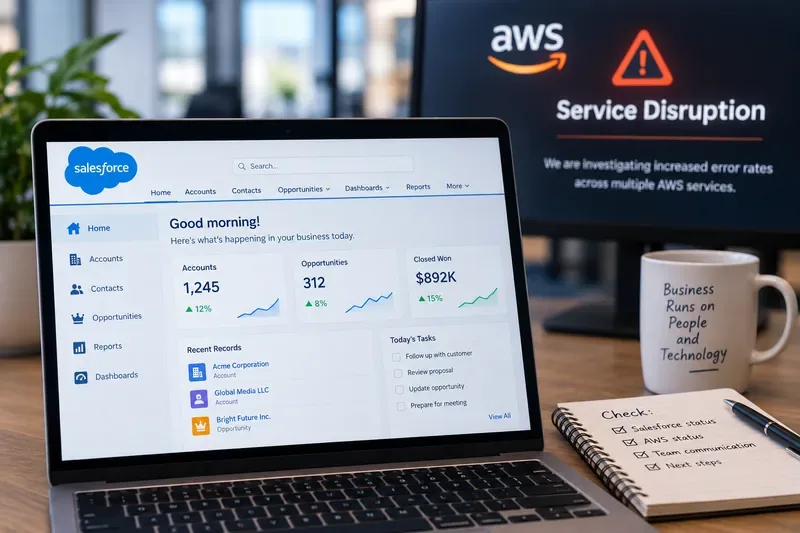
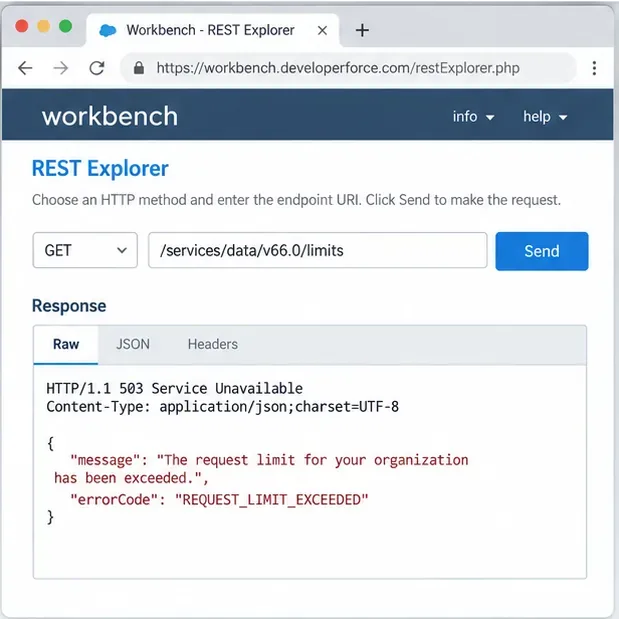
A monitoring setup comparing Salesforce activity with an AWS service-disruption alert, illustrating why users should verify Salesforce and AWS status separately instead of assuming one outage automatically causes the other.
What should a beginner know before checking?
Three terms make this much easier to understand.
Hyperforce is Salesforce's public-cloud infrastructure architecture. Salesforce says Hyperforce is available on AWS and is expanding to other public cloud providers. That means some Salesforce workloads run on AWS infrastructure, but customers are not all hosted in one AWS location. See Salesforce's Hyperforce overview and FAQ.
AWS Region is a geographic area that contains multiple isolated Availability Zones. For example, AWS documents Middle East regions such as Bahrain (me-south-1) and UAE (me-central-1). See the official AWS Regions reference.
Salesforce instance is the environment that serves your organization. Salesforce provides instance-specific status information, so knowing the instance is more useful than asking only whether “Salesforce” is down globally.
This distinction matters because cloud outages are often regional or service-specific. A problem affecting one AWS region may leave Salesforce orgs in other regions working normally. Likewise, a Salesforce incident can occur without being caused by AWS.
So, is Salesforce affected by the recent AWS outage?
There is no safe blanket answer for every Salesforce customer. As of September 16, 2026, the correct verification path is to use the live AWS Health Dashboard for AWS service events and Salesforce Trust for Salesforce incidents.
Salesforce documentation confirms that many Hyperforce instances are hosted on AWS in specific regions and that Hyperforce instances are spread across multiple Availability Zones within a country. Salesforce also publishes a region-and-instance reference for customers who need to understand where their org is hosted. See Where is my Salesforce instance located?.
A useful caution: Salesforce Trust recorded a separate Platform disruption on September 5, 2026, affecting the “AWS US” instance group for about 90 minutes. The incident page describes a Salesforce service disruption, but it does not establish that a later AWS event caused it. Treat timing alone as correlation, not proof of causation. See the Salesforce Trust incident record.
Step 1: Find your Salesforce instance
If you are new to Salesforce administration, start here. Your instance tells you which status entry is relevant to your organization.
Salesforce documents two practical methods. In Setup, search for Company Information, then look for the Instance field in Organization Detail. You can also go to Salesforce Trust and search by your domain name. Salesforce's current instructions are in View Instance Information for Your Salesforce Organization.
Do not guess your hosting region from your company's headquarters. A company's business location and its Salesforce infrastructure location are not necessarily the same thing.
Step 2: Check Salesforce Trust before troubleshooting locally
Search Salesforce Trust for your domain or instance. Look for an active incident, service degradation, maintenance notice, or resolved incident that overlaps with the time your users started seeing problems.
If Salesforce Trust shows your exact instance and affected service, that is stronger evidence than social media posts or a general outage tracker. Note the incident start time, affected product, and status updates. If your instance is not listed, do not immediately conclude Salesforce is healthy; continue with local checks because authentication, networking, integrations, or a narrow product dependency can still fail without a broad platform incident.
Step 3: Compare the timing with AWS Health
Next, check the AWS Health Dashboard. AWS publishes service health by region and service. The key question is not “Is AWS down?” but “Is the AWS region or AWS service relevant to this Salesforce workload reporting an incident?”
This is where beginners often make the wrong leap. AWS has many regions and many services. A disruption in one region can coexist with normal operation elsewhere. If your Salesforce org is on Hyperforce, Salesforce Support can help confirm the cloud provider for your instance when that detail is not obvious from the instance name.
Step 4: Test the smallest possible Salesforce workflow
If there is no clear incident match, test a narrow workflow before changing settings. Try logging in from a second network, opening a basic record, running a simple search, and using a standard Salesforce page that does not depend on a custom integration.
If standard Salesforce functions work but a connected app fails, the problem may be downstream. For example, an integration could depend on your own AWS-hosted API, identity provider, middleware, data warehouse, or network path even while Salesforce itself is available.
Step 5: Separate Salesforce problems from dependency problems
Many organizations connect Salesforce to external services. That means users can experience what feels like a “Salesforce outage” when the real failure sits somewhere else in the request chain.
Integration logs and the external service's region
Dependency may be affected while Salesforce core remains available
Only one office or network is affected
Local DNS, proxy, VPN, firewall, ISP
Likely a local connectivity path rather than a global Salesforce outage
Only one Salesforce product or feature fails
Product-specific Salesforce Trust incident
Feature degradation can be narrower than a full platform outage
Common mistakes to avoid
Assuming AWS equals Salesforce
Salesforce uses AWS extensively, but the relationship is not one-to-one. Hyperforce spans multiple regions, and Salesforce manages the platform layer above the underlying cloud infrastructure.
Using a global outage headline instead of your instance
A headline saying “AWS outage” may describe a regional event. Your Salesforce instance may be hosted elsewhere. Always match the geography and timing before drawing a conclusion.
Restarting or changing production systems too early
If the issue is upstream, making configuration changes can create a second problem. Record symptoms and timestamps first. Check official status sources before rotating credentials, changing network rules, disabling integrations, or modifying production automation.
Treating third-party outage trackers as authoritative
Crowdsourced reports can be useful as an early signal, but they do not replace AWS Health or Salesforce Trust. Official status pages identify affected services and provide incident updates from the operators themselves.
How to tell whether the problem is actually resolved
Do not stop at a green status indicator. Confirm recovery from the user's point of view.
Verify Salesforce Trust no longer lists your instance as impacted.
Check the relevant AWS event for a recovery or resolved update when AWS infrastructure is part of the suspected path.
Repeat the exact action that failed, such as login, record save, API call, report load, or integration sync.
Check whether queued jobs, failed API requests, or integration retries have caught up.
Compare error rates and response times with your normal baseline.
Confirm with at least one user outside the original device or network path when possible.
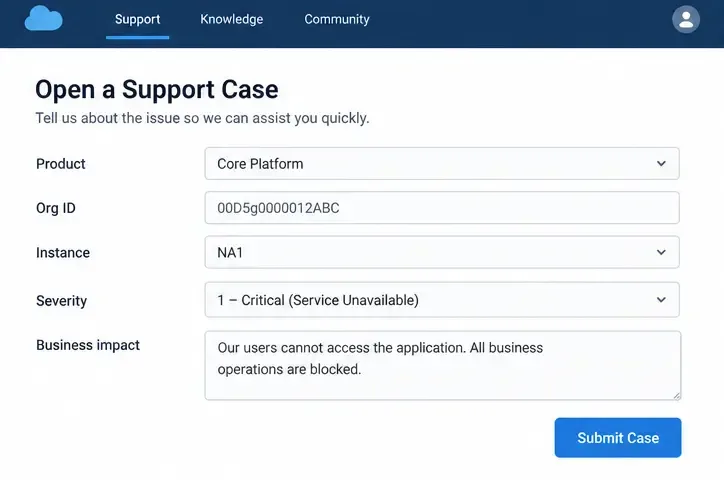
If the official status pages are clear but your problem continues, collect the Salesforce instance name, timestamps with time zone, affected users, error messages, request IDs if available, and the smallest reproducible workflow before contacting Salesforce Support. That evidence helps distinguish a Salesforce platform incident from an organization-specific configuration, network, or third-party dependency issue.
Bottom line
An AWS outage can affect Salesforce because Salesforce Hyperforce uses AWS, but an AWS disruption does not automatically mean your Salesforce org is down. The dependable workflow is simple: identify your Salesforce instance, check Salesforce Trust, check the relevant AWS region or service, then reproduce the failure with the smallest possible workflow.
For a beginner, that approach prevents two costly mistakes: blaming Salesforce for every cloud headline and changing production configuration before confirming where the failure actually sits.