Home
» News
»
Developing a Business Continuity Plan for Salesforce Downtime
Developing a Business Continuity Plan for Salesforce Downtime
At 9:10 a.m., the sales team at Northstar Office Supply tries to open Salesforce and receives a service error. New orders are arriving by email, customer-service agents cannot see account histories, and an integration that sends order updates to the warehouse is retrying in the background. Nobody yet knows whether the disruption will last five minutes or the rest of the day.
Illustrative scenario: Northstar Office Supply is a fictional company used throughout this article. It is not a customer testimonial, incident report, or test result. The example shows how a real organization could turn business continuity concepts into an operating plan.
A useful Salesforce downtime plan does not promise that every process will continue normally. It defines which work must continue, which work can wait, how people will communicate, how integrations will be controlled, and how records will be reconciled after recovery. This guide uses current Salesforce documentation checked on September 16, 2026, plus NIST contingency-planning guidance. Product names, features, availability, contracts, and service commitments can change, so validate your own Salesforce edition and agreements.
What has changed in Salesforce continuity planning?
Salesforce’s current resilience documentation makes an important distinction between the provider’s continuity program and the customer’s own business continuity plan. Salesforce’s Enterprise Resilience/BCP Summary, updated July 23, 2026, describes provider-level programs for risk management, business continuity, crisis management, third-party risk, cyber resilience, incident response, and disaster recovery. It does not replace a customer plan for staffing, manual work, customer communications, integrations, or data reconciliation.
Another current change is the September 9, 2026 Salesforce Help page for Advanced Cross-Region Continuity (ACRC). Salesforce says ACRC is a premium Hyperforce offering for extraordinary regional disasters, and that it was renamed from Out of Region Disaster Recovery. The page lists RTO and RPO targets of 12 hours and 4 hours for ACRC, notes that some services are not yet supported, and states that sandbox orgs are not covered. Those details may matter if an older runbook refers to the former product name or assumes that a paid recovery option protects every org and feature.
For most businesses, the practical starting point remains a customer-owned plan that works during an ordinary Salesforce service disruption, a planned maintenance window, an identity failure, a network problem, or an integration outage. A provider recovery capability can reduce risk; it cannot decide your business priorities for you.
What should the plan achieve?
Write the outcome in operational terms. Northstar’s goal might be: “During a Salesforce outage, keep urgent customer requests, order commitments, and warehouse handoffs moving; prevent duplicate fulfillment; communicate status every 30 minutes; and reconcile every temporary record after service returns.” That statement is more useful than “maintain Salesforce availability,” because the latter is mostly outside the customer’s control.
A continuity plan should let the team answer five questions quickly:
Which business activities are critical in the next hour, day, and week?
What temporary method will perform each critical activity?
Who can declare the workaround, approve exceptions, and stop automation?
What data may be missing, stale, duplicated, or out of order?
How will the team confirm that normal operations are safe to resume?
NIST describes contingency planning as a coordinated strategy of plans, procedures, and technical measures for recovering information systems, operations, and data after a disruption. Its guidance emphasizes evaluating systems and operations to determine requirements and priorities. Use that idea as the planning frame, but tailor the controls to your Salesforce products, processes, contracts, and risk tolerance.
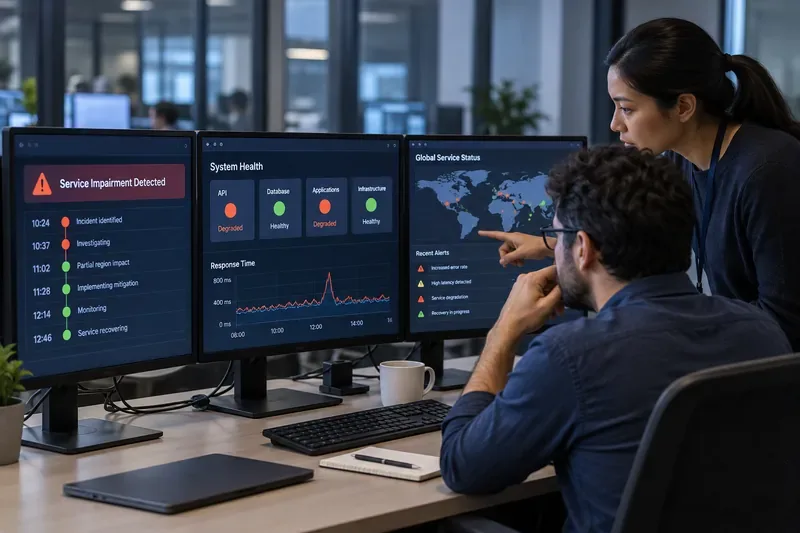
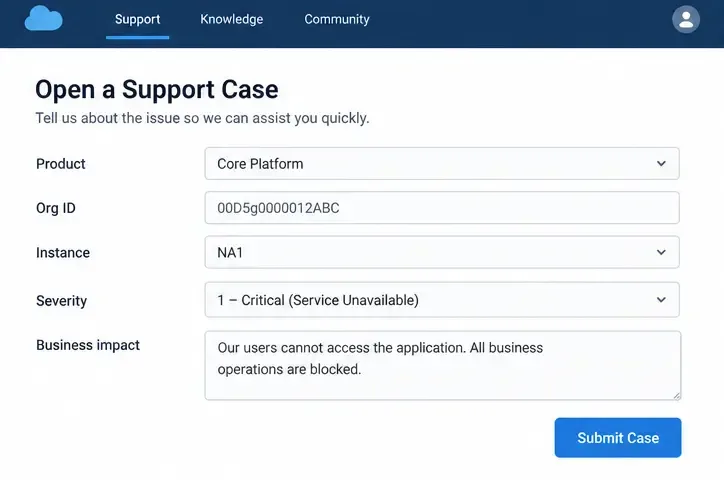
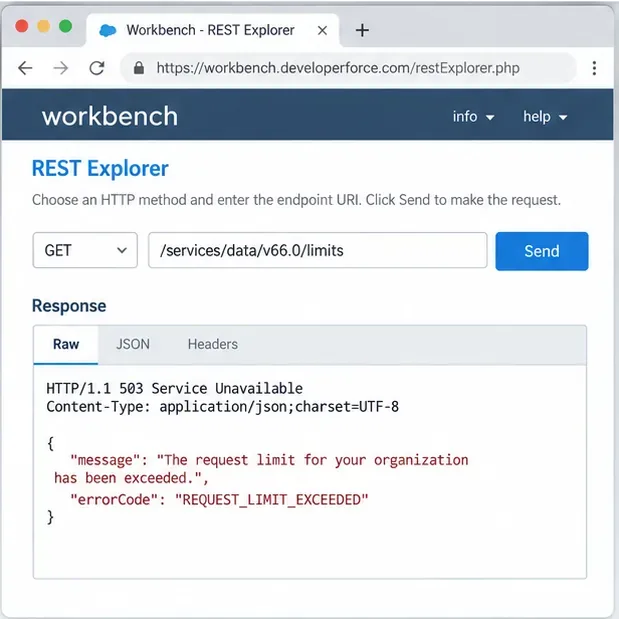
A fictional continuity team reviews business impact information while a generic service-unavailable message appears on a laptop.
How should you identify critical Salesforce processes?
Start with a business impact analysis, not with a list of Salesforce objects. Interview process owners from sales, service, finance, fulfillment, compliance, and IT. Ask what stops if Salesforce is unavailable, what can be performed from an existing source, and what becomes dangerous if entered later without a control.
For Northstar, the first inventory could look like this:
Process
Impact during downtime
Temporary method
Recovery evidence
Urgent customer cases
Service commitments and escalations may be missed
Approved phone queue and restricted offline form
Case number, owner, timestamp, priority, and follow-up status
New orders
Orders may be delayed or duplicated
Controlled order register with unique temporary IDs
Customer confirmation, item list, price approval, and fulfillment result
Warehouse handoff
Shipments may lack an authoritative request
Manual release approval from an authorized manager
Temporary ID matched to the final Salesforce order
Sales activity
Pipeline visibility becomes stale
Existing meeting notes and a small approved intake sheet
Last contact, next step, owner, and source timestamp
Scheduled integrations
Retries can create duplicates or overload endpoints
Pause, quarantine, or rate-limit according to the runbook
Queue depth, status, replay decision, and reconciliation report
Do not put sensitive customer data into an improvised personal spreadsheet or chat thread. Define an approved temporary store, access list, retention period, and deletion procedure. If a manual form is unavoidable, collect the minimum data required to keep the critical process moving.
Which recovery targets should be written down?
Give each critical process a Recovery Time Objective (RTO) and Recovery Point Objective (RPO). RTO is how quickly the process needs a usable workaround or restored service. RPO is how much recent data the business can afford to lose or re-create. These are business decisions, not guesses about how quickly Salesforce will resolve an incident.
Northstar might set a one-hour RTO for urgent customer cases, a four-hour RTO for warehouse handoffs, and a one-business-day RTO for routine pipeline updates. It might set an RPO of zero for a payment authorization decision, while accepting that routine sales notes must be re-entered from a timestamped temporary log. The numbers are fictional examples; your finance, legal, and operations owners must approve the targets.
Document the assumption behind each target. A one-hour RTO may require a staffed phone queue, a trained duty manager, and a pre-approved form. If those resources are not available on weekends, the target is not a plan—it is an aspiration.
What should happen when downtime is suspected?
Define a short activation procedure so employees do not improvise different responses. The first person who notices the issue should record the UTC time, affected users, affected products, error message, and business process. An incident lead then checks whether the problem is broad or local.
Salesforce’s Trust site provides real-time and historical information about availability and performance for products and instances. Its current help guidance explains how to identify an instance through Setup > Company Information or by searching a My Domain prefix, and how to interpret status colors: green for Available, yellow for Service Degradation, purple for Maintenance, and red for Service Disruption. Salesforce also recommends Trust notifications and says to contact Support when a core issue has exceeded 10 minutes without appearing on the site.
Trust is essential evidence, but a clear status page does not prove that your own network, identity provider, browser, API credentials, or integration endpoint is healthy. Northstar should test a second user, a second network, and a low-risk read-only action where policy allows. If only one office is affected, activating a company-wide manual process may create unnecessary work.
A fictional customer-service team uses an approved manual intake queue while Salesforce access is being assessed.
How should the temporary operating mode work?
Call the workaround a named mode, such as “Salesforce degraded operations,” and define its entry and exit criteria. Employees should know where to find the current form, who approves exceptions, and which actions are prohibited. A good workaround is deliberately narrower than normal operations.
For Northstar, degraded operations might allow urgent cases, approved orders, and shipment holds, while pausing discounts, account merges, bulk updates, and nonessential data imports. The plan should assign a temporary identifier to every manual transaction. A useful identifier can include the date, team code, and sequence number, but the exact format should be chosen by the organization and checked for collisions.
Use segregation of duties for high-impact actions. The person receiving an order should not be the only person approving a high-value shipment. Require a second check for refunds, changes to bank details, or customer identity decisions. Record approvals with time, name, and reason. These controls may feel slower, but they reduce the risk of turning a short outage into a fraud, privacy, or fulfillment incident.
What should happen to integrations and automation?
Make integrations part of the continuity plan, not an appendix owned only by developers. List every inbound and outbound flow, its trigger, data owner, queue or retry behavior, duplicate risk, and business consequence. Include scheduled jobs, webhooks, middleware, event streams, identity providers, reporting extracts, and human uploads.
During a Salesforce outage, automatic retries can be helpful or harmful. If the destination is unavailable, bounded retries with backoff may be appropriate. If the source is accepting messages but Salesforce is not, queue the messages with a durable timestamp and idempotency key. If neither side can confirm whether a write succeeded, stop replay until the status is known. Never assume that a timeout means a transaction did not commit.
Northstar’s runbook might instruct the integration owner to pause outbound jobs after three failed attempts, preserve the original payload, record the last confirmed Salesforce timestamp, and prevent manual re-entry until the queue is classified. The exact threshold is a fictional example. Set it from observed behavior, provider guidance, and business risk.
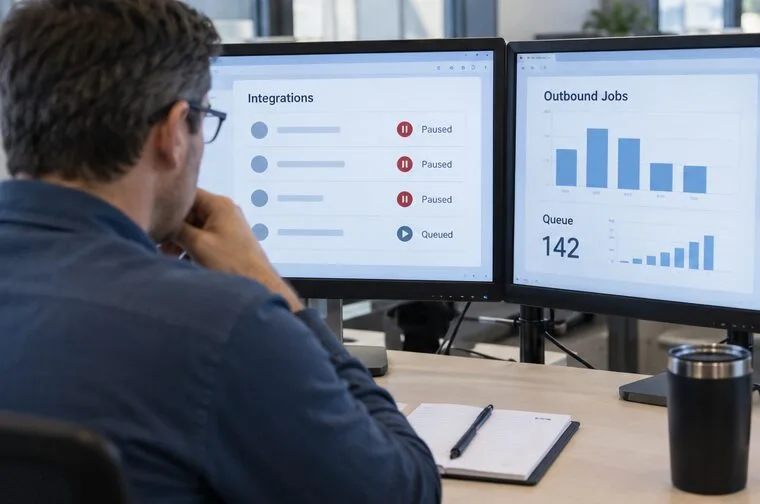
A fictional operations engineer reviews paused integrations and a queued workload before allowing replay.
How should data backup and recovery fit into the plan?
Continuity and backup solve related but different problems. A continuity procedure keeps the business operating during an interruption. A backup helps recover data after deletion, corruption, or another loss event. A backup does not automatically provide a live replacement for the Salesforce application, its permissions, its automations, or its integrations.
Salesforce’s data backup guidance describes backups as copies stored separately for restoration and recommends regular backups, multiple locations, and tested recovery. Decide which records, metadata, files, and audit information the business needs to restore, how long they must be retained, and who can authorize a restore. Test whether the restored data can be matched to the temporary records created during downtime.
If your organization is considering Advanced Cross-Region Continuity, read the current Salesforce FAQ carefully. Salesforce says the offering is limited to Hyperforce, some services are not yet supported, and a recovery event makes the org unavailable while disaster-recovery operations occur. It also says country-level data storage commitments may be affected when primary and secondary regions are in different countries. These are planning constraints, not footnotes.
Who communicates, and what should they say?
Assign one incident lead, one technical lead, one business-operations lead, and one communications owner. Define backups for each role. Keep the message factual: what is affected, when it started, what users should do, what they must not do, when the next update will arrive, and where approved instructions live.
Do not announce a recovery time that Salesforce has not confirmed. Do not ask customers to resend information repeatedly if the original request may already be queued. For Northstar, the customer message could say that order intake is operating through a temporary channel, that customers should use one specified contact method, and that the next status update will be issued at a defined time.
Include internal escalation thresholds. For example, a critical customer-impacting process may page the incident lead immediately, while a stale report can wait for the next scheduled review. Link the plan to current Salesforce Trust notifications and the organization’s support entitlement. A phone tree that no longer matches the workforce is not a communication plan.
How should the team test the plan?
Begin with a tabletop exercise. Give Northstar’s team a fictional prompt such as: “At 9:10 a.m., Salesforce is unavailable for the service and sales teams; warehouse integration jobs show repeated failures; Trust reports a service disruption.” Ask each role to perform the first 30 minutes of the plan using only the documented materials.
Measure observable results:
How long until the incident is recognized and classified?
How long until the approved workaround is available?
Can every team member find the current form and contact list?
Were duplicate, unauthorized, or excessive data entries prevented?
Did integration retries remain bounded and traceable?
Can the team identify every temporary record that will need reconciliation?
After the tabletop, run a controlled technical test in a sandbox or nonproduction environment where the scenario is safe and supported. Do not claim that a sandbox exercise proves production failover. Salesforce’s ACRC documentation explicitly states that sandbox orgs are not covered by ACRC, which is a reminder to test the actual recovery scope rather than infer it from a lower environment.
What is the recovery and reconciliation procedure?
Recovery begins when the incident lead has reliable evidence that the affected Salesforce service is usable—not merely when a user can load the login page. Confirm the status page, test with a small authorized action, check integrations, and announce a controlled return to normal operations.
Reconcile in a sequence that protects the system of record:
Freeze new manual entries briefly so the final temporary queue can be counted.
Export or preserve the approved manual register and its audit trail.
Match each temporary ID to a Salesforce record, existing record, or documented exception.
Check for records created before the outage that were delayed, duplicated, or partially processed.
Replay integration messages only after confirming idempotency and the last successful checkpoint.
Have the business owner verify high-impact transactions, totals, approvals, and customer commitments.
Close the degraded-operations mode, retain required evidence, and delete temporary copies according to policy.
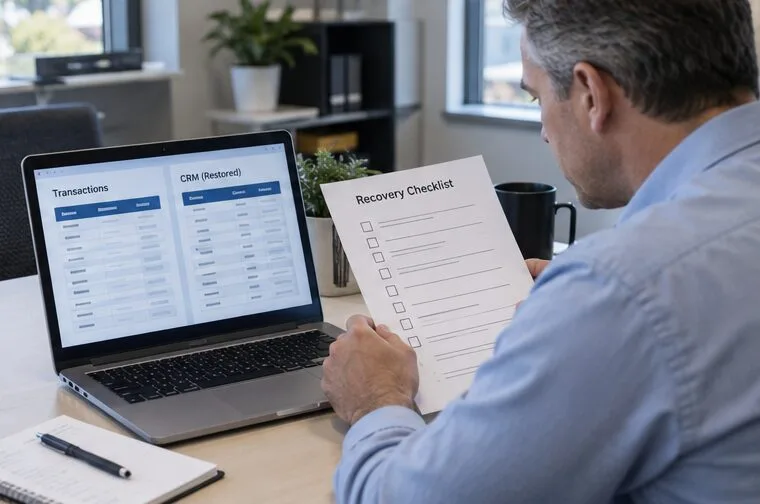
A fictional team lead compares restored records with the temporary transaction log before closing the incident.
What are the limits of a Salesforce downtime plan?
A plan cannot force Salesforce to recover faster, guarantee that an integration write completed, or make an unsupported product behave like a supported one. It cannot replace contractual review, privacy analysis, backup testing, or security incident response. A manual workaround can also introduce transcription errors, access-control problems, delayed revenue recognition, and customer confusion.
The plan should therefore include a decision to stop. If the team cannot verify a customer’s identity, the integrity of a payment instruction, the status of a shipment, or the destination of a data transfer, hold the action for an authorized review. Continuity is not the same as continuing every transaction at any cost.
Final checklist for Northstar’s plan
Critical processes, owners, impact, RTO, and RPO are documented.
Salesforce instance, products, support path, and Trust notification settings are current.
Manual forms, temporary storage, access rules, retention, and deletion steps are approved.
Integration retries, queues, checkpoints, duplicate controls, and pause rules are explicit.
Customer, employee, supplier, and executive messages are drafted with update intervals.
Backup, restore, data residency, and any premium continuity scope are verified for the actual services used.
A tabletop exercise and a safe technical test have owners, dates, success criteria, and follow-up actions.
Recovery includes reconciliation, business sign-off, evidence retention, and a post-incident review.
For Northstar, success is not “Salesforce never goes down.” Success is that the team recognizes the disruption, protects critical work, avoids unsafe improvisation, keeps a traceable record of temporary actions, and returns to normal operations without hidden duplicates or missing commitments. That is the standard a practical Salesforce business continuity plan should meet.