How to enable new open Search on hover option on Windows 11
To enable open Search on hover on Windows 11, open Command Prompt (admin) and run the vivetool /enable /id:43572857,43572692 command.
To enable open Search on hover on Windows 11, open Command Prompt (admin) and run the vivetool /enable /id:43572857,43572692 command.
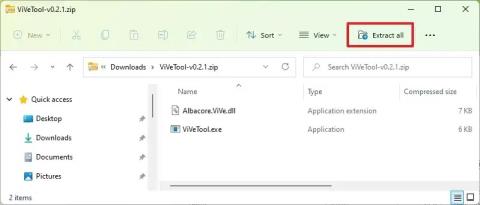
To enable File Explorer header design on Windows 11, open Command Prompt (admin) and run vivetool /enable /id:40950262,41076133 command.
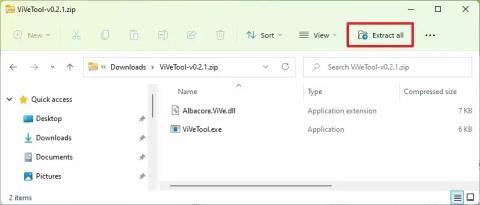
To enable Auto Color Management (ACM) for SDR displays on Windows 11, open Command Prompt (admin) and run vivetool /enable /id:36371531
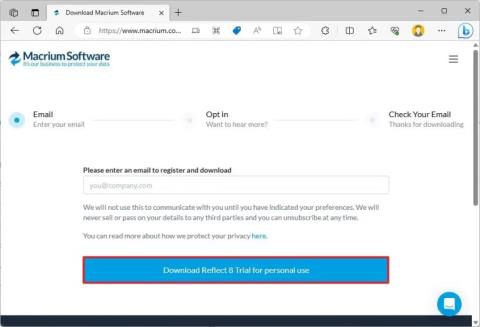
To clone HDD to SSD on Windows 11, open Macrium Reflect, choose the drive and click Clone this disk, choose destination, and clone drive.

To enable touch-optimized Taskbar on Windows 11, launch the ViveTool command tool and run the Vivetool /enable /id:26008830 command.
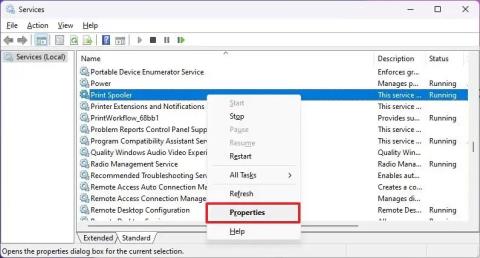
To fix print spooler on Windows 11, on Services, stop the Print Spooler service, delete the contents from printers and start service again