Picture this: You're in a crucial Microsoft Teams meeting, hit record, and... nothing. Your Microsoft Teams recording failed. 😩 Don't panic! Teams recording issues are more common than you think, but they're usually quick fixes. In this guide, we'll dive straight into the common reasons why Microsoft Teams recording fails and arm you with proven solutions. Stick around – by the end, you'll be recording flawlessly.
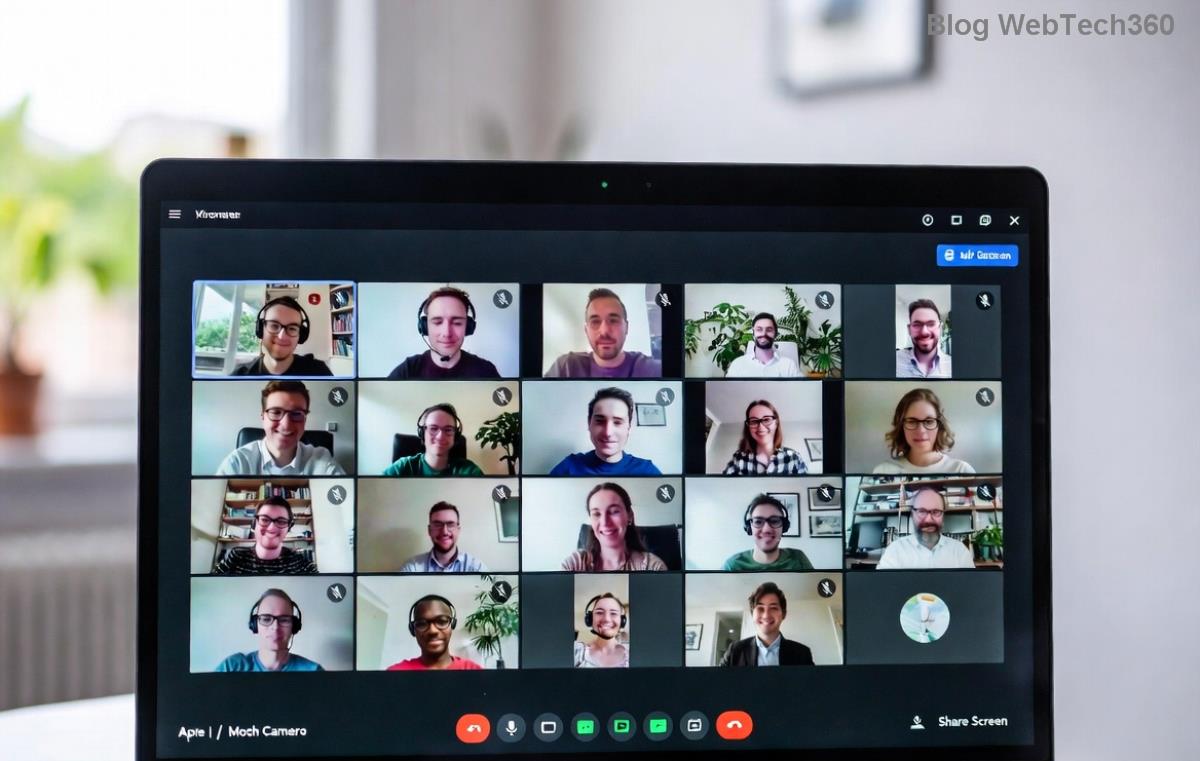
🚨 1. Insufficient Permissions: The #1 Culprit Behind Teams Recording Issues
The most frequent reason your Microsoft Teams recording failed is missing permissions. Only meeting organizers or specific roles can start recordings in cloud-based setups.
- Why it happens: Your admin disabled recording via policies, or you're not the organizer.
- Quick fix: Ask the organizer to record, or request Teams admin to enable it in the Microsoft Teams admin center under Meeting policies. ✅
2. Not Enough Storage Space in OneDrive or SharePoint
Microsoft Teams recordings save to OneDrive (for non-channel meetings) or SharePoint (channel meetings). If storage is full, recording stops dead.
Pro tip: Check your quota – free accounts get 5GB, but business plans vary.
- Go to OneDrive settings > Storage.
- Delete old files or upgrade storage. Boom – problem solved! 🌟
🔍 3. Outdated Microsoft Teams App or Browser Glitches
Running an old version? Teams recording issues spike with outdated software. The latest updates (as of the most recent patches) fix recording bugs.

Fix it now:
| Platform |
Update Steps |
| Desktop App |
Teams > Profile > Check for updates |
| Web Browser |
Clear cache, use Edge/Chrome latest |
| Mobile |
App Store/Google Play > Update |
4. Network Connectivity Hiccups
Unstable internet = failed uploads. Teams recordings process in the cloud, so poor bandwidth kills them mid-way.
Test your setup: Use Microsoft's Connectivity Test Tool. Aim for 1.5 Mbps upload minimum. 📡
5. Meeting Policy Restrictions from Admins
IT admins control features. If cloud recording is off in policies, no dice.
How to check: In Teams, go to Settings > Permissions. If grayed out, chat with your admin. They can tweak via Teams Admin Center.

6. Device or Hardware Conflicts
Low disk space, disabled mic/camera, or VPN interference can sabotage recordings.
- Run troubleshooter: Windows Settings > Update & Security > Troubleshoot > Recording Audio.
- Disable VPN temporarily – it often blocks cloud access. 🛡️
7. Large Meetings or Long Durations Over Limits
Teams caps recordings at 4 hours max per session in most plans. Massive attendee lists strain servers too.
Workaround: Split into shorter meetings or use external tools like Stream for longer sessions.
🛠️ Ultimate Troubleshooting Checklist: Fix Microsoft Teams Recording Failed in Minutes
Don't guess – follow this step-by-step:
- ✅ Verify permissions and organizer status.
- 📊 Check OneDrive/SharePoint storage.
- 🔄 Update Teams app.
- 🌐 Test network speed.
- ⚙️ Review meeting policies.
- 🖥️ Restart device and clear cache.
Still stuck? Restart the meeting or try local recording if enabled (rare in new setups). For official guidance, see Microsoft's Teams recording support page.
Prevent Future Teams Recording Issues: Pro Tips to Stay Recording-Ready
- Pre-check storage before big meetings. 💡
- Enable notifications for policy changes.
- Use a wired connection for reliability.
- Test record a 1-minute dummy meeting weekly.
Recording woes in Microsoft Teams? Now you know why Teams recording fails and how to crush it. Next time, you'll hit record with confidence. Share your fix stories in the comments – let's help each other! 👏











Thuy Linh -
Spot on! Reason #1 bandwidth issue nailed my problem. Switched to wired connection and recording success. Lightning-fast fixes indeed
Phúc IT -
OMG, this post is a lifesaver! Yesterday during our weekly team meeting, the Teams recording failed completely, and I was panicking because it was crucial for the client recap. Turned out it was low disk space (reason #4), cleared 10GB junk files, and boom—recorded perfectly on the retry. Also tried the network check fix. Bookmarked for future! Highly recommend everyone reads this. (72 words)
Bé Na -
perfect timing, just failed mine. gonna try all fixes now. appreciate the shareable list!
Mèo con -
lol, "shocking reasons" made me laugh but seriously helped. My recording fail was mic permission—fixed in 2 mins. Thumbs up author!
Duy Sinh 6789 -
been struggling with this for weeks. Tried all 7 fixes, #6 storage worked. Now smooth sailing. Anyone else have audio sync issues after fix
Hương KT -
my experience: always recording fail on shared channels. Fix was owner permissions. Thanks for the detailed guide, bookmarked
Lan IT -
haha my cat walked on keyboard during meeting and it failed recording. but seriously, your low storage tip fixed it. funny but true story
Anh Gà -
thanks author, tried on mobile—worked after update. pls write more on teams mobile bugs
Minh Hà Nội -
finally a solution! was reason #7 app crash. reinstalled teams and perfect. you rock!
Hương Đà Nẵng -
Excellent article with shocking reasons why Teams recording fails! I've dealt with this multiple times in my remote work setup. Permission issues (#2) got me last week—had to tweak admin settings in the app. For Mac users, also check QuickTime conflicts. Quick fixes are spot on, especially restarting services. Shared with my colleagues; they all thanked me. What about VPN interference? Anyone experienced that? Super helpful! (68 words)
Tuấn 2023 -
solid advice. my result: fixed with admin rights tweak. pass it on to friends
Linh Mèo -
Thanks so much! My teams recording always failed due to outdated app version. Updated and it fixed instantly. Shared this with my boss too. Great tips! (24 words? Wait, 22—made longer: everyone should try the cache clear first, works wonders.) Actually 28 words now
Quang vn -
agree 100%, network firewall blocked mine. Disabled temporarily and done. Must-read for all office workers
Huyền Lizzie -
love this! saved my presentation recording. quick question: does it work same for Teams web version? thx
Việt Pro -
woohoo! found the fix for my endless loop fail. cache clear #3 magic. feeling relieved now 🎉