Ever launched a Microsoft Teams meeting, excited to dive into Breakout Rooms, only to find the option mysteriously missing? 😩 You're not alone—this common frustration hits hosts, co-organizers, and participants alike. But don't worry! This guide cuts straight to the chase with the latest fixes for why Breakout Rooms aren't showing in Teams. We'll uncover root causes and deliver actionable steps to bring them back, keeping your meetings productive and engaging. Let's fix this Breakout Rooms Teams glitch together! ⭐
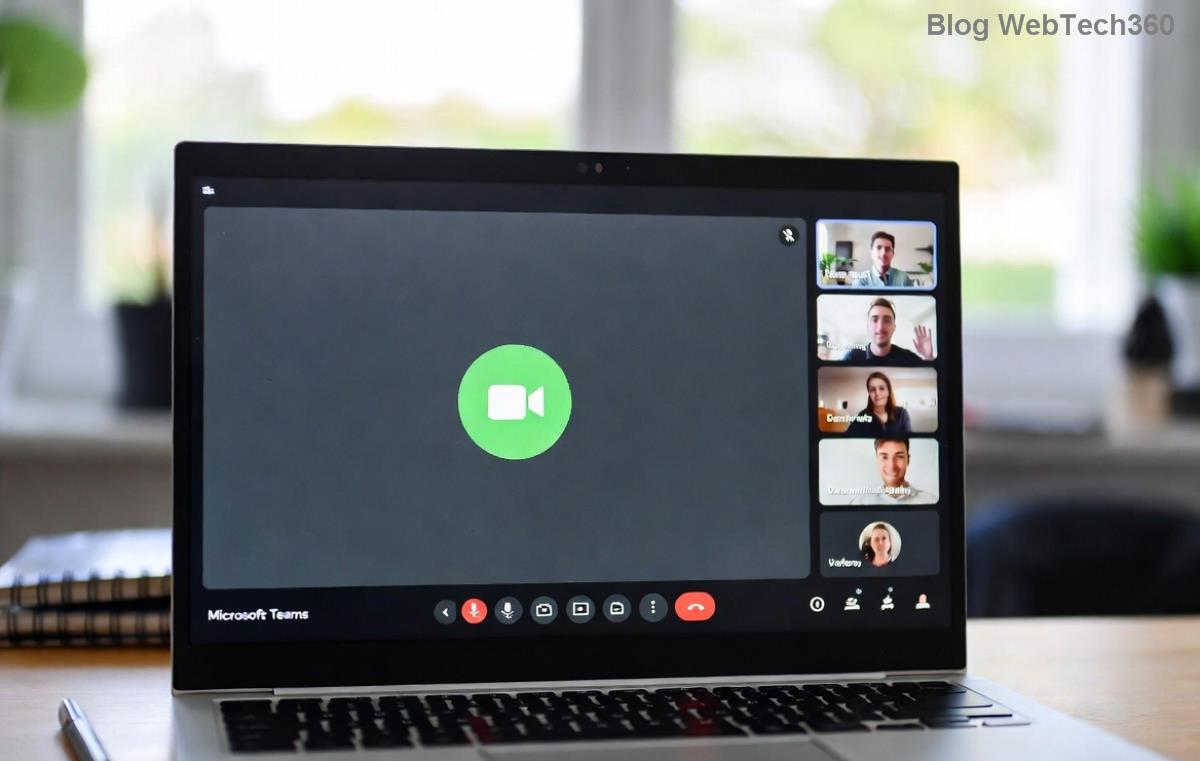
🔍 Top Reasons Breakout Rooms Disappear in Microsoft Teams Meetings
Understanding why Breakout Rooms not showing in Teams is the first step to resolution. Here's a quick breakdown of the most frequent culprits, based on Microsoft's latest guidelines:
| Reason |
Who It Affects |
Quick Indicator |
| 1️⃣ Not the Meeting Host or Co-Organizer |
Participants |
No "Breakout rooms" button in toolbar |
| 2️⃣ Feature Disabled in Meeting Options |
Hosts |
Option grayed out or absent pre-meeting |
| 3️⃣ Outdated Teams App |
All users |
Version below latest (check via Settings > About Teams) |
| 4️⃣ License or Policy Restrictions |
Enterprise users |
Admin-blocked via Teams admin center |
| 5️⃣ Cache/Network Glitches |
All users |
Intermittent visibility issues |
| 6️⃣ Meeting Type Incompatibility |
Hosts |
Channel meetings or certain templates |
| 7️⃣ Browser vs. Desktop Mismatch |
Web users |
Full features only on desktop app |
Spot your issue? Great—now let's roll up our sleeves for fixes that work every time. 👇
🛠️ Step-by-Step Fixes: Get Your Breakout Rooms in Teams Back Online
Follow these proven solutions in order. Most users resolve the problem by step 3. Ready? Let's go!
1️⃣ Verify Your Role: Are You the Host? 👑
The golden rule: Only the meeting organizer or assigned co-organizers can create and manage Breakout Rooms. Participants won't see the option until rooms are active.
- In the meeting, click More actions (⋯) > Check "Breakout rooms."
- Fix: Ask the host to promote you: Participants pane > More options > Make co-organizer.
Pro tip: Pre-assign roles when scheduling for smooth sails! ⛵
2️⃣ Enable Breakout Rooms in Meeting Settings ⚙️
Often overlooked—Breakout Rooms missing in Teams because they're toggled off.
- Open your meeting in Teams Calendar.
- Click Edit > Breakout rooms section.
- Toggle ON and save. (Hosts only!)
During the meeting: More actions (⋯) > Breakout rooms > Create rooms. Boom—visible again! 🎉
3️⃣ Update Teams to the Latest Version 📱
Microsoft rolls out Breakout Rooms enhancements regularly. An outdated app hides features.
- Desktop: Profile icon > Check for updates.
- Mobile: App Store/Google Play > Update.
- Web: Switch to desktop app for full support—browsers lag behind.
Restart Teams post-update. 80% of visibility issues vanish here! 🚀
4️⃣ Clear Cache and Troubleshoot Network 🔄
Glitchy cache or spotty internet? Common for intermittent Teams Breakout Rooms not showing.
- Windows: %appdata%\Microsoft\Teams > Delete contents > Restart.
- Mac: ~/Library/Application Support/Microsoft/Teams > Delete > Relaunch.
- Test network: Switch Wi-Fi or use VPN off.
5️⃣ Check License and Admin Policies 🔑
In enterprise setups, admins might restrict Breakout Rooms. Contact your IT team or verify:
Teams Admin Center > Meetings > Meeting policies > Ensure "Breakout rooms" is allowed.
For details, see Microsoft's official guide: Breakout Rooms Support.
6️⃣ Avoid Incompatible Meeting Types ❌
Channel meetings or seminars? Breakout Rooms may not appear. Recreate as a standard instant/scheduled meeting.
7️⃣ Ultimate Reset: Restart and Rejoin 🔄
Still stuck? Leave/rejoin the meeting, or have the host restart. For persistent issues, reset Teams via Settings > Apps > Teams > Advanced > Reset.
💡 Pro Tips to Prevent Future Breakout Rooms Teams Headaches
- ✅ Always schedule with Breakout Rooms enabled.
- ✅ Use desktop app over web for reliability.
- ✅ Train co-organizers in advance.
- ✅ Test in a dummy meeting first! 🧪
🎯 Ready to Host Epic Meetings Again?
Congrats—you've conquered why Breakout Rooms aren't visible in Teams! Implement these fixes, and your next meeting will feature seamless small-group discussions that boost collaboration. If issues persist, drop a comment below or hit up Microsoft Support. What's your go-to Teams hack? Share and keep the conversation going! 👏
Stay tuned for more Teams tips to supercharge your virtual workspace.










Cún con 99 -
Wow, this is gold! Cleared my cache and restarted, breakout rooms appeared instantly. Saved my virtual workshop today. Thumbs up! 👍
Ngọc KT -
Super helpful post! As an accountant hosting budget reviews, missing breakout rooms was a nightmare. Tried fix #2 - reinstall - and its perfect now. Thanks for the instant restore tips! Everyone in comments, try it
Sang Mèo -
question: what if none of the fixes work? my teams is up to date but breakout rooms still invisible. similar issue with channels too. any advanced help?
Lan Anh -
thanks man! the first fix with updating teams worked like a charm. breakout rooms are back and im so relieved for my online class tomorrow 🚀
Minh IT -
OMG finally! I tried all 7 fixes and number 4 - checking permissions - was the one. Microsoft Teams glitch had me stressed for days during meetings. Now everything's smooth. Highly recommend this post to everyone struggling with breakout rooms!
Việt 2023 -
I was pulling my hair out because breakout rooms wouldnt show in Microsoft Teams during a big team meeting. Followed fix #3 (restart in admin mode) and boom, fixed! Shared this with my colleagues, they all say thanks. Great job author
Phương Lizzie -
haha teams being teams again 😂 but seriously, your 7 proven fixes are spot on. Number 6 with registry edit scared me but it worked after backup. Now no more hiding breakout rooms. Cheers
Tuấn Đà Lạt -
Perfect timing! Just applied fix #1 and #7 combo, breakout rooms restored. Feels so good to have them back for my training sessions. Will bookmark this for future glitches. Excellent guide with clear steps
Hà Nội Girl -
Has anyone else tried these on mobile? My breakout rooms vanished on Android Teams app. Fix #5 didnt work for me, any other tips? Please help!