😩 Ever opened Microsoft Teams only to find your Teams Calendar missing? You're staring at an empty slate where meetings and events should be. Don't panic—this is a common hiccup, often tied to Teams Calendar syncing issues. Whether it's not showing up, lagging, or refusing to update, we've got your back with proven, straightforward fixes. By the end of this guide, you'll have your calendar back and syncing smoothly. Let's dive in!
Where is My Teams Calendar? Locating It in Microsoft Teams
First things first: understanding where is my Teams Calendar starts with knowing its home. In the latest Microsoft Teams desktop or web app:
- ✅ Click the Calendar icon on the left sidebar (it looks like a calendar grid).
- ✅ If missing, right-click the sidebar and select "Calendar" to pin it.
- ✅ Mobile? Tap the Calendar tab at the bottom.
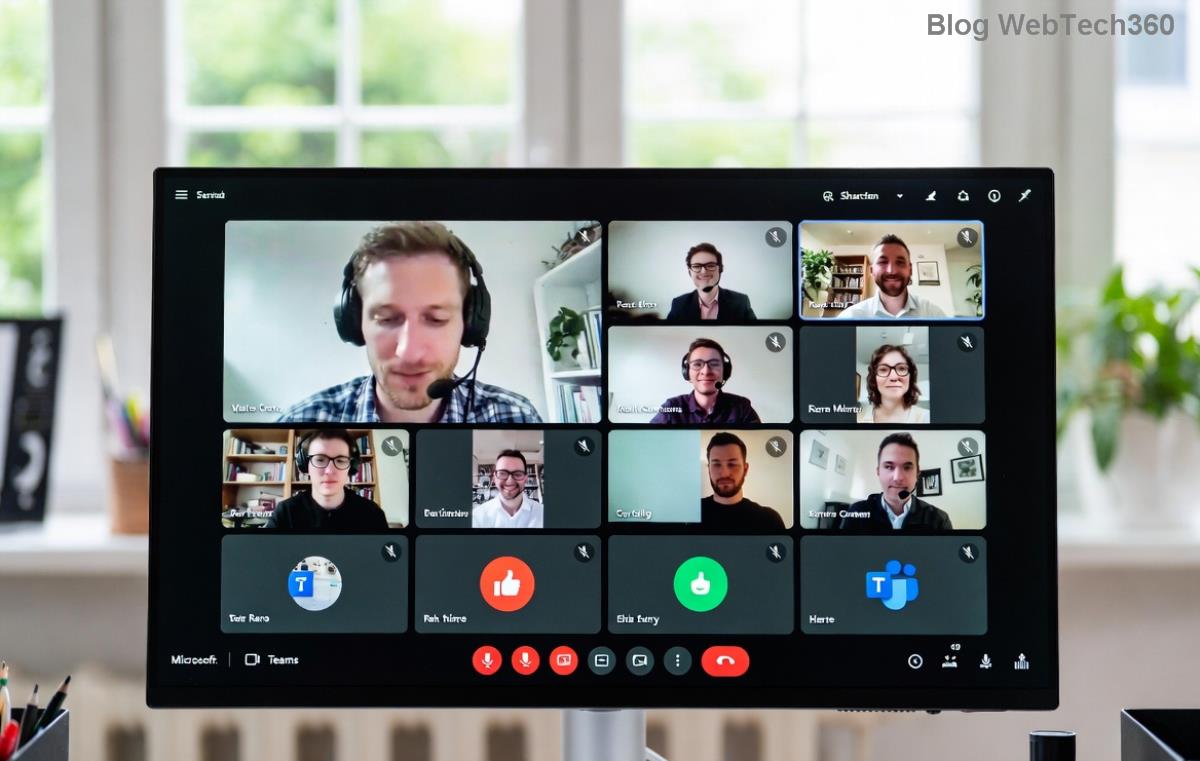
Your Teams Calendar is powered by Outlook integration, pulling events from your Exchange/Outlook account. If it's blank, syncing issues are likely the culprit—permissions, cache glitches, or network woes. Here's a visual:

Pro tip: Check the top-right sync status icon (rotating arrows). If stuck, it's screaming for troubleshooting!
Top Teams Calendar Syncing Issues and Why They Happen
Teams Calendar syncing issues frustrate millions, but they're usually quick fixes. Common culprits include:
| Issue |
Symptoms |
Likely Cause |
| Calendar Missing |
Empty Calendar tab |
Sidebar hidden or account sync fail |
| Sync Not Updating |
Old events only, no new meetings |
Cache buildup or Outlook disconnect |
| Events Disappear |
Meetings vanish after refresh |
Permissions or proxy blocks |
| Slow Sync |
Endless loading spinner |
Network/VPN issues |
These stem from Teams' reliance on Microsoft 365 backend. Recent updates emphasize better Outlook-Teams harmony, but glitches persist. Ready to fix? Follow these steps in order.
Step-by-Step Troubleshooting Syncing Issues for Teams Calendar
🔧 No tech wizardry needed. Start simple and escalate. Test after each step!
-
1️⃣ Refresh and Restart Teams
Hit Ctrl + R (Windows) or Cmd + R (Mac). Close/reopen Teams fully (quit from system tray). This clears minor glitches 80% of the time.
-
2️⃣ Verify Outlook Integration
In Teams, go to Settings > Calendar. Ensure "Turn on cloud storage" is checked. Open Outlook—does your calendar sync there? If not, sign out/in to your Microsoft account in both apps.
-
3️⃣ Clear Teams Cache
- Windows: %appdata%\Microsoft\Teams → Delete contents of folders like "Cache", "GPUCache", "databases".
- Mac: ~/Library/Application Support/Microsoft/Teams → Same drill.
- Restart Teams. Boom—fresh sync!
Visual guide above shows the cache folders. Your Teams Calendar should populate instantly post-clear.
-
4️⃣ Check Permissions and Accounts
In Teams Settings > Accounts, confirm your work/school account is primary. Admin restrictions? Contact IT. Toggle "Register Teams as the chat app for Office" off/on.
-
5️⃣ Update Teams and Outlook
Teams auto-updates, but force it: Profile icon > Check for updates. Ensure Outlook is latest via Microsoft Store or admin center. Mismatched versions cause syncing issues.
-
6️⃣ Network and VPN Fixes
❌ Corporate VPN? Disconnect temporarily. Test on mobile data. Firewall blocking? Whitelist teams.microsoft.com and outlook.office.com.
-
7️⃣ Advanced: Reset Teams or Reinstall
Last resort: Teams Settings > Apps > Reset. Or uninstall/reinstall from official site. Data safe—cloud-synced!
Pro Tips to Prevent Future Teams Calendar Syncing Issues
- ⭐ Sync manually: Calendar tab > three dots > Refresh.
- ⭐ Use web version as backup: teams.microsoft.com.
- ⭐ Enable notifications in Settings > Notifications > Calendar.
- ⭐ For org-wide issues, check Microsoft 365 admin center status: Service Health.
Bonus: Integrate with personal calendars via Settings > Calendar > Add calendar for seamless Outlook/Google sync.
Still Stuck? Next Steps
If where is my Teams Calendar persists, gather diagnostics: Screenshot the error, note your OS/version, and hit Microsoft Support. Use in-app feedback (Ctrl + Shift + I > Report issue) or visit Teams Support.
🎉 You've got this! Apply these fixes, and your Teams Calendar will be buzzing with meetings again. Share your success in comments—did Step 3 save you? Stay synced and productive! 🚀