Where Are Microsoft Teams Recordings Saved in 2026? Your Must-Know Guide

Ever finished a crucial Microsoft Teams meeting only to wonder, "Where are my Microsoft Teams recordings saved?" 😩 You're not alone. In 2026, with remote work booming, knowing the precise Microsoft Teams recordings location is key to seamless collaboration. This guide cuts through the confusion, revealing exact storage spots, access hacks, and pro tips. Stick around—you'll master it in minutes! ⭐
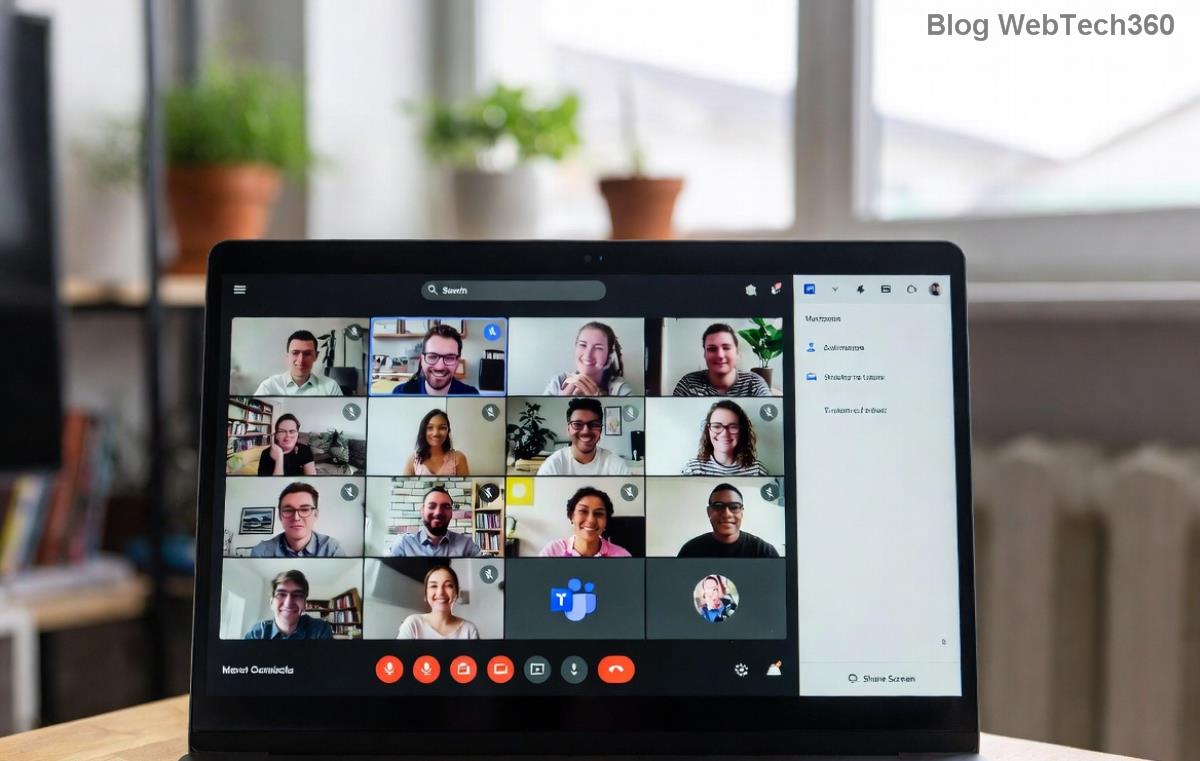
Microsoft Teams recording interface showing save options

Core Rule: It Depends on Your Meeting Type

The Microsoft Teams recordings don't land in one spot—they're smartly routed based on meeting setup. This ensures security, sharing ease, and admin control. Here's the breakdown:

Meeting Type Storage Location Who Owns It?
1:1 or Group Chat Meetings OneDrive for Business → Recordings folder Meeting organizer
Channel Meetings (Team Channels) SharePoint → Site's Recordings folder Team's SharePoint site (shared access)
Private Channel Meetings OneDrive for Business → Recordings folder Meeting organizer

Pro Tip: No local saves—everything's cloud-based for reliability. Recordings auto-delete after retention periods set by your admin (e.g., 60-365 days). Curious how to check yours? Keep reading! 👇

Step-by-Step: How to Find Microsoft Teams Recordings Fast

Ready to locate your files? Follow these foolproof steps. You'll be replaying in seconds!

  1. 1️⃣ From Teams App: Open the chat or channel → Click Files tab → Look for Recordings folder or "Recorded on [date]". Double-click to play.
  2. 2️⃣ Direct OneDrive Access: Go to OneDriveTeams tab on left → Select Recordings. Perfect for personal meetings.
  3. 3️⃣ SharePoint for Channels: Navigate to your Team in Teams → Files → Open in SharePoint → Recordings folder. Team members see it instantly.
OneDrive folder showing Microsoft Teams recordings

Bonus: Use Teams search bar—type "recordings" for instant results across chats! 🚀

What's Inside Your Teams Recordings? Beyond Video

It's not just video. Each recording packs:

  • ✅ Full video/audio with timestamps
  • ⭐ Auto-generated transcript (downloadable .vtt)
  • 🔗 Shared links with permissions
  • 📊 Speaker insights and chapters

Admins control via Microsoft Teams admin center: Storage quotas, retention, and even Viva Engage integration for highlights. Feeling empowered yet? Let's tackle common hiccups next.

Troubleshooting: Can't Find Your Microsoft Teams Recordings?

No recording folder? Check if you're the organizer—others access via shared links.

Permission denied? Request access from organizer or admin.

Missing after update? Microsoft phased out Stream (classic)—all now in OneDrive/SharePoint. Verify in official docs.

SharePoint site displaying Teams channel recordings

💡 Admin Hack: Use PowerShell or Graph API for bulk exports. Retention policies? Set in Compliance center to avoid auto-deletes.

Best Practices for Teams Recordings Storage in 2026

Maximize value:

  • Organize Early: Name meetings descriptively for easy search.
  • 👆 Share Smart: Use "People in your org" links—expires automatically.
  • 📱 Mobile Access: OneDrive/Teams apps sync everywhere.
  • 🔒 Secure It: Enable sensitivity labels for confidential meets.

Pro move: Integrate with Microsoft Viva for AI clips—turn hours into highlights! 🎉

Wrap-Up: Master Your Microsoft Teams Recordings Location Today

Now you know exactly where Microsoft Teams recordings are saved in 2026: OneDrive for personal power, SharePoint for team synergy. No more lost files—just smooth workflows. Apply these tips, and you'll wow your colleagues. Got a tricky scenario? Drop it in comments below—we're here to help! 👏

Stay tuned for our next guide on Teams AI features.

Leave a Comment

🚀 How to Fix Microsoft Teams Workflows Error Power Automate: Instant Troubleshooting Guide

🚀 How to Fix Microsoft Teams Workflows Error Power Automate: Instant Troubleshooting Guide

Stuck with Microsoft Teams "Workflows Error" in Power Automate? Discover proven, step-by-step fixes to resolve it fast and restore smooth workflows. No tech expertise needed!

🚀 Ultimate Guide: How to Set Up Microsoft Teams for School and Education Effortlessly

🚀 Ultimate Guide: How to Set Up Microsoft Teams for School and Education Effortlessly

Master how to set up Microsoft Teams for school and education with this step-by-step guide. Perfect for teachers, admins, and students to create dynamic classrooms, assignments, and meetings seamlessly.

🚀 Fix Microsoft Teams Green Screen Video Error Instantly: Ultimate Troubleshooting Guide

🚀 Fix Microsoft Teams Green Screen Video Error Instantly: Ultimate Troubleshooting Guide

Tired of the frustrating Microsoft Teams green screen "Video Error"? Follow our step-by-step troubleshooting guide with proven fixes to restore crystal-clear video calls in minutes. No tech expertise needed!

🚀 Fix Microsoft Teams VDI Error Lag Forever: Ultimate 2026 Guide to Crystal-Clear Calls!

🚀 Fix Microsoft Teams VDI Error Lag Forever: Ultimate 2026 Guide to Crystal-Clear Calls!

Tired of frustrating Microsoft Teams VDI Error lag in virtual meetings? Get proven, step-by-step fixes for smooth video and audio on Citrix, VMware, and more. Boost productivity now!

🚀 Ultimate 2026 Guide: How to Download Microsoft Teams for Windows 11 – Free, Fast & Secure!

🚀 Ultimate 2026 Guide: How to Download Microsoft Teams for Windows 11 – Free, Fast & Secure!

Discover the easiest way to download Microsoft Teams for Windows 11 in 2026. Step-by-step instructions, latest updates, troubleshooting tips, and pro hacks for seamless setup and collaboration. Get started now!

Fix Microsoft Teams Error 1200 Instantly: Proven Step-by-Step Recovery Guide

Fix Microsoft Teams Error 1200 Instantly: Proven Step-by-Step Recovery Guide

Struggling with Microsoft Teams Error 1200? Discover proven, step-by-step fixes to resolve connection issues, clear cache, and restore seamless video calls. Get back to collaborating without frustration!

🚀 Fix Microsoft Teams Error Code 0x80070005 FAST: Proven 2026 Guide (No More Access Denied!)

🚀 Fix Microsoft Teams Error Code 0x80070005 FAST: Proven 2026 Guide (No More Access Denied!)

Struggling with Microsoft Teams Error Code 0x80070005? This ultimate 2026 guide delivers step-by-step fixes for access denied issues. Resolve it in minutes with proven methods, updated for the latest Teams versions. Say goodbye to crashes!

🚀 Fix Microsoft Teams Screen Sharing Lag in 2026: 12 Proven Hacks for Smooth Sharing!

🚀 Fix Microsoft Teams Screen Sharing Lag in 2026: 12 Proven Hacks for Smooth Sharing!

Tired of Microsoft Teams screen sharing lag ruining your 2026 meetings? Get instant fixes for lag, freezes, and delays. Boost performance with these expert tips – no tech skills needed!

🚀 Ultimate Guide: How to Download Microsoft Teams Chat History & Transcripts in Minutes

🚀 Ultimate Guide: How to Download Microsoft Teams Chat History & Transcripts in Minutes

Discover simple, step-by-step methods to download Microsoft Teams chat history and transcripts effortlessly. Perfect for meetings, channels, and private chats. Save your data securely today!

🔧 Instant Fix: How to Fix Microsoft Teams Browser Error Cookies in 5 Minutes!

🔧 Instant Fix: How to Fix Microsoft Teams Browser Error Cookies in 5 Minutes!

Frustrated by Microsoft Teams "Browser Error" Cookies? Discover proven, step-by-step solutions to clear cookies, reset cache, and restore seamless Teams access. Works on Chrome, Edge, Firefox – updated for latest browsers. Get back to collaborating!









