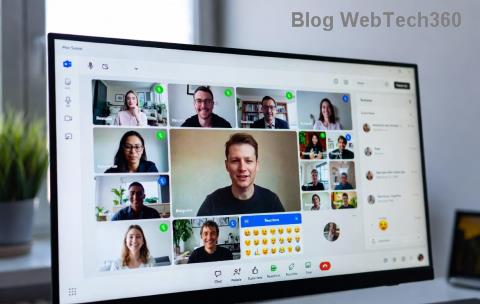
Imagine wrapping up every Microsoft Teams meeting with instant, searchable transcripts that capture every word. No more frantic note-taking or forgotten details! Microsoft Teams Transcription turns your calls into actionable insights, saving time and boosting collaboration. Whether you're leading boardrooms or remote check-ins, enabling this feature is a game-changer. Ready to dive in? Let's get your meetings transcribed seamlessly. ➡️

What is Microsoft Teams Transcription and Why You Need It
Microsoft Teams Transcription automatically converts spoken words in meetings to text, available live or post-meeting. It's powered by advanced AI for high accuracy across languages. Key perks? ✅ Shareable notes, accessibility for all, and easy search for action items.
Perfect for sales teams recapping deals, educators archiving lectures, or managers tracking decisions. But first, check prerequisites to avoid hiccups.
Prerequisites for Teams Meeting Transcription
| Requirement |
Details |
| License |
Teams Premium, E3/E5, or add-on for transcription |
| Admin Rights |
Global or Teams admin to enable tenant-wide |
| Storage |
OneDrive/SharePoint (transcripts stored here) |
| Meeting Type |
Scheduled meetings (not ad-hoc chats) |
Pro tip: Verify your license via Microsoft 365 Admin Center. Got them? Time to enable! ⭐
Step 1: Enable Microsoft Teams Transcription at the Admin Level
Admins set the stage. Without this, users can't transcribe.
- Log into the Teams Admin Center.
- Navigate to Meetings > Meeting policies.
- Select your policy (e.g., Global) or create new.
- Under Recording & transcription, toggle Transcription to On.
- Save changes. Propagation takes minutes! 🚀
Want live captions too? Enable Live captions in the same section for real-time subtitles.
Step 2: Enable Transcription During a Teams Meeting
Now, the user magic happens in-meeting. Only organizers or co-organizers can start it.
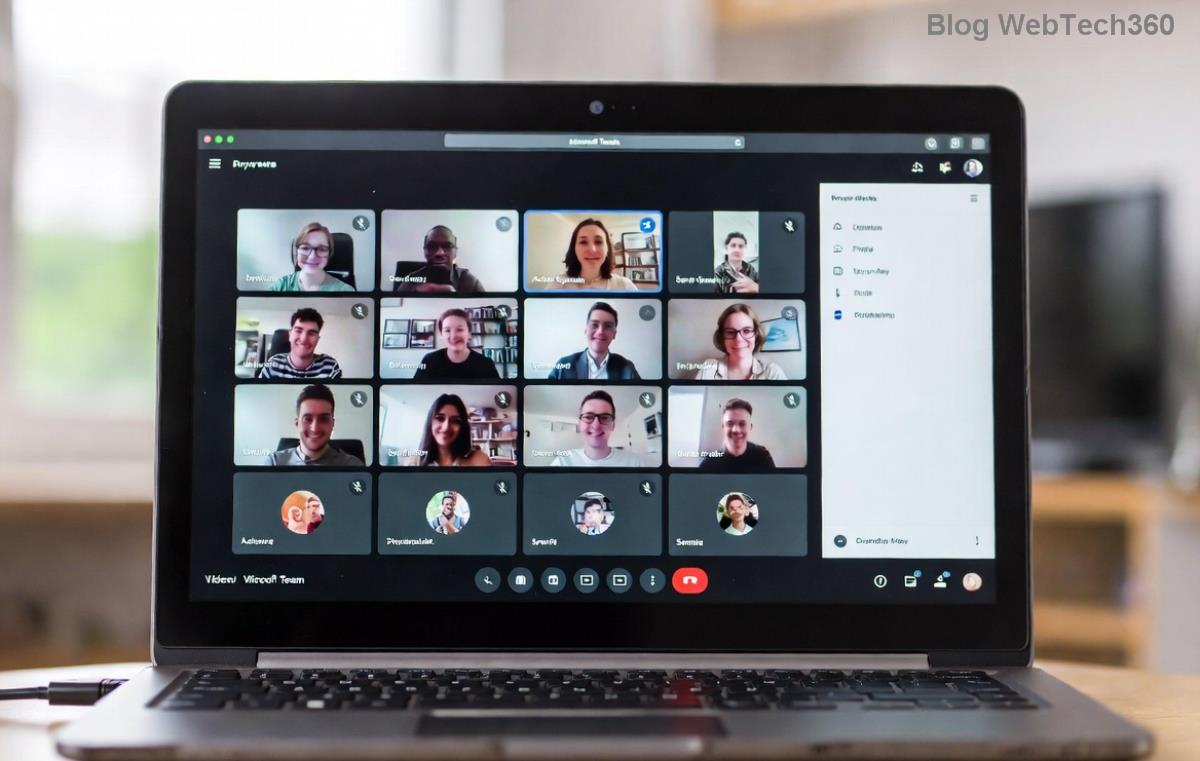
- Join or start your Teams meeting.
- Click More actions (⋯) in the toolbar.
- Select Start transcription. A consent banner appears—review and confirm.
- Transcription runs silently. Notify participants for privacy! 😊
- End via More actions > Stop transcription.
Bonus: Use Live transcription for instant viewing—toggle under More actions > Turn on live transcription.
Accessing and Managing Your Teams Meeting Transcripts
Transcripts land in the meeting chat or organizer's OneDrive.
- Post-meeting: Open recap email or Teams chat > Files tab > Transcript (.docx/.vtt).
- Edit/Search: Open in Word for tweaks or highlights.
- Share: Download or forward securely.
- Delete: Right-click in OneDrive for compliance.
AI summaries? Enable Intelligent Meeting Recap in settings for highlights. Never lose key points again!
Troubleshooting Common Teams Transcription Issues
Hitting snags? Quick fixes:
| Issue |
Solution |
| Button Missing |
Check admin policy and license |
| Poor Accuracy |
Speak clearly; use quiet rooms |
| No Transcript |
Wait 5-30 mins; check OneDrive |
| Permission Error |
Organizer only—reassign if needed |
For deeper dives, consult Microsoft Learn. Fixed? You're golden! 👏
Best Practices for Maximizing Microsoft Teams Transcription
Elevate your setup:
- ✅ Announce transcription start for inclusivity.
- ⭐ Choose quiet environments and good mics.
- ➡️ Assign speakers clearly (AI improves with names).
- 🔒 Review privacy settings—transcripts respect guest policies.
- 📱 Test on mobile/desktop for consistency.
Integrate with Copilot for AI-powered insights on transcripts. Your meetings just got smarter!
Ready to Transform Your Meetings?
Enabling Microsoft Teams Transcription is quick and unlocks productivity like never before. Follow these steps, troubleshoot smartly, and watch collaboration soar. Got questions? Drop them below—we're here to help. Start transcribing your next meeting today and say goodbye to missed notes forever! 🎉