Imagine jumping into productive Microsoft Teams meetings, chats, and file sharing without installing a single app. That's the magic of the Microsoft Teams Web App! Whether you're on Chrome, Firefox, Edge, or Safari, this browser-based powerhouse delivers full functionality for remote work, team huddles, or quick catch-ups. No more compatibility headaches—it's designed for any browser with modern specs. Ready to dive in? Let's get you set up fast! 🚀

Why Choose Microsoft Teams Web App Over Desktop Versions?
The Teams Web App shines for its zero-install approach. Perfect for shared computers, low-storage devices, or testing on the fly. Key perks include:
- ✅ Instant access via teams.microsoft.com
- ⭐ Real-time updates—no manual patches needed
- ➤ Cross-browser support: Chrome, Edge, Firefox, Safari (latest versions)
- 🎉 Full features: Video calls, screen sharing, channels, and integrations
Pro tip: It's lighter on resources, ideal for older hardware. Now, let's cover the essentials to start using it today!
System Requirements for Smooth Teams Web App Performance
Most modern browsers handle Microsoft Teams Web App effortlessly. Here's a quick compatibility table:
| Browser |
Minimum Version |
Recommended Features |
| Google Chrome |
Latest stable |
Hardware acceleration ON |
| Microsoft Edge |
Latest stable |
Best native integration |
| Mozilla Firefox |
Latest stable |
Privacy-focused users |
| Safari |
15+ (macOS/iOS) |
Apple ecosystem optimized |
Ensure JavaScript is enabled, and your internet speed hits at least 1.2 Mbps upload/download for HD video. Disable ad blockers if meetings glitch—they can interfere with WebRTC.
Step-by-Step: How to Access and Use Microsoft Teams Web App
Getting started is a breeze. Follow these numbered steps for instant success:
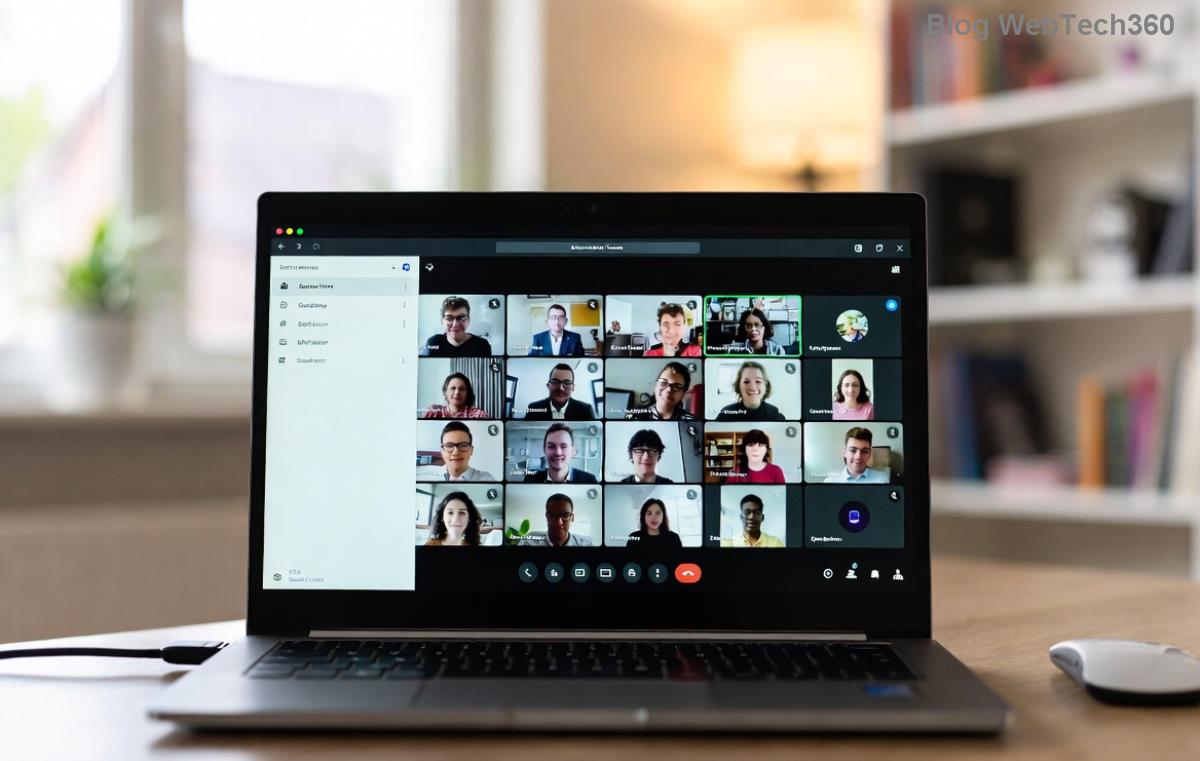
- 1️⃣ Open Your Browser: Launch Chrome, Edge, or your preferred one. Head to teams.microsoft.com.
- 2️⃣ Sign In Seamlessly: Click "Sign in." Use your Microsoft account, work/school email, or guest invite. Supports MFA for security.
- 3️⃣ Choose Your Team: Once logged in, select from Activity feed, Chat, Teams, or Calendar. Pin favorites for quick access!
- 4️⃣ Jump into Action: Start a new chat ➤, join a meeting 🎥, or share files 📎. Use the search bar for everything.
Bonus: Enable "Open in browser" in settings to skip desktop prompts forever.
Master Key Features in Microsoft Teams Web App
Don't miss these power moves that make Teams Web App a collaboration beast:
- Video & Audio Calls: Host up to 300 participants. Toggle camera/mic with one click. Share screen flawlessly!
- Channels & Chats: Organize discussions by topic. @mentions and reactions keep convos lively.
- File Sharing & Apps: Upload docs, integrate OneDrive, or add bots like Polly for polls.
- Breakout Rooms & Live Events: Perfect for workshops—create rooms on the fly.
For mobile vibes on desktop, use responsive mode (F12 ➤ Toggle device toolbar). Feeling pro? Customize with themes and notifications.
Troubleshooting Common Teams Web App Issues on Browsers
Glitches happen, but fixes are simple. Here's your go-to checklist:
| Issue |
Quick Fix |
| No audio/video |
Check permissions ➤ Allow camera/mic |
| Slow loading |
Clear cache (Ctrl+Shift+Del) & restart browser |
| Screen share fails |
Enable "Treat as separate origin" in flags (Chrome) |
| Login errors |
Incognito mode or Microsoft support |
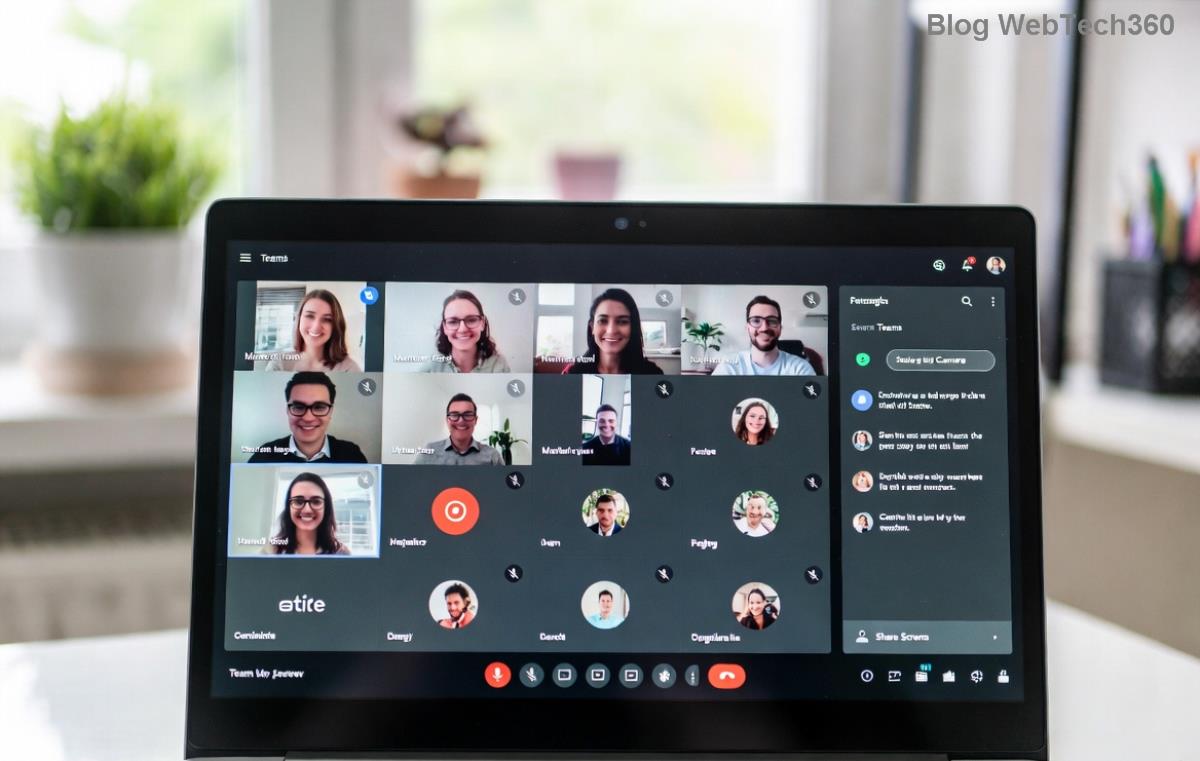
If persistent, switch browsers—Edge often resolves Edge... wait, browser-specific quirks! 😎
Pro Tips to Maximize Your Microsoft Teams Web App Experience
Elevate your workflow:
- ⭐ Keyboard shortcuts: Ctrl+E (search), Ctrl+Shift+M (mute)
- ➤ Multi-window: Open chats in new tabs for multitasking
- ✅ Notifications: Customize per channel to stay focused
- 🎉 Mobile sync: Seamlessly switch from web to app
Integrate with Outlook or PowerPoint for next-level productivity. Users report 20% faster meetings thanks to its lightweight design!
Ready to Team Up? Final Thoughts
The Microsoft Teams Web App transforms any browser into a collaboration hub. From quick logins to feature-packed sessions, it's your ticket to efficient teamwork anywhere. Skip downloads, embrace flexibility, and watch productivity soar! Got a tip or question? Drop it below—we're all in this together. 👏 Start now at teams.microsoft.com and level up your game.