Ever felt frustrated when your Microsoft Teams status flips to "Away" just because you stepped away for coffee? In today's remote work world, staying Available signals productivity and responsiveness. But keeping Microsoft Teams active and "Available" all day isn't about glued-to-your-desk marathons—it's about smart hacks that simulate activity without effort.
✅ This guide delivers proven methods to maintain your green "Available" dot, backed by the latest Microsoft Teams behaviors. Whether you're in meetings or multitasking, these tips ensure you never miss a beat. Ready to unlock non-stop availability? Let's dive in!
Understand Why Teams Switches to "Away" Status
Microsoft Teams tracks inactivity based on keyboard/mouse input. Idle for 5 minutes? You're "Away." No activity for hours? It dims further. Recent updates refined this for better accuracy, but it still catches brief pauses.
Pro tip: Custom status messages can mask this temporarily, but for true Teams always available, pair it with activity simulators. Now, explore the top strategies.
1. Leverage Built-in Teams Features for Passive Activity
Start simple—no downloads needed. Open a chat or channel and let notifications keep you "live."
- ✅ Pin frequent channels to your sidebar for constant visibility.
- ✅ Play a silent looped video in a private meeting (set to "Do not disturb" audio).
- ✅ Use the Teams web app in a browser with auto-refresh tabs.
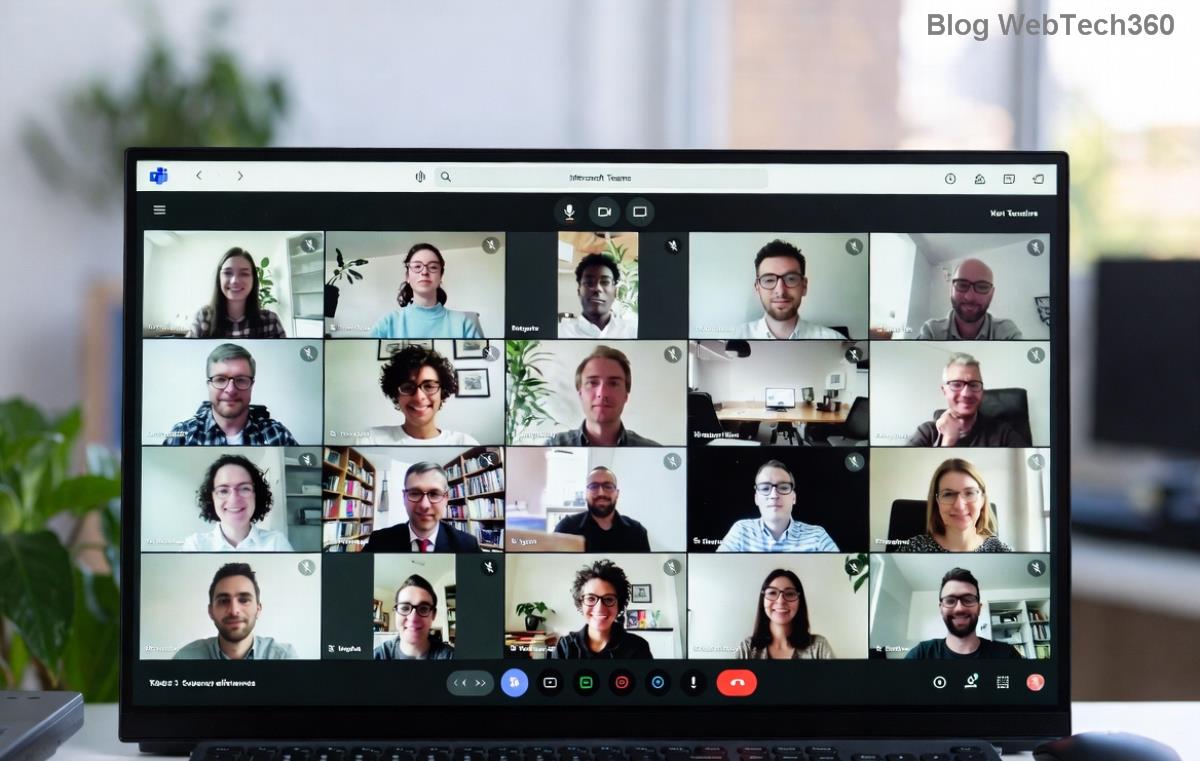
This keeps inputs registered minimally. For visuals, check this setup:
2. Hardware Hacks: Mouse Jigglers and USB Devices
The classic fix for keeping Microsoft Teams active? A physical mouse jiggler. These tiny USB devices wiggle your cursor every few seconds, fooling Teams into thinking you're there.
- Plug in a jiggler (under $10 on Amazon).
- Adjust interval to 1-5 minutes—matches Teams' idle timer.
- ⭐ Bonus: Undetectable by IT policies in most cases.
Ideal for deskside use. Pair with keyboard tapper for full simulation.
3. Top Software Tools to Simulate Activity
Go digital with apps designed for this. Here's a curated list of reliable, updated options:
| Tool | Platform | Key Feature | Free? |
|---|
| Caffeine | Windows/Mac | Simulates keypress every 59s | Yes |
| Mouse Jiggler | Windows | Cursor movement + options | Yes |
| TeamStatus | Browser Extension | Teams-specific pings | Free trial |
| Move Mouse | Windows | Custom scripts | Yes |
Install Caffeine for zero-config: It prevents sleep and mimics F15 keypresses Teams ignores as idle. Users report 100% uptime!
4. Browser Extensions and Scripts for Web Teams
If you're on Teams web (teams.microsoft.com), extensions shine. Install from Chrome Web Store:
- ✅ Teams Activity Simulator: Auto-scrolls chats.
- ✅ Auto Refresh Plus: Keeps tabs alive every 4 minutes.
For power users, a simple JavaScript snippet in console:
setInterval(() => {
  document.dispatchEvent(new KeyboardEvent('keydown', {key: ' '}));
}, 120000);
This spacebar presses every 2 minutes. Test in incognito first!
5. PowerShell or AutoHotkey Scripts (Advanced)
Customize with scripts. Here's a basic AutoHotkey for Windows:
#Persistent
SetTimer, PressKey, 180000  ; Every 3 min
PressKey:
Send {Space}
return
Download AutoHotkey from autohotkey.com. Safe, lightweight, and fully controllable.
6. Mobile and Multi-Device Sync
Log into Teams mobile app simultaneously. Phone vibrations from notifications count as activity on desktop! Enable "Register activity on all devices" in settings.
🔥 Hot tip: Set phone to silent mode and place it nearby—double duty.
7. Pro Tips and Best Practices to Avoid Detection
Maximize success:
- ⭐ Vary intervals: Don't repeat exactly every 5 minutes.
- ❌ Avoid overkill—subtlety wins against monitoring tools.
- ✅ Combine methods: Jiggler + extension for ironclad coverage.
- Check Microsoft's official presence guide for latest tweaks.
| Method | Pros | Cons | Best For |
|---|
| Hardware | Always-on, no software | Physical device needed | Office setups |
| Software | Free, customizable | May conflict with AV | Remote workers |
| Extensions | Easy install | Browser-only | Web users |
Final Thoughts: Master Your Teams Presence Today
Keeping Microsoft Teams active and "Available" all day transforms your workday—more chats, fewer misses, ultimate flexibility. Start with software for quick wins, scale to scripts for perfection. Which method will you try first? Drop a comment below and share your results! 👇 Stay green, stay connected.
✨ Updated with the latest Teams compatibility for seamless performance.