Solve Microsoft Teams Error Page Not Loading: Quick Fixes That Actually Work!

Imagine firing up Microsoft Teams for an important meeting, only to stare at a stubborn "Error Page" that refuses to load. 😩 It's a common frustration hitting users worldwide, disrupting workflows and collaboration. But don't worry— you've landed in the right place! This guide cuts straight to the chase with proven solutions for solving Microsoft Teams "Error Page" not loading. We'll walk you through simple steps, advanced tweaks, and prevention tips to restore your Teams experience in minutes. Let's dive in and get you sorted! ⭐

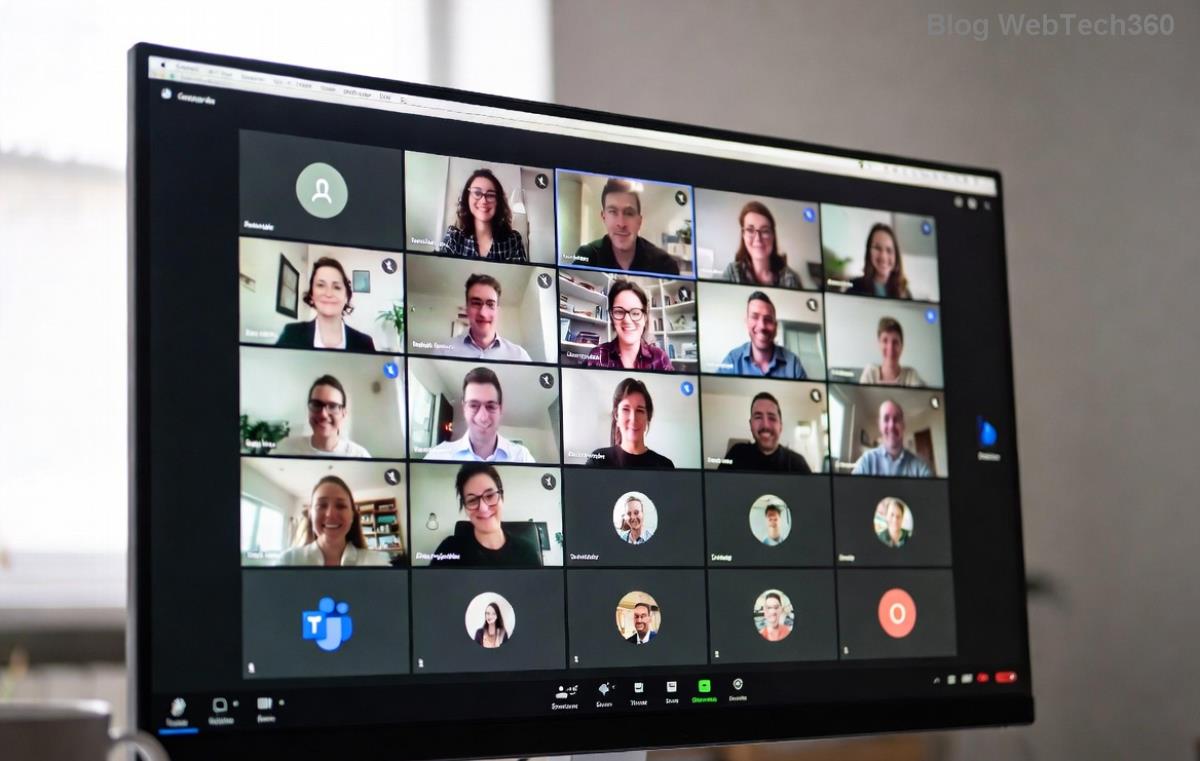
Microsoft Teams Error Page not loading screenshot

Why Does the Microsoft Teams "Error Page" Happen? Common Causes

Understanding the root causes empowers you to fix it faster. The "Error Page" in Microsoft Teams typically signals temporary glitches rather than permanent failures. Here's what often triggers it:

  • 🕸️ Cache and cookie buildup: Over time, corrupted browser data blocks loading.
  • 🌐 Network instability: Weak internet or VPN conflicts interrupt connections.
  • 🔄 Outdated app or browser: Incompatible versions cause rendering issues.
  • ⚙️ Extensions interference: Ad blockers or VPN plugins clash with Teams.
  • ☁️ Server-side hiccups: Rare Microsoft outages, check via Teams Status.

Spot on? Great—now let's tackle solving Microsoft Teams "Error Page" not loading with actionable fixes. Follow these in order for best results.

Step-by-Step Guide: Fix Microsoft Teams Error Page Not Loading

Start with the basics—they resolve 80% of cases. No tech wizardry required! 👆

1️⃣ Clear Browser Cache and Cookies (Quickest Win)

The #1 culprit. Here's how for popular browsers:

Browser Steps
Chrome Ctrl+Shift+Del → Select "Cached images/files" & "Cookies" → Clear data → Restart.
Edge Settings → Privacy → Clear browsing data → Choose time range "All time" → Clear.
Firefox Menu → Settings → Privacy → Cookies and Site Data → Clear Data.

Pro tip: Sign out of Teams first, then back in. Boom—Teams Error Page gone!

2️⃣ Check and Reset Your Network

  1. Run Windows Network Troubleshooter: Search "Network troubleshooter" in Start menu.
  2. Disable VPN/Proxy: Turn off temporarily via system tray.
  3. Restart router: Unplug for 30 seconds—refreshes your connection.
  4. Test speed: Aim for 10Mbps+ upload/download at Speedtest.net.

3️⃣ Update Microsoft Teams and Browser

Outdated software = error city. Update via:

  • Teams Desktop: Profile icon → Check for updates.
  • Web: Your browser's menu → Help → About (auto-updates usually).
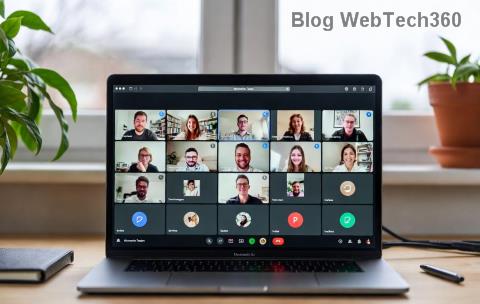
Step-by-step fix for Microsoft Teams Error Page not loading

4️⃣ Disable Conflicting Extensions

In Chrome/Edge: chrome://extensions/ → Toggle off ad blockers, VPNs. Reload Teams. Reload and test. 🎉

Advanced Troubleshooting for Stubborn Teams "Error Page" Not Loading

If basics don't cut it, level up:

  • 🔧 Reset Teams App: Settings → Apps → Microsoft Teams → Advanced → Reset. (Desktop only)
  • 💻 Reinstall Teams: Uninstall via Control Panel, download fresh from official site.
  • 🛡️ Firewall/Antivirus Check: Temporarily disable, add Teams exception.
  • 📱 Mobile Fix: Force stop app → Clear cache → Update from store.

Still stuck? Reach Microsoft Support directly—link in Teams settings. Most users report success within 10-15 minutes using these steps.

Prevent Future Microsoft Teams Error Page Issues

Stay ahead:

  • ⭐ Weekly cache clear habit.
  • ✅ Keep auto-updates on.
  • 🌟 Use Teams desktop app over web for stability.
  • 📈 Monitor status.teams.microsoft.com daily during peak hours.

You're now armed to conquer any Microsoft Teams "Error Page" not loading glitch! Tried these? Share your success in comments below—we love hearing wins. 👏 Ready for uninterrupted meetings? Reload Teams and thrive. If issues persist, drop a note—we've got more tips incoming!


Leave a Comment

🚀 Fix Microsoft Teams Code Error Redemption FAST: Ultimate Troubleshooting Guide

🚀 Fix Microsoft Teams Code Error Redemption FAST: Ultimate Troubleshooting Guide

Stuck with Microsoft Teams "Code Error" during code redemption? Discover proven, step-by-step troubleshooting fixes to resolve it instantly and redeem your codes smoothly. No tech skills needed!

Fix Microsoft Teams Test Call Video Error Instantly: Proven Troubleshooting Guide

Fix Microsoft Teams Test Call Video Error Instantly: Proven Troubleshooting Guide

Stuck with Microsoft Teams "Test Call" Video Error? Follow our step-by-step troubleshooting guide for quick fixes to restore your video feed. No tech skills needed!

🔧 Instant Fix: How to Resolve Microsoft Teams Media Error During Playback in 2026

🔧 Instant Fix: How to Resolve Microsoft Teams Media Error During Playback in 2026

Tired of Microsoft Teams media error during playback ruining your meetings? Follow our proven, step-by-step guide to fix audio and video glitches fast. No tech skills needed!

🚀 Ultimate Fix: Banish Microsoft Teams Proxy Error on Windows 10 in Minutes!

🚀 Ultimate Fix: Banish Microsoft Teams Proxy Error on Windows 10 in Minutes!

Struggling with Microsoft Teams proxy error on Windows 10? Discover proven, step-by-step fixes to restore seamless calls and chats. Quick solutions for proxy issues—no tech skills needed!

🚀 Instant Fix: How to Fix Microsoft Teams Web App Browser Error in 5 Minutes!

🚀 Instant Fix: How to Fix Microsoft Teams Web App Browser Error in 5 Minutes!

Tired of the frustrating Microsoft Teams "Web App" Browser Error? Discover proven, step-by-step solutions to get back to seamless meetings. Clear cache, disable extensions, and more—no tech skills needed!

Master Microsoft Teams for Business: Ultimate Complete Guide to Boost Productivity

Master Microsoft Teams for Business: Ultimate Complete Guide to Boost Productivity

Unlock the full potential of Microsoft Teams for business with this complete guide. Learn setup, collaboration, meetings, security, and pro tips to skyrocket your team's productivity. Start mastering Teams today!

🚀 Fix Microsoft Teams Error L License FAST: Proven Troubleshooting Steps

🚀 Fix Microsoft Teams Error L License FAST: Proven Troubleshooting Steps

Struggling with Microsoft Teams "Error L" License? Discover step-by-step troubleshooting for Microsoft Teams Error L, clear cache, check licenses, and more. Get back to seamless collaboration in minutes!

🚀 Instant Fix: Banish Microsoft Teams Win 7 Error Compatibility Woes Forever!

🚀 Instant Fix: Banish Microsoft Teams Win 7 Error Compatibility Woes Forever!

Tired of the frustrating Microsoft Teams Win 7 Error? Discover proven, step-by-step fixes for Microsoft Teams "Win 7 Error" compatibility on modern Windows. Get back to seamless teamwork in minutes!

🚀 Ultimate Guide: Fix Microsoft Teams Shortcut Desktop Error in Minutes – No Reinstall Needed!

🚀 Ultimate Guide: Fix Microsoft Teams Shortcut Desktop Error in Minutes – No Reinstall Needed!

Tired of the frustrating Microsoft Teams "Shortcut" Desktop Error blocking your workflow? Follow our proven, step-by-step fixes to restore your desktop shortcut instantly. Latest solutions for seamless Teams experience!

Fix Microsoft Teams Bị Lỗi in Minutes: Ultimate Troubleshooting Guide 2026

Fix Microsoft Teams Bị Lỗi in Minutes: Ultimate Troubleshooting Guide 2026

Tired of Microsoft Teams "Bị lỗi" ruining your meetings? Discover proven, step-by-step fixes in this complete troubleshooting guide. Resolve crashes, sign-in issues, and more for seamless collaboration.







