Microsoft Teams Status Stuck on Away? 7 Proven Fixes to Get Back Online Fast! πŸš€

Ever jumped into a Microsoft Teams meeting or chat, only to see your status stuck on "Away"? 😩 It's frustrating when colleagues think you're unavailable while you're right there, typing away. Don't worryβ€”this common glitch affects millions, but it's usually a quick fix. In this guide, we'll pinpoint why your Microsoft Teams status is stuck on "Away" and walk you through proven solutions to reset it to "Available" in minutes. Let's dive in and get you back in action! πŸ‘†

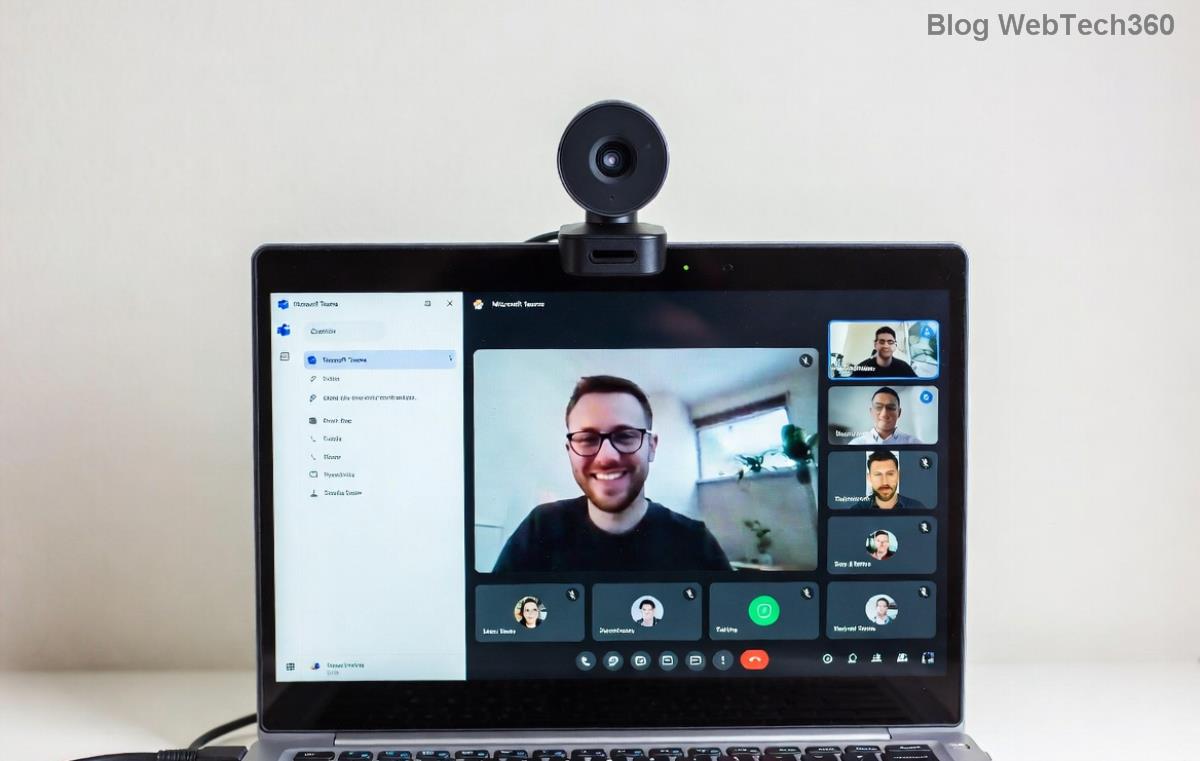
Microsoft Teams status showing Away unexpectedly

Why Does Your Microsoft Teams Status Get Stuck on "Away"? Top Causes

Your Teams status changes based on activity: "Available" when active, "Away" after inactivity (default 5 minutes). But when it's stuck on "Away", here's what's likely happening:

Cause Why It Happens Quick Indicator
1. Idle Timeout Glitch ⭐ Teams detects no mouse/keyboard for 5+ mins, even if you're active elsewhere. Status flips after short inactivity.
2. App Not in Focus Minimized or background window fools Teams into "away" mode. Happens on multi-tasking setups.
3. Device Power Settings Sleep mode or screen timeout triggers away status. Laptop lids closed briefly.
4. Multiple Devices Signed In Activity on phone overrides desktop status. Mobile app open in background.
5. Outdated App or Cache ⚠️ Bugs in older versions or corrupted cache. Persists after restarts.
6. Network Hiccups VPN or unstable Wi-Fi delays status sync. Remote work woes.
7. Admin Policies Org settings enforce idle timeouts. Company-wide issue.

Spot your culprit? Greatβ€”now let's fix it. Follow these steps in order for the fastest results. πŸ‘

How to Fix Microsoft Teams Status Stuck on "Away": Step-by-Step Guide

Fix 1: Force a Status Reset (Quickest Win! ⏱️)

  1. Click your profile picture in Teams β†’ Reset status β†’ "Available".
  2. Move your mouse or type in chat to trigger activity.
  3. If stuck, sign out (Profile β†’ Sign out) and sign back in.

Works 80% of the time for idle glitches.

Steps to reset Microsoft Teams status from Away

Fix 2: Check App Focus and Multiple Devices

  • Keep Teams window activeβ€”click it every 4 minutes if multitasking.
  • Go to Settings β†’ Devices β†’ Ensure "Register Teams as the chat app for Office" is on.
  • Sign out from all devices: Phone app β†’ Profile β†’ Sign out everywhere.

Fix 3: Tweak Power and Idle Settings

  1. Windows: Settings β†’ System β†’ Power & sleep β†’ Set screen to "Never" while plugged in.
  2. Teams Settings β†’ General β†’ Turn off "Automatically change my status" if available.
  3. Mac: System Preferences β†’ Energy Saver β†’ Prevent sleep.

Fix 4: Clear Cache and Update Teams

Outdated Teams? Update via Profile β†’ Check for updates. Still stuck?

  1. Close Teams fully (Task Manager β†’ End task).
  2. Clear cache: %appdata%\Microsoft\Teams β†’ Delete contents of these folders: blob_storage, Cache, databases, GPUCache, IndexedDB, Local Storage, tmp.
  3. Restart Teams. Boomβ€”fresh start! ✨

For detailed cache paths, check Microsoft's official guide.
Clearing Teams cache to fix stuck Away status

Fix 5-7: Advanced Troubleshooting

  • Network Fix: Switch to mobile hotspot or disable VPN temporarily. Test status sync.
  • Reinstall Teams: Download latest from official site. Uninstaller tool for clean slate.
  • Admin Policy Check: Ask ITβ€”use Teams admin center for custom timeouts.

Prevent Teams Status Away Issues Forever

Pro tips to stay "Available":

  • Set custom status message: "Active – Working in background!" 😊
  • Use keyboard shortcuts: Ctrl + Alt + Shift + 1 to reset.
  • Enable notifications for status changes in Settings.

Bonus: Integrate with Outlook calendar for auto "In a meeting" statusβ€”seamless! πŸ“…

Still Stuck? Next Steps

If nothing works, run Teams in web version (teams.microsoft.com) or submit feedback via Help β†’ Give feedback. Your input shapes the latest updates!

Fixed your Microsoft Teams status stuck on "Away"? Share in comments belowβ€”we love success stories! πŸ‘ Stay productive, and never miss a ping again.


Leave a Comment

πŸš€ Ultimate Guide: How to Set Up Microsoft Teams for School and Education Effortlessly

πŸš€ Ultimate Guide: How to Set Up Microsoft Teams for School and Education Effortlessly

Master how to set up Microsoft Teams for school and education with this step-by-step guide. Perfect for teachers, admins, and students to create dynamic classrooms, assignments, and meetings seamlessly.

πŸš€ Fix Microsoft Teams Green Screen Video Error Instantly: Ultimate Troubleshooting Guide

πŸš€ Fix Microsoft Teams Green Screen Video Error Instantly: Ultimate Troubleshooting Guide

Tired of the frustrating Microsoft Teams green screen "Video Error"? Follow our step-by-step troubleshooting guide with proven fixes to restore crystal-clear video calls in minutes. No tech expertise needed!

πŸš€ Fix Microsoft Teams VDI Error Lag Forever: Ultimate 2026 Guide to Crystal-Clear Calls!

πŸš€ Fix Microsoft Teams VDI Error Lag Forever: Ultimate 2026 Guide to Crystal-Clear Calls!

Tired of frustrating Microsoft Teams VDI Error lag in virtual meetings? Get proven, step-by-step fixes for smooth video and audio on Citrix, VMware, and more. Boost productivity now!

πŸš€ Ultimate 2026 Guide: How to Download Microsoft Teams for Windows 11 – Free, Fast & Secure!

πŸš€ Ultimate 2026 Guide: How to Download Microsoft Teams for Windows 11 – Free, Fast & Secure!

Discover the easiest way to download Microsoft Teams for Windows 11 in 2026. Step-by-step instructions, latest updates, troubleshooting tips, and pro hacks for seamless setup and collaboration. Get started now!

Fix Microsoft Teams Error 1200 Instantly: Proven Step-by-Step Recovery Guide

Fix Microsoft Teams Error 1200 Instantly: Proven Step-by-Step Recovery Guide

Struggling with Microsoft Teams Error 1200? Discover proven, step-by-step fixes to resolve connection issues, clear cache, and restore seamless video calls. Get back to collaborating without frustration!

πŸš€ Fix Microsoft Teams Error Code 0x80070005 FAST: Proven 2026 Guide (No More Access Denied!)

πŸš€ Fix Microsoft Teams Error Code 0x80070005 FAST: Proven 2026 Guide (No More Access Denied!)

Struggling with Microsoft Teams Error Code 0x80070005? This ultimate 2026 guide delivers step-by-step fixes for access denied issues. Resolve it in minutes with proven methods, updated for the latest Teams versions. Say goodbye to crashes!

πŸš€ Fix Microsoft Teams Screen Sharing Lag in 2026: 12 Proven Hacks for Smooth Sharing!

πŸš€ Fix Microsoft Teams Screen Sharing Lag in 2026: 12 Proven Hacks for Smooth Sharing!

Tired of Microsoft Teams screen sharing lag ruining your 2026 meetings? Get instant fixes for lag, freezes, and delays. Boost performance with these expert tips – no tech skills needed!

πŸš€ Ultimate Guide: How to Download Microsoft Teams Chat History & Transcripts in Minutes

πŸš€ Ultimate Guide: How to Download Microsoft Teams Chat History & Transcripts in Minutes

Discover simple, step-by-step methods to download Microsoft Teams chat history and transcripts effortlessly. Perfect for meetings, channels, and private chats. Save your data securely today!

πŸ”§ Instant Fix: How to Fix Microsoft Teams Browser Error Cookies in 5 Minutes!

πŸ”§ Instant Fix: How to Fix Microsoft Teams Browser Error Cookies in 5 Minutes!

Frustrated by Microsoft Teams "Browser Error" Cookies? Discover proven, step-by-step solutions to clear cookies, reset cache, and restore seamless Teams access. Works on Chrome, Edge, Firefox – updated for latest browsers. Get back to collaborating!

Where is Microsoft Teams in Outlook? Locate the Missing Icon in Seconds!

Where is Microsoft Teams in Outlook? Locate the Missing Icon in Seconds!

Frustrated with the missing Microsoft Teams icon in Outlook? Discover exactly where is Microsoft Teams in Outlook with our step-by-step guide to locating and restoring the icon fast. Perfect for all users.