How to Fix Microsoft Teams User Not Authorized Error – Quick Fixes That Actually Work!

Encountering the dreaded Microsoft Teams "User Not Authorized" Error? 😩 You're not alone—this common glitch disrupts meetings, chats, and productivity. But don't worry! We've compiled the most effective, up-to-date solutions to get you back online in minutes. Follow these steps, and you'll bypass the error effortlessly. Let's dive in and reclaim your workflow! 🚀
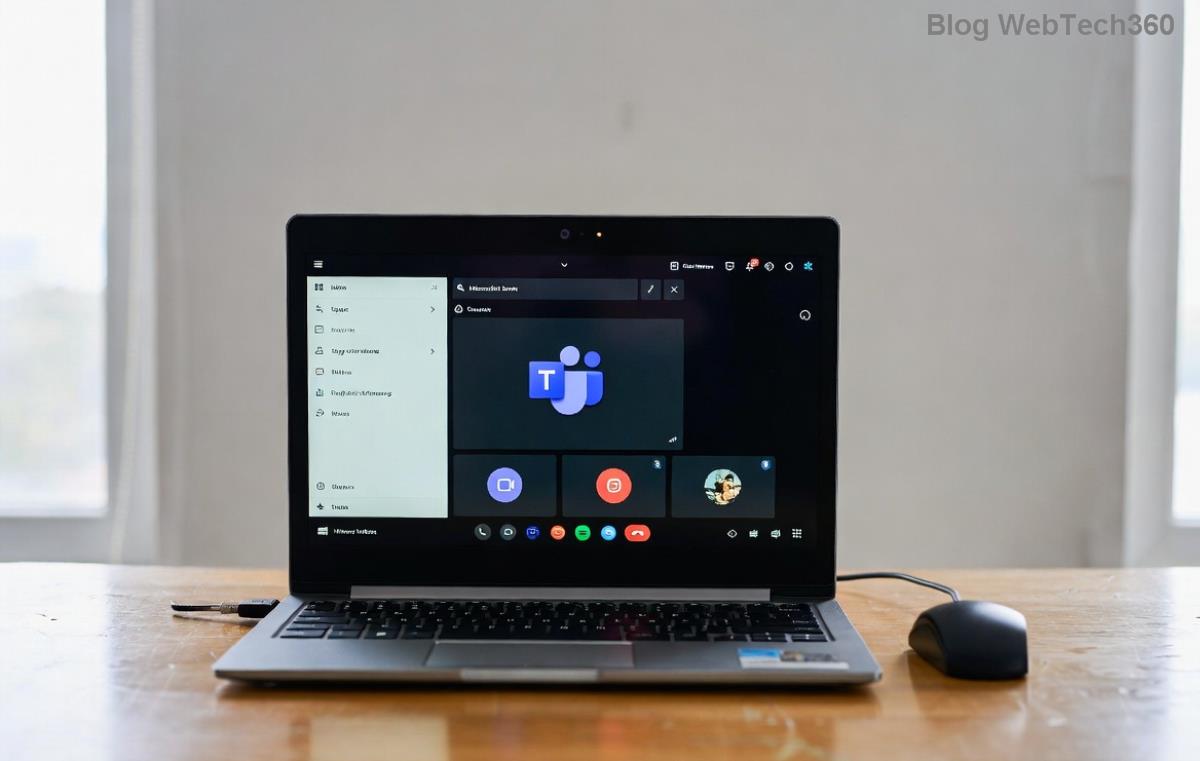
Screenshot of Microsoft Teams User Not Authorized Error

What Causes the Microsoft Teams "User Not Authorized" Error? 🔍

Before fixing, understand the root causes. This error typically pops up when Teams can't verify your account permissions:

  • Sign-in glitches: Wrong account or session timeout.
  • Permission issues: Admin restrictions or revoked access.
  • Cache buildup: Corrupted temporary files.
  • Outdated app: Missing latest security patches.
  • Network hurdles: VPN, firewall, or proxy blocks.

Pro tip: 👉 Quick checks like restarting your device often resolve 50% of cases. Ready for fixes? Let's start with the simplest!

Quick Fixes for Microsoft Teams User Not Authorized Error (No Tech Skills Needed) ⭐

These beginner-friendly steps fix most instances. Try them in order for best results.

1️⃣ Sign Out and Sign Back In

The fastest fix! Teams sometimes gets stuck on old sessions.

  1. Open Microsoft Teams.
  2. Click your profile picture > Sign out.
  3. Close the app completely (use Task Manager on Windows).
  4. Reopen and sign in with the correct account.

Success rate: High! If it persists, move to step 2. Stay tuned—advanced tips coming up!

2️⃣ Clear Teams Cache

Corrupted cache is a top culprit. Here's how:

Platform Steps
Windows %appdata%\Microsoft\Teams → Delete contents of folders like "blob_storage", "Cache", "databases", "GPUCache", "IndexedDB", "Local Storage", "tmp".
Mac ~/Library/Application Support/Microsoft/Teams → Delete similar folders.
Web Browser Clear cookies/cache for teams.microsoft.com.

Restart Teams afterward. Boom—error gone for many users! 👏
Clearing Microsoft Teams cache step-by-step

3️⃣ Update or Reinstall Microsoft Teams

Ensure you're on the latest version:

  1. Teams > Profile > Check for updates.
  2. No update? Download fresh from official site.
  3. Uninstall old version via Settings > Apps, then reinstall.

This patches recent auth bugs. Feeling empowered? Great—next are pro-level solutions.

Advanced Solutions for Stubborn Teams "User Not Authorized" Error 🛠️

If basics fail, level up:

4️⃣ Check Permissions and Admin Policies

Your IT admin might have restrictions. Verify:

  • In Teams: Settings > Privacy > App permissions.
  • Microsoft 365 Admin Center: Users > Licenses > Confirm Teams license active.

Contact admin if needed. For self-managed: Reset via Microsoft Docs.

Microsoft Teams permissions settings

5️⃣ Network and VPN Tweaks

  1. Disable VPN/proxy temporarily.
  2. Flush DNS: Windows (cmd as admin): ipconfig /flushdns.
  3. Switch networks (Wi-Fi to mobile hotspot).
  4. Firewall: Allow Teams.exe.

6️⃣ Browser-Specific Fixes (For Web Version)

Teams web hit? Incognito mode or switch browsers (Chrome/Edge recommended).

Prevention Tips: Never See This Error Again! 🛡️

  • Regularly clear cache weekly.
  • Enable auto-updates.
  • Use strong, unique passwords.
  • Monitor account activity in Microsoft Account portal.

Still Stuck? Final Rescue Steps

If nothing works:

  1. Run Teams in safe mode: Hold Ctrl while launching.
  2. Reset Teams via PowerShell (admins only).
  3. Reach Microsoft Support: teams.microsoft.com/support.

Congrats—you're now armed against the Microsoft Teams "User Not Authorized" Error! Share your success in comments below. Which fix worked for you? 👇 Stay productive! 🎉



Leave a Comment

🚀 How to Fix Microsoft Teams Workflows Error Power Automate: Instant Troubleshooting Guide

🚀 How to Fix Microsoft Teams Workflows Error Power Automate: Instant Troubleshooting Guide

Stuck with Microsoft Teams "Workflows Error" in Power Automate? Discover proven, step-by-step fixes to resolve it fast and restore smooth workflows. No tech expertise needed!

🚀 Ultimate Guide: How to Set Up Microsoft Teams for School and Education Effortlessly

🚀 Ultimate Guide: How to Set Up Microsoft Teams for School and Education Effortlessly

Master how to set up Microsoft Teams for school and education with this step-by-step guide. Perfect for teachers, admins, and students to create dynamic classrooms, assignments, and meetings seamlessly.

🚀 Fix Microsoft Teams Green Screen Video Error Instantly: Ultimate Troubleshooting Guide

🚀 Fix Microsoft Teams Green Screen Video Error Instantly: Ultimate Troubleshooting Guide

Tired of the frustrating Microsoft Teams green screen "Video Error"? Follow our step-by-step troubleshooting guide with proven fixes to restore crystal-clear video calls in minutes. No tech expertise needed!

🚀 Fix Microsoft Teams VDI Error Lag Forever: Ultimate 2026 Guide to Crystal-Clear Calls!

🚀 Fix Microsoft Teams VDI Error Lag Forever: Ultimate 2026 Guide to Crystal-Clear Calls!

Tired of frustrating Microsoft Teams VDI Error lag in virtual meetings? Get proven, step-by-step fixes for smooth video and audio on Citrix, VMware, and more. Boost productivity now!

🚀 Ultimate 2026 Guide: How to Download Microsoft Teams for Windows 11 – Free, Fast & Secure!

🚀 Ultimate 2026 Guide: How to Download Microsoft Teams for Windows 11 – Free, Fast & Secure!

Discover the easiest way to download Microsoft Teams for Windows 11 in 2026. Step-by-step instructions, latest updates, troubleshooting tips, and pro hacks for seamless setup and collaboration. Get started now!

Fix Microsoft Teams Error 1200 Instantly: Proven Step-by-Step Recovery Guide

Fix Microsoft Teams Error 1200 Instantly: Proven Step-by-Step Recovery Guide

Struggling with Microsoft Teams Error 1200? Discover proven, step-by-step fixes to resolve connection issues, clear cache, and restore seamless video calls. Get back to collaborating without frustration!

🚀 Fix Microsoft Teams Error Code 0x80070005 FAST: Proven 2026 Guide (No More Access Denied!)

🚀 Fix Microsoft Teams Error Code 0x80070005 FAST: Proven 2026 Guide (No More Access Denied!)

Struggling with Microsoft Teams Error Code 0x80070005? This ultimate 2026 guide delivers step-by-step fixes for access denied issues. Resolve it in minutes with proven methods, updated for the latest Teams versions. Say goodbye to crashes!

🚀 Fix Microsoft Teams Screen Sharing Lag in 2026: 12 Proven Hacks for Smooth Sharing!

🚀 Fix Microsoft Teams Screen Sharing Lag in 2026: 12 Proven Hacks for Smooth Sharing!

Tired of Microsoft Teams screen sharing lag ruining your 2026 meetings? Get instant fixes for lag, freezes, and delays. Boost performance with these expert tips – no tech skills needed!

🚀 Ultimate Guide: How to Download Microsoft Teams Chat History & Transcripts in Minutes

🚀 Ultimate Guide: How to Download Microsoft Teams Chat History & Transcripts in Minutes

Discover simple, step-by-step methods to download Microsoft Teams chat history and transcripts effortlessly. Perfect for meetings, channels, and private chats. Save your data securely today!

🔧 Instant Fix: How to Fix Microsoft Teams Browser Error Cookies in 5 Minutes!

🔧 Instant Fix: How to Fix Microsoft Teams Browser Error Cookies in 5 Minutes!

Frustrated by Microsoft Teams "Browser Error" Cookies? Discover proven, step-by-step solutions to clear cookies, reset cache, and restore seamless Teams access. Works on Chrome, Edge, Firefox – updated for latest browsers. Get back to collaborating!







