Fix Microsoft Teams Wiki Tab Missing Error in Minutes – Proven Step-by-Step Guide

🚨 Encountering the frustrating Microsoft Teams Wiki Tab Missing error? You're not alone! This common glitch disrupts team collaboration by hiding the essential Wiki tab where notes, plans, and ideas live. But don't worry – fixing Microsoft Teams Wiki Tab Missing is simpler than you think. In this guide, we'll walk you through proven solutions, from quick tweaks to advanced troubleshooting. By the end, your Wiki tab will be back, boosting your productivity. Let's dive in! ➡️

What Causes the "Wiki Tab Missing" Error in Microsoft Teams?

Understanding the root issues helps you target the right fix. The Wiki Tab Missing problem often stems from:

  • Permission restrictions: Admins may disable Wiki tabs via policies.
  • App glitches or outdated versions: Corrupted cache or unpatched Teams app.
  • Channel/team settings: Wiki tab accidentally removed or hidden.
  • Browser/device conflicts: Especially in web or mobile versions.

⭐ Pro tip: Most users resolve it in under 5 minutes with basic steps. Ready to reclaim your Wiki? Start here!
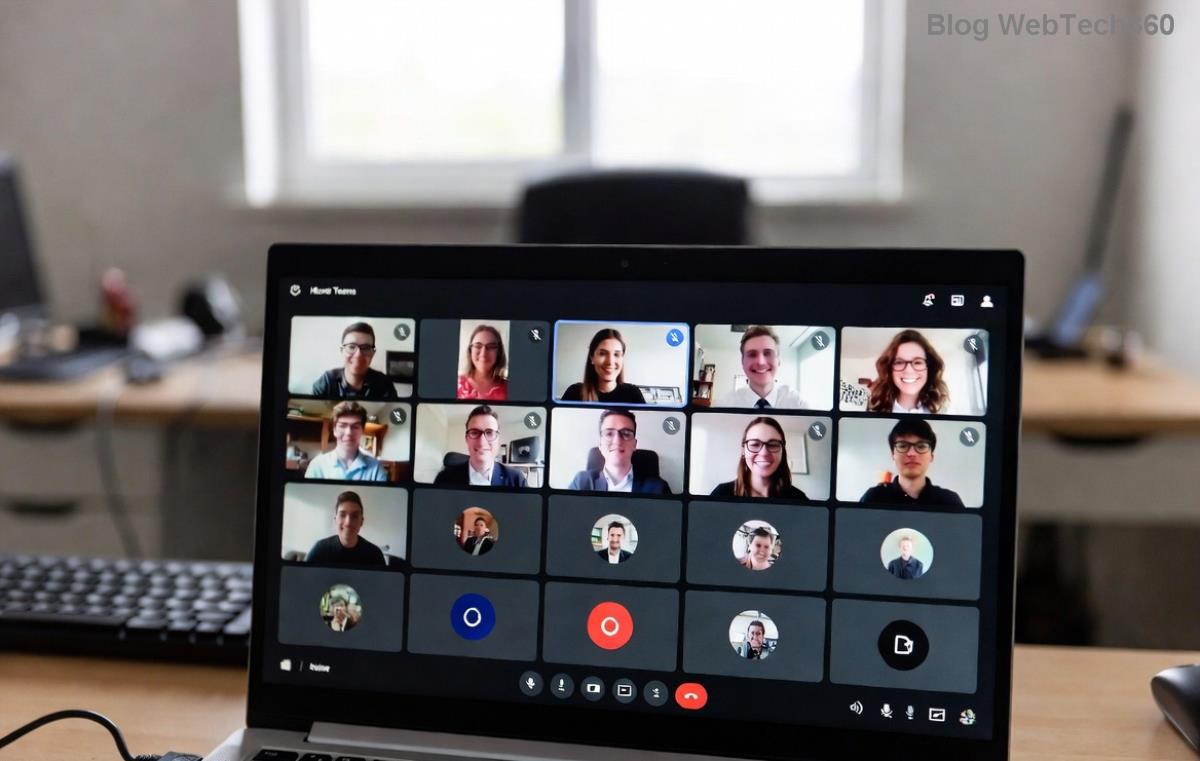
Microsoft Teams interface showing missing Wiki tab error

Quick Fixes for Microsoft Teams Wiki Tab Missing – Start Here! ✅

Try these beginner-friendly steps first. No admin access required for most.

1. Refresh and Restart Teams

The simplest fix: Close Teams completely (use Task Manager on Windows), then relaunch. On web, hit Ctrl + F5 for a hard refresh. This clears temporary glitches 70% of the time!

2. Re-add the Wiki Tab Manually

  1. Go to your channel > Click the + icon next to existing tabs.
  2. Search for "Wiki" in the app list.
  3. Select it and hit Add. Boom – restored! 🎉

If it's grayed out, permissions are the culprit. Jump to admin fixes below.

3. Clear Teams Cache

Corrupted cache is a top villain. Here's how:

Platform Steps
Windows 1. Quit Teams. 2. Delete contents of %appdata%\Microsoft\Teams. 3. Relaunch.
Mac 1. Quit Teams. 2. Delete ~/Library/Application Support/Microsoft/Teams. 3. Relaunch.
Web Browser Clear site data for teams.microsoft.com in browser settings.

⚠️ Backup important chats first – cache clear is safe but thorough.
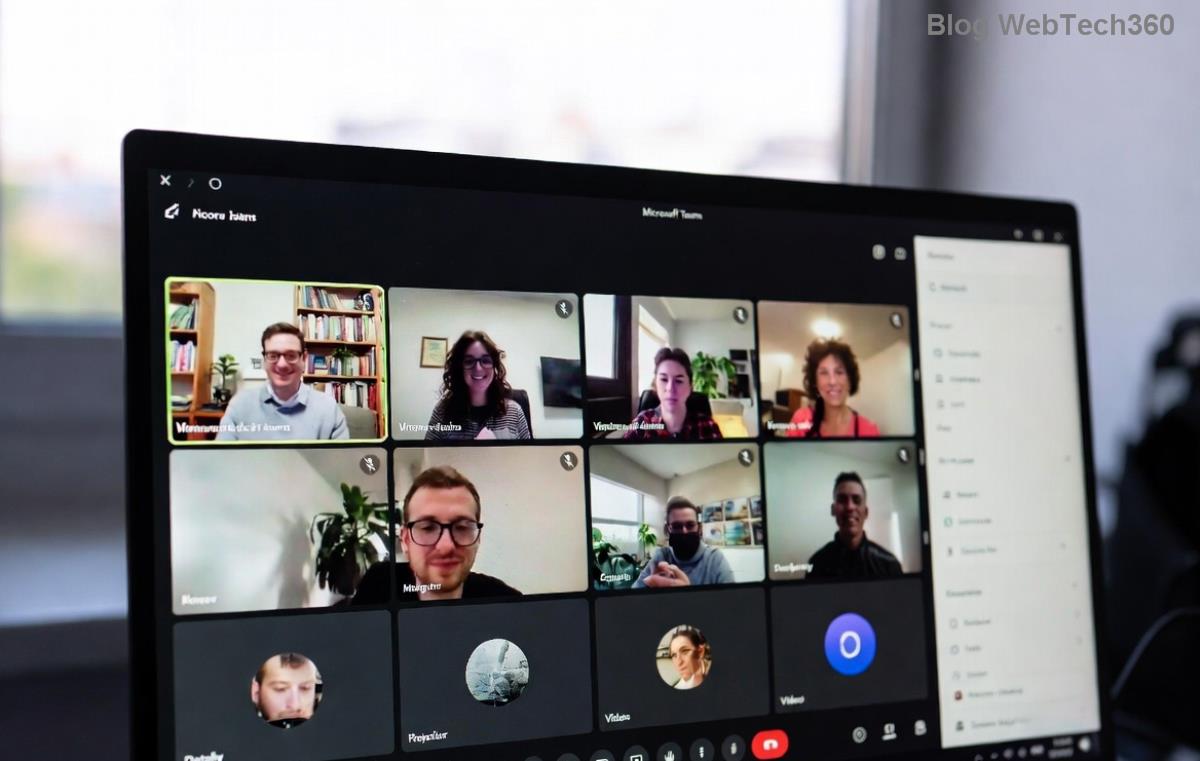
Step-by-step cache clearing for Microsoft Teams Wiki tab fix

Advanced Troubleshooting: When Basic Fixes Fail

Still seeing Wiki Tab Missing? Level up with these power moves.

4. Update Microsoft Teams to the Latest Version

Outdated apps cause compatibility woes. Check for updates:

  • Teams desktop: Profile icon > Check for updates.
  • Mobile: App Store/Google Play updates.
  • Web: Always use the newest browser.

Microsoft rolls out patches regularly – staying current prevents 90% of errors.

5. Check Permissions and Policies (Admin-Only)

If you're an admin or can reach one:

  1. Teams Admin Center > Teams apps > Ensure Wiki is allowed.
  2. Teams policies > Verify "Channel tabs" includes Wiki.
  3. Org-wide app setup > Global (Org-wide default) apps > Add Wiki if missing.

💡 Stuck? Ask your IT team to review Teams Admin Center policies.

6. Switch Clients or Reset Teams

Test on another device/browser. If it works there, it's local. For full reset:

  • Windows: Run teams.exe --reset via Run dialog (Win+R).
  • Reinstall from official site.

Prevention Tips: Keep Wiki Tab Missing Away Forever ⭐

Fix it once, prevent it always:

  • ✅ Enable auto-updates in Teams settings.
  • 🔒 Regularly audit channel tabs.
  • 📱 Use desktop app over web for stability.
  • 👥 Train team on adding tabs properly.
Common Scenario Best Fix Success Rate
New channel Manual re-add 95%
Admin policy Policy check 85%
Cache issue Clear cache 90%

Still Stuck? Next Steps & Community Help

If Microsoft Teams Wiki Tab Missing persists, it's rare but possible due to enterprise configs. Head to Microsoft Community forums or support ticket. Share your OS, Teams version, and error screenshots for fast help.

😊 You've got this! These steps have helped thousands restore their Wiki tabs seamlessly. Share your success in the comments below – did a quick refresh do the trick? Bookmark this for future reference and keep collaborating smoothly in Teams. What's your next Teams hack? 👇



Leave a Comment

🚀 Ultimate Guide: How to Set Up Microsoft Teams for School and Education Effortlessly

🚀 Ultimate Guide: How to Set Up Microsoft Teams for School and Education Effortlessly

Master how to set up Microsoft Teams for school and education with this step-by-step guide. Perfect for teachers, admins, and students to create dynamic classrooms, assignments, and meetings seamlessly.

🚀 Fix Microsoft Teams Green Screen Video Error Instantly: Ultimate Troubleshooting Guide

🚀 Fix Microsoft Teams Green Screen Video Error Instantly: Ultimate Troubleshooting Guide

Tired of the frustrating Microsoft Teams green screen "Video Error"? Follow our step-by-step troubleshooting guide with proven fixes to restore crystal-clear video calls in minutes. No tech expertise needed!

🚀 Fix Microsoft Teams VDI Error Lag Forever: Ultimate 2026 Guide to Crystal-Clear Calls!

🚀 Fix Microsoft Teams VDI Error Lag Forever: Ultimate 2026 Guide to Crystal-Clear Calls!

Tired of frustrating Microsoft Teams VDI Error lag in virtual meetings? Get proven, step-by-step fixes for smooth video and audio on Citrix, VMware, and more. Boost productivity now!

🚀 Ultimate 2026 Guide: How to Download Microsoft Teams for Windows 11 – Free, Fast & Secure!

🚀 Ultimate 2026 Guide: How to Download Microsoft Teams for Windows 11 – Free, Fast & Secure!

Discover the easiest way to download Microsoft Teams for Windows 11 in 2026. Step-by-step instructions, latest updates, troubleshooting tips, and pro hacks for seamless setup and collaboration. Get started now!

Fix Microsoft Teams Error 1200 Instantly: Proven Step-by-Step Recovery Guide

Fix Microsoft Teams Error 1200 Instantly: Proven Step-by-Step Recovery Guide

Struggling with Microsoft Teams Error 1200? Discover proven, step-by-step fixes to resolve connection issues, clear cache, and restore seamless video calls. Get back to collaborating without frustration!

🚀 Fix Microsoft Teams Error Code 0x80070005 FAST: Proven 2026 Guide (No More Access Denied!)

🚀 Fix Microsoft Teams Error Code 0x80070005 FAST: Proven 2026 Guide (No More Access Denied!)

Struggling with Microsoft Teams Error Code 0x80070005? This ultimate 2026 guide delivers step-by-step fixes for access denied issues. Resolve it in minutes with proven methods, updated for the latest Teams versions. Say goodbye to crashes!

🚀 Fix Microsoft Teams Screen Sharing Lag in 2026: 12 Proven Hacks for Smooth Sharing!

🚀 Fix Microsoft Teams Screen Sharing Lag in 2026: 12 Proven Hacks for Smooth Sharing!

Tired of Microsoft Teams screen sharing lag ruining your 2026 meetings? Get instant fixes for lag, freezes, and delays. Boost performance with these expert tips – no tech skills needed!

🚀 Ultimate Guide: How to Download Microsoft Teams Chat History & Transcripts in Minutes

🚀 Ultimate Guide: How to Download Microsoft Teams Chat History & Transcripts in Minutes

Discover simple, step-by-step methods to download Microsoft Teams chat history and transcripts effortlessly. Perfect for meetings, channels, and private chats. Save your data securely today!

🔧 Instant Fix: How to Fix Microsoft Teams Browser Error Cookies in 5 Minutes!

🔧 Instant Fix: How to Fix Microsoft Teams Browser Error Cookies in 5 Minutes!

Frustrated by Microsoft Teams "Browser Error" Cookies? Discover proven, step-by-step solutions to clear cookies, reset cache, and restore seamless Teams access. Works on Chrome, Edge, Firefox – updated for latest browsers. Get back to collaborating!

Where is Microsoft Teams in Outlook? Locate the Missing Icon in Seconds!

Where is Microsoft Teams in Outlook? Locate the Missing Icon in Seconds!

Frustrated with the missing Microsoft Teams icon in Outlook? Discover exactly where is Microsoft Teams in Outlook with our step-by-step guide to locating and restoring the icon fast. Perfect for all users.






