Fix Microsoft Teams Network Error on Public Wi-Fi: Proven Solutions That Work Instantly!

Imagine this: You're at a coffee shop, rushing to join an important Microsoft Teams meeting, but bamโ€”a frustrating Network Error pops up, halting everything. ๐Ÿ˜ฉ Public Wi-Fi hotspots are notorious for this, blocking essential ports or throttling bandwidth. Don't worry! This guide delivers straightforward, tested fixes to resolve Microsoft Teams "Network Error" on Public Wi-Fi fast. Follow these steps, and you'll be back in actionโ€”crystal-clear video calls included.

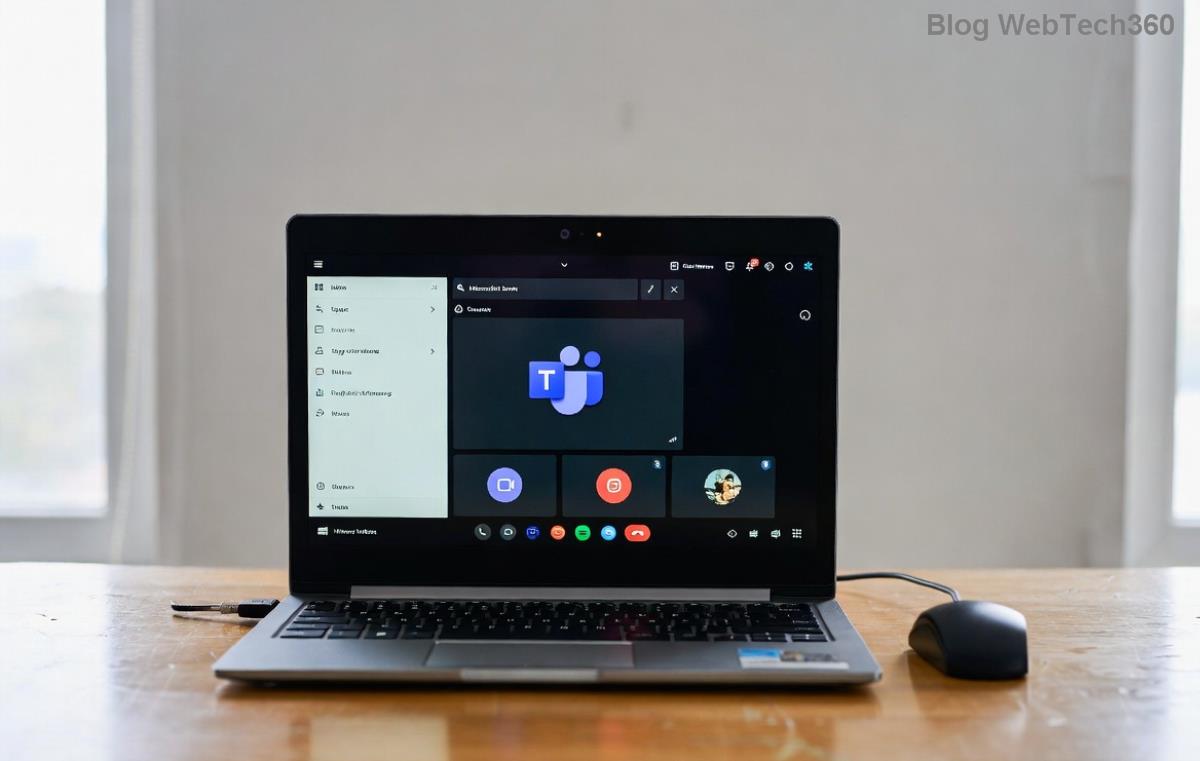
Microsoft Teams displaying Network Error on public Wi-Fi screen

Why Does Microsoft Teams Network Error Happen on Public Wi-Fi? Quick Breakdown

Public Wi-Fi networks prioritize security and bandwidth control, often clashing with Teams' needs. Common culprits include:

  • ๐Ÿ”’ Firewall restrictions: Blocks UDP ports (like 3478-3481) Teams uses for media.
  • ๐ŸŒ Proxy interference: Captive portals demand login pages before full access.
  • ๐Ÿ“‰ Bandwidth limits: Overloaded networks throttle real-time apps like Teams.
  • โš™๏ธ DNS issues: Slow or blocked resolution to Teams servers (teams.microsoft.com).
  • ๐Ÿ›ก๏ธ Outdated apps: Teams versions missing latest network optimizations.

Spot on? Let's dive into fixes. Start with the simplestโ€”no tech wizardry required! ๐Ÿš€

Quick Fixes: Resolve Teams Network Error in Under 5 Minutes โญ

These no-fuss steps tackle 80% of cases. Test Teams after each one.

  1. 1๏ธโƒฃ Restart and Reconnect: Forget the Wi-Fi network (Settings > Network > Forget), reconnect, and complete any login portal. Relaunch Teams.
  2. 2๏ธโƒฃ Switch Networks or Hotspots: Toggle to mobile hotspot if availableโ€”often more reliable for Teams.
  3. 3๏ธโƒฃ Clear Teams Cache:
    • Windows: %appdata%\Microsoft\Teams โ†’ Delete contents of folders like "blob_storage", "Cache".
    • macOS: ~/Library/Application Support/Microsoft/Teams โ†’ Same deletion.
    • Restart Teams. This flushes corrupted network data.
  4. 4๏ธโƒฃ Update Teams: Head to your profile pic > Check for updates. Latest builds include enhanced public Wi-Fi handling.

Still stuck? Time for network tweaks. ๐Ÿ‘‡

Step-by-step guide to clearing Teams cache for network error fix

Advanced Solutions: Bypass Public Wi-Fi Blocks Like a Pro

If basics fail, target root causes head-on. These power moves ensure stable Teams performance anywhere.

๐Ÿ”ง Fix Steps Why It Works Pro Tip
Change DNS 1. Network Settings > Properties > IPv4 > Use DNS: 8.8.8.8 (Google) or 1.1.1.1 (Cloudflare).
2. Flush DNS: Command Prompt "ipconfig /flushdns".
Bypasses slow/blocked ISP DNS on public nets. Revert after use to avoid leaks.
Use VPN Install ExpressVPN or NordVPN (free trials available).
Select WireGuard protocol for low latency.
Encrypts traffic, evades firewalls, routes to Teams-friendly servers. Avoid free VPNsโ€”they throttle Teams media.
Teams Web Version teams.microsoft.com in Chrome/Incognito. Disable extensions. Skips desktop app glitches; uses browser WebRTC. Enable "High quality media" in settings.
Disable Proxy Teams Settings > General > Disable "Use system proxy".
System: Internet Options > Connections > LAN > Uncheck proxy.
Eliminates captive portal conflicts. Check router admin if managed Wi-Fi.

Bonus: For enterprise users, toggle "Network tunnel" in Teams admin settingsโ€”proxies all traffic securely.

VPN setup interface resolving Teams network error on public Wi-Fi

Prevention Tips: Stay Error-Free on Public Wi-Fi Forever ๐Ÿ›ก๏ธ

Proactive habits keep Microsoft Teams Network Error at bay:

  • โญ Always pack a portable hotspot as backup.
  • ๐Ÿ“ฑ Enable Teams' "Reduced bandwidth mode" for spotty nets (Settings > Devices).
  • ๐Ÿ”„ Regularly update OS and Teams for fresh network patches.
  • ๐ŸŒ Test connectivity via Microsoft's official tester before meetings.

Real user win: "Switched to 1.1.1.1 DNS on airport Wi-Fiโ€”Teams loaded flawlessly!" Ready to crush your next call?

Still Facing Issues? Next Steps

If errors persist, check Teams status via official status page or run the built-in troubleshooter (Teams > Help > Give feedback > Troubleshoot). For deeper dives, share your OS/version in comments belowโ€”we've got more tailored fixes! ๐ŸŽ‰

armed with these steps, conquer public Wi-Fi woes and focus on what matters: productive, lag-free Teams sessions. Share your success stories! ๐Ÿ‘


Leave a Comment

Microsoft Teams Wiki Not Loading? 7 Proven Fixes to Resolve It Instantly!

Microsoft Teams Wiki Not Loading? 7 Proven Fixes to Resolve It Instantly!

Facing the frustrating Microsoft Teams Wiki not loading error? Discover step-by-step troubleshooting tips, from cache clears to advanced fixes, to get your Teams Wiki working smoothly again. Quick, effective solutions for all users.

๐Ÿš€ How to Fix Microsoft Teams Workflows Error Power Automate: Instant Troubleshooting Guide

๐Ÿš€ How to Fix Microsoft Teams Workflows Error Power Automate: Instant Troubleshooting Guide

Stuck with Microsoft Teams "Workflows Error" in Power Automate? Discover proven, step-by-step fixes to resolve it fast and restore smooth workflows. No tech expertise needed!

๐Ÿš€ Ultimate Guide: How to Set Up Microsoft Teams for School and Education Effortlessly

๐Ÿš€ Ultimate Guide: How to Set Up Microsoft Teams for School and Education Effortlessly

Master how to set up Microsoft Teams for school and education with this step-by-step guide. Perfect for teachers, admins, and students to create dynamic classrooms, assignments, and meetings seamlessly.

๐Ÿš€ Fix Microsoft Teams Green Screen Video Error Instantly: Ultimate Troubleshooting Guide

๐Ÿš€ Fix Microsoft Teams Green Screen Video Error Instantly: Ultimate Troubleshooting Guide

Tired of the frustrating Microsoft Teams green screen "Video Error"? Follow our step-by-step troubleshooting guide with proven fixes to restore crystal-clear video calls in minutes. No tech expertise needed!

๐Ÿš€ Fix Microsoft Teams VDI Error Lag Forever: Ultimate 2026 Guide to Crystal-Clear Calls!

๐Ÿš€ Fix Microsoft Teams VDI Error Lag Forever: Ultimate 2026 Guide to Crystal-Clear Calls!

Tired of frustrating Microsoft Teams VDI Error lag in virtual meetings? Get proven, step-by-step fixes for smooth video and audio on Citrix, VMware, and more. Boost productivity now!

๐Ÿš€ Ultimate 2026 Guide: How to Download Microsoft Teams for Windows 11 โ€“ Free, Fast & Secure!

๐Ÿš€ Ultimate 2026 Guide: How to Download Microsoft Teams for Windows 11 โ€“ Free, Fast & Secure!

Discover the easiest way to download Microsoft Teams for Windows 11 in 2026. Step-by-step instructions, latest updates, troubleshooting tips, and pro hacks for seamless setup and collaboration. Get started now!

Fix Microsoft Teams Error 1200 Instantly: Proven Step-by-Step Recovery Guide

Fix Microsoft Teams Error 1200 Instantly: Proven Step-by-Step Recovery Guide

Struggling with Microsoft Teams Error 1200? Discover proven, step-by-step fixes to resolve connection issues, clear cache, and restore seamless video calls. Get back to collaborating without frustration!

๐Ÿš€ Fix Microsoft Teams Error Code 0x80070005 FAST: Proven 2026 Guide (No More Access Denied!)

๐Ÿš€ Fix Microsoft Teams Error Code 0x80070005 FAST: Proven 2026 Guide (No More Access Denied!)

Struggling with Microsoft Teams Error Code 0x80070005? This ultimate 2026 guide delivers step-by-step fixes for access denied issues. Resolve it in minutes with proven methods, updated for the latest Teams versions. Say goodbye to crashes!

๐Ÿš€ Fix Microsoft Teams Screen Sharing Lag in 2026: 12 Proven Hacks for Smooth Sharing!

๐Ÿš€ Fix Microsoft Teams Screen Sharing Lag in 2026: 12 Proven Hacks for Smooth Sharing!

Tired of Microsoft Teams screen sharing lag ruining your 2026 meetings? Get instant fixes for lag, freezes, and delays. Boost performance with these expert tips โ€“ no tech skills needed!

๐Ÿš€ Ultimate Guide: How to Download Microsoft Teams Chat History & Transcripts in Minutes

๐Ÿš€ Ultimate Guide: How to Download Microsoft Teams Chat History & Transcripts in Minutes

Discover simple, step-by-step methods to download Microsoft Teams chat history and transcripts effortlessly. Perfect for meetings, channels, and private chats. Save your data securely today!