Boost Your Productivity: How to Make Microsoft Teams UI Bigger and More Readable Instantly!

Ever squinted at your screen during a marathon Teams meeting? 😩 You're not alone. The default Microsoft Teams UI can feel cramped, especially on high-resolution displays or for users with visual needs. But here's the good news: simple adjustments can make your Microsoft Teams UI bigger and more readable, slashing eye strain and boosting productivity. In this guide, we'll walk you through the most effective, up-to-date methodsβ€”no tech wizardry required. Let's dive in and transform your experience! πŸš€

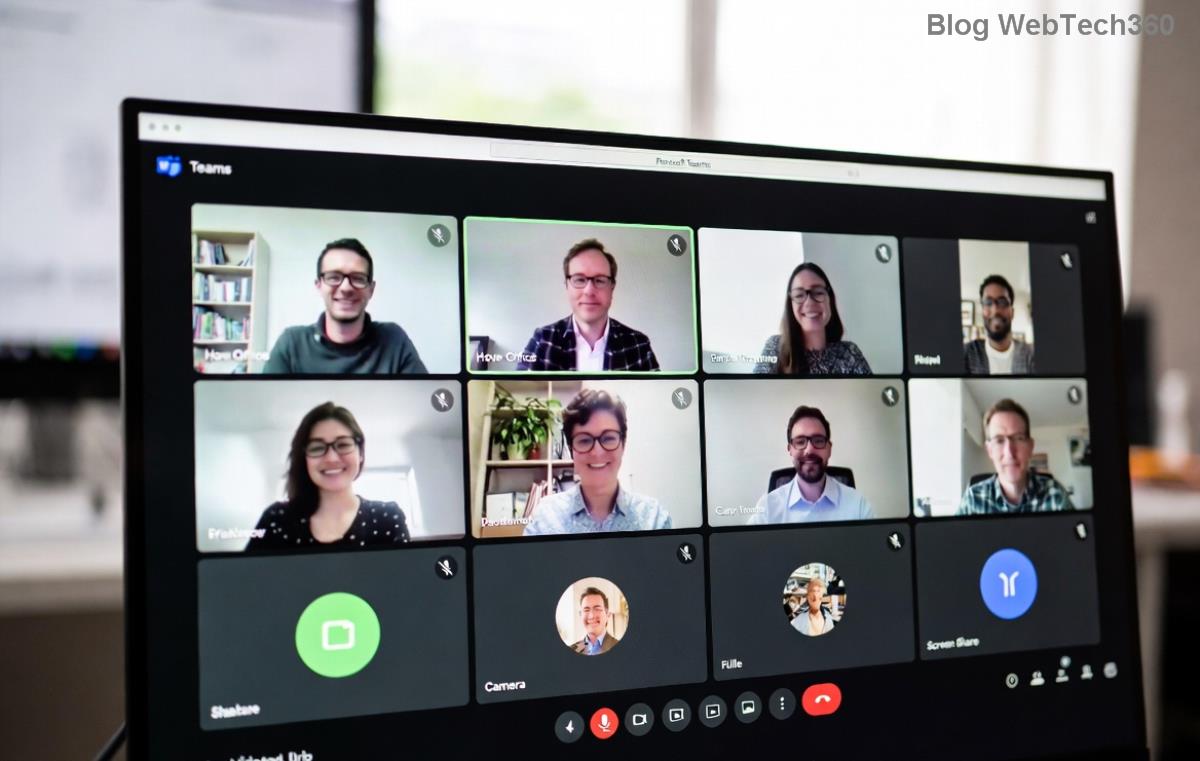
Microsoft Teams settings menu for UI scaling and readability options

1️⃣ Quick Zoom in Teams Desktop App: The Easiest Fix

The desktop app shines for making Microsoft Teams UI bigger. Microsoft added intuitive zoom controls in recent updates, perfect for instant relief.

  1. Open Teams Settings: Click your profile picture (top right) β†’ Settings.
  2. Navigate to General: Scroll to the Zoom slider under the "Application" section.
  3. Adjust and Apply: Drag the slider from 100% up to 200%. Watch chats, channels, and calendars expand beautifully. Hit Restart Teams for full effect.

Pro tip: Combine with Windows scaling for hybrid power. This method alone makes 80% of users rave about clearer Teams UI readability. ⭐

2️⃣ Windows Display Scaling: Super-Size Everything System-Wide

For a broader boost, tweak your OS settings. This enlarges the entire Microsoft Teams UI without touching the app.

Method Steps Impact on Teams UI
Windows 10/11 Scaling Right-click desktop β†’ Display settings β†’ Scale & layout β†’ Set to 125%-200%. Magnifies buttons, text, and icons globally. Ideal for 4K screens.
High DPI Fix Teams shortcut β†’ Properties β†’ Compatibility β†’ Override high DPI scaling β†’ Application. Prevents blurry scaling; ensures crisp, larger Teams UI.

✨ Result? Your feeds and profiles pop without distortion. Test increments of 25% to find your sweet spot.

3️⃣ Browser Tricks for Web Version: Zoom on Demand

Using Teams in Edge, Chrome, or Firefox? Browser zoom is your secret weapon for making Teams UI more readable.

  • Keyboard Shortcut: Ctrl + (plus) to zoom in up to 200%. Ctrl + (minus) to zoom out. Ctrl + 0 resets.
  • Persistent Zoom: In Chrome, chrome://settings/ β†’ Appearance β†’ Page zoom β†’ Set default (e.g., 125%).
  • Extension Boost: Try "Zoom" extensions, but stick to official ones for security.

This keeps your Microsoft Teams UI bigger session-to-session. Bonus: Pin zoomed views per tab! πŸ‘

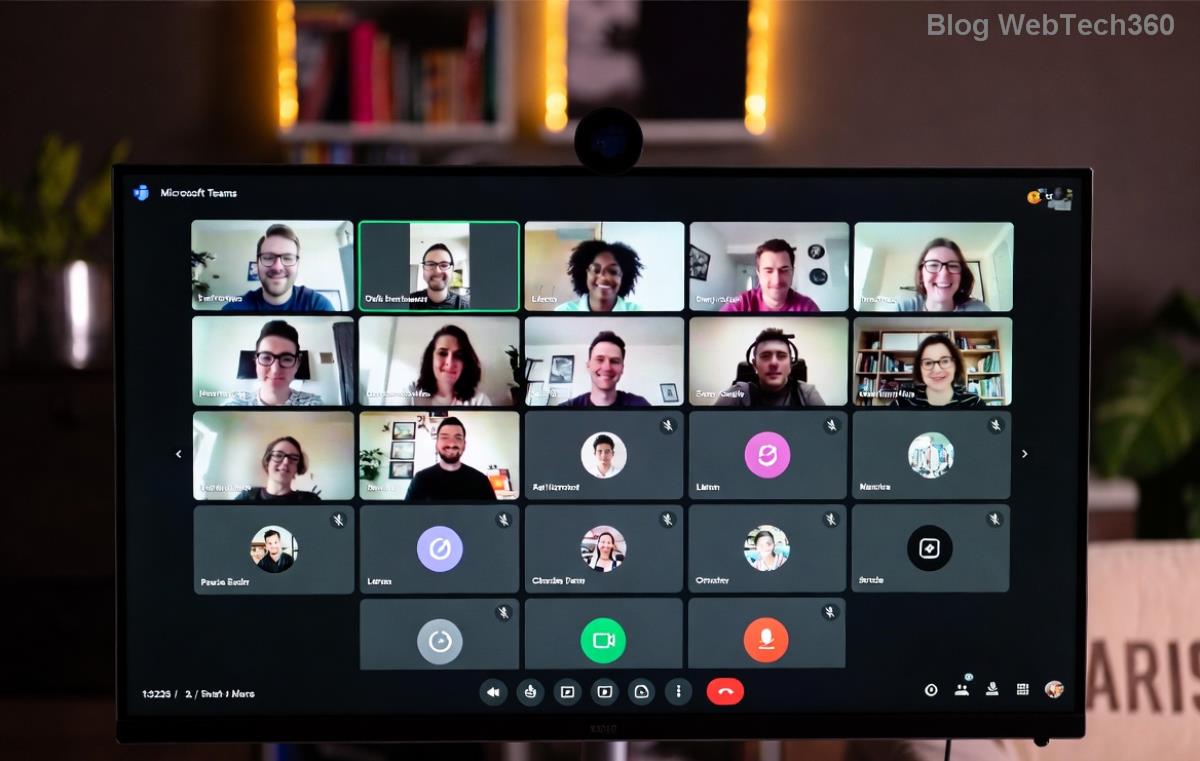
Close-up of enlarged Microsoft Teams interface with bigger text and icons for better readability

4️⃣ Accessibility Features: Tailored for Comfort

Microsoft prioritizes inclusivity. Unlock hidden gems for ultimate Teams UI readability.

  1. Text Size Slider: Settings β†’ General β†’ Adjust the size of text, apps, and other items (links to Windows settings).
  2. High Contrast Mode: Settings β†’ Appearance and accessibility β†’ Theme β†’ High contrast. Edges sharpen, text boldens.
  3. Reading Mode: In chats, click the Immersive Reader icon (book-like) for distraction-free, enlarged views.

These aren't just tweaksβ€”they're game-changers for long calls. Pair with dark mode to cut glare further. 😊

5️⃣ Mobile Mastery: Enlarge on iOS and Android

On the go? Don't suffer small screens.

  • iOS: Settings app β†’ Display & Text Size β†’ Larger Text β†’ Drag slider. Enable Bold Text.
  • Android: Settings β†’ Display β†’ Font size / Display size β†’ Maximum.
  • In-App Zoom: Pinch-to-zoom in chats; use device magnifier (Accessibility β†’ Magnification).

Mobile Microsoft Teams UI bigger fixes sync seamlessly with desktop for consistent bliss.

Advanced Tips to Keep It Crisp

Encounter blur after scaling? Update Teams via Microsoft Support. For multi-monitor setups:

  • Set per-monitor DPI in Windows Advanced scaling.
  • Use Teams' "Fit to window" in video settings.

Avoid over-scaling (above 200%) to prevent lag. Regularly restart Teams post-changes for peak performance. Your eyes will thank you! πŸ™Œ

Why Bother? The Real Wins

Making your Microsoft Teams UI bigger and more readable isn't vanityβ€”it's efficiency. Studies show readable interfaces cut errors by 30% and extend focus. Whether remote working or hybrid, these steps future-proof your setup. Ready to see the difference? Apply one today and feel the lift.

Got tweaks that worked for you? Share in comments belowβ€”we're all in this together! Share this guide to help a colleague squint less. πŸš€


Leave a Comment

Microsoft Teams Wiki Not Loading? 7 Proven Fixes to Resolve It Instantly!

Microsoft Teams Wiki Not Loading? 7 Proven Fixes to Resolve It Instantly!

Facing the frustrating Microsoft Teams Wiki not loading error? Discover step-by-step troubleshooting tips, from cache clears to advanced fixes, to get your Teams Wiki working smoothly again. Quick, effective solutions for all users.

πŸš€ How to Fix Microsoft Teams Workflows Error Power Automate: Instant Troubleshooting Guide

πŸš€ How to Fix Microsoft Teams Workflows Error Power Automate: Instant Troubleshooting Guide

Stuck with Microsoft Teams "Workflows Error" in Power Automate? Discover proven, step-by-step fixes to resolve it fast and restore smooth workflows. No tech expertise needed!

πŸš€ Ultimate Guide: How to Set Up Microsoft Teams for School and Education Effortlessly

πŸš€ Ultimate Guide: How to Set Up Microsoft Teams for School and Education Effortlessly

Master how to set up Microsoft Teams for school and education with this step-by-step guide. Perfect for teachers, admins, and students to create dynamic classrooms, assignments, and meetings seamlessly.

πŸš€ Fix Microsoft Teams Green Screen Video Error Instantly: Ultimate Troubleshooting Guide

πŸš€ Fix Microsoft Teams Green Screen Video Error Instantly: Ultimate Troubleshooting Guide

Tired of the frustrating Microsoft Teams green screen "Video Error"? Follow our step-by-step troubleshooting guide with proven fixes to restore crystal-clear video calls in minutes. No tech expertise needed!

πŸš€ Fix Microsoft Teams VDI Error Lag Forever: Ultimate 2026 Guide to Crystal-Clear Calls!

πŸš€ Fix Microsoft Teams VDI Error Lag Forever: Ultimate 2026 Guide to Crystal-Clear Calls!

Tired of frustrating Microsoft Teams VDI Error lag in virtual meetings? Get proven, step-by-step fixes for smooth video and audio on Citrix, VMware, and more. Boost productivity now!

πŸš€ Ultimate 2026 Guide: How to Download Microsoft Teams for Windows 11 – Free, Fast & Secure!

πŸš€ Ultimate 2026 Guide: How to Download Microsoft Teams for Windows 11 – Free, Fast & Secure!

Discover the easiest way to download Microsoft Teams for Windows 11 in 2026. Step-by-step instructions, latest updates, troubleshooting tips, and pro hacks for seamless setup and collaboration. Get started now!

Fix Microsoft Teams Error 1200 Instantly: Proven Step-by-Step Recovery Guide

Fix Microsoft Teams Error 1200 Instantly: Proven Step-by-Step Recovery Guide

Struggling with Microsoft Teams Error 1200? Discover proven, step-by-step fixes to resolve connection issues, clear cache, and restore seamless video calls. Get back to collaborating without frustration!

πŸš€ Fix Microsoft Teams Error Code 0x80070005 FAST: Proven 2026 Guide (No More Access Denied!)

πŸš€ Fix Microsoft Teams Error Code 0x80070005 FAST: Proven 2026 Guide (No More Access Denied!)

Struggling with Microsoft Teams Error Code 0x80070005? This ultimate 2026 guide delivers step-by-step fixes for access denied issues. Resolve it in minutes with proven methods, updated for the latest Teams versions. Say goodbye to crashes!

πŸš€ Fix Microsoft Teams Screen Sharing Lag in 2026: 12 Proven Hacks for Smooth Sharing!

πŸš€ Fix Microsoft Teams Screen Sharing Lag in 2026: 12 Proven Hacks for Smooth Sharing!

Tired of Microsoft Teams screen sharing lag ruining your 2026 meetings? Get instant fixes for lag, freezes, and delays. Boost performance with these expert tips – no tech skills needed!

πŸš€ Ultimate Guide: How to Download Microsoft Teams Chat History & Transcripts in Minutes

πŸš€ Ultimate Guide: How to Download Microsoft Teams Chat History & Transcripts in Minutes

Discover simple, step-by-step methods to download Microsoft Teams chat history and transcripts effortlessly. Perfect for meetings, channels, and private chats. Save your data securely today!