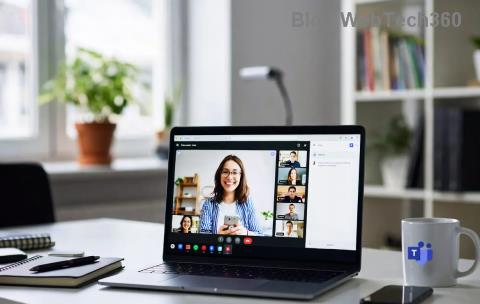
Ever clicked into a Microsoft Teams meeting expecting to dive into breakout rooms, only to find the option mysteriously missing? 😩 You're not alone—this is a super common frustration that disrupts workshops, classes, and team brainstorms. But don't worry! We've got your back with clear, actionable insights to reveal why you can't see breakout rooms in your Teams meeting and how to fix it fast.
In this guide, we'll pinpoint the exact causes (backed by the latest Teams features) and walk you through simple steps. By the end, you'll be creating dynamic breakout rooms in Teams like a pro. Let's jump in! 👇
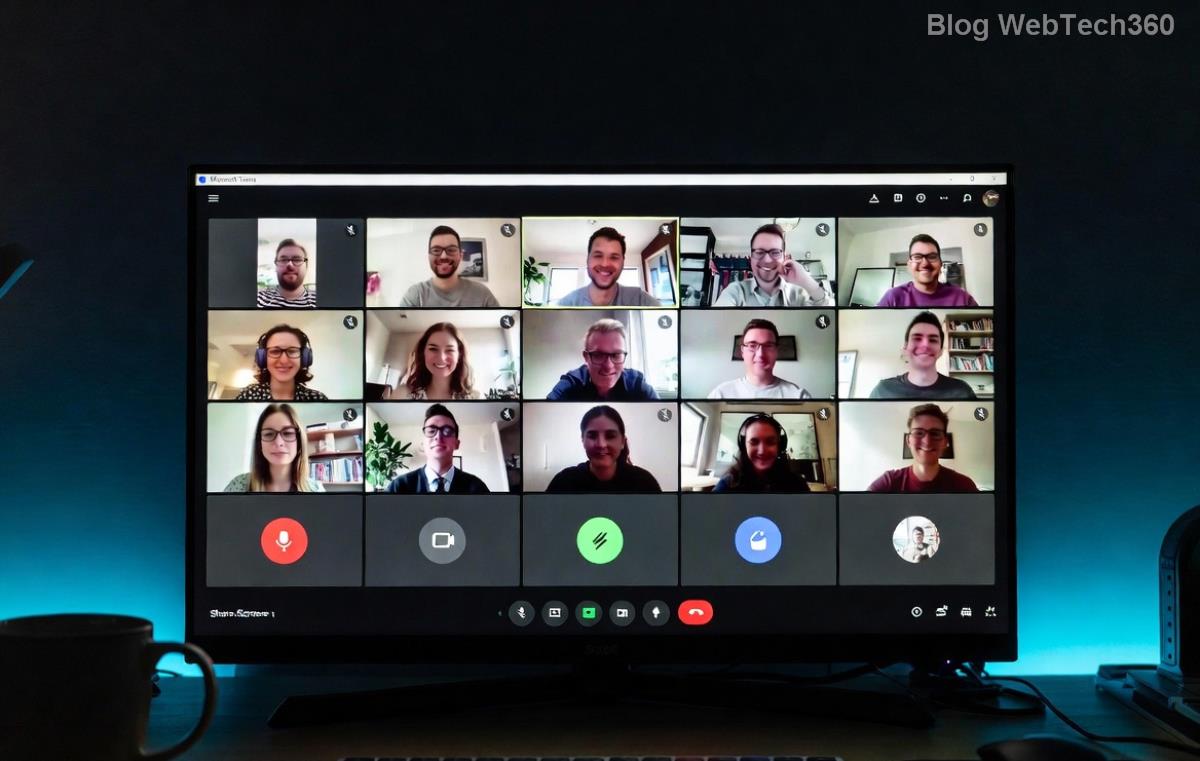
🔍 Top 7 Reasons Breakout Rooms Aren't Showing in Your Teams Meeting
Understanding why breakout rooms in Teams vanish is the first step to victory. Here's a breakdown of the most frequent culprits:
| ❌ Reason |
Why It Happens |
Quick Check |
| 1. Not the Meeting Organizer |
Only organizers or co-organizers can create/manage breakout rooms. Participants see them only when assigned. |
👉 Check: Are you the host? |
| 2. Instant Meetings (Not Scheduled) |
Breakout rooms require scheduled meetings—quick calls skip this feature. |
👉 Check: Meeting from calendar? |
| 3. Outdated Teams App |
Older versions lack full Teams breakout rooms support. Always update! |
👉 Check: App version in Settings. |
| 4. License or Plan Limitations |
Free or basic plans may restrict advanced features like auto-assign in breakout rooms. |
👉 Check: Admin Center > Users. |
| 5. Channel Meetings |
Channel-based meetings don't support breakout rooms—use private ones. |
👉 Check: Meeting type. |
| 6. Role/Permissions Issue |
Presenter role needed; attendee mode hides options. |
👉 Check: Meeting roles. |
| 7. Policy Restrictions |
IT admins can disable breakout rooms via Teams policies. |
👉 Check: Contact your admin. |
Spot your issue? Great! Now let's fix it. Microsoft's official guide confirms these are the core blockers in the latest updates.
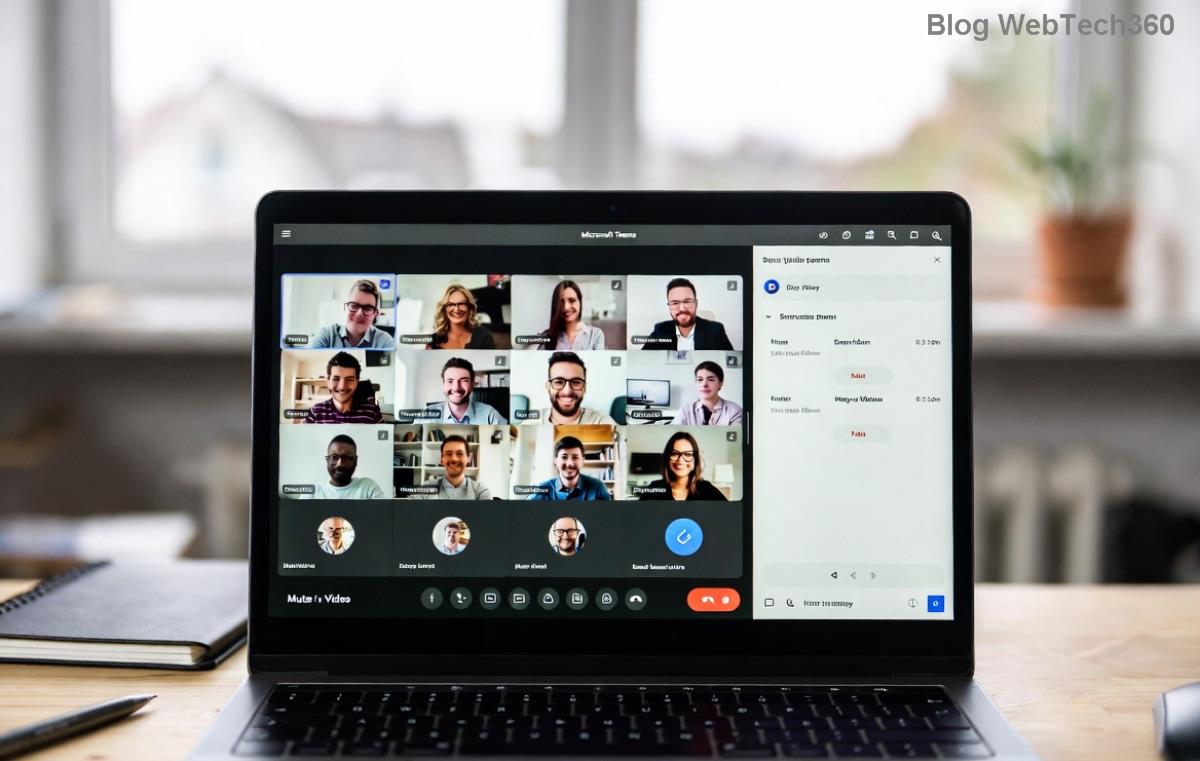
✅ Step-by-Step: How to Enable Breakout Rooms in Teams Meetings
Ready to make breakout rooms appear? Follow these proven steps:
- 1️⃣ Schedule a Proper Meeting: Go to Calendar > New Meeting. Avoid "Meet now."
- 2️⃣ Update Teams: Click profile icon > Check for updates. Restart app.
- 3️⃣ Become Organizer/Co-Organizer: In meeting options, assign roles via Participants pane.
- 4️⃣ Start the Meeting: Join as host, then click Breakout rooms > Create rooms.
- 5️⃣ Customize: Add rooms (up to 50), assign participants, set timers. Hit "Open"!
- 6️⃣ Test Permissions: Switch to Presenter role if needed (Meeting options > Roles).
- 7️⃣ Check Policies: Ask admin to enable in Teams Admin Center > Meetings > Policies.
Pro tip: For large groups, use "Automatically" assign for even distribution. 🎉 This works seamlessly in the newest Teams desktop/web versions.
🛠️ Advanced Troubleshooting for Stubborn Teams Breakout Rooms Issues
If basics don't cut it:
- ✅ Clear Cache: Settings > General > Clear cache. Relaunch.
- ✅ Switch Devices: Try web version at teams.microsoft.com.
- ✅ Edu/Business Check: Education licenses have extras like attendance reports.
- ❌ Avoid VPN glitches—disable temporarily.
Still stuck? Record a quick screen share for your IT team. Most fixes take under 5 minutes!
❓ FAQs: Your Burning Questions on Breakout Rooms in Teams
Q: Can guests use breakout rooms?
A: Yes, if assigned by organizer—no license needed.
Q: Why no breakout rooms on mobile?
A: Limited support; use desktop for full control.
Q: Max rooms/participants?
A: 50 rooms, 200 per room (latest limits).
Q: Recreate rooms mid-meeting?
A: Yes! Close and reopen for fresh assignments.
✨ Wrap-Up: Master Breakout Rooms Today!
Now you know exactly why you can't see breakout rooms in your Teams meeting and how to banish the problem forever. Implement these fixes, and watch your meetings transform into interactive powerhouses. Got a success story or lingering question? Drop it below—we're here to help! 🚀
Stay tuned for more Teams tips to supercharge your workflow. Happy collaborating! 👏