🚨 Fix Microsoft Teams Wiki Page Errors FAST: Proven Troubleshooting Guide

Encountering a frustrating Microsoft Teams "Wiki" Page Error? You're not alone! 😤 Many users face issues like the Wiki tab failing to load, blank pages, or sync failures in channels. Don't worry—this guide delivers quick, effective solutions to get your collaborative Wiki humming again. Follow these steps, and you'll be editing pages seamlessly in no time. Let's dive in! ➡️
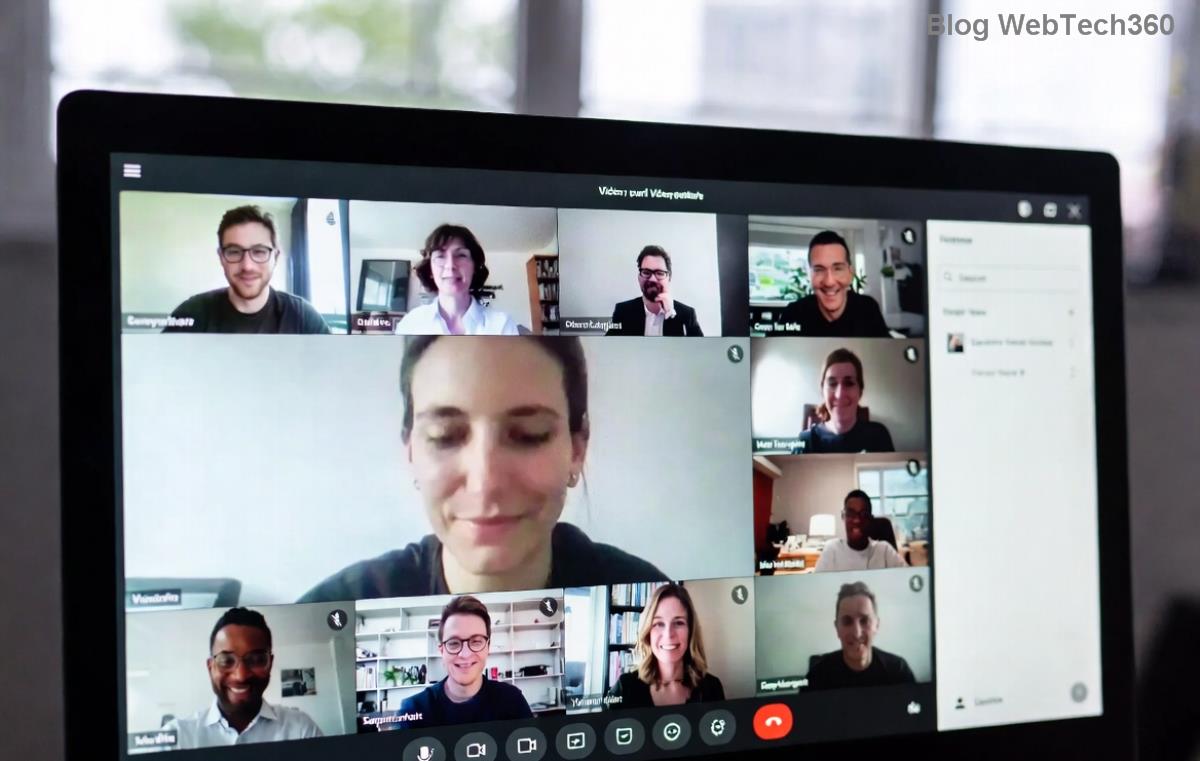
Microsoft Teams Wiki Page Error screenshot showing blank or failed load

Common Causes of Troubleshooting Microsoft Teams "Wiki" Page Error

Before fixing, understand the culprits:

  • Browser cache or outdated Teams app: Corrupted data blocks loading.
  • Permission issues: Missing edit/view rights in the channel.
  • ➡️ Network glitches: Poor connectivity disrupts sync.
  • ⚠️ App version conflicts: Outdated Teams misses latest Wiki fixes.
  • 🔒 Tab corruption: The Wiki tab itself needs refreshing.

Pro tip: Start with the simplest fixes—they resolve 80% of Microsoft Teams Wiki errors! 🚀

Step-by-Step Troubleshooting Microsoft Teams "Wiki" Page Error

1. Quick Refresh and Cache Clear (Easiest First Fix! ⭐)

Old cache is the #1 villain. Here's how to zap it:

  1. Hit Ctrl + F5 (Windows) or Cmd + Shift + R (Mac) to hard refresh the Wiki tab.
  2. In Teams desktop: Right-click Teams icon in taskbar → Quit → Relaunch.
  3. Clear browser cache:
    • Chrome: Settings → Privacy → Clear browsing data (select Cached images/files).
    • Edge: Settings → Privacy → Clear browsing data.

Result? Instant relief for most Teams Wiki page errors. Test it now! ✅
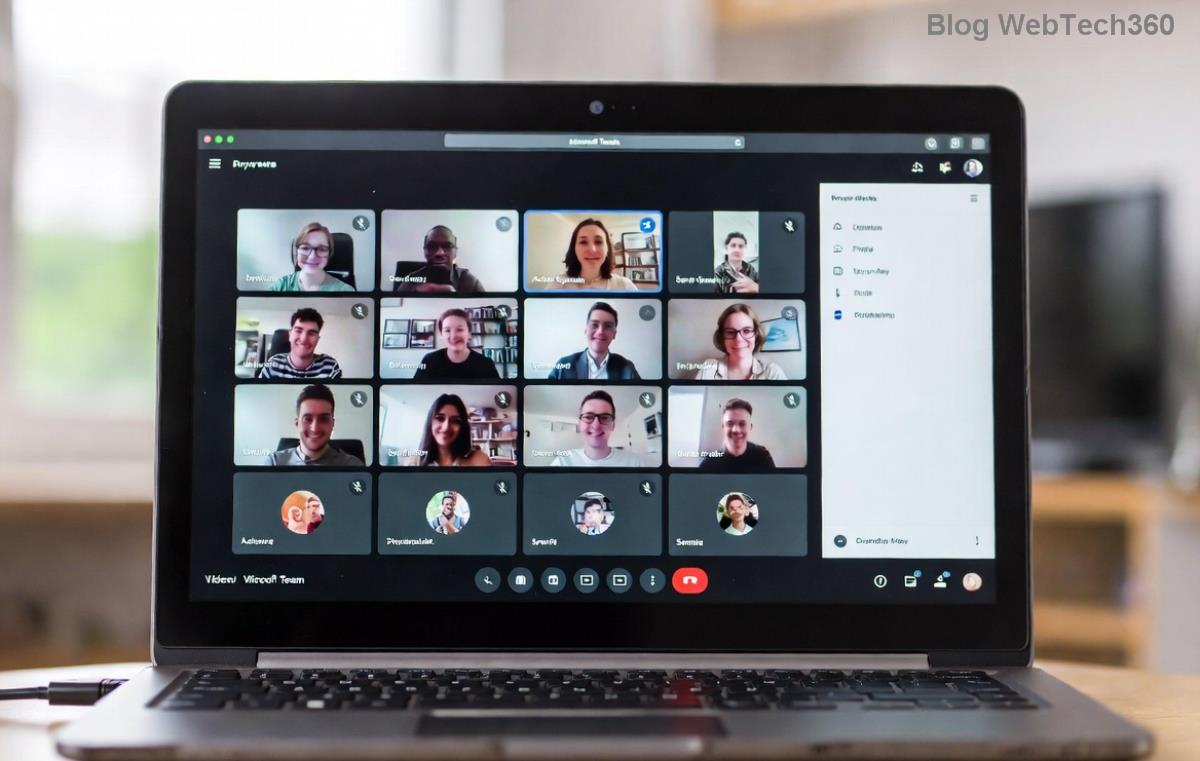
Clearing cache in Microsoft Teams to fix Wiki error

2. Check Permissions and Channel Access

Wiki errors often scream "access denied!" 🔒

  1. Open the channel → Click ... next to channel name → Manage channel.
  2. Verify your role: Ensure you're Owner, Member, or Guest with edit rights.
  3. For guests: Ask channel owner to grant Wiki edit permissions.

If stuck, recreate the Wiki: Remove tab → + Add tab → Search "Wiki" → Add fresh one. Boom! 📝

3. Update Teams App and Browser

Stay current—Microsoft rolls out Wiki bug fixes regularly.

  • Desktop App: Profile icon → Check for updates.
  • Web Version: Use latest Chrome/Edge (version 120+ recommended).
  • Mobile: Update via App Store/Google Play.

Outdated versions cause sneaky Microsoft Teams Wiki sync errors. Update and retry! 🔄

Updating Microsoft Teams app to resolve Wiki page issues

4. Network and Firewall Troubleshooting

Spotty Wi-Fi? Firewall blocking Teams?

  1. Test on another network (mobile hotspot).
  2. Disable VPN temporarily—some interfere with Wiki sync.
  3. Corporate firewall: Whitelist teams.microsoft.com and *.sharepoint.com (Wiki lives on SharePoint).

5. Advanced Fixes: Reset Teams or Reinstall

If basics fail:

Windows: %appdata%\Microsoft\Teams → Delete contents → Relaunch.
macOS: ~/Library/Application Support/Microsoft/Teams → Trash folder.
    

Still broken? Uninstall/reinstall Teams from official site. 💪

Quick Reference Table: Teams Wiki Errors & Fixes

Error Message Common Cause Fix
"Something went wrong" or blank page Cache/Network Hard refresh + Clear cache
"No permission to view/edit" Access rights Check channel permissions ➡️ Re-add tab
Sync failed / Pages not saving App version / SharePoint Update Teams + Check SharePoint docs
Tab won't load / Frozen Corrupted tab Remove & re-add Wiki tab ⭐

Pro Tips to Prevent Future Microsoft Teams "Wiki" Page Errors 🎯

  • ⭐ Use Teams desktop app over web for stability.
  • ✅ Regularly clear cache weekly.
  • ➡️ Backup Wiki content via Export to OneNote/SharePoint.
  • 🔒 Assign proper guest permissions upfront.

Microsoft's official troubleshooting confirms these steps work for the latest updates.

Still Stuck? Next Steps 😊

If errors persist, gather details (error code, screenshots) and hit Teams Help ? → Give feedback or post in Microsoft Tech Community. You've got this—your Wiki will shine again! 👏

Fixed it? Share your success in comments below. Happy teaming! 🚀

Leave a Comment

🚀 Fix Microsoft Teams Code Error Redemption FAST: Ultimate Troubleshooting Guide

🚀 Fix Microsoft Teams Code Error Redemption FAST: Ultimate Troubleshooting Guide

Stuck with Microsoft Teams "Code Error" during code redemption? Discover proven, step-by-step troubleshooting fixes to resolve it instantly and redeem your codes smoothly. No tech skills needed!

Fix Microsoft Teams Test Call Video Error Instantly: Proven Troubleshooting Guide

Fix Microsoft Teams Test Call Video Error Instantly: Proven Troubleshooting Guide

Stuck with Microsoft Teams "Test Call" Video Error? Follow our step-by-step troubleshooting guide for quick fixes to restore your video feed. No tech skills needed!

🔧 Instant Fix: How to Resolve Microsoft Teams Media Error During Playback in 2026

🔧 Instant Fix: How to Resolve Microsoft Teams Media Error During Playback in 2026

Tired of Microsoft Teams media error during playback ruining your meetings? Follow our proven, step-by-step guide to fix audio and video glitches fast. No tech skills needed!

🚀 Ultimate Fix: Banish Microsoft Teams Proxy Error on Windows 10 in Minutes!

🚀 Ultimate Fix: Banish Microsoft Teams Proxy Error on Windows 10 in Minutes!

Struggling with Microsoft Teams proxy error on Windows 10? Discover proven, step-by-step fixes to restore seamless calls and chats. Quick solutions for proxy issues—no tech skills needed!

🚀 Instant Fix: How to Fix Microsoft Teams Web App Browser Error in 5 Minutes!

🚀 Instant Fix: How to Fix Microsoft Teams Web App Browser Error in 5 Minutes!

Tired of the frustrating Microsoft Teams "Web App" Browser Error? Discover proven, step-by-step solutions to get back to seamless meetings. Clear cache, disable extensions, and more—no tech skills needed!

Master Microsoft Teams for Business: Ultimate Complete Guide to Boost Productivity

Master Microsoft Teams for Business: Ultimate Complete Guide to Boost Productivity

Unlock the full potential of Microsoft Teams for business with this complete guide. Learn setup, collaboration, meetings, security, and pro tips to skyrocket your team's productivity. Start mastering Teams today!

🚀 Fix Microsoft Teams Error L License FAST: Proven Troubleshooting Steps

🚀 Fix Microsoft Teams Error L License FAST: Proven Troubleshooting Steps

Struggling with Microsoft Teams "Error L" License? Discover step-by-step troubleshooting for Microsoft Teams Error L, clear cache, check licenses, and more. Get back to seamless collaboration in minutes!

🚀 Instant Fix: Banish Microsoft Teams Win 7 Error Compatibility Woes Forever!

🚀 Instant Fix: Banish Microsoft Teams Win 7 Error Compatibility Woes Forever!

Tired of the frustrating Microsoft Teams Win 7 Error? Discover proven, step-by-step fixes for Microsoft Teams "Win 7 Error" compatibility on modern Windows. Get back to seamless teamwork in minutes!

🚀 Ultimate Guide: Fix Microsoft Teams Shortcut Desktop Error in Minutes – No Reinstall Needed!

🚀 Ultimate Guide: Fix Microsoft Teams Shortcut Desktop Error in Minutes – No Reinstall Needed!

Tired of the frustrating Microsoft Teams "Shortcut" Desktop Error blocking your workflow? Follow our proven, step-by-step fixes to restore your desktop shortcut instantly. Latest solutions for seamless Teams experience!

Fix Microsoft Teams Bị Lỗi in Minutes: Ultimate Troubleshooting Guide 2026

Fix Microsoft Teams Bị Lỗi in Minutes: Ultimate Troubleshooting Guide 2026

Tired of Microsoft Teams "Bị lỗi" ruining your meetings? Discover proven, step-by-step fixes in this complete troubleshooting guide. Resolve crashes, sign-in issues, and more for seamless collaboration.