πŸš€ Unlock Instant Access: How to Log in as a Guest in Microsoft Teams (2026) – No Account Needed!

Ever received a Microsoft Teams meeting invite but don't have an account? No worries! Logging in as a guest in Microsoft Teams (2026) lets you jump into calls, chats, and collaborations effortlessly. This feature is perfect for quick joins, external partners, or one-off meetings – all without signing up. In this guide, we'll walk you through every step, tips, and fixes to get you connected in seconds. Ready to dive in? Let's make your first Teams guest login a breeze! 😊

Why Choose Guest Login in Microsoft Teams? The Top Benefits

Guest access in Microsoft Teams (2026) shines for its simplicity. Here's why it's a game-changer:

  • πŸ‘‰ No Microsoft account required – Just a link and your name.
  • ⭐ Secure and controlled – Organizers decide who joins.
  • βœ… Cross-device friendly – Works on desktop, mobile, or web.
  • πŸŽ‰ Full features like video, chat, screen sharing – minus admin tools.

Whether you're a freelancer joining a client call or attending a webinar, how to log in as a guest in Microsoft Teams saves time and frustration. Pro tip: Always check the invite for "guest allowed" status to avoid hiccups.

Prerequisites Before Your Teams Guest Login

Before starting, ensure:

  1. A stable internet connection.
  2. Latest browser (Chrome, Edge, Firefox) or Teams app.
  3. The meeting link from the organizer – this is your golden ticket!

If the organizer hasn't enabled guest access, politely ask them to toggle it in meeting settings. Now, let's get to the main event!

Step-by-Step: How to Log in as a Guest in Microsoft Teams (2026)

Follow these exact steps for a smooth Microsoft Teams guest login. We've tested on the latest 2026 updates for accuracy.
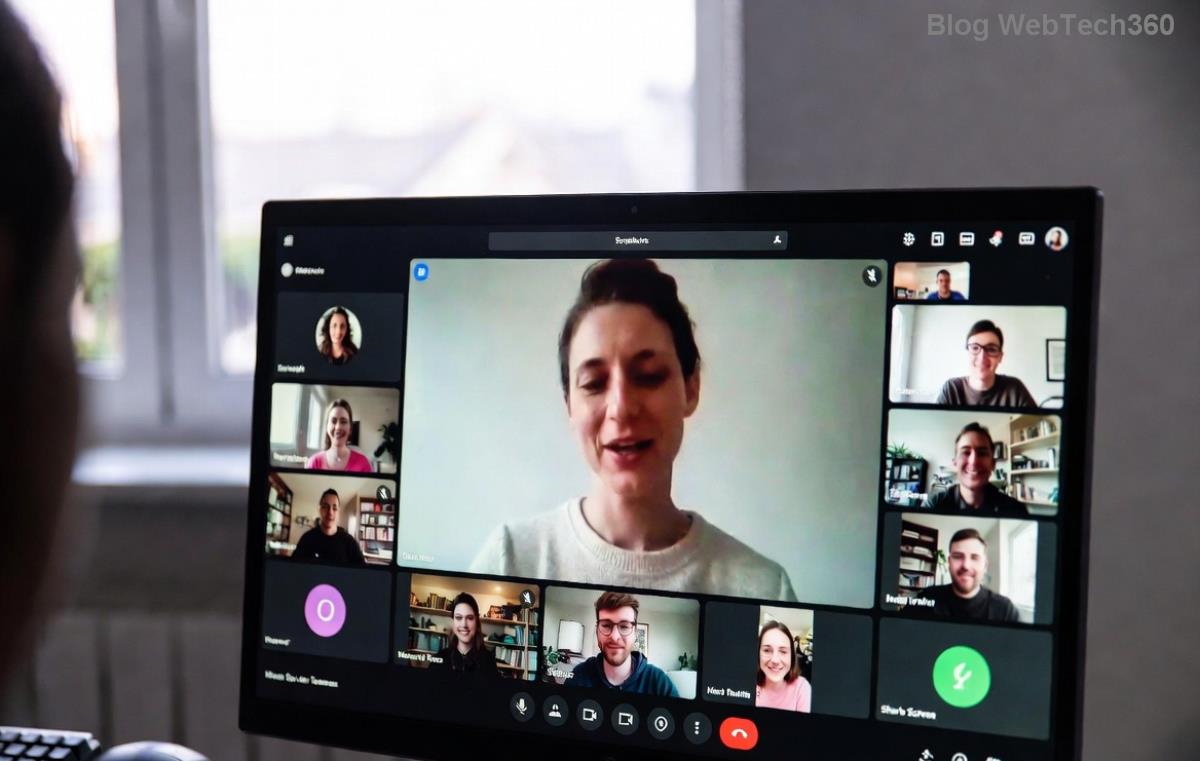
Step-by-step screen showing how to log in as a guest in Microsoft Teams (2026) – join button highlighted
  1. πŸ‘† Click the Meeting Link: Open the invite email or message with the Teams link. Tap or click it to launch in your browser or app.
  2. Select "Join as a Guest": On the pre-join screen, look for the "Join as a guest" button (usually below "Sign in"). Click it! If not visible, the meeting might require sign-in – contact the host.
  3. Enter Your Name: Type a display name (e.g., "John Doe - Guest"). Keep it professional for best impressions.
  4. Customize Your Experience:
    • Toggle microphone 🎀 and camera πŸ“Ή on/off.
    • Choose "Mute" or "Turn off video" for privacy.
  5. Hit "Join Now": Boom! You're in. Chat, react, and collaborate like a pro.

For mobile users: Download the Microsoft Teams app from your store, open the link, and follow the same flow. Desktop? Use web.teams.microsoft.com for zero installs.
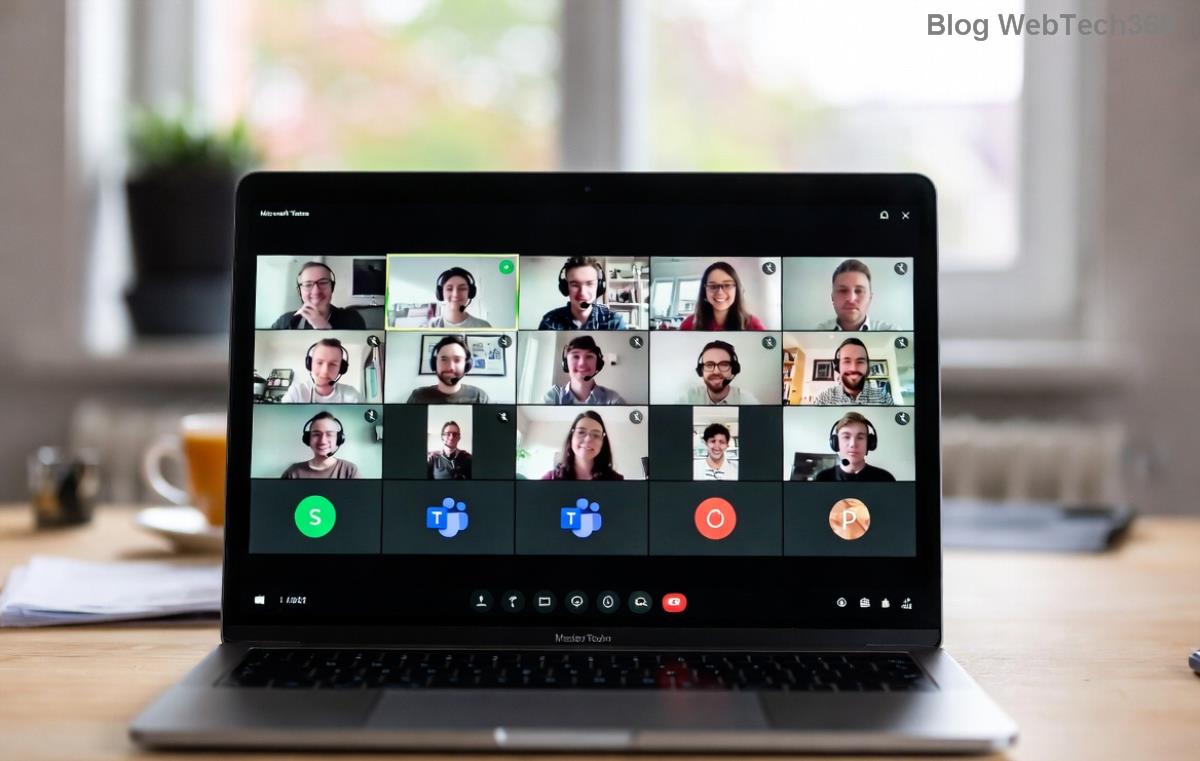
Microsoft Teams guest login confirmation screen in 2026 interface with join options

Guest vs. Signed-In User in Microsoft Teams: Quick Comparison

Not sure if guest login fits? Here's a handy table:

Feature Guest User Signed-In User
Account Needed ❌ No βœ… Yes
Meeting Join ⭐⭐⭐⭐⭐ Instant ⭐⭐⭐⭐⭐ Full
Chat/Channels Access ⭐⭐ Limited (invite-only) ⭐⭐⭐⭐⭐ Unlimited
Screen Share βœ… Yes βœ… Yes
File Upload ❌ No βœ… Yes

As you see, Teams guest access is ideal for meetings but limited for ongoing teams. For deeper access, request a full guest invite via Microsoft Docs.

Troubleshooting: Fix Microsoft Teams Guest Login Issues Fast

Stuck? Common fixes:

  • 😩 "Guest option missing": Organizer must enable "People dialing in can join before host" and guest access in settings.
  • 🚫 Browser blocks: Allow pop-ups/camera/mic permissions.
  • ⚠️ Connection fails: Switch networks or use incognito mode.
  • πŸ”’ Corporate firewall: Ask IT to whitelist teams.microsoft.com.

Still issues? Restart your device or try the web version. 99% of problems vanish here!

Pro Tips to Shine as a Teams Guest (2026 Edition)

Elevate your experience:

  • ⭐ Use reactions (πŸ‘β€οΈ) to engage without interrupting.
  • πŸ“± Prep your background – virtual ones work for guests too!
  • πŸ’‘ Raise hand πŸ™‹ for speaking turns.
  • πŸ“€ Share screen confidently – test beforehand.

Want more? Explore Microsoft Teams templates for recurring guest joins.

Ready to Join Your First Guest Meeting? You've Got This!

Congrats! Now you know exactly how to log in as a guest in Microsoft Teams (2026). It's quick, secure, and opens doors to seamless teamwork. Share this guide with colleagues, test it on your next invite, and watch productivity soar. Got questions? Drop them in the comments – happy teaming! πŸŽ‰


Leave a Comment

Microsoft Teams Wiki Not Loading? 7 Proven Fixes to Resolve It Instantly!

Microsoft Teams Wiki Not Loading? 7 Proven Fixes to Resolve It Instantly!

Facing the frustrating Microsoft Teams Wiki not loading error? Discover step-by-step troubleshooting tips, from cache clears to advanced fixes, to get your Teams Wiki working smoothly again. Quick, effective solutions for all users.

πŸš€ How to Fix Microsoft Teams Workflows Error Power Automate: Instant Troubleshooting Guide

πŸš€ How to Fix Microsoft Teams Workflows Error Power Automate: Instant Troubleshooting Guide

Stuck with Microsoft Teams "Workflows Error" in Power Automate? Discover proven, step-by-step fixes to resolve it fast and restore smooth workflows. No tech expertise needed!

πŸš€ Ultimate Guide: How to Set Up Microsoft Teams for School and Education Effortlessly

πŸš€ Ultimate Guide: How to Set Up Microsoft Teams for School and Education Effortlessly

Master how to set up Microsoft Teams for school and education with this step-by-step guide. Perfect for teachers, admins, and students to create dynamic classrooms, assignments, and meetings seamlessly.

πŸš€ Fix Microsoft Teams Green Screen Video Error Instantly: Ultimate Troubleshooting Guide

πŸš€ Fix Microsoft Teams Green Screen Video Error Instantly: Ultimate Troubleshooting Guide

Tired of the frustrating Microsoft Teams green screen "Video Error"? Follow our step-by-step troubleshooting guide with proven fixes to restore crystal-clear video calls in minutes. No tech expertise needed!

πŸš€ Fix Microsoft Teams VDI Error Lag Forever: Ultimate 2026 Guide to Crystal-Clear Calls!

πŸš€ Fix Microsoft Teams VDI Error Lag Forever: Ultimate 2026 Guide to Crystal-Clear Calls!

Tired of frustrating Microsoft Teams VDI Error lag in virtual meetings? Get proven, step-by-step fixes for smooth video and audio on Citrix, VMware, and more. Boost productivity now!

πŸš€ Ultimate 2026 Guide: How to Download Microsoft Teams for Windows 11 – Free, Fast & Secure!

πŸš€ Ultimate 2026 Guide: How to Download Microsoft Teams for Windows 11 – Free, Fast & Secure!

Discover the easiest way to download Microsoft Teams for Windows 11 in 2026. Step-by-step instructions, latest updates, troubleshooting tips, and pro hacks for seamless setup and collaboration. Get started now!

Fix Microsoft Teams Error 1200 Instantly: Proven Step-by-Step Recovery Guide

Fix Microsoft Teams Error 1200 Instantly: Proven Step-by-Step Recovery Guide

Struggling with Microsoft Teams Error 1200? Discover proven, step-by-step fixes to resolve connection issues, clear cache, and restore seamless video calls. Get back to collaborating without frustration!

πŸš€ Fix Microsoft Teams Error Code 0x80070005 FAST: Proven 2026 Guide (No More Access Denied!)

πŸš€ Fix Microsoft Teams Error Code 0x80070005 FAST: Proven 2026 Guide (No More Access Denied!)

Struggling with Microsoft Teams Error Code 0x80070005? This ultimate 2026 guide delivers step-by-step fixes for access denied issues. Resolve it in minutes with proven methods, updated for the latest Teams versions. Say goodbye to crashes!

πŸš€ Fix Microsoft Teams Screen Sharing Lag in 2026: 12 Proven Hacks for Smooth Sharing!

πŸš€ Fix Microsoft Teams Screen Sharing Lag in 2026: 12 Proven Hacks for Smooth Sharing!

Tired of Microsoft Teams screen sharing lag ruining your 2026 meetings? Get instant fixes for lag, freezes, and delays. Boost performance with these expert tips – no tech skills needed!

πŸš€ Ultimate Guide: How to Download Microsoft Teams Chat History & Transcripts in Minutes

πŸš€ Ultimate Guide: How to Download Microsoft Teams Chat History & Transcripts in Minutes

Discover simple, step-by-step methods to download Microsoft Teams chat history and transcripts effortlessly. Perfect for meetings, channels, and private chats. Save your data securely today!