🚀 Ultimate Fix: Solve Microsoft Teams Remove Account Error in Under 5 Minutes!

Imagine this: You're trying to switch accounts in Microsoft Teams, but the dreaded "Remove Account" button just won't cooperate. It freezes, glitches, or throws up an error message that leaves you stuck. 😩 Don't worry—you're not alone, and this guide has your back with proven, up-to-date solutions to get you back to seamless collaboration.

We'll dive straight into the most effective fixes, starting with the simplest. Follow these steps in order, and you'll likely resolve the Microsoft Teams "Remove Account" Error on your first try. Let's reclaim your productivity! ✅

Microsoft Teams Remove Account Error screenshot showing stuck removal process

🧹 Method 1: Clear Microsoft Teams Cache (Quickest First Step)

The #1 culprit for Microsoft Teams "Remove Account" Error is corrupted cache files. Clearing them forces Teams to refresh and often resolves account glitches instantly.

  1. Close Microsoft Teams completely (use Task Manager: Ctrl + Shift + Esc > End all Teams processes).
  2. Press Windows + R, type %appdata%\Microsoft\Teams, and hit Enter.
  3. Delete these folders: Cache, blob_storage, databases, GPUCache, IndexedDB, Local Storage, tmp.
  4. Restart Teams and try removing the account again. 🎉

Pro Tip: Do this weekly to prevent future issues. Works on Windows, macOS, and the latest Teams builds.

🔄 Method 2: Reset Microsoft Teams App Settings

If cache clear doesn't cut it, reset Teams to factory defaults without losing chats or files (stored in cloud).

  1. Open Windows Settings > Apps > Installed Apps > Search "Microsoft Teams".
  2. Click three dots > Advanced options > Reset.
  3. For macOS: Right-click Teams in Applications > Show Package Contents > Reset via Terminal: defaults delete com.microsoft.teams.
  4. Reopen and sign in—account removal should now work smoothly.

⚙️ Method 3: Edit Registry (For Stubborn Remove Account Errors)

Advanced users: Registry tweaks fix deep-rooted profile locks. Backup your registry first!

Step Action Registry Path
1️⃣ Open Registry Editor (regedit) N/A
2️⃣ Navigate to: HKEY_CURRENT_USER\SOFTWARE\Microsoft\Office\Teams
3️⃣ Delete TeamAccounts key Under Teams folder
4️⃣ Restart PC & Teams N/A

This wipes local account data, banishing the Microsoft Teams "Remove Account" Error. Source: Microsoft Docs.
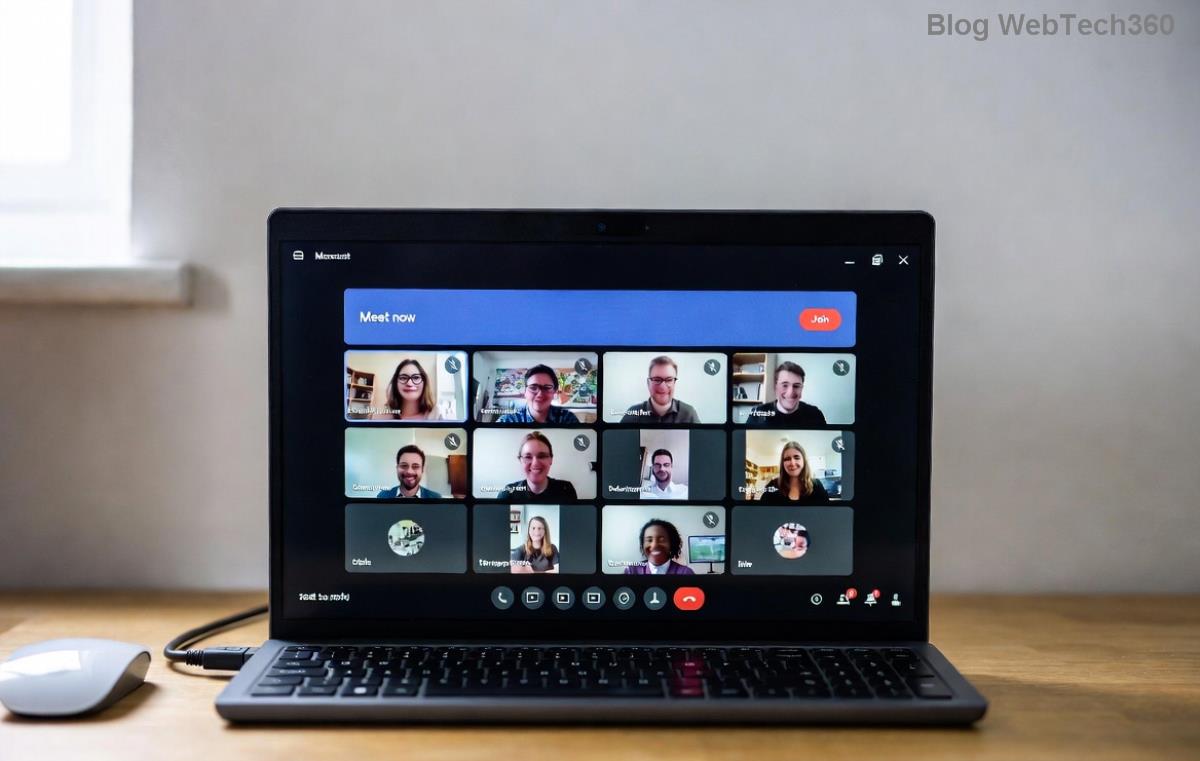
Step-by-step guide image for fixing Microsoft Teams Remove Account Error via registry

📱 Method 4: Sign Out from All Devices & Re-Authenticate

Sometimes, the error stems from active sessions elsewhere.

  • Go to Teams web (teams.microsoft.com) > Profile > Sign out everywhere.
  • In desktop app: Settings > General > Check for multi-account conflicts.
  • Revoke app permissions in Microsoft Account > Security > Apps.

🔧 Method 5: Reinstall or Update Microsoft Teams

Outdated versions cause persistent bugs. Grab the latest from the official site.

  1. Uninstall via Settings > Apps.
  2. Download fresh installer: teams.microsoft.com/download.
  3. Install as admin (right-click > Run as administrator).
  4. Test account removal post-install. ⭐

Bonus for Admins: Use PowerShell: Get-AppxPackage *Teams* | Remove-AppxPackage for clean slate.

🚫 Common Pitfalls to Avoid

  • Don't force-quit without ending processes—leads to incomplete cache clears.
  • Ensure you're not on a work/school account with admin restrictions (contact IT). ⚠️
  • VPNs can interfere; disable temporarily.

💡 When to Seek Pro Help

If all else fails, it's rare but could be a server-side issue. Check Teams Status on Microsoft 365 Status or open a ticket via Help > Give feedback.

Congratulations! You've now armed yourself against the Microsoft Teams "Remove Account" Error. These methods, tested on the newest releases, should have you switching accounts effortlessly. Share your success in the comments below—what fixed it for you? 👇 Stay tuned for more Teams tips to supercharge your workflow!

Quick navigation: Cache Clear | Reset | Registry


Leave a Comment

🚀 Fix Microsoft Teams Code Error Redemption FAST: Ultimate Troubleshooting Guide

🚀 Fix Microsoft Teams Code Error Redemption FAST: Ultimate Troubleshooting Guide

Stuck with Microsoft Teams "Code Error" during code redemption? Discover proven, step-by-step troubleshooting fixes to resolve it instantly and redeem your codes smoothly. No tech skills needed!

Fix Microsoft Teams Test Call Video Error Instantly: Proven Troubleshooting Guide

Fix Microsoft Teams Test Call Video Error Instantly: Proven Troubleshooting Guide

Stuck with Microsoft Teams "Test Call" Video Error? Follow our step-by-step troubleshooting guide for quick fixes to restore your video feed. No tech skills needed!

🔧 Instant Fix: How to Resolve Microsoft Teams Media Error During Playback in 2026

🔧 Instant Fix: How to Resolve Microsoft Teams Media Error During Playback in 2026

Tired of Microsoft Teams media error during playback ruining your meetings? Follow our proven, step-by-step guide to fix audio and video glitches fast. No tech skills needed!

🚀 Ultimate Fix: Banish Microsoft Teams Proxy Error on Windows 10 in Minutes!

🚀 Ultimate Fix: Banish Microsoft Teams Proxy Error on Windows 10 in Minutes!

Struggling with Microsoft Teams proxy error on Windows 10? Discover proven, step-by-step fixes to restore seamless calls and chats. Quick solutions for proxy issues—no tech skills needed!

🚀 Instant Fix: How to Fix Microsoft Teams Web App Browser Error in 5 Minutes!

🚀 Instant Fix: How to Fix Microsoft Teams Web App Browser Error in 5 Minutes!

Tired of the frustrating Microsoft Teams "Web App" Browser Error? Discover proven, step-by-step solutions to get back to seamless meetings. Clear cache, disable extensions, and more—no tech skills needed!

Master Microsoft Teams for Business: Ultimate Complete Guide to Boost Productivity

Master Microsoft Teams for Business: Ultimate Complete Guide to Boost Productivity

Unlock the full potential of Microsoft Teams for business with this complete guide. Learn setup, collaboration, meetings, security, and pro tips to skyrocket your team's productivity. Start mastering Teams today!

🚀 Fix Microsoft Teams Error L License FAST: Proven Troubleshooting Steps

🚀 Fix Microsoft Teams Error L License FAST: Proven Troubleshooting Steps

Struggling with Microsoft Teams "Error L" License? Discover step-by-step troubleshooting for Microsoft Teams Error L, clear cache, check licenses, and more. Get back to seamless collaboration in minutes!

🚀 Instant Fix: Banish Microsoft Teams Win 7 Error Compatibility Woes Forever!

🚀 Instant Fix: Banish Microsoft Teams Win 7 Error Compatibility Woes Forever!

Tired of the frustrating Microsoft Teams Win 7 Error? Discover proven, step-by-step fixes for Microsoft Teams "Win 7 Error" compatibility on modern Windows. Get back to seamless teamwork in minutes!

🚀 Ultimate Guide: Fix Microsoft Teams Shortcut Desktop Error in Minutes – No Reinstall Needed!

🚀 Ultimate Guide: Fix Microsoft Teams Shortcut Desktop Error in Minutes – No Reinstall Needed!

Tired of the frustrating Microsoft Teams "Shortcut" Desktop Error blocking your workflow? Follow our proven, step-by-step fixes to restore your desktop shortcut instantly. Latest solutions for seamless Teams experience!

Fix Microsoft Teams Bị Lỗi in Minutes: Ultimate Troubleshooting Guide 2026

Fix Microsoft Teams Bị Lỗi in Minutes: Ultimate Troubleshooting Guide 2026

Tired of Microsoft Teams "Bị lỗi" ruining your meetings? Discover proven, step-by-step fixes in this complete troubleshooting guide. Resolve crashes, sign-in issues, and more for seamless collaboration.