πŸš€ Ultimate Fix: How to Fix Microsoft Teams Password Error Forgot Password in Minutes!

Frustrated by the dreaded Microsoft Teams "Password Error" Forgot message? 😩 You're not alone – millions face this login roadblock daily. But don't worry! This guide delivers quick, reliable fixes to reset your password and dive back into seamless collaboration. Whether personal or work account, we'll cover it all with crystal-clear steps. Let's reclaim your Teams access now! πŸ‘‡

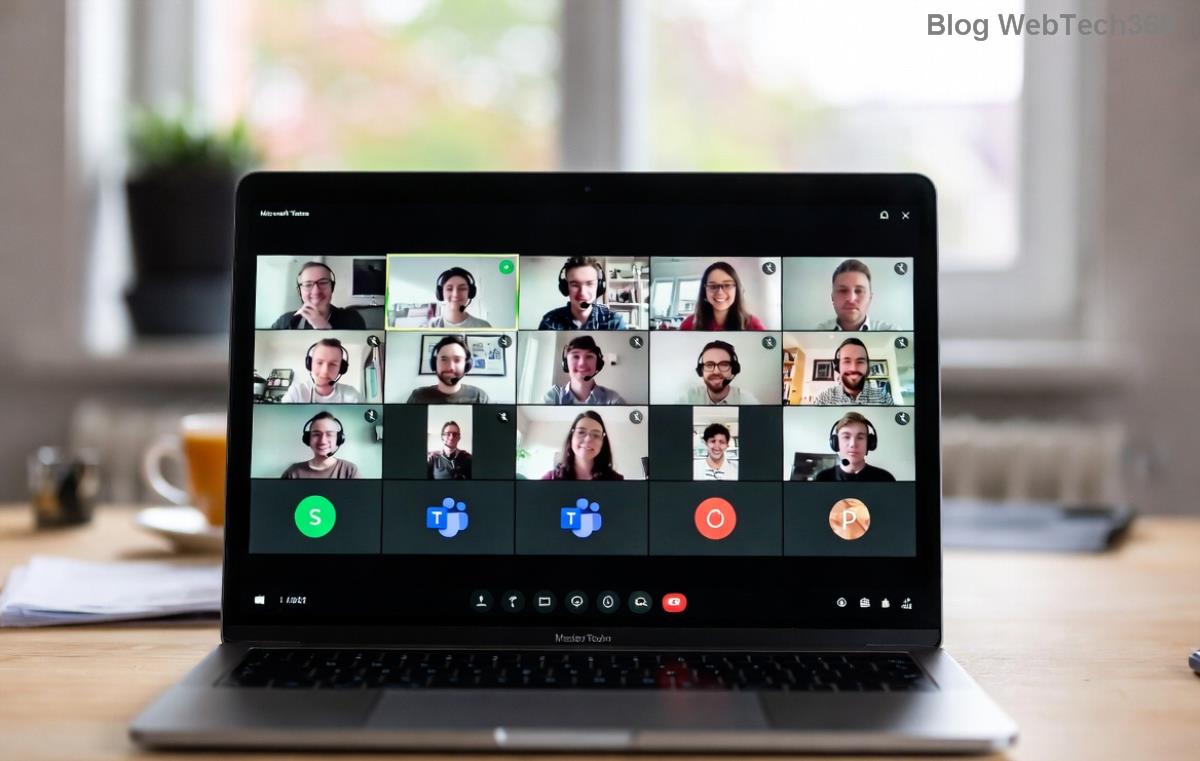
Screenshot of Microsoft Teams Password Error Forgot Password prompt

βœ… Why Does Microsoft Teams "Password Error" Forgot Happen?

Common culprits include:

  • Expired or changed passwords on your Microsoft account.
  • Cached credentials in the Teams app.
  • Two-factor authentication (2FA) glitches.
  • Work/school account restrictions via Azure AD.

Good news: 90% of cases resolve in under 5 minutes. Ready? Follow these proven methods! 🌟

1️⃣ Method 1: Reset Password via Microsoft Account Portal (Fastest for Personal Accounts)

The #1 way to fix Microsoft Teams "Password Error" Forgot starts here. Works for most users.

  1. πŸ”‘ Open your browser and visit account.microsoft.com/password/reset.
  2. Enter your Teams-linked email or phone number.
  3. βœ… Verify identity: Choose email, SMS, or authenticator app.
  4. ✨ Create a new strong password (at least 8 characters, mix letters/numbers/symbols).
  5. πŸš€ Relaunch Teams, sign in with the fresh credentials.

Pro Tip: Enable 2FA during reset for extra security – it prevents future headaches! πŸ‘

2️⃣ Method 2: Clear Teams Cache & Re-Authenticate (For Stubborn App Errors)

If portal reset fails, cached data might be the villain. Here's how to wipe it clean:

Platform Steps
Windows 1. Close Teams.
2. Press Win+R, type %appdata%\Microsoft\Teams.
3. Delete contents of folders like 'blob_storage', 'Cache', 'databases', 'GPUCache', 'IndexedDB', 'Local Storage', 'tmp'.
4. Restart Teams & sign in.
macOS 1. Quit Teams.
2. Open Finder > Go > ~/Library/Application Support/Microsoft/Teams.
3. Trash cache folders (same as above).
4. Relaunch.
Mobile (iOS/Android) 1. Uninstall Teams app.
2. Reinstall from store.
3. Sign in fresh.

After clearing, retry login. This nukes old password ghosts! πŸ’₯

Step-by-step guide image for fixing Microsoft Teams Password Error Forgot via cache clear

3️⃣ Method 3: Work/School Account Fix (Contact Admin or Self-Service Portal)

For company Teams? Passwords tie to Azure AD. Steps:

  1. 🌐 Go to your organization's login page (e.g., login.microsoftonline.com).
  2. Select "Forgot my password" & follow prompts.
  3. ❌ If locked: Ping your IT admin via email/phone – they reset via admin center.
  4. πŸ”„ Self-service? Check myaccount.microsoft.com for security info updates.

Bonus: Admins, use admin.microsoft.com > Users > Reset password. Instant fix! πŸ› οΈ

⚠️ Advanced Troubleshooting: When Nothing Works

Still stuck? Try these power moves:

  • Browser Test: Login via web.teams.microsoft.com first – bypasses app issues.
  • VPN Off: Corporate VPNs can interfere; disable temporarily.
  • Device Switch: Test on phone/browser.
  • Account Recovery: Fill Microsoft's recovery form at account.live.com/acsr (provide proof).
  • πŸ“ž Last resort: Microsoft Support chat at support.microsoft.com.

πŸ›‘οΈ Prevent Future Microsoft Teams "Password Error" Forgot Nightmares

Stay ahead:

  • ⭐ Use a password manager (e.g., LastPass, Bitwarden).
  • βœ… Save password in browser (securely).
  • πŸ”’ Update security info yearly.
  • πŸ“± Link recovery phone/email.

Congrats! You've mastered how to fix Microsoft Teams "Password Error" Forgot. Back to crushing meetings? πŸŽ‰ Share this guide if it saved your day – and bookmark for later. Questions? Drop a comment below!

Info sourced from official Microsoft docs for latest accuracy. Teams evolves – always check account.microsoft.com for updates.



Leave a Comment

πŸš€ Fix Microsoft Teams Code Error Redemption FAST: Ultimate Troubleshooting Guide

πŸš€ Fix Microsoft Teams Code Error Redemption FAST: Ultimate Troubleshooting Guide

Stuck with Microsoft Teams "Code Error" during code redemption? Discover proven, step-by-step troubleshooting fixes to resolve it instantly and redeem your codes smoothly. No tech skills needed!

Fix Microsoft Teams Test Call Video Error Instantly: Proven Troubleshooting Guide

Fix Microsoft Teams Test Call Video Error Instantly: Proven Troubleshooting Guide

Stuck with Microsoft Teams "Test Call" Video Error? Follow our step-by-step troubleshooting guide for quick fixes to restore your video feed. No tech skills needed!

πŸ”§ Instant Fix: How to Resolve Microsoft Teams Media Error During Playback in 2026

πŸ”§ Instant Fix: How to Resolve Microsoft Teams Media Error During Playback in 2026

Tired of Microsoft Teams media error during playback ruining your meetings? Follow our proven, step-by-step guide to fix audio and video glitches fast. No tech skills needed!

πŸš€ Ultimate Fix: Banish Microsoft Teams Proxy Error on Windows 10 in Minutes!

πŸš€ Ultimate Fix: Banish Microsoft Teams Proxy Error on Windows 10 in Minutes!

Struggling with Microsoft Teams proxy error on Windows 10? Discover proven, step-by-step fixes to restore seamless calls and chats. Quick solutions for proxy issuesβ€”no tech skills needed!

πŸš€ Instant Fix: How to Fix Microsoft Teams Web App Browser Error in 5 Minutes!

πŸš€ Instant Fix: How to Fix Microsoft Teams Web App Browser Error in 5 Minutes!

Tired of the frustrating Microsoft Teams "Web App" Browser Error? Discover proven, step-by-step solutions to get back to seamless meetings. Clear cache, disable extensions, and moreβ€”no tech skills needed!

Master Microsoft Teams for Business: Ultimate Complete Guide to Boost Productivity

Master Microsoft Teams for Business: Ultimate Complete Guide to Boost Productivity

Unlock the full potential of Microsoft Teams for business with this complete guide. Learn setup, collaboration, meetings, security, and pro tips to skyrocket your team's productivity. Start mastering Teams today!

πŸš€ Fix Microsoft Teams Error L License FAST: Proven Troubleshooting Steps

πŸš€ Fix Microsoft Teams Error L License FAST: Proven Troubleshooting Steps

Struggling with Microsoft Teams "Error L" License? Discover step-by-step troubleshooting for Microsoft Teams Error L, clear cache, check licenses, and more. Get back to seamless collaboration in minutes!

πŸš€ Instant Fix: Banish Microsoft Teams Win 7 Error Compatibility Woes Forever!

πŸš€ Instant Fix: Banish Microsoft Teams Win 7 Error Compatibility Woes Forever!

Tired of the frustrating Microsoft Teams Win 7 Error? Discover proven, step-by-step fixes for Microsoft Teams "Win 7 Error" compatibility on modern Windows. Get back to seamless teamwork in minutes!

πŸš€ Ultimate Guide: Fix Microsoft Teams Shortcut Desktop Error in Minutes – No Reinstall Needed!

πŸš€ Ultimate Guide: Fix Microsoft Teams Shortcut Desktop Error in Minutes – No Reinstall Needed!

Tired of the frustrating Microsoft Teams "Shortcut" Desktop Error blocking your workflow? Follow our proven, step-by-step fixes to restore your desktop shortcut instantly. Latest solutions for seamless Teams experience!

Fix Microsoft Teams Bα»‹ Lα»—i in Minutes: Ultimate Troubleshooting Guide 2026

Fix Microsoft Teams Bα»‹ Lα»—i in Minutes: Ultimate Troubleshooting Guide 2026

Tired of Microsoft Teams "Bα»‹ lα»—i" ruining your meetings? Discover proven, step-by-step fixes in this complete troubleshooting guide. Resolve crashes, sign-in issues, and more for seamless collaboration.