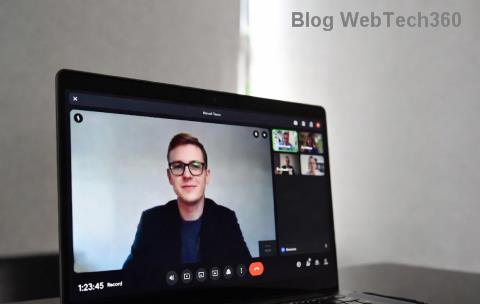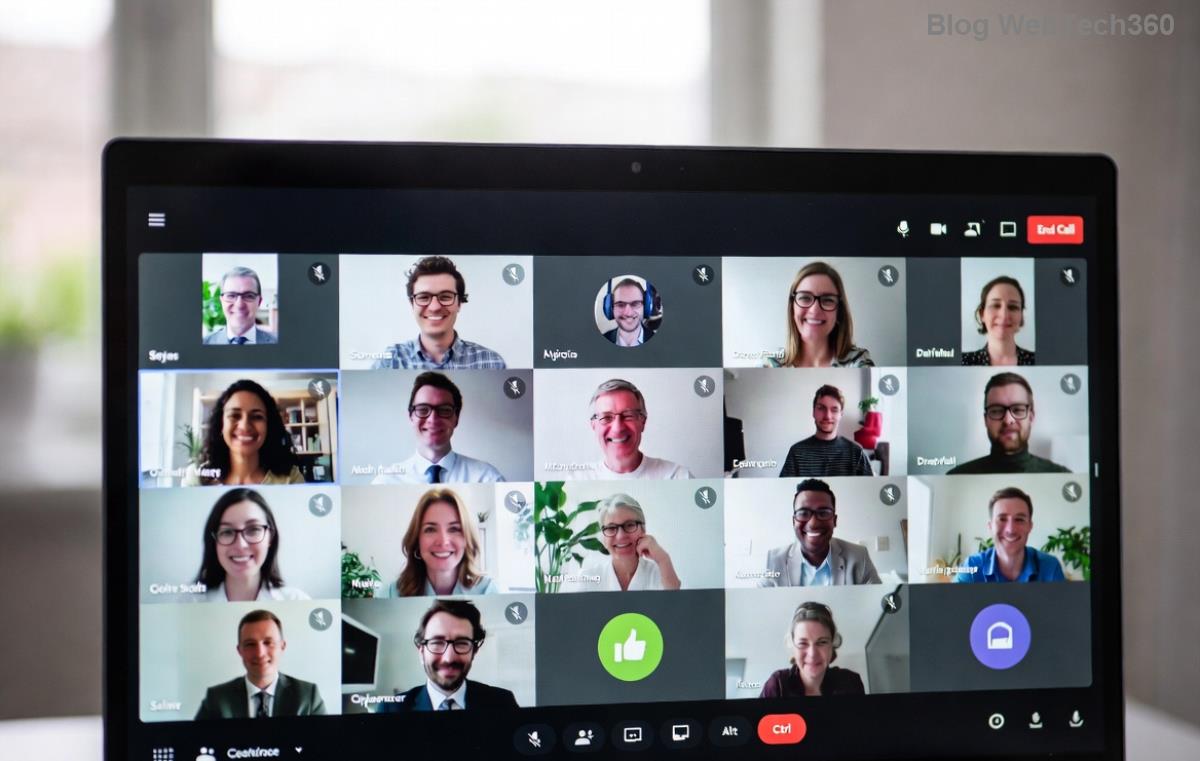
Are you ready to supercharge your teamwork on Windows 11? Microsoft Teams is the go-to app for seamless video calls, file sharing, and real-time chats. In 2026, with the latest updates, it's faster, smarter, and more integrated than ever. This guide walks you through how to download Microsoft Teams for Windows 11 in minutes – no tech headaches, just pure productivity. Let's dive in and get you connected! 👍
Why Microsoft Teams is a Must-Have for Windows 11 Users in 2026
Picture this: Crystal-clear meetings, AI-powered notes, and effortless integration with Windows 11's Copilot features. The newest Microsoft Teams version brings enhanced security, low-latency calls, and customizable workspaces tailored for hybrid work. Whether you're freelancing or leading a global team, downloading it now unlocks unlimited potential. Ready for the steps? Follow along – you'll be up and running before your next coffee break! ☕
Check Your System: Microsoft Teams for Windows 11 Requirements
Before hitting download, ensure your setup matches. Microsoft Teams runs smoothly on modern hardware:
| Requirement |
Minimum |
Recommended |
| OS |
Windows 11 (version 22H2+) |
Windows 11 24H2 or later |
| Processor |
1.6 GHz dual-core |
Intel i5 or AMD Ryzen 5+ |
| RAM |
4 GB |
8 GB+ |
| Storage |
2 GB free |
SSD with 5 GB free |
| Internet |
Broadband |
1.5 Mbps upload/download |
Pro tip: Update Windows 11 via Settings > Windows Update for optimal performance. If you're good, proceed to the download! ⭐
Step-by-Step: How to Download Microsoft Teams for Windows 11
Getting the latest Microsoft Teams is straightforward from the official source. Avoid third-party sites for security. Here's your foolproof guide:
- 1️⃣ Visit the Official Site
Open your browser (Edge works best on Windows 11) and head to the Microsoft Teams download page. It's always updated with the newest 2026 builds.
- 2️⃣ Select Windows Version
Click the "Download for Windows" button. Choose the free desktop app – perfect for Windows 11 native experience. No account needed yet!
- 3️⃣ Grab the Installer
The Teams_windows_x64.exe (around 200MB) downloads automatically. Save it to Downloads folder. Watch the progress bar – it's lightning-fast on fiber!
- 4️⃣ Verify the File
Right-click the file > Properties > Digital Signatures. Confirm it's signed by Microsoft Corporation. Safety first! 🔒
Downloaded? Great! Now install it seamlessly. Keep reading for the next phase – your team awaits. 😊
Effortless Installation: Set Up Microsoft Teams on Windows 11
Installation takes under 2 minutes:
- Run the Installer: Double-click the .exe. User Account Control pops up – hit "Yes."
- Follow Prompts: Accept terms, choose install location (default is fine), and select "New Teams" for the latest client.
- Finish & Launch: Click Install. Teams opens automatically – sign in with Microsoft, Google, or work account.
Voila! Pin it to your taskbar or Start menu for one-click access. Customize your profile, add channels, and start collaborating. Feeling empowered? Let's tackle potential hiccups next. 🚀
Troubleshooting: Fix Common Microsoft Teams Download Issues on Windows 11
Stuck? Don't worry – 99% of issues are quick fixes:
| Problem |
Solution |
| Download fails |
Disable VPN/firewall temporarily. Try Edge browser. |
| Install crashes |
Run as admin. Clear temp files via Disk Cleanup. |
| App won't open |
Reset via Settings > Apps > Teams > Advanced > Reset. |
| Slow performance |
Update graphics drivers. Enable hardware acceleration in Teams settings. |
For deeper issues, check Microsoft Teams Support. Most users breeze through – you're almost a pro now!
Pro Tips to Maximize Microsoft Teams for Windows 11 in 2026
Downloaded and installed? Level up with these gems:
- Keyboard Shortcuts: Ctrl + Shift + M to mute – save seconds in meetings!
- Integration Magic: Link with Outlook and OneDrive for auto-sync.
- AI Boost: Use Copilot in Teams for meeting summaries (2026 exclusive).
- Security Lockdown: Enable multi-factor auth and end-to-end encryption.
- Mobile Sync: Download the companion app for on-the-go access.
Bonus: Join a test call via Teams' built-in demo to practice. Your productivity will skyrocket! 🎉
Final Thoughts: Start Collaborating Today!
Congrats – you've mastered how to download Microsoft Teams for Windows 11 in 2026! From download to daily use, you're set for unbeatable teamwork. Share this guide with your crew, explore advanced features like Live Captions, and watch your workflow transform. Questions? Drop them in the comments. Happy Teaming! 👏