πŸš€ Instant Fix: How to Fix Microsoft Teams How Teams Works Tutorial Error in 5 Minutes!

Imagine launching Microsoft Teams for the first time, excited to collaborate, only to hit the dreaded "How Teams Works" Tutorial Error. 😩 This glitch traps you in a looping intro tutorial that won't progress, blocking access to chats, meetings, and more. Don't worryβ€”thousands face this, but it's fixable fast!

Our guide delivers precise, up-to-date solutions tested on the latest Microsoft Teams versions. Follow these steps, and you'll be team-ready in minutes. Let's dive in! πŸ‘‡

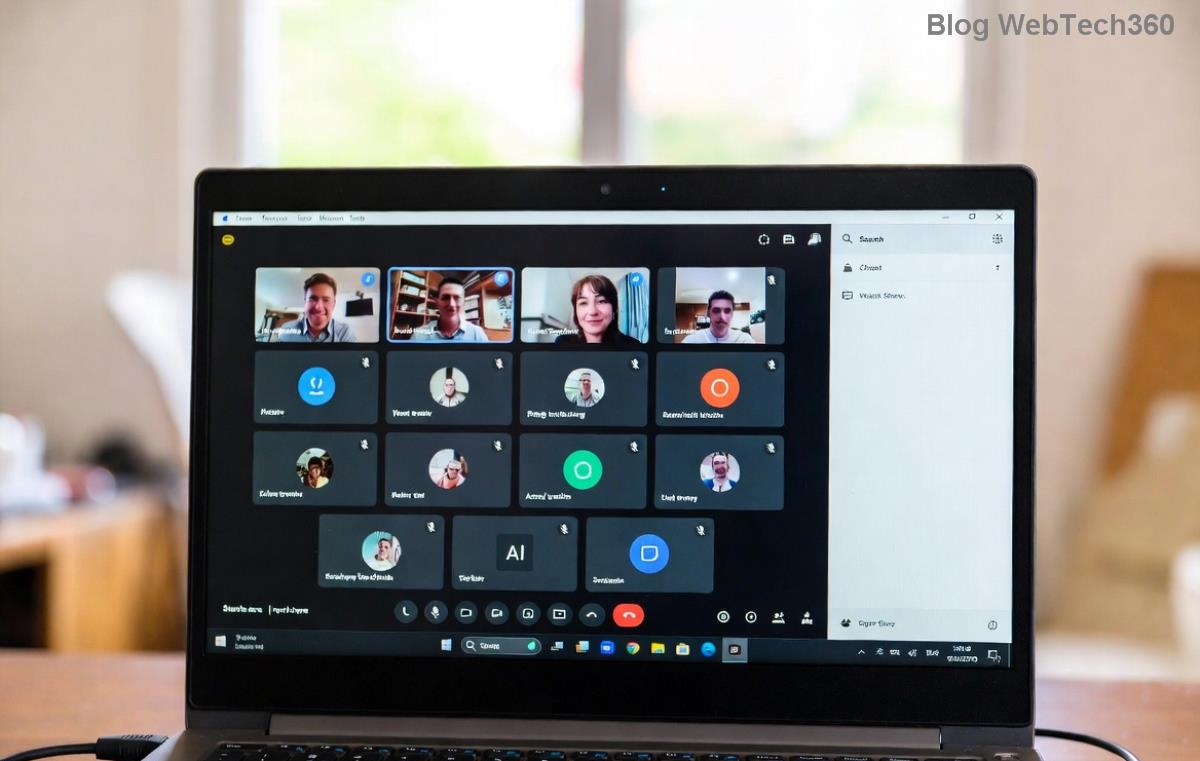
Screenshot of Microsoft Teams How Teams Works Tutorial Error screen

πŸ•΅οΈβ€β™‚οΈ Why Does the "How Teams Works" Tutorial Error Happen?

Before fixing, understand the culprits. This error often stems from:

  • Corrupted Teams cache or temporary files.
  • Outdated app or conflicting browser extensions (for web version).
  • Network glitches or firewall blocks during onboarding.
  • Profile sync issues with your Microsoft account.
  • Rarely, app permissions or incomplete installations.

Spot it? The tutorial freezes on slides like "Welcome to Teams" or "Channels 101," with no "Skip" or "Next" working. Now, let's crush it! ⭐

πŸ”§ Step-by-Step: How to Fix Microsoft Teams "How Teams Works" Tutorial Error

Start with the simplest fixesβ€”they resolve 80% of cases. No tech expertise needed! Proceed sequentially for best results.

1️⃣ Clear Teams Cache (Quickest Win! πŸŽ‰)

The #1 cause? Stale cache. Here's how:

  1. Quit Microsoft Teams completely (check Task Manager for lingering processes).
  2. Press Win + R, type %appdata%\Microsoft\Teams, hit Enter.
  3. Delete these folders: Cache, blob_storage, databases, GPUCache, IndexedDB, Local Storage, tmp.
  4. Restart Teams. Tutorial should reload fresh!

Pro Tip: On Mac, go to ~/Library/Application Support/Microsoft/Teams and delete the same.

2️⃣ Reset Teams App Settings

If cache clear fails:

  1. Open Windows Settings > Apps > Installed Apps > Microsoft Teams.
  2. Click three dots > Advanced options > Reset.
  3. Or, in Teams: Profile icon > Settings > General > Repair (if available).
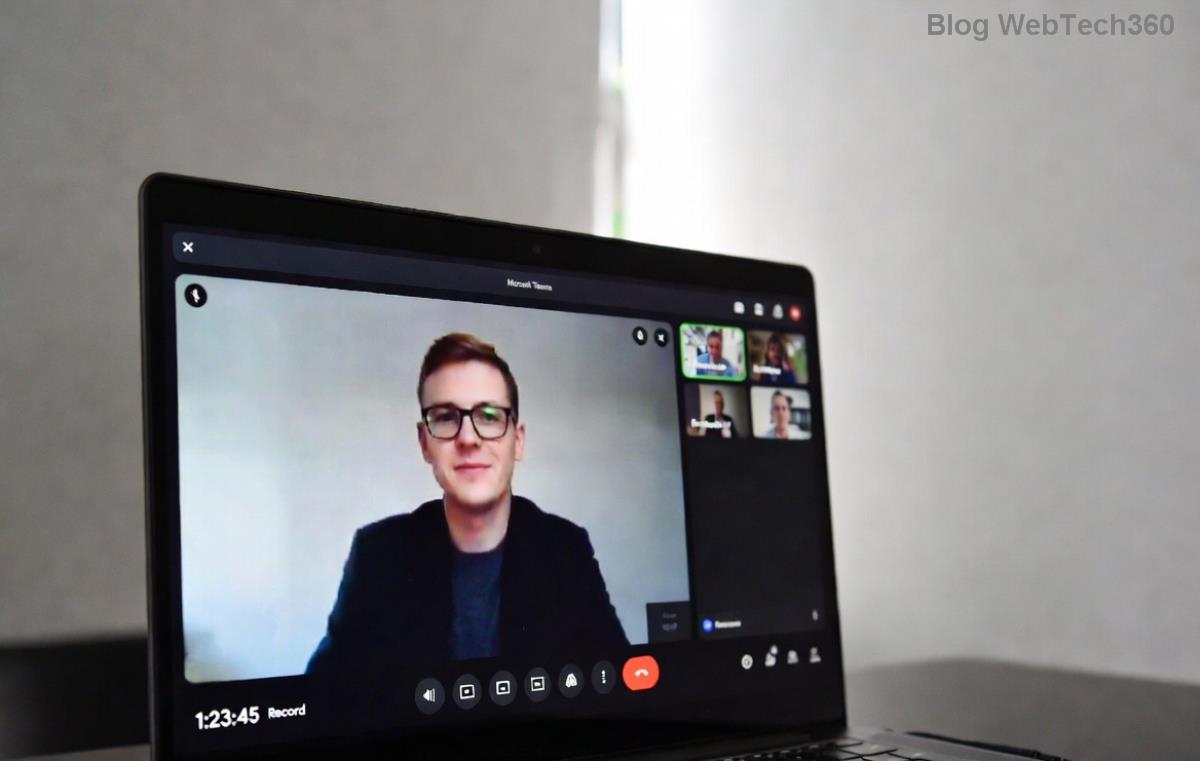
Steps to clear Microsoft Teams cache and fix tutorial error

3️⃣ Update or Reinstall Teams

Ensure you're on the latest Teams (desktop or web):

  • Desktop: Help > Check for updates.
  • Web: Use Edge/Chrome incognito to bypass extensions.
  • Still stuck? Uninstall via Settings, download fresh from official site.

4️⃣ Network & Account Tweaks

  • Sign out > Sign in with another account > Switch back.
  • Issue Solution Why It Works
    Slow/Proxy Network Switch to mobile hotspot or VPN off. Run ipconfig /flushdns in CMD. Clears DNS blocking tutorial assets.
    Account Sync Refreshes profile data.
    Firewall/Antivirus Add Teams exception or temporarily disable. Prevents blocking onboarding scripts.

    Bonus: For enterprise users, ask IT to check proxy policies.
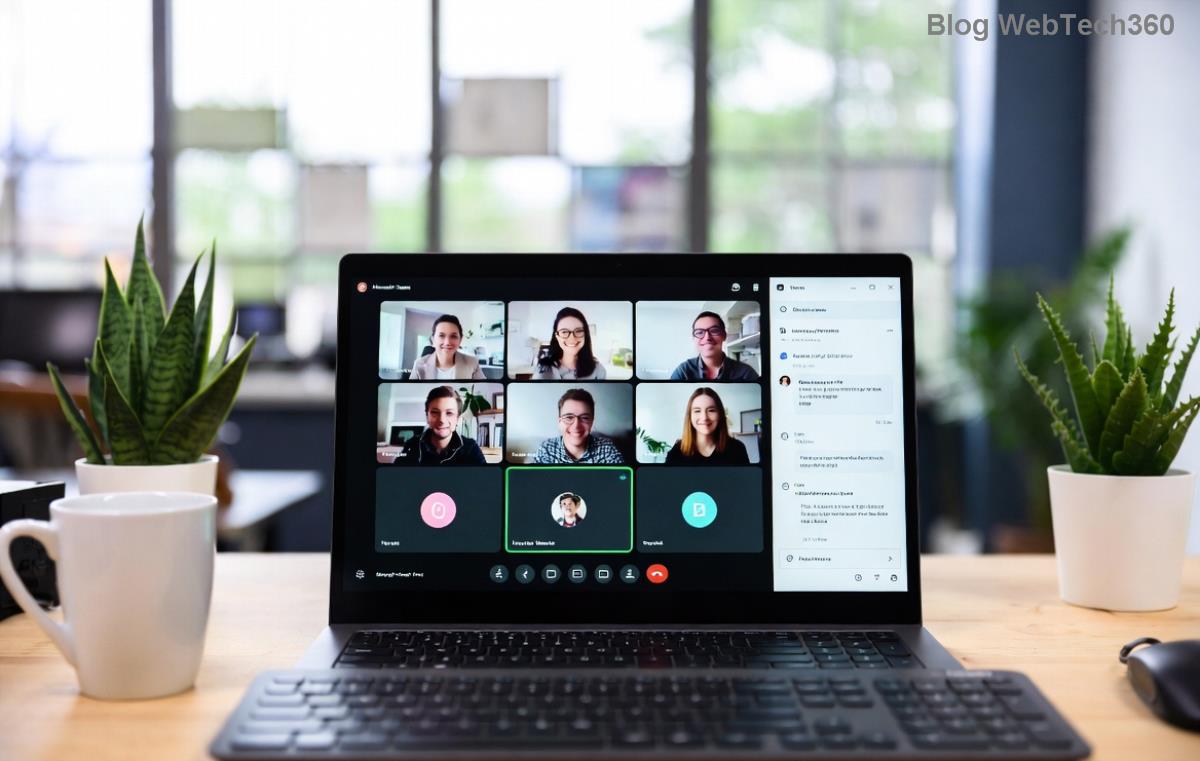
    Successful Microsoft Teams tutorial completion after fix

    5️⃣ Advanced Fixes (If All Else Fails)

    • Browser Version: Clear site data for teams.microsoft.com in browser settings.
    • Registry Tweak (Windows Pro): Backup first! Delete HKEY_CURRENT_USER\Software\Microsoft\Office\Teams keys related to onboarding.
    • Contact support: Use in-app feedback or Microsoft Teams Support.

    βœ… Verify the Fix & Prevent Future Errors

    After fixes, relaunch Teamsβ€”the tutorial should zip through or offer "Skip." Welcome screen? You're golden! πŸš€

    To avoid recurrence:

    • ⭐ Update Teams weekly.
    • ⭐ Use Teams web as backup.
    • ⭐ Clear cache monthly.

    ❓ FAQ: How to Fix Microsoft Teams "How Teams Works" Tutorial Error

    Does this affect new users only?
    Mostly, but profile glitches hit veterans too.
    Error on mobile?
    Force close > Clear app cache > Update from store.
    Safe to skip tutorial?
    Yes! Hit Escape or look for "Skip" post-fix.

    Fixed it? Share your success in comments! πŸ‘ If issues persist, drop details belowβ€”we're here to help. Back to productive Teams-ing! 🌟

    Leave a Comment

    Microsoft Teams Wiki Not Loading? 7 Proven Fixes to Resolve It Instantly!

    Microsoft Teams Wiki Not Loading? 7 Proven Fixes to Resolve It Instantly!

    Facing the frustrating Microsoft Teams Wiki not loading error? Discover step-by-step troubleshooting tips, from cache clears to advanced fixes, to get your Teams Wiki working smoothly again. Quick, effective solutions for all users.

    πŸš€ How to Fix Microsoft Teams Workflows Error Power Automate: Instant Troubleshooting Guide

    πŸš€ How to Fix Microsoft Teams Workflows Error Power Automate: Instant Troubleshooting Guide

    Stuck with Microsoft Teams "Workflows Error" in Power Automate? Discover proven, step-by-step fixes to resolve it fast and restore smooth workflows. No tech expertise needed!

    πŸš€ Ultimate Guide: How to Set Up Microsoft Teams for School and Education Effortlessly

    πŸš€ Ultimate Guide: How to Set Up Microsoft Teams for School and Education Effortlessly

    Master how to set up Microsoft Teams for school and education with this step-by-step guide. Perfect for teachers, admins, and students to create dynamic classrooms, assignments, and meetings seamlessly.

    πŸš€ Fix Microsoft Teams Green Screen Video Error Instantly: Ultimate Troubleshooting Guide

    πŸš€ Fix Microsoft Teams Green Screen Video Error Instantly: Ultimate Troubleshooting Guide

    Tired of the frustrating Microsoft Teams green screen "Video Error"? Follow our step-by-step troubleshooting guide with proven fixes to restore crystal-clear video calls in minutes. No tech expertise needed!

    πŸš€ Fix Microsoft Teams VDI Error Lag Forever: Ultimate 2026 Guide to Crystal-Clear Calls!

    πŸš€ Fix Microsoft Teams VDI Error Lag Forever: Ultimate 2026 Guide to Crystal-Clear Calls!

    Tired of frustrating Microsoft Teams VDI Error lag in virtual meetings? Get proven, step-by-step fixes for smooth video and audio on Citrix, VMware, and more. Boost productivity now!

    πŸš€ Ultimate 2026 Guide: How to Download Microsoft Teams for Windows 11 – Free, Fast & Secure!

    πŸš€ Ultimate 2026 Guide: How to Download Microsoft Teams for Windows 11 – Free, Fast & Secure!

    Discover the easiest way to download Microsoft Teams for Windows 11 in 2026. Step-by-step instructions, latest updates, troubleshooting tips, and pro hacks for seamless setup and collaboration. Get started now!

    Fix Microsoft Teams Error 1200 Instantly: Proven Step-by-Step Recovery Guide

    Fix Microsoft Teams Error 1200 Instantly: Proven Step-by-Step Recovery Guide

    Struggling with Microsoft Teams Error 1200? Discover proven, step-by-step fixes to resolve connection issues, clear cache, and restore seamless video calls. Get back to collaborating without frustration!

    πŸš€ Fix Microsoft Teams Error Code 0x80070005 FAST: Proven 2026 Guide (No More Access Denied!)

    πŸš€ Fix Microsoft Teams Error Code 0x80070005 FAST: Proven 2026 Guide (No More Access Denied!)

    Struggling with Microsoft Teams Error Code 0x80070005? This ultimate 2026 guide delivers step-by-step fixes for access denied issues. Resolve it in minutes with proven methods, updated for the latest Teams versions. Say goodbye to crashes!

    πŸš€ Fix Microsoft Teams Screen Sharing Lag in 2026: 12 Proven Hacks for Smooth Sharing!

    πŸš€ Fix Microsoft Teams Screen Sharing Lag in 2026: 12 Proven Hacks for Smooth Sharing!

    Tired of Microsoft Teams screen sharing lag ruining your 2026 meetings? Get instant fixes for lag, freezes, and delays. Boost performance with these expert tips – no tech skills needed!

    πŸš€ Ultimate Guide: How to Download Microsoft Teams Chat History & Transcripts in Minutes

    πŸš€ Ultimate Guide: How to Download Microsoft Teams Chat History & Transcripts in Minutes

    Discover simple, step-by-step methods to download Microsoft Teams chat history and transcripts effortlessly. Perfect for meetings, channels, and private chats. Save your data securely today!