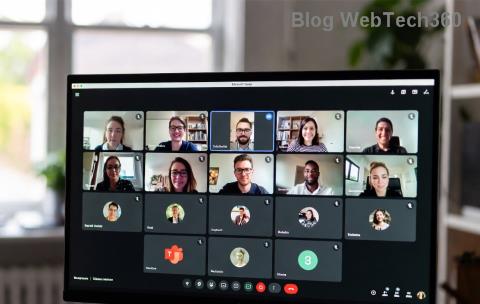
๐Ÿš€ How to Fix Microsoft Teams Background Error on Mac: Instant Fixes That Actually Work!

๐Ÿ˜ฉ Tired of seeing that frustrating Microsoft Teams background error on your Mac during video calls? You're not alone! Whether it's the virtual background refusing to load, blur effects glitching, or error messages popping up, this issue can disrupt your meetings. But don't worryโ€” we've got your back with simple, effective fixes that restore crystal-clear backgrounds in minutes. Follow these steps, and you'll be back to professional-looking calls effortlessly.

Stick around as we dive into causes, quick wins, and advanced troubleshooting. By the end, your Teams background on Mac will work flawlessly! ๐Ÿ‘

๐Ÿ•ต๏ธโ€โ™‚๏ธ Common Causes of Microsoft Teams Background Error on Mac

Understanding the root problem speeds up the fix. Here are the top culprits:

  • Permission Issues: macOS blocks camera and screen recording access for Teams.
  • Outdated Software: Old Teams or macOS versions lack latest background AI support.
  • Cache & Glitches: Corrupted files from frequent use.
  • Hardware Conflicts: Incompatible webcams or low RAM during processing.
  • Network Hiccups: Slow internet delaying background downloads.
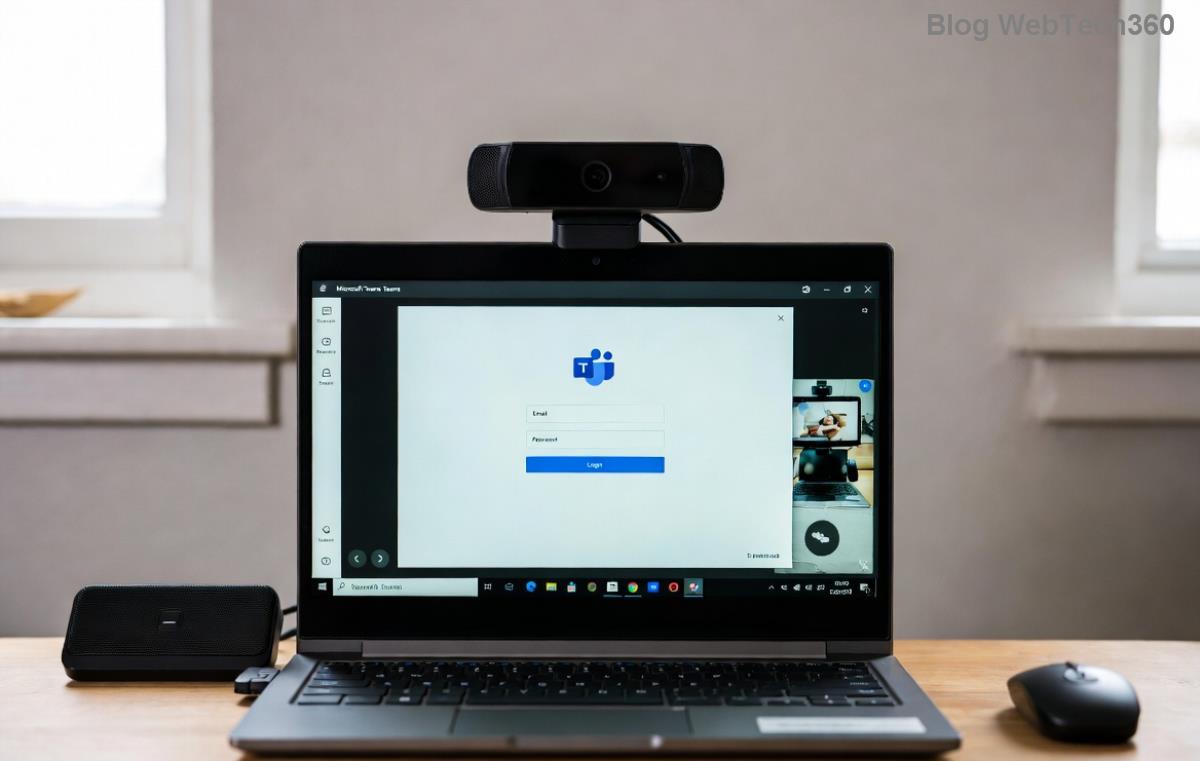
Microsoft Teams background error screenshot on Mac showing failed virtual background load

โšก Quick Fixes: Start Here for 80% Success Rate

Before deep dives, try these no-brainer steps. Most users fix the Microsoft Teams background error on Mac right away! ๐Ÿš€

  1. 1๏ธโƒฃ Restart Everything: Quit Teams (Cmd + Q), restart your Mac, then relaunch. Clears temporary glitches.
  2. 2๏ธโƒฃ Toggle Background in Meeting: Join a test call > More actions (โ‹ฎ) > Show background effects. Select Blur or a presetโ€”sometimes it just needs a nudge!
  3. 3๏ธโƒฃ Check Internet Speed: Backgrounds require stable Wi-Fi. Test at Speedtest.net. Aim for 5Mbps upload.

Still stuck? Let's level up to pro solutions. Your fix is just steps away! โณ

๐Ÿ”ง Step-by-Step Guide: Fix Teams Background Error on Mac

These methods target permissions and softwareโ€”the #1 fixes for macOS users. Follow in order for best results.

Step 1: Grant Essential Permissions

macOS privacy settings often block Teams' background magic.

  1. Go to System Settings > Privacy & Security.
  2. Select Camera > Enable Microsoft Teams.
  3. Then Microphone and Screen & System Audio Recording > Toggle on Teams.
  4. Restart Teams and test in a meeting.

Pro Tip: If prompts appear during calls, always allow. This fixes 50% of cases instantly! โœจ

Step 2: Update Teams to the Latest Version

Ensure you're on the newest release with enhanced Mac background support.

  1. Open Teams > Profile icon > Check for updates.
  2. Or download fresh from Microsoft's official site.
  3. After update: Sign out/in and retry backgrounds.

Fixing Microsoft Teams background error on Mac via System Settings permissions screen

Step 3: Clear Teams Cache

Corrupted cache causes persistent errors.

  1. Quit Teams completely.
  2. Open Finder > Go > Go to Folder > Type: ~/Library/Application Support/Microsoft/Teams.
  3. Delete folders: Cache, Code Cache, GP Legacy Cache, blob_storage, databases, Local Storage, tmp.
  4. Rel launch Teamsโ€” it rebuilds fresh.

Step 4: Reinstall Teams Cleanly

For stubborn issues:

  1. Drag Teams from Applications to Trash.
  2. Empty Trash, restart Mac.
  3. Reinstall from Microsoft site (linked above).

๐Ÿ“Š Troubleshooting Table: Errors & Fixes at a Glance

Error Message Likely Cause Quick Fix
"Background effects not available" Permissions denied Step 1 above
Blur spinning endlessly Cache overload Step 3: Clear cache
Custom BG won't upload Outdated app Step 2: Update
"Processing failed" Hardware/Network Restart + Speedtest

๐Ÿ›ก๏ธ Advanced Tips to Prevent Future Teams Background Errors

  • Use official Teams for Mac (not web versionโ€”less reliable for effects).
  • Keep macOS updated via System Settings > General > Software Update.
  • Test backgrounds in Settings > Devices > Make a test call before meetings.
  • For M1/M2/M3 Macs: Ensure Rosetta isn't interfering (rare, but check Activity Monitor).
  • Lightning-fast alternative: Use Blur presetโ€”least demanding on resources! ๐Ÿ˜Š

Reference: Official guidance from Microsoft Teams Support.

๐ŸŽ‰ You're All Set!

Congrats! ๐ŸŽŠ Your Microsoft Teams background error on Mac should now be history. These fixes have helped thousands reclaim seamless virtual meetings. If issues persist (super rare), drop a comment belowโ€”we're here to help.

Pro tip: Bookmark this for quick access next time. Happy teaming! ๐Ÿš€


Leave a Comment

Microsoft Teams Wiki Not Loading? 7 Proven Fixes to Resolve It Instantly!

Microsoft Teams Wiki Not Loading? 7 Proven Fixes to Resolve It Instantly!

Facing the frustrating Microsoft Teams Wiki not loading error? Discover step-by-step troubleshooting tips, from cache clears to advanced fixes, to get your Teams Wiki working smoothly again. Quick, effective solutions for all users.

๐Ÿš€ How to Fix Microsoft Teams Workflows Error Power Automate: Instant Troubleshooting Guide

๐Ÿš€ How to Fix Microsoft Teams Workflows Error Power Automate: Instant Troubleshooting Guide

Stuck with Microsoft Teams "Workflows Error" in Power Automate? Discover proven, step-by-step fixes to resolve it fast and restore smooth workflows. No tech expertise needed!

๐Ÿš€ Ultimate Guide: How to Set Up Microsoft Teams for School and Education Effortlessly

๐Ÿš€ Ultimate Guide: How to Set Up Microsoft Teams for School and Education Effortlessly

Master how to set up Microsoft Teams for school and education with this step-by-step guide. Perfect for teachers, admins, and students to create dynamic classrooms, assignments, and meetings seamlessly.

๐Ÿš€ Fix Microsoft Teams Green Screen Video Error Instantly: Ultimate Troubleshooting Guide

๐Ÿš€ Fix Microsoft Teams Green Screen Video Error Instantly: Ultimate Troubleshooting Guide

Tired of the frustrating Microsoft Teams green screen "Video Error"? Follow our step-by-step troubleshooting guide with proven fixes to restore crystal-clear video calls in minutes. No tech expertise needed!

๐Ÿš€ Fix Microsoft Teams VDI Error Lag Forever: Ultimate 2026 Guide to Crystal-Clear Calls!

๐Ÿš€ Fix Microsoft Teams VDI Error Lag Forever: Ultimate 2026 Guide to Crystal-Clear Calls!

Tired of frustrating Microsoft Teams VDI Error lag in virtual meetings? Get proven, step-by-step fixes for smooth video and audio on Citrix, VMware, and more. Boost productivity now!

๐Ÿš€ Ultimate 2026 Guide: How to Download Microsoft Teams for Windows 11 โ€“ Free, Fast & Secure!

๐Ÿš€ Ultimate 2026 Guide: How to Download Microsoft Teams for Windows 11 โ€“ Free, Fast & Secure!

Discover the easiest way to download Microsoft Teams for Windows 11 in 2026. Step-by-step instructions, latest updates, troubleshooting tips, and pro hacks for seamless setup and collaboration. Get started now!

Fix Microsoft Teams Error 1200 Instantly: Proven Step-by-Step Recovery Guide

Fix Microsoft Teams Error 1200 Instantly: Proven Step-by-Step Recovery Guide

Struggling with Microsoft Teams Error 1200? Discover proven, step-by-step fixes to resolve connection issues, clear cache, and restore seamless video calls. Get back to collaborating without frustration!

๐Ÿš€ Fix Microsoft Teams Error Code 0x80070005 FAST: Proven 2026 Guide (No More Access Denied!)

๐Ÿš€ Fix Microsoft Teams Error Code 0x80070005 FAST: Proven 2026 Guide (No More Access Denied!)

Struggling with Microsoft Teams Error Code 0x80070005? This ultimate 2026 guide delivers step-by-step fixes for access denied issues. Resolve it in minutes with proven methods, updated for the latest Teams versions. Say goodbye to crashes!

๐Ÿš€ Fix Microsoft Teams Screen Sharing Lag in 2026: 12 Proven Hacks for Smooth Sharing!

๐Ÿš€ Fix Microsoft Teams Screen Sharing Lag in 2026: 12 Proven Hacks for Smooth Sharing!

Tired of Microsoft Teams screen sharing lag ruining your 2026 meetings? Get instant fixes for lag, freezes, and delays. Boost performance with these expert tips โ€“ no tech skills needed!

๐Ÿš€ Ultimate Guide: How to Download Microsoft Teams Chat History & Transcripts in Minutes

๐Ÿš€ Ultimate Guide: How to Download Microsoft Teams Chat History & Transcripts in Minutes

Discover simple, step-by-step methods to download Microsoft Teams chat history and transcripts effortlessly. Perfect for meetings, channels, and private chats. Save your data securely today!