πŸš€ Fix Microsoft Teams Website Error: Tabs Not Loading? Proven Solutions Inside!

😩 Encountering the frustrating Microsoft Teams "Website Error" where tabs refuse to load? You're not aloneβ€”this common glitch disrupts workflows, meetings, and chats. But don't worry! This guide delivers targeted fixes for Solving Microsoft Teams "Website Error" Tab Not Loading, helping you get back to seamless collaboration in minutes. Let's dive straight into the solutions that work on the latest Teams versions.
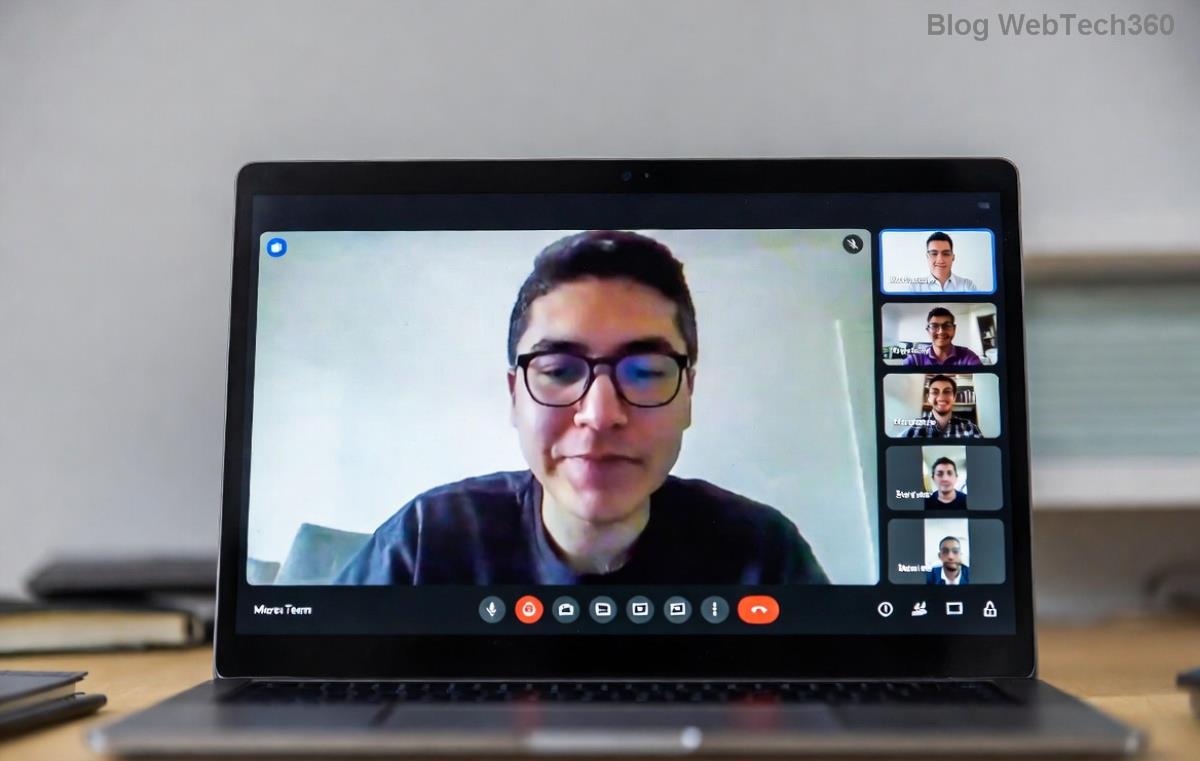
Screenshot of Microsoft Teams Website Error tab not loading

πŸ” Why Does Microsoft Teams Tab Not Loading Happen? Top Causes

Understanding the root causes speeds up your fix. Here's what typically triggers the Teams "Website Error":

  • Corrupted Cache/Cookies: Browser-stored data clashes with Teams' web views.
  • Network Glitches: Unstable connections or firewalls block tab content.
  • Outdated App/Browser: Incompatible versions cause rendering failures.
  • Extensions Interference: Ad blockers or VPNs disrupt embedded websites.
  • Permissions Issues: Site settings block JavaScript or pop-ups.

Spot on? Jump to the fixes belowβ€”start with the quickest for instant relief! πŸ‘‡

⚑ Quick Fixes: Solve Microsoft Teams "Website Error" Tab Not Loading in 5 Minutes

Try these step-by-step solutions in order. Most users resolve the issue by step 2!

  1. πŸ”„ Clear Teams Cache (Fastest Fix)
    Teams stores temp files that often cause tab not loading. Here's how:
    • Open Teams > Click profile icon > Settings > General.
    • Scroll to Clear cache > Restart Teams.

    Desktop app? Delete contents of %appdata%\Microsoft\Teams folder (backup first). Boomβ€”tabs reload smoothly!

  2. 🌐 Check & Reset Browser/Network
    Teams troubleshooting steps for website error
    • Test internet speed (aim for 10Mbps+).
    • Disable VPN/proxy temporarily.
    • In browser (Edge/Chrome): Settings > Privacy > Clear browsing data (cache/cookies, last 24hrs).
    • Switch networks (WiFi to mobile hotspot).
  3. πŸ“± Update Teams & Browser
    Outdated software = instant errors. Head to Microsoft Store or official download page for the newest build. Enable auto-updates!

πŸ“Š Troubleshooting Table: Match Your Teams Website Error & Fix

Error Symptom Likely Cause Quick Fix
"Website Error" Blank Tab Cache buildup Clear cache & restart
Tab spins endlessly Network block Disable firewall/VPN
Error on specific sites (e.g., Planner) Extension conflict Incognito mode test
Affects all tabs post-update Version mismatch Reinstall Teams

βœ… Found your match? Apply the fix and test a tab like Websites or Planner.

πŸ”§ Advanced Solutions for Stubborn Microsoft Teams Tab Not Loading

If quick fixes fail, level up:
Advanced fixes for Teams website tab error
  1. πŸ›‘οΈ Disable Browser Extensions
    Launch incognito mode (Ctrl+Shift+N). Add Teams tabβ€”if it loads, hunt culprits:
    • Chrome: chrome://extensions/ > Toggle off ad blockers, Grammarly, etc.
    • Re-enable one-by-one to identify the blocker.
  2. πŸ”‘ Reset Site Permissions
    In Chrome/Edge:
    • Settings > Privacy > Site settings > teams.microsoft.com.
    • Allow JavaScript, Pop-ups, Cookies.
  3. πŸ”„ Reinstall or Reset Teams
    Uninstall via Settings > Apps. Download fresh from Microsoft Support. For web version, hard refresh (Ctrl+F5).
  4. πŸ’» IT/Admin Check
    Corporate users: Proxy settings or group policies might interfere. Ping your admin or check Teams Known Issues.

⭐ Pro Tips to Prevent Future Teams "Website Error"

  • ⭐ Use Edge browserβ€”optimized for Teams.
  • ⭐ Schedule weekly cache clears.
  • ⭐ Pin essential tabs to avoid reloads.
  • ⭐ Monitor Teams status via official dashboard.

These habits keep your Microsoft Teams tabs loading flawlessly! πŸš€

πŸŽ‰ Success? You've Conquered the Website Error!

Congrats on Solving Microsoft Teams "Website Error" Tab Not Loading! Your team chats, files, and apps should now load lightning-fast. If issues persist, drop symptoms in commentsβ€”we'll troubleshoot together. Share this guide to save a colleague's day! πŸ‘

Stay productiveβ€”Teams awaits!


Leave a Comment

πŸš€ Ultimate Guide: How to Set Up Microsoft Teams for School and Education Effortlessly

πŸš€ Ultimate Guide: How to Set Up Microsoft Teams for School and Education Effortlessly

Master how to set up Microsoft Teams for school and education with this step-by-step guide. Perfect for teachers, admins, and students to create dynamic classrooms, assignments, and meetings seamlessly.

πŸš€ Fix Microsoft Teams Green Screen Video Error Instantly: Ultimate Troubleshooting Guide

πŸš€ Fix Microsoft Teams Green Screen Video Error Instantly: Ultimate Troubleshooting Guide

Tired of the frustrating Microsoft Teams green screen "Video Error"? Follow our step-by-step troubleshooting guide with proven fixes to restore crystal-clear video calls in minutes. No tech expertise needed!

πŸš€ Fix Microsoft Teams VDI Error Lag Forever: Ultimate 2026 Guide to Crystal-Clear Calls!

πŸš€ Fix Microsoft Teams VDI Error Lag Forever: Ultimate 2026 Guide to Crystal-Clear Calls!

Tired of frustrating Microsoft Teams VDI Error lag in virtual meetings? Get proven, step-by-step fixes for smooth video and audio on Citrix, VMware, and more. Boost productivity now!

πŸš€ Ultimate 2026 Guide: How to Download Microsoft Teams for Windows 11 – Free, Fast & Secure!

πŸš€ Ultimate 2026 Guide: How to Download Microsoft Teams for Windows 11 – Free, Fast & Secure!

Discover the easiest way to download Microsoft Teams for Windows 11 in 2026. Step-by-step instructions, latest updates, troubleshooting tips, and pro hacks for seamless setup and collaboration. Get started now!

Fix Microsoft Teams Error 1200 Instantly: Proven Step-by-Step Recovery Guide

Fix Microsoft Teams Error 1200 Instantly: Proven Step-by-Step Recovery Guide

Struggling with Microsoft Teams Error 1200? Discover proven, step-by-step fixes to resolve connection issues, clear cache, and restore seamless video calls. Get back to collaborating without frustration!

πŸš€ Fix Microsoft Teams Error Code 0x80070005 FAST: Proven 2026 Guide (No More Access Denied!)

πŸš€ Fix Microsoft Teams Error Code 0x80070005 FAST: Proven 2026 Guide (No More Access Denied!)

Struggling with Microsoft Teams Error Code 0x80070005? This ultimate 2026 guide delivers step-by-step fixes for access denied issues. Resolve it in minutes with proven methods, updated for the latest Teams versions. Say goodbye to crashes!

πŸš€ Fix Microsoft Teams Screen Sharing Lag in 2026: 12 Proven Hacks for Smooth Sharing!

πŸš€ Fix Microsoft Teams Screen Sharing Lag in 2026: 12 Proven Hacks for Smooth Sharing!

Tired of Microsoft Teams screen sharing lag ruining your 2026 meetings? Get instant fixes for lag, freezes, and delays. Boost performance with these expert tips – no tech skills needed!

πŸš€ Ultimate Guide: How to Download Microsoft Teams Chat History & Transcripts in Minutes

πŸš€ Ultimate Guide: How to Download Microsoft Teams Chat History & Transcripts in Minutes

Discover simple, step-by-step methods to download Microsoft Teams chat history and transcripts effortlessly. Perfect for meetings, channels, and private chats. Save your data securely today!

πŸ”§ Instant Fix: How to Fix Microsoft Teams Browser Error Cookies in 5 Minutes!

πŸ”§ Instant Fix: How to Fix Microsoft Teams Browser Error Cookies in 5 Minutes!

Frustrated by Microsoft Teams "Browser Error" Cookies? Discover proven, step-by-step solutions to clear cookies, reset cache, and restore seamless Teams access. Works on Chrome, Edge, Firefox – updated for latest browsers. Get back to collaborating!

Where is Microsoft Teams in Outlook? Locate the Missing Icon in Seconds!

Where is Microsoft Teams in Outlook? Locate the Missing Icon in Seconds!

Frustrated with the missing Microsoft Teams icon in Outlook? Discover exactly where is Microsoft Teams in Outlook with our step-by-step guide to locating and restoring the icon fast. Perfect for all users.