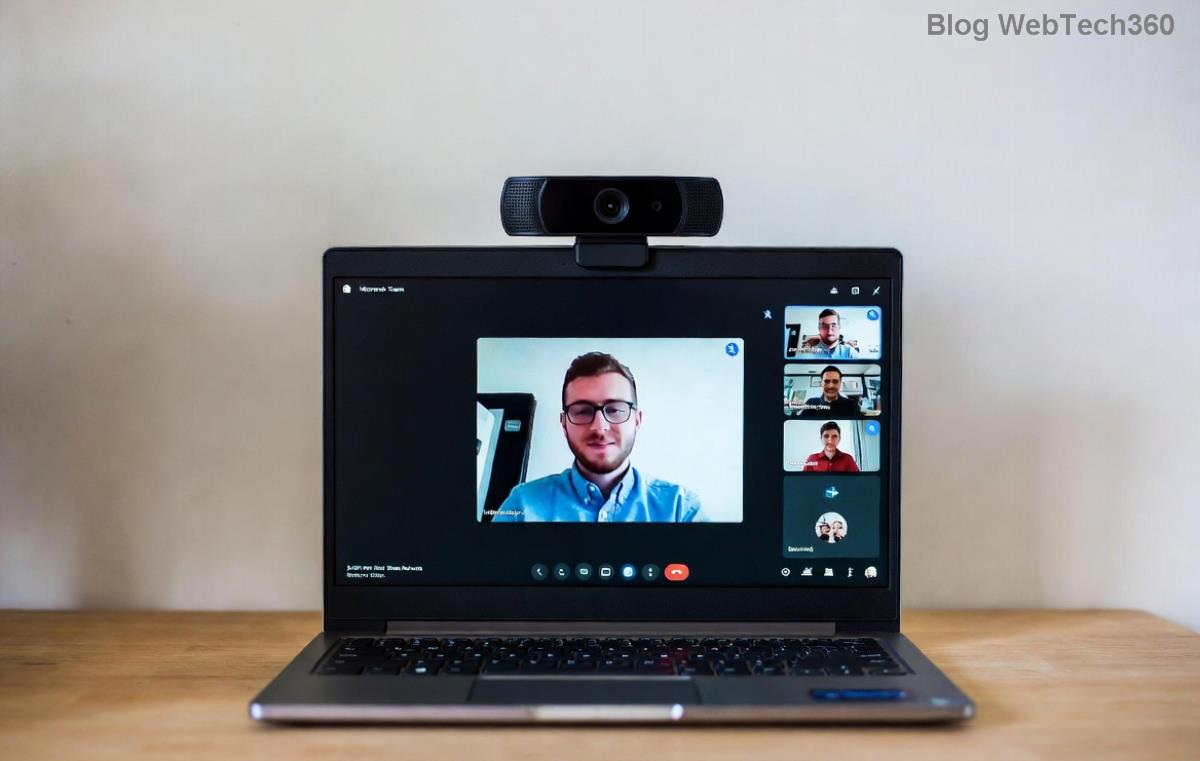
🚀 Fix Microsoft Teams Video Call Errors Instantly: Proven Troubleshooting Guide

Frustrated by Microsoft Teams video call errors that disrupt your meetings? 😩 You're not alone—millions face black screens, frozen video, or "no camera detected" issues daily. But don't worry! This guide delivers quick, effective fixes to restore crystal-clear video calls. Follow these steps in order, and you'll be back to productive chats in minutes. Let's dive in! 👇

Common Microsoft Teams "Video Call" Errors and Why They Happen

Before fixing, identify your issue. Here's a quick rundown:

  • 🖥️ Black screen or no video: Camera permission denied or hardware glitch.
  • ❄️ Frozen video: Network lag or outdated app.
  • 📴 Camera not detected: Driver issues or conflicting apps.
  • 🔇 Video fails to start: Bandwidth limits or firewall blocks.
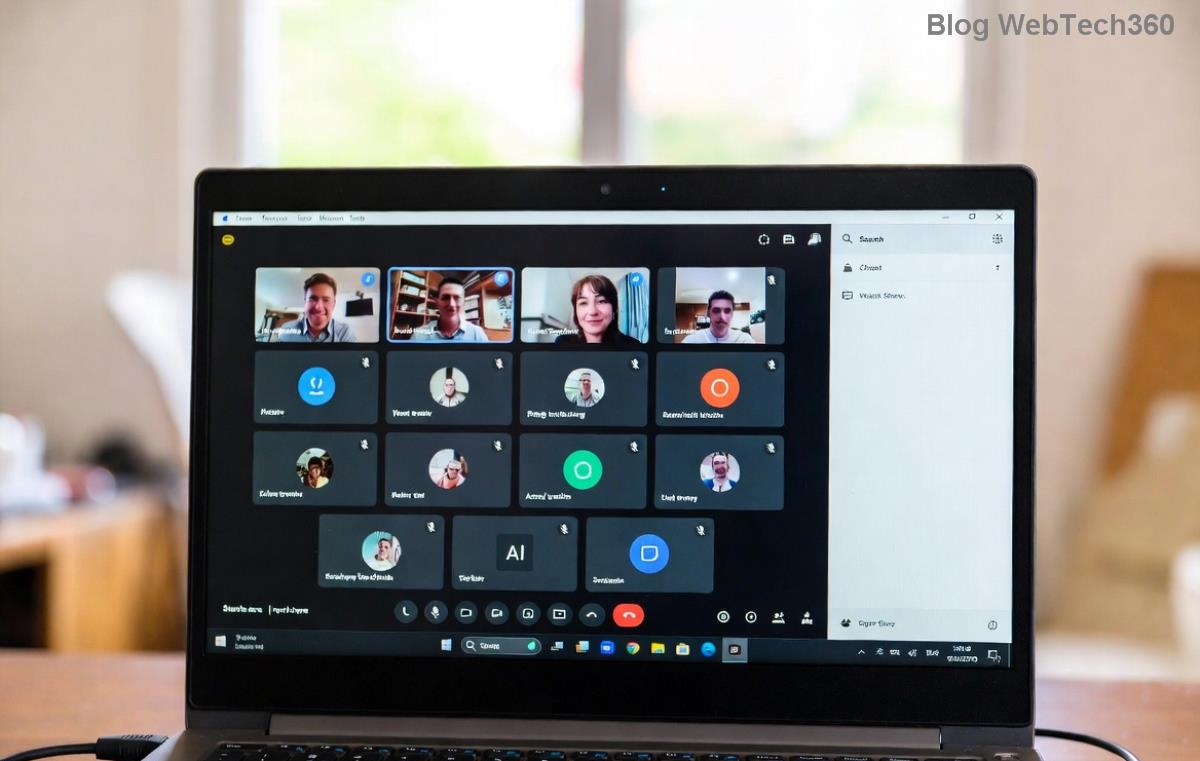
Microsoft Teams video call error black screen example

Pro tip: Test your setup in a Teams test call first—search "Teams test call" in the app for instant diagnostics. ⭐

Step-by-Step Troubleshooting Microsoft Teams "Video Call" Error

Start with basics and escalate. Most issues resolve in the first 3 steps! 1️⃣

1️⃣ Check Permissions and Hardware Basics

The #1 culprit? Denied camera access. Here's how to fix:

  1. Open Microsoft Teams settings (click your profile > Settings > Devices).
  2. Select your camera/mic—ensure "Make sure these device settings are allowed in your browser" is checked.
  3. On Windows: Settings > Privacy > Camera > Allow apps access. Toggle Teams ON. 🔄
  4. Mac: System Preferences > Security & Privacy > Camera > Check Teams.
  5. Quit other apps using camera (Zoom, Skype) via Task Manager/Activity Monitor.

Restart Teams. Video flowing? 🎉 If not, next step.

2️⃣ Update Teams and Drivers

Outdated software causes 40% of errors. Stay current:

  • Teams: Profile > Check for updates. Or download latest from official site.
  • Camera drivers: Device Manager (Windows) > Cameras > Right-click > Update driver.

Bonus: Switch to new Teams (if on classic)—it's faster and bug-free. ✨

3️⃣ Network and Bandwidth Fixes

Choppy video? Blame Wi-Fi woes:

Issue Quick Fix
Slow internet Run speed test (>1.5 Mbps upload/download). Switch to wired Ethernet. 🛜
Firewall/VPN block Disable VPN temporarily. Add Teams exceptions in firewall (ports 3478-3481 UDP).
Proxy issues Teams Settings > General > Disable proxy.
Troubleshooting network issues in Microsoft Teams video calls

4️⃣ Clear Cache and Reset Teams

Corrupted data? Nuke it safely:

  1. Windows: %appdata%\Microsoft\Teams > Delete contents of folders (Cache, GPUCache, etc.).
  2. Mac: ~/Library/Application Support/Microsoft/Teams > Trash cache folders.
  3. Reinstall Teams via Settings > Apps > Teams > Uninstall > Reinstall.

Sign in fresh—problems vanished? 👍

5️⃣ Advanced Fixes for Stubborn Errors

Still stuck? Try these:

  • Browser mode: If desktop fails, use Edge/Chrome web version. Clear browser cache too.
  • Disable GPU hardware acceleration: Teams Settings > General > Toggle OFF > Restart.
  • Run as admin: Right-click Teams > Run as administrator.
  • Group Policy glitch? IT admins: Check Microsoft Teams docs for policies.

Prevention Tips: Avoid Future Teams Video Call Errors

Stay ahead:

  • ✅ Enable auto-updates in Teams.
  • 📱 Use external webcam if built-in fails.
  • 🌐 Test network weekly via Teams' built-in tool.
  • 🔒 Keep OS updated (Windows 11/ macOS Sonoma+ recommended).
"Fixed my black screen in 2 minutes—thanks to permissions check! 🙌" – Real user feedback.

When to Contact Support

If all fails, it's likely account/org issue. Help > Give feedback or visit Teams Admin Center. Provide error codes from console (F12 > Console).

Video calls smooth now? Share your win in comments below! 👏 Ready for flawless meetings? You've got this. 🚀


Stay tuned for more Microsoft Teams tips. Bookmark now!

Leave a Comment

🚀 Fix Microsoft Teams Code Error Redemption FAST: Ultimate Troubleshooting Guide

🚀 Fix Microsoft Teams Code Error Redemption FAST: Ultimate Troubleshooting Guide

Stuck with Microsoft Teams "Code Error" during code redemption? Discover proven, step-by-step troubleshooting fixes to resolve it instantly and redeem your codes smoothly. No tech skills needed!

Fix Microsoft Teams Test Call Video Error Instantly: Proven Troubleshooting Guide

Fix Microsoft Teams Test Call Video Error Instantly: Proven Troubleshooting Guide

Stuck with Microsoft Teams "Test Call" Video Error? Follow our step-by-step troubleshooting guide for quick fixes to restore your video feed. No tech skills needed!

🔧 Instant Fix: How to Resolve Microsoft Teams Media Error During Playback in 2026

🔧 Instant Fix: How to Resolve Microsoft Teams Media Error During Playback in 2026

Tired of Microsoft Teams media error during playback ruining your meetings? Follow our proven, step-by-step guide to fix audio and video glitches fast. No tech skills needed!

🚀 Ultimate Fix: Banish Microsoft Teams Proxy Error on Windows 10 in Minutes!

🚀 Ultimate Fix: Banish Microsoft Teams Proxy Error on Windows 10 in Minutes!

Struggling with Microsoft Teams proxy error on Windows 10? Discover proven, step-by-step fixes to restore seamless calls and chats. Quick solutions for proxy issues—no tech skills needed!

🚀 Instant Fix: How to Fix Microsoft Teams Web App Browser Error in 5 Minutes!

🚀 Instant Fix: How to Fix Microsoft Teams Web App Browser Error in 5 Minutes!

Tired of the frustrating Microsoft Teams "Web App" Browser Error? Discover proven, step-by-step solutions to get back to seamless meetings. Clear cache, disable extensions, and more—no tech skills needed!

Master Microsoft Teams for Business: Ultimate Complete Guide to Boost Productivity

Master Microsoft Teams for Business: Ultimate Complete Guide to Boost Productivity

Unlock the full potential of Microsoft Teams for business with this complete guide. Learn setup, collaboration, meetings, security, and pro tips to skyrocket your team's productivity. Start mastering Teams today!

🚀 Fix Microsoft Teams Error L License FAST: Proven Troubleshooting Steps

🚀 Fix Microsoft Teams Error L License FAST: Proven Troubleshooting Steps

Struggling with Microsoft Teams "Error L" License? Discover step-by-step troubleshooting for Microsoft Teams Error L, clear cache, check licenses, and more. Get back to seamless collaboration in minutes!

🚀 Instant Fix: Banish Microsoft Teams Win 7 Error Compatibility Woes Forever!

🚀 Instant Fix: Banish Microsoft Teams Win 7 Error Compatibility Woes Forever!

Tired of the frustrating Microsoft Teams Win 7 Error? Discover proven, step-by-step fixes for Microsoft Teams "Win 7 Error" compatibility on modern Windows. Get back to seamless teamwork in minutes!

🚀 Ultimate Guide: Fix Microsoft Teams Shortcut Desktop Error in Minutes – No Reinstall Needed!

🚀 Ultimate Guide: Fix Microsoft Teams Shortcut Desktop Error in Minutes – No Reinstall Needed!

Tired of the frustrating Microsoft Teams "Shortcut" Desktop Error blocking your workflow? Follow our proven, step-by-step fixes to restore your desktop shortcut instantly. Latest solutions for seamless Teams experience!

Fix Microsoft Teams Bị Lỗi in Minutes: Ultimate Troubleshooting Guide 2026

Fix Microsoft Teams Bị Lỗi in Minutes: Ultimate Troubleshooting Guide 2026

Tired of Microsoft Teams "Bị lỗi" ruining your meetings? Discover proven, step-by-step fixes in this complete troubleshooting guide. Resolve crashes, sign-in issues, and more for seamless collaboration.