πŸš€ Fix Microsoft Teams Town Hall Event Errors Instantly: Ultimate Troubleshooting Guide

Hosting a Town Hall in Microsoft Teams should be effortless, but pesky Town Hall event errors can turn your big event into a headache. Whether it's registration glitches, access denied messages, or scheduling failures, we've got you covered. This guide delivers precise, up-to-date fixes to get your events back on trackβ€”fast. Stick around for quick wins and pro tips that save the day! 😊

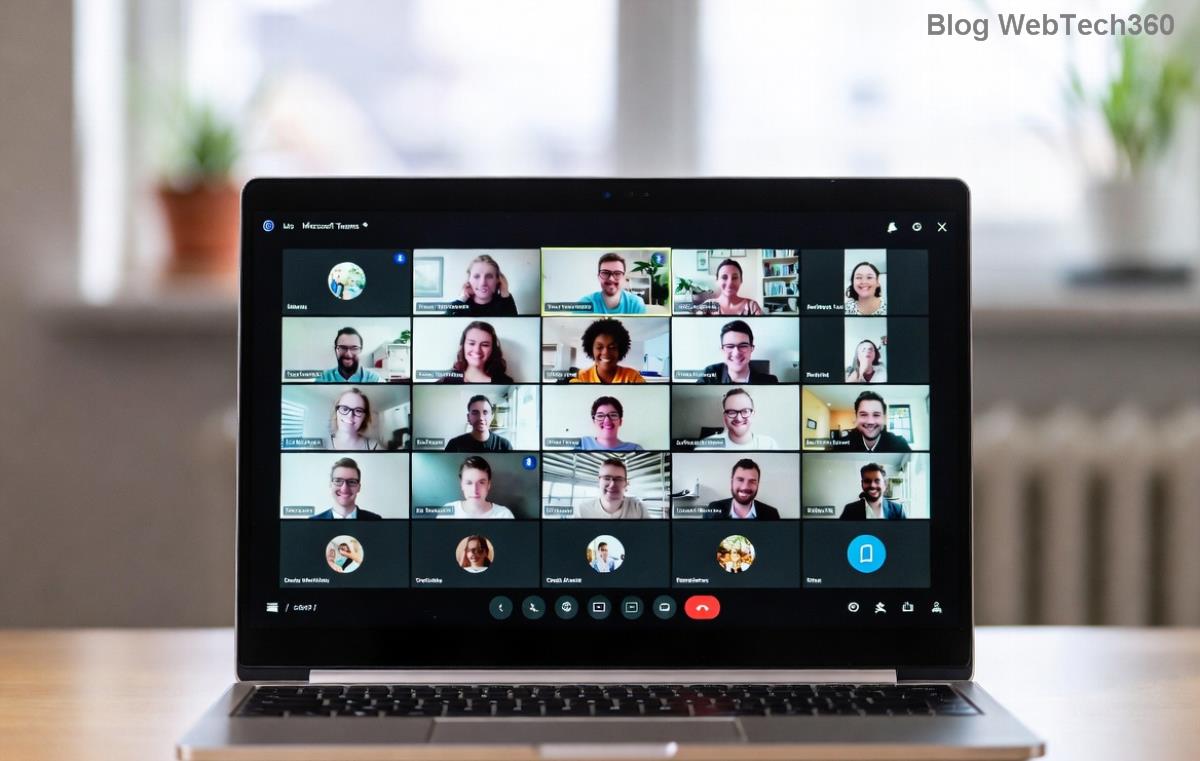
Microsoft Teams Town Hall error screenshot showing common registration failure

⚠️ Common Microsoft Teams Town Hall Event Errors and Why They Happen

Before diving into fixes, identify your issue. Town Hall events support up to 50,000 attendees but demand specific setups. Here's a quick rundown:

Error Message Cause Impact
"Event not found" or "Access denied" Insufficient permissions or expired links Attendees can't join/register
"Scheduling failed" or "Quota exceeded" License limits or org policies Can't create or start event
"Registration error" or sync issues Network glitches or app version mismatch Data loss or failed sign-ups
"Live event failed to start" Producer role missing or Teams outage Event stalls at launch

Recognize yours? Greatβ€”now let's crush it with targeted solutions. These steps are tested on the latest Teams versions.

βœ… Step-by-Step Fixes for Solving Microsoft Teams Town Hall Event Errors

1️⃣ Quick Checks: Start Here (90% of Errors Solved!)

  • Update Teams: Ensure you're on the newest desktop/web app. Go to your profile icon > Check for updates. Outdated versions cause most sync errors.
  • Verify Permissions: You need Town Hall Producer role. Ask your admin via Microsoft Teams Town Hall docs.
  • Clear Cache: In Teams, hit Ctrl + Shift + Delete (Windows) or Cmd + Shift + Delete (Mac). Restart and retry.
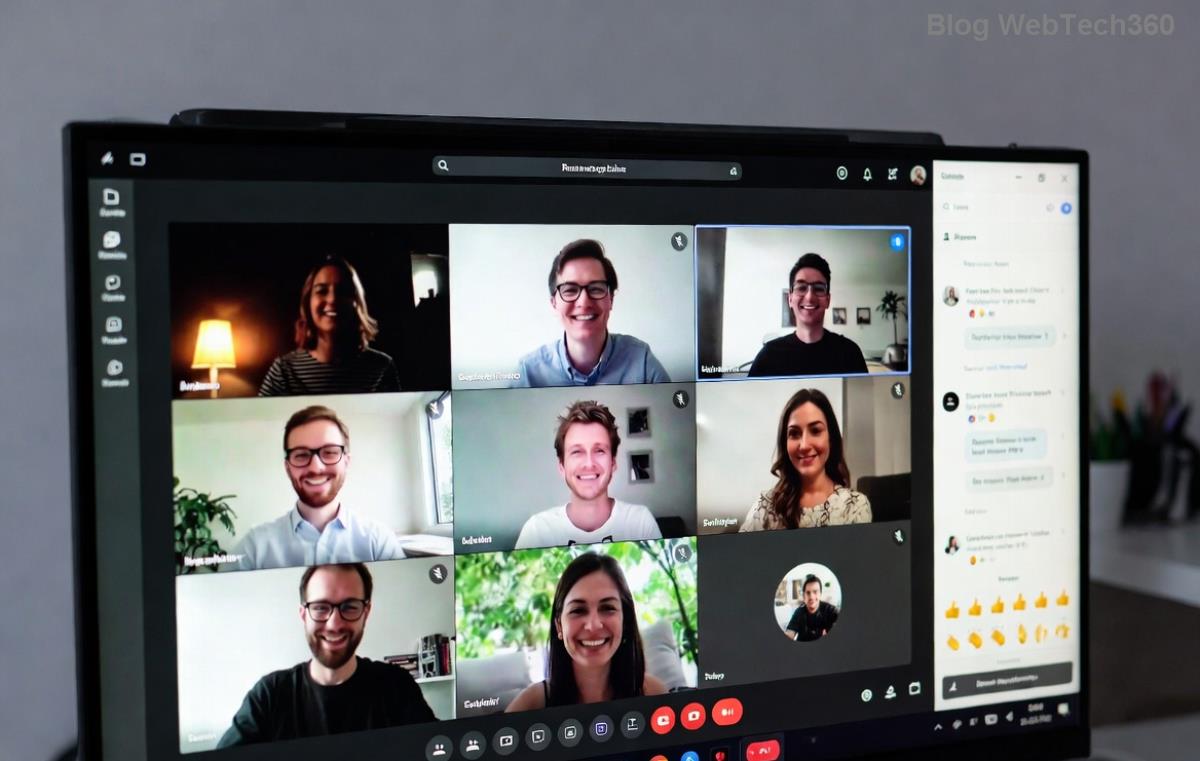
Step-by-step Teams Town Hall permission settings interface

2️⃣ Fix Registration and Access Denied Errors

Struggling with attendee access? Follow this:

  1. Open the Town Hall event in Teams Calendar.
  2. Edit > Registration tab > Ensure "Require registration" is toggled correctly.
  3. Regenerate the join link: Share > Copy link. Share fresh links via email/Outlook.
  4. Test incognito: Join as a guest to simulate attendee experience.

Pro Tip: Enable Q&A and polls early to boost engagement while fixing. πŸŽ‰

3️⃣ Resolve Scheduling and Quota Errors

Hit license walls? Time for admin action:

  • Check Teams admin center: Users > Licenses > Assign E3/E5 or Teams Premium.
  • Increase limits: Policies > Meeting policies > Allow Town Halls up to 50K.
  • Alternative: Use Live Events for overflow (up to 250K viewers).
Teams Admin Center showing Town Hall quota settings

4️⃣ Troubleshoot Live Start Failures and Network Glitches

  1. Network Test: Run Teams network assessment tool (search in app).
  2. Assign roles: In event > Producers/Presenters > Add verified users.
  3. Restart event: Delete and recreate if under 24 hours out.
  4. Monitor status: Check Teams Admin Center for outages.

πŸ”§ Advanced Tips to Prevent Future Town Hall Event Errors

Don't just fixβ€”future-proof your events:

  • Pre-Event Dry Run: Schedule a test Town Hall with 10-20 people. Iron out kinks!
  • Hybrid Setup: Pair with Stream for recording/auto-archive.
  • Analytics Boost: Post-event, review attendance data in Teams reports for insights.
  • Integrate Power Automate for auto-registrations. πŸš€
Feature Max Capacity Best For
Town Hall 50,000 interactive Company-wide updates
Live Events 250,000 viewers Broadcast-style

🎯 Ready to Host Flawless Town Halls?

With these steps, solving Microsoft Teams Town Hall event errors is a breeze. Your next event will run smoother than everβ€”engaging thousands without a hitch. Got a unique error? Drop it in the comments for tailored advice. Share this guide and thumbs up if it helped! πŸ‘

Stay tuned for more Teams mastery tips. Your perfect event awaits!

Leave a Comment

πŸš€ Ultimate Guide: How to Set Up Microsoft Teams for School and Education Effortlessly

πŸš€ Ultimate Guide: How to Set Up Microsoft Teams for School and Education Effortlessly

Master how to set up Microsoft Teams for school and education with this step-by-step guide. Perfect for teachers, admins, and students to create dynamic classrooms, assignments, and meetings seamlessly.

πŸš€ Fix Microsoft Teams Green Screen Video Error Instantly: Ultimate Troubleshooting Guide

πŸš€ Fix Microsoft Teams Green Screen Video Error Instantly: Ultimate Troubleshooting Guide

Tired of the frustrating Microsoft Teams green screen "Video Error"? Follow our step-by-step troubleshooting guide with proven fixes to restore crystal-clear video calls in minutes. No tech expertise needed!

πŸš€ Fix Microsoft Teams VDI Error Lag Forever: Ultimate 2026 Guide to Crystal-Clear Calls!

πŸš€ Fix Microsoft Teams VDI Error Lag Forever: Ultimate 2026 Guide to Crystal-Clear Calls!

Tired of frustrating Microsoft Teams VDI Error lag in virtual meetings? Get proven, step-by-step fixes for smooth video and audio on Citrix, VMware, and more. Boost productivity now!

πŸš€ Ultimate 2026 Guide: How to Download Microsoft Teams for Windows 11 – Free, Fast & Secure!

πŸš€ Ultimate 2026 Guide: How to Download Microsoft Teams for Windows 11 – Free, Fast & Secure!

Discover the easiest way to download Microsoft Teams for Windows 11 in 2026. Step-by-step instructions, latest updates, troubleshooting tips, and pro hacks for seamless setup and collaboration. Get started now!

Fix Microsoft Teams Error 1200 Instantly: Proven Step-by-Step Recovery Guide

Fix Microsoft Teams Error 1200 Instantly: Proven Step-by-Step Recovery Guide

Struggling with Microsoft Teams Error 1200? Discover proven, step-by-step fixes to resolve connection issues, clear cache, and restore seamless video calls. Get back to collaborating without frustration!

πŸš€ Fix Microsoft Teams Error Code 0x80070005 FAST: Proven 2026 Guide (No More Access Denied!)

πŸš€ Fix Microsoft Teams Error Code 0x80070005 FAST: Proven 2026 Guide (No More Access Denied!)

Struggling with Microsoft Teams Error Code 0x80070005? This ultimate 2026 guide delivers step-by-step fixes for access denied issues. Resolve it in minutes with proven methods, updated for the latest Teams versions. Say goodbye to crashes!

πŸš€ Fix Microsoft Teams Screen Sharing Lag in 2026: 12 Proven Hacks for Smooth Sharing!

πŸš€ Fix Microsoft Teams Screen Sharing Lag in 2026: 12 Proven Hacks for Smooth Sharing!

Tired of Microsoft Teams screen sharing lag ruining your 2026 meetings? Get instant fixes for lag, freezes, and delays. Boost performance with these expert tips – no tech skills needed!

πŸš€ Ultimate Guide: How to Download Microsoft Teams Chat History & Transcripts in Minutes

πŸš€ Ultimate Guide: How to Download Microsoft Teams Chat History & Transcripts in Minutes

Discover simple, step-by-step methods to download Microsoft Teams chat history and transcripts effortlessly. Perfect for meetings, channels, and private chats. Save your data securely today!

πŸ”§ Instant Fix: How to Fix Microsoft Teams Browser Error Cookies in 5 Minutes!

πŸ”§ Instant Fix: How to Fix Microsoft Teams Browser Error Cookies in 5 Minutes!

Frustrated by Microsoft Teams "Browser Error" Cookies? Discover proven, step-by-step solutions to clear cookies, reset cache, and restore seamless Teams access. Works on Chrome, Edge, Firefox – updated for latest browsers. Get back to collaborating!

Where is Microsoft Teams in Outlook? Locate the Missing Icon in Seconds!

Where is Microsoft Teams in Outlook? Locate the Missing Icon in Seconds!

Frustrated with the missing Microsoft Teams icon in Outlook? Discover exactly where is Microsoft Teams in Outlook with our step-by-step guide to locating and restoring the icon fast. Perfect for all users.









