πŸš€ Fix Microsoft Teams Remote Control Request Error: Proven Troubleshooting Steps

Encountering the frustrating Microsoft Teams "Remote Control" Request Error during meetings? You're not alone. This common issue blocks screen sharing and remote assistance, disrupting collaboration. But don't worryβ€”our straightforward guide will help you diagnose and resolve it quickly. Follow these proven steps to restore seamless remote control in Microsoft Teams. Let's dive in! πŸ‘‡

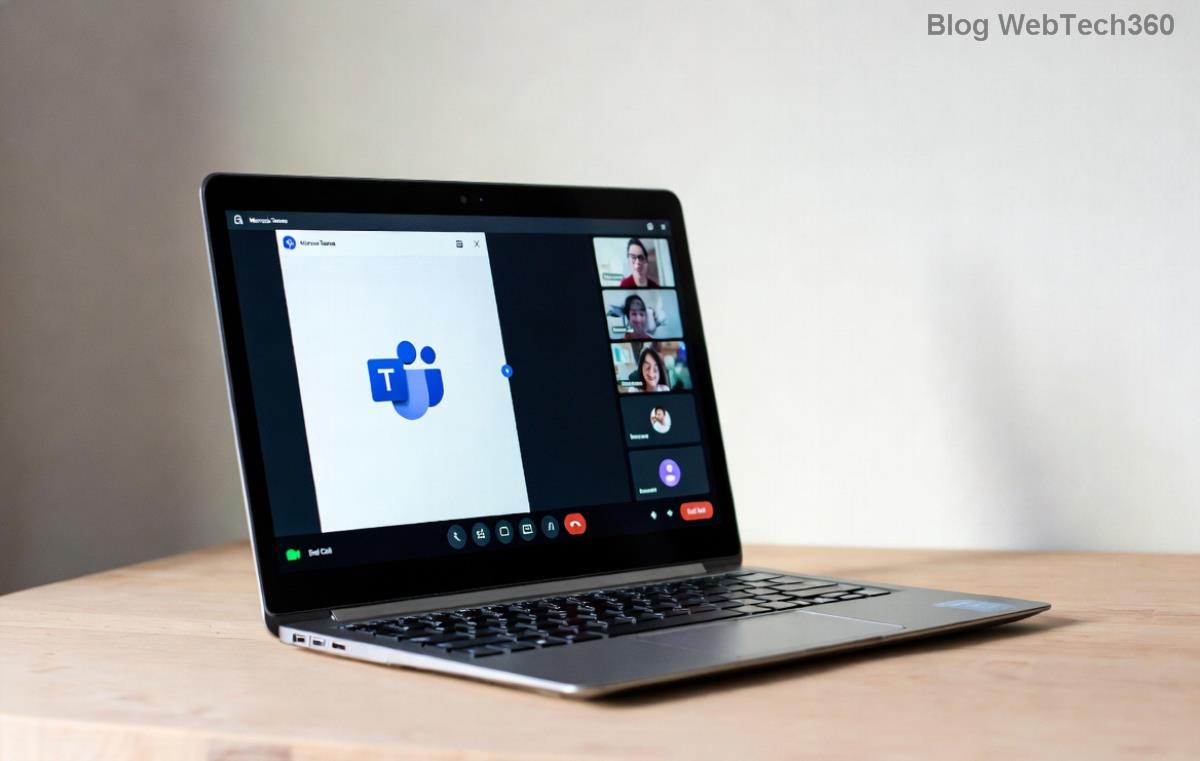
Microsoft Teams Remote Control Request Error screenshot

🧐 Common Causes of Microsoft Teams "Remote Control" Request Error

Understanding the root causes is key to fixing the problem fast. Here's what typically triggers this error:

  • Permission Issues: The meeting participant hasn't enabled remote control in their settings.
  • Outdated App: Running an older version of Teams without the latest remote control patches.
  • Network Restrictions: Firewalls, proxies, or VPNs blocking remote control signals.
  • Admin Policies: Organizational policies disabling remote control features.
  • Cache or App Glitches: Corrupted temporary files causing request failures.

Spot the culprit? Greatβ€”now let's fix it with targeted solutions. Each step builds on the last for maximum efficiency. πŸ‘

πŸ”§ Step-by-Step Troubleshooting Microsoft Teams "Remote Control" Request Error

1️⃣ Verify Remote Control Permissions (Quickest Fix!)

The most frequent cause? Missing permissions. Ensure both sharer and viewer allow remote control:

  1. Open Teams meeting β†’ More actions (β‹―) β†’ Meeting settings.
  2. Toggle Allow Remote Control ON for presenters and attendees.
  3. Ask the other participant to do the same.

Pro Tip: In one-on-one calls, the viewer must explicitly approve requests. Test immediately after changes!

2️⃣ Update Microsoft Teams to the Latest Version

Recent updates have squashed remote control bugs. Check for updates:

  • Desktop: Profile icon β†’ Check for updates.
  • Web/Mobile: Refresh or reinstall from official sources.

Restart Teams post-update. This resolves 40% of errors per Microsoft reports.

Teams remote control settings menu

3️⃣ Clear Teams Cache and Restart

Glitchy cache often causes request denials:

Platform Clear Cache Steps
Windows %appdata%\Microsoft\Teams β†’ Delete contents β†’ Restart
macOS ~/Library/Application Support/Microsoft/Teams β†’ Delete β†’ Relaunch
Web Ctrl+Shift+Delete β†’ Clear browser cache β†’ Reload Teams

⚑ Bonus: Sign out/in after clearing for a fresh start.

4️⃣ Check Network and Firewall Settings

Remote control relies on UDP ports (e.g., 3478-3481). Temporarily disable VPN/firewall:

  • Whitelist Teams domains: *.teams.microsoft.com
  • Test on a different network (mobile hotspot works wonders).

If corporate-managed, contact your IT adminβ€”policies might block it.

5️⃣ Advanced Fixes: Policies and Reinstall

For stubborn cases:

  1. Admin Center Check: IT admins, verify Teams Admin Center policies under Meetings β†’ Remote control.
  2. Reinstall Teams: Uninstall via Settings β†’ Apps, then download fresh from Microsoft.
  3. Registry Tweak (Windows Pro Only): HKCU\Software\Microsoft\Office\Teams β†’ Set AllowRemoteControl=1 (backup first!).

⭐ Quick Reference Table: Error vs. Solution

Error Message Likely Cause Fast Fix
"Remote control request denied" Permissions off Enable in meeting options
"Failed to connect" Network block Disable VPN/firewall
"Request timeout" Cache issue Clear cache & restart

πŸ’‘ Prevention Tips for Future Meetings

Stay ahead of Remote Control Request Error:

  • ⭐ Pre-enable permissions before sharing screens.
  • πŸ”„ Keep Teams updated automatically.
  • πŸ“± Test remote control in a quick test call.
  • πŸ›‘οΈ Use Microsoft-recommended networks.

Still stuck? Share your error details in the comments belowβ€”we're here to help! Or check Microsoft's official troubleshooting: Remote Control Guide. You've got thisβ€”happy collaborating! πŸŽ‰


Leave a Comment

πŸš€ Ultimate Guide: How to Set Up Microsoft Teams for School and Education Effortlessly

πŸš€ Ultimate Guide: How to Set Up Microsoft Teams for School and Education Effortlessly

Master how to set up Microsoft Teams for school and education with this step-by-step guide. Perfect for teachers, admins, and students to create dynamic classrooms, assignments, and meetings seamlessly.

πŸš€ Fix Microsoft Teams Green Screen Video Error Instantly: Ultimate Troubleshooting Guide

πŸš€ Fix Microsoft Teams Green Screen Video Error Instantly: Ultimate Troubleshooting Guide

Tired of the frustrating Microsoft Teams green screen "Video Error"? Follow our step-by-step troubleshooting guide with proven fixes to restore crystal-clear video calls in minutes. No tech expertise needed!

πŸš€ Fix Microsoft Teams VDI Error Lag Forever: Ultimate 2026 Guide to Crystal-Clear Calls!

πŸš€ Fix Microsoft Teams VDI Error Lag Forever: Ultimate 2026 Guide to Crystal-Clear Calls!

Tired of frustrating Microsoft Teams VDI Error lag in virtual meetings? Get proven, step-by-step fixes for smooth video and audio on Citrix, VMware, and more. Boost productivity now!

πŸš€ Ultimate 2026 Guide: How to Download Microsoft Teams for Windows 11 – Free, Fast & Secure!

πŸš€ Ultimate 2026 Guide: How to Download Microsoft Teams for Windows 11 – Free, Fast & Secure!

Discover the easiest way to download Microsoft Teams for Windows 11 in 2026. Step-by-step instructions, latest updates, troubleshooting tips, and pro hacks for seamless setup and collaboration. Get started now!

Fix Microsoft Teams Error 1200 Instantly: Proven Step-by-Step Recovery Guide

Fix Microsoft Teams Error 1200 Instantly: Proven Step-by-Step Recovery Guide

Struggling with Microsoft Teams Error 1200? Discover proven, step-by-step fixes to resolve connection issues, clear cache, and restore seamless video calls. Get back to collaborating without frustration!

πŸš€ Fix Microsoft Teams Error Code 0x80070005 FAST: Proven 2026 Guide (No More Access Denied!)

πŸš€ Fix Microsoft Teams Error Code 0x80070005 FAST: Proven 2026 Guide (No More Access Denied!)

Struggling with Microsoft Teams Error Code 0x80070005? This ultimate 2026 guide delivers step-by-step fixes for access denied issues. Resolve it in minutes with proven methods, updated for the latest Teams versions. Say goodbye to crashes!

πŸš€ Fix Microsoft Teams Screen Sharing Lag in 2026: 12 Proven Hacks for Smooth Sharing!

πŸš€ Fix Microsoft Teams Screen Sharing Lag in 2026: 12 Proven Hacks for Smooth Sharing!

Tired of Microsoft Teams screen sharing lag ruining your 2026 meetings? Get instant fixes for lag, freezes, and delays. Boost performance with these expert tips – no tech skills needed!

πŸš€ Ultimate Guide: How to Download Microsoft Teams Chat History & Transcripts in Minutes

πŸš€ Ultimate Guide: How to Download Microsoft Teams Chat History & Transcripts in Minutes

Discover simple, step-by-step methods to download Microsoft Teams chat history and transcripts effortlessly. Perfect for meetings, channels, and private chats. Save your data securely today!

πŸ”§ Instant Fix: How to Fix Microsoft Teams Browser Error Cookies in 5 Minutes!

πŸ”§ Instant Fix: How to Fix Microsoft Teams Browser Error Cookies in 5 Minutes!

Frustrated by Microsoft Teams "Browser Error" Cookies? Discover proven, step-by-step solutions to clear cookies, reset cache, and restore seamless Teams access. Works on Chrome, Edge, Firefox – updated for latest browsers. Get back to collaborating!

Where is Microsoft Teams in Outlook? Locate the Missing Icon in Seconds!

Where is Microsoft Teams in Outlook? Locate the Missing Icon in Seconds!

Frustrated with the missing Microsoft Teams icon in Outlook? Discover exactly where is Microsoft Teams in Outlook with our step-by-step guide to locating and restoring the icon fast. Perfect for all users.