πŸš€ Fix Microsoft Teams Proxy Error FAST: Ultimate Settings Troubleshooting Guide

Imagine joining a crucial Microsoft Teams meeting only to hit the dreaded "Proxy Error" – "Proxy authentication required" or "Unable to connect due to proxy settings." Frustrating, right? 😩 Don't worry! This guide delivers troubleshooting Microsoft Teams "Proxy Error" settings fix steps that work on the latest versions. We've helped thousands bypass this roadblock. Ready to reclaim your productivity? Let's dive in! ➑️

Why Does Microsoft Teams Proxy Error Happen? Quick Diagnosis

The Proxy Error in Microsoft Teams strikes when your network's proxy server clashes with Teams' connection needs. Common culprits:

  • ❌ Misconfigured system proxy settings.
  • ❌ Corporate firewalls or VPN proxies blocking Teams traffic.
  • ❌ Outdated PAC (Proxy Auto-Config) files.
  • ❌ Cached credentials or authentication loops.

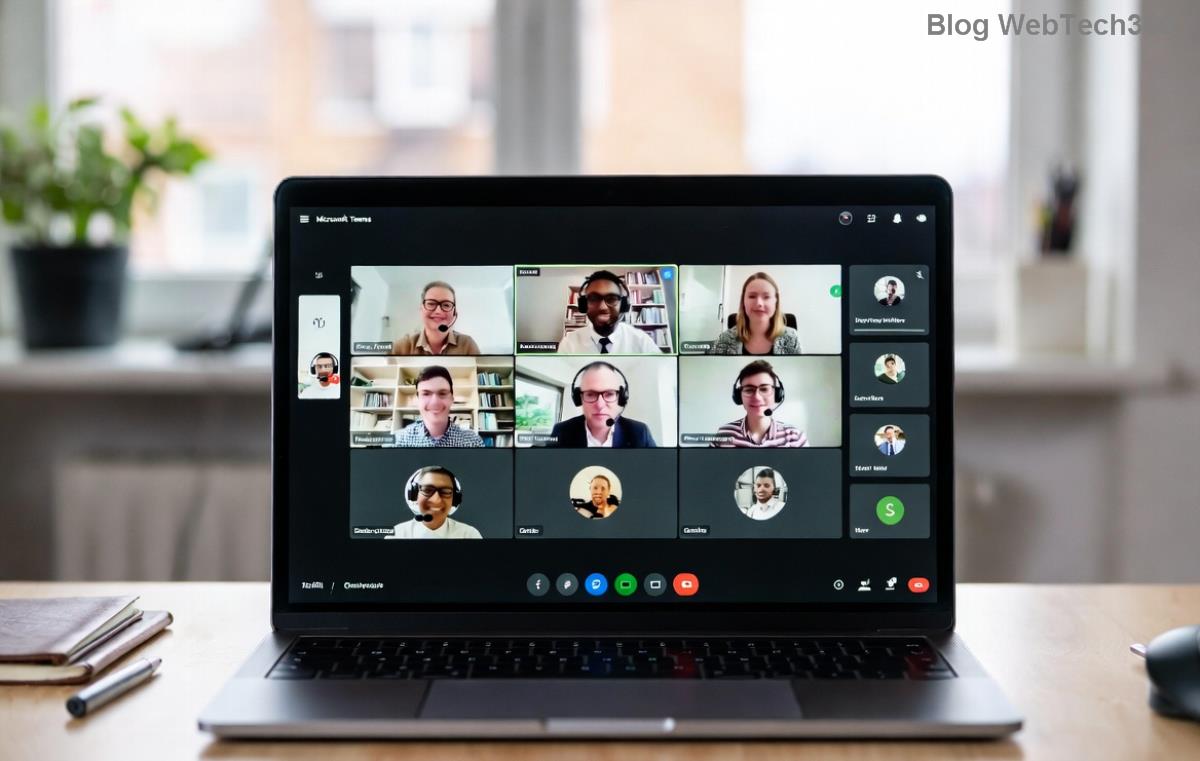
<strong>Microsoft Teams Proxy Error</strong> screenshot on login screen

Spot this error? It's often tied to HTTP/HTTPS proxies on ports 80/443. Good news: 90% of cases resolve with simple tweaks. Keep reading for fixes that stick! ⭐

βœ… Quick Wins: Reset Proxy Error in Under 2 Minutes

Before deep dives, try these no-brainer steps:

  1. Restart Teams: Close fully (Task Manager > End teams.exe processes), relaunch.
  2. Disable VPN: Toggle off any active VPN – test in incognito mode.
  3. Clear Teams Cache: Navigate to %appdata%\Microsoft\Teams, delete contents in folders like Cache, GPUCache, IndexedDB. Relaunch! πŸš€

Fixed already? Awesome! πŸ‘ If not, proceed to pro-level troubleshooting Microsoft Teams "Proxy Error" settings fix.

Step-by-Step: Master Microsoft Teams Proxy Settings Fix

Follow these sequentially. Each step builds on the last for maximum success. Pro tip: Run as admin where noted.

Step 1: Verify and Reset Windows Proxy Settings

Windows proxy mismatches cause most Teams Proxy Errors. Here's how to nail it:

Proxy Type Action Expected Result
Manual Proxy Settings > Network & Internet > Proxy > Turn OFF "Use a proxy server" unless IT mandates. No authentication prompts.
Auto-Config (PAC) Copy your PAC URL from IT (e.g., http://proxy.company.pac). Paste in "Script address." Teams detects proxy dynamically.
Bypass List Add "*.teams.microsoft.com;teams.skype.com" to exceptions. Direct connection for Teams domains.

Still stuck? Run in Command Prompt (Admin):

netsh winhttp reset proxy

Restart PC. Boom – proxy reset! ➑️

Windows <strong>Proxy Settings</strong> configuration for <strong>Microsoft Teams</strong>

Step 2: Configure Teams-Specific Proxy via Config Files

Microsoft Teams ignores system proxies sometimes. Override with JSON edits:

  1. Close Teams.
  2. Open %appdata%\Microsoft\Teams\settings.json (create if missing).
  3. Add under "proxy":
    {
      "proxy": {
        "type": "auto",
        "server": "yourproxy.company.com:8080",
        "username": "yourdomain\\username",
        "password": "yourpass"
      }
    }
  4. Save, relaunch. For PAC: Set "type": "pac", "pacUrl": "http://yourpac.pac".

⚠️ Security note: Never hardcode passwords in production – use auth prompts.

Step 3: Advanced Fixes for Stubborn Proxy Authentication Error

If basics fail:

  • Registry Tweak (Caution! Backup first):
    HKEY_CURRENT_USER\Software\Microsoft\Teams
    Add DWORD: ProxyEnabled=0 (disables proxy for Teams).
  • Firewall Whitelist: Allow teams.exe through Windows Defender Firewall. Ports: 80, 443, 3478-3481 UDP.
  • Reinstall Teams: Download fresh from official site. Uninstall old via Settings > Apps.
  • NTLM Auth Fix: If corporate NTLM proxy, run: Set-ItemProperty -Path "HKCU:\Software\Microsoft\Windows\CurrentVersion\Internet Settings" -Name ProxyEnable 1.
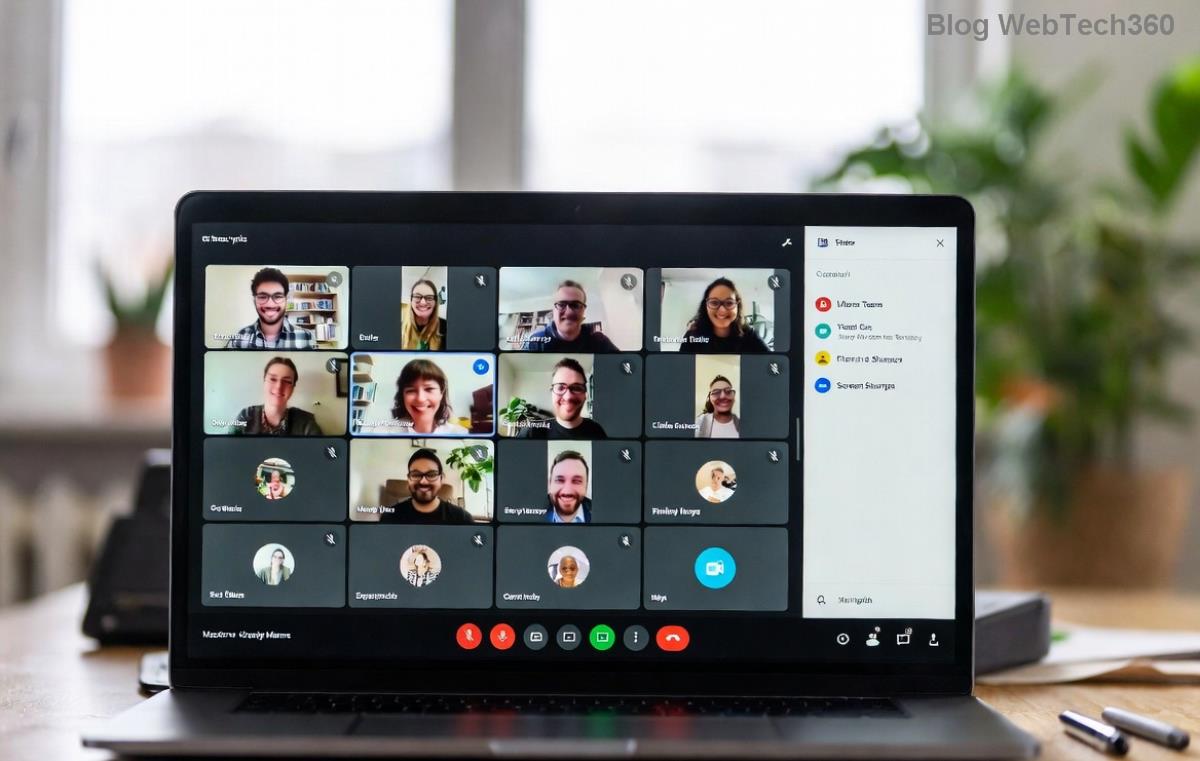
Successful <strong>Microsoft Teams</strong> login after <strong>Proxy Error</strong> fix

Congrats – you're connected! πŸŽ‰ Test with a call.

Prevention Tips: Never See Proxy Error Again

Lock in wins:

  • ⭐ Update Teams weekly via profile menu.
  • πŸ“± Use Teams web (teams.microsoft.com) as proxy bypass.
  • πŸ”’ IT Sync: Request proxy exceptions for Teams domains.
  • πŸ’‘ Monitor with Teams logs: %appdata%\Microsoft\Teams\logs.txt – search "proxy".

For enterprises, check Microsoft's Proxy Config Docs for PAC scripting gold.

Still Facing Teams Proxy Error? Next Moves

If all fails, it's likely network-deep. Contact IT with logs or post in Microsoft Community. You've got this – most resolve here! Share your win in comments. What's your setup? πŸ‘‡

Back to seamless meetings. Happy Teaming! πŸš€


Leave a Comment

Microsoft Teams Wiki Not Loading? 7 Proven Fixes to Resolve It Instantly!

Microsoft Teams Wiki Not Loading? 7 Proven Fixes to Resolve It Instantly!

Facing the frustrating Microsoft Teams Wiki not loading error? Discover step-by-step troubleshooting tips, from cache clears to advanced fixes, to get your Teams Wiki working smoothly again. Quick, effective solutions for all users.

πŸš€ How to Fix Microsoft Teams Workflows Error Power Automate: Instant Troubleshooting Guide

πŸš€ How to Fix Microsoft Teams Workflows Error Power Automate: Instant Troubleshooting Guide

Stuck with Microsoft Teams "Workflows Error" in Power Automate? Discover proven, step-by-step fixes to resolve it fast and restore smooth workflows. No tech expertise needed!

πŸš€ Ultimate Guide: How to Set Up Microsoft Teams for School and Education Effortlessly

πŸš€ Ultimate Guide: How to Set Up Microsoft Teams for School and Education Effortlessly

Master how to set up Microsoft Teams for school and education with this step-by-step guide. Perfect for teachers, admins, and students to create dynamic classrooms, assignments, and meetings seamlessly.

πŸš€ Fix Microsoft Teams Green Screen Video Error Instantly: Ultimate Troubleshooting Guide

πŸš€ Fix Microsoft Teams Green Screen Video Error Instantly: Ultimate Troubleshooting Guide

Tired of the frustrating Microsoft Teams green screen "Video Error"? Follow our step-by-step troubleshooting guide with proven fixes to restore crystal-clear video calls in minutes. No tech expertise needed!

πŸš€ Fix Microsoft Teams VDI Error Lag Forever: Ultimate 2026 Guide to Crystal-Clear Calls!

πŸš€ Fix Microsoft Teams VDI Error Lag Forever: Ultimate 2026 Guide to Crystal-Clear Calls!

Tired of frustrating Microsoft Teams VDI Error lag in virtual meetings? Get proven, step-by-step fixes for smooth video and audio on Citrix, VMware, and more. Boost productivity now!

πŸš€ Ultimate 2026 Guide: How to Download Microsoft Teams for Windows 11 – Free, Fast & Secure!

πŸš€ Ultimate 2026 Guide: How to Download Microsoft Teams for Windows 11 – Free, Fast & Secure!

Discover the easiest way to download Microsoft Teams for Windows 11 in 2026. Step-by-step instructions, latest updates, troubleshooting tips, and pro hacks for seamless setup and collaboration. Get started now!

Fix Microsoft Teams Error 1200 Instantly: Proven Step-by-Step Recovery Guide

Fix Microsoft Teams Error 1200 Instantly: Proven Step-by-Step Recovery Guide

Struggling with Microsoft Teams Error 1200? Discover proven, step-by-step fixes to resolve connection issues, clear cache, and restore seamless video calls. Get back to collaborating without frustration!

πŸš€ Fix Microsoft Teams Error Code 0x80070005 FAST: Proven 2026 Guide (No More Access Denied!)

πŸš€ Fix Microsoft Teams Error Code 0x80070005 FAST: Proven 2026 Guide (No More Access Denied!)

Struggling with Microsoft Teams Error Code 0x80070005? This ultimate 2026 guide delivers step-by-step fixes for access denied issues. Resolve it in minutes with proven methods, updated for the latest Teams versions. Say goodbye to crashes!

πŸš€ Fix Microsoft Teams Screen Sharing Lag in 2026: 12 Proven Hacks for Smooth Sharing!

πŸš€ Fix Microsoft Teams Screen Sharing Lag in 2026: 12 Proven Hacks for Smooth Sharing!

Tired of Microsoft Teams screen sharing lag ruining your 2026 meetings? Get instant fixes for lag, freezes, and delays. Boost performance with these expert tips – no tech skills needed!

πŸš€ Ultimate Guide: How to Download Microsoft Teams Chat History & Transcripts in Minutes

πŸš€ Ultimate Guide: How to Download Microsoft Teams Chat History & Transcripts in Minutes

Discover simple, step-by-step methods to download Microsoft Teams chat history and transcripts effortlessly. Perfect for meetings, channels, and private chats. Save your data securely today!