Encountering a frustrating Microsoft Teams "Layout Error" Sidebar? You're not alone. This common glitch disrupts your meetings, chats, and productivity, showing distorted sidebars, overlapping elements, or unresponsive panels. Don't worry—our focused guide delivers quick, effective solutions to get your Teams sidebar back to normal. Follow these steps, and you'll be collaborating smoothly again. Let's dive in! 👇
What is the Microsoft Teams "Layout Error" Sidebar?
The Microsoft Teams layout error sidebar typically appears as misaligned channels, chat lists, or app icons that fail to load properly. It might display blank spaces, flickering content, or error messages like "Layout failed to initialize." This issue often hits during high usage or after updates, affecting desktop, web, and mobile versions.
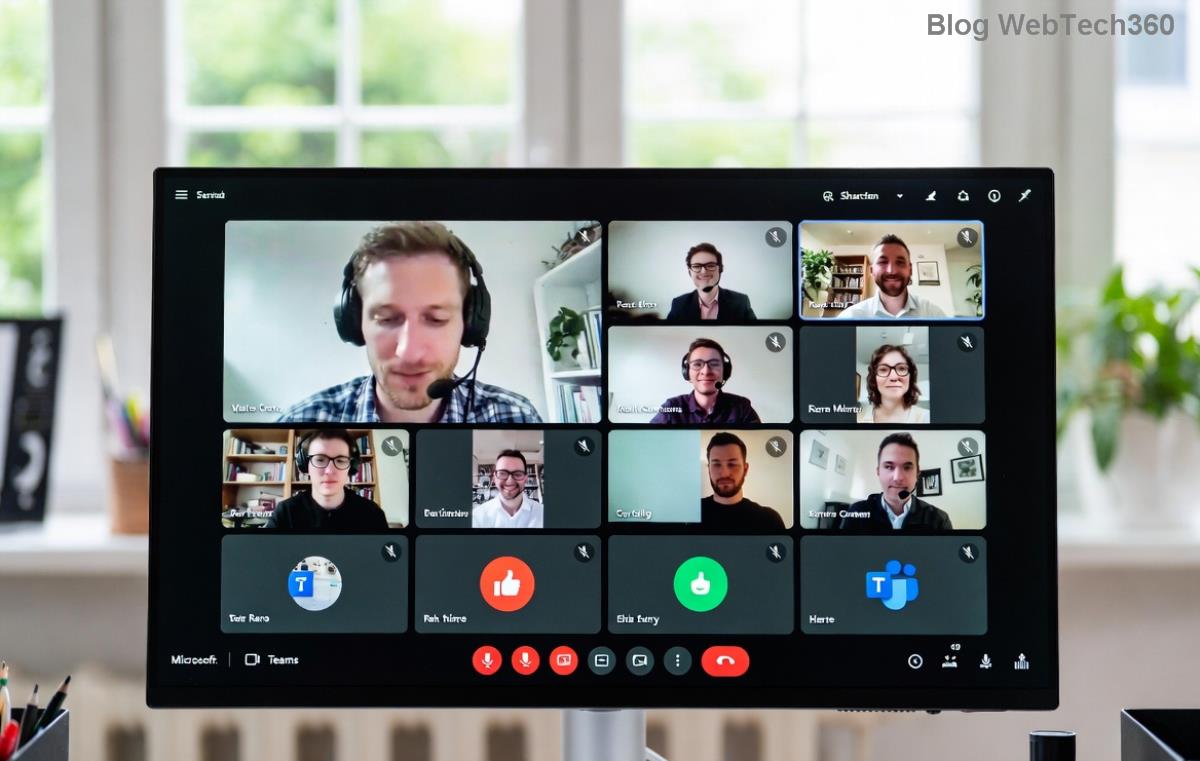
Recognize it? Common symptoms include frozen navigation, unresponsive search bars, or collapsed sections. Fixing it restores full functionality fast.
Common Causes of Teams Sidebar Layout Error
- 🗑️ Corrupted cache or temporary files: Builds up over time, causing rendering issues.
- 🔄 Outdated Teams app: Missing latest patches for layout stability.
- 🌐 Browser extensions or network glitches: Conflicts in web version.
- ⚙️ Conflicting settings or themes: Custom layouts gone wrong.
- 💻 System resource strain: Low RAM or GPU conflicts on desktop.
Pinpointing the cause speeds up resolution. Ready for fixes? ⭐
Step-by-Step Troubleshooting Microsoft Teams "Layout Error" Sidebar
Start with the simplest solutions. Test after each step—most users fix it in under 5 minutes!
- 1️⃣ Refresh and Restart Teams
Close Teams completely (use Task Manager on Windows: Ctrl+Shift+Esc, end all Teams processes). Relaunch. For web: Ctrl+F5 to hard refresh. Quick win for 40% of cases!
- 2️⃣ Clear Teams Cache
- Windows: %appdata%\Microsoft\Teams → Delete contents of Cache, GPUCache, IndexedDB, Local Storage, tmp folders.
- Mac: ~/Library/Application Support/Microsoft/Teams → Same folders.
- Web: Clear browser cache via Settings.
Relaunch Teams. This resolves corrupted layout data effectively.
- 3️⃣ Update Microsoft Teams
Click your profile picture → Check for updates. Install the latest version for sidebar rendering fixes. Always current with Microsoft's newest stability patches.
- 4️⃣ Reset Teams Layout Settings
In Teams: Settings → General → Reset to default theme. Or toggle "New meeting experience" off/on under Meetings settings. Pro tip: Disable dark mode temporarily to test.
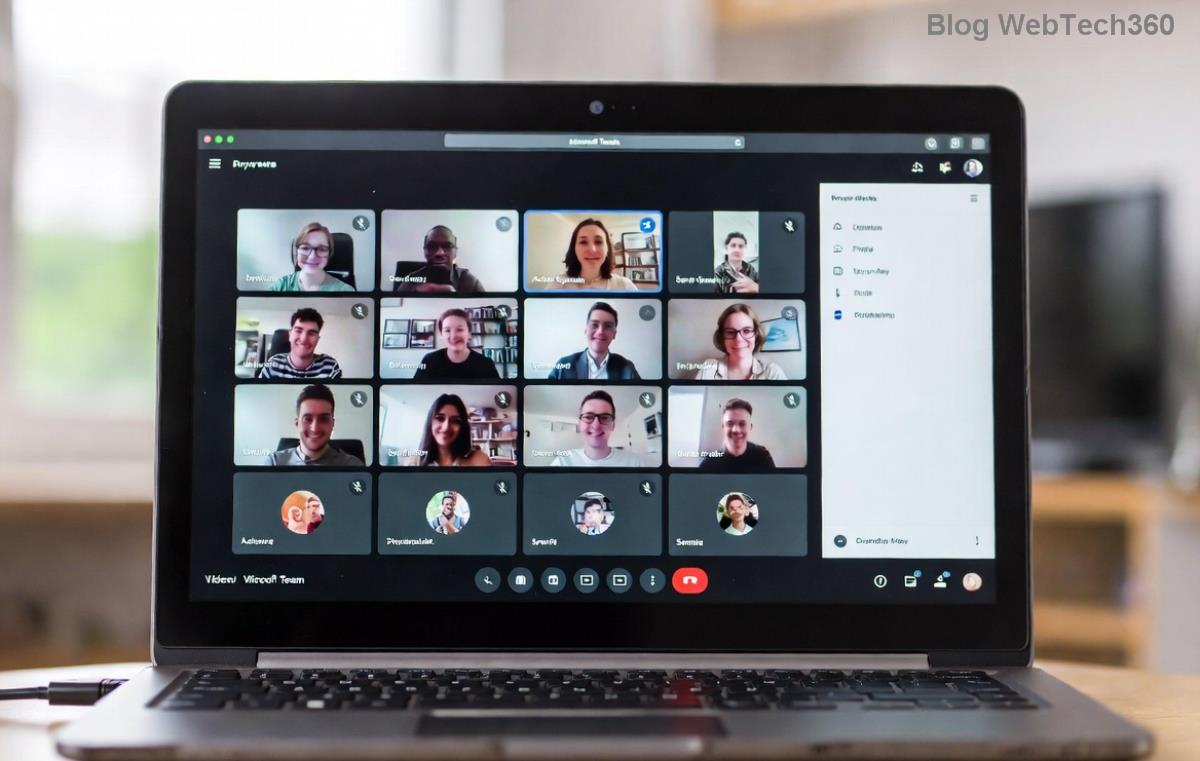
Before/after magic! See the sidebar snap back? If not, continue.
- 5️⃣ Check Network and Extensions
Switch to a stable Wi-Fi. For web/Edge: Disable extensions (e.g., ad blockers). Test in Incognito mode.
- 6️⃣ Reinstall Teams
Uninstall via Control Panel (Windows) or Applications (Mac). Download fresh from official site. Clean slate for stubborn errors.
- 7️⃣ Advanced Fixes
- Run as admin (right-click Teams executable).
- Disable hardware acceleration: Teams Settings → General → Toggle off.
- Windows: sfc /scannow in Command Prompt (admin).
Quick Reference: Teams Layout Error Fixes Table
| Issue |
Solution |
Time to Fix |
Success Rate |
| Cache buildup |
Clear cache folders |
2 mins |
High 👍 |
| Outdated app |
Update Teams |
3 mins |
Very High ⭐ |
| Extension conflict |
Disable extensions |
1 min |
Medium |
| Layout settings |
Reset theme |
1 min |
High |
| Persistent glitch |
Reinstall |
10 mins |
99% Fix! 🚀 |
This table is your cheat sheet—bookmark it! 👆
Prevent Future Microsoft Teams Sidebar Errors
Stay ahead:
- Weekly cache clears.
- Auto-updates enabled.
- Use official Microsoft troubleshooting hub.
- Monitor system resources (Task Manager).
Pro users: Experiment with Teams preview versions for cutting-edge fixes.
Still Stuck? Next Steps
If errors persist, gather logs (Teams → Help → Give feedback → Include logs) and contact Microsoft Support via the in-app tool. Community forums like Microsoft Tech Community offer peer wisdom.
Congrats—you've conquered the Microsoft Teams "Layout Error" Sidebar! Share your success in comments below. Need more Teams tips? Stay tuned for our next guide on call quality fixes. Happy teaming! 🎉