πŸš€ Fix Microsoft Teams Guest Access Not Working: Proven 2026 Solutions

Frustrated because your external collaborators can't join Microsoft Teams? You're not aloneβ€”Microsoft Teams guest access not working is a top complaint for admins and users alike. 😩 But don't worry! This guide delivers straight-to-the-point fixes backed by the latest Microsoft updates. We'll troubleshoot from basic checks to advanced configs, ensuring your guests are chatting in no time. Let's dive in and reclaim your team's productivity! πŸ’ͺ

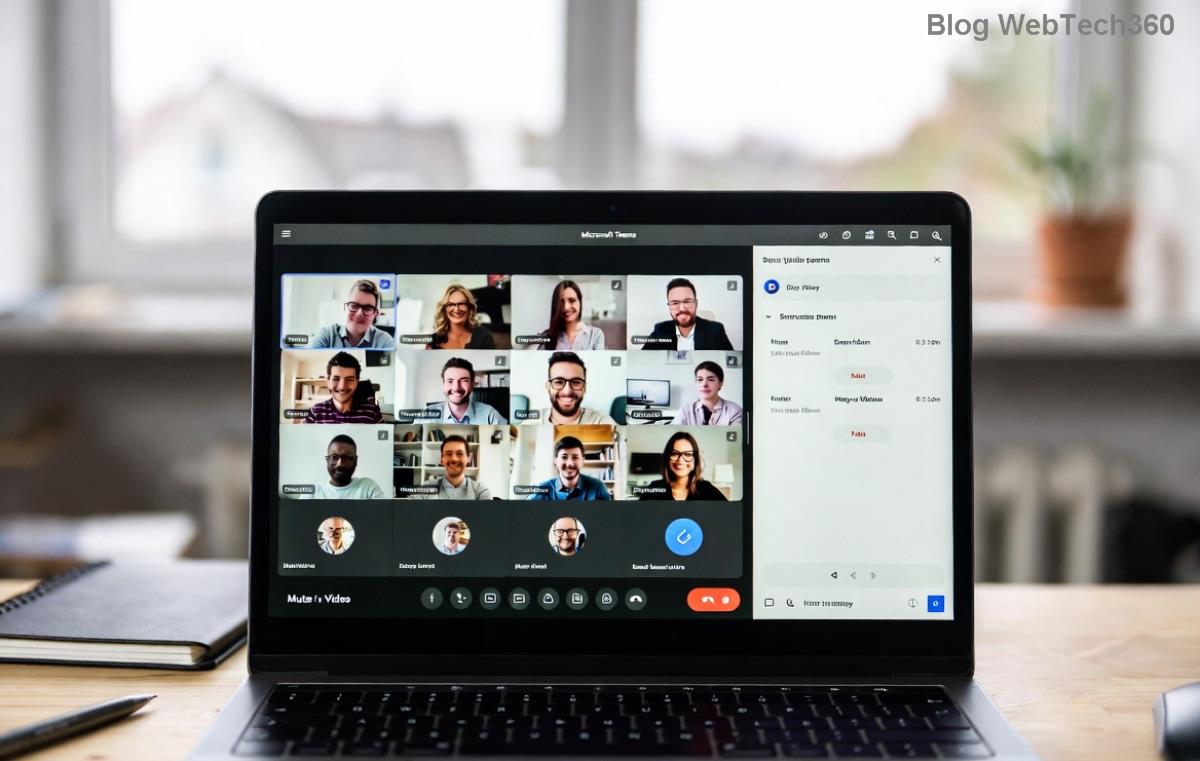
Microsoft Teams guest access settings dashboard

Why Is Microsoft Teams Guest Access Not Working? Common Culprits

Before fixing, understand the root causes. Teams guest access relies on a chain of settings across Teams, Azure AD, and your org policies. Here's what breaks it most often:

  • ❌ Guest access disabled at the org level.
  • ❌ Misconfigured Azure AD external collaboration settings blocking domains.
  • ❌ Insufficient licenses or user permissions.
  • ❌ Network/firewall blocks on required endpoints.
  • ❌ Expired or rejected guest invites.

Pro tip: Always start with admin checksβ€”90% of issues resolve here! πŸ”

Step-by-Step: How to Fix Microsoft Teams Guest Access

Follow these numbered steps in order. Test guest access after each one. Ready? Let's go! πŸš€

1️⃣ Enable Guest Access in Teams Admin Center

The #1 reason for Teams guest access not working? It's simply turned off.

  1. Sign in to Teams Admin Center as Global Admin.
  2. Go to Org-wide settings > Guest access.
  3. Toggle Allow guest access in Teams to On.
  4. βœ… Save and wait 15-30 minutes for propagation.

Bonus: Under Guest access, enable options like "Allow guests to create and update channels" for fuller access.

2️⃣ Configure Azure AD External Collaboration Settings

Azure AD controls who can be invited. Mismatched settings = instant denial.

  1. Head to Microsoft Entra admin center (formerly Azure AD).
  2. Navigate to Identity > External Identities > External collaboration settings.
  3. Set Guest user access to Guest users have limited access to properties and memberships or higher.
  4. Under Collaboration restrictions, allow your guest's domain (e.g., gmail.com) or set to "Allow invitations to be sent to any domain".
  5. βœ… Apply changes.
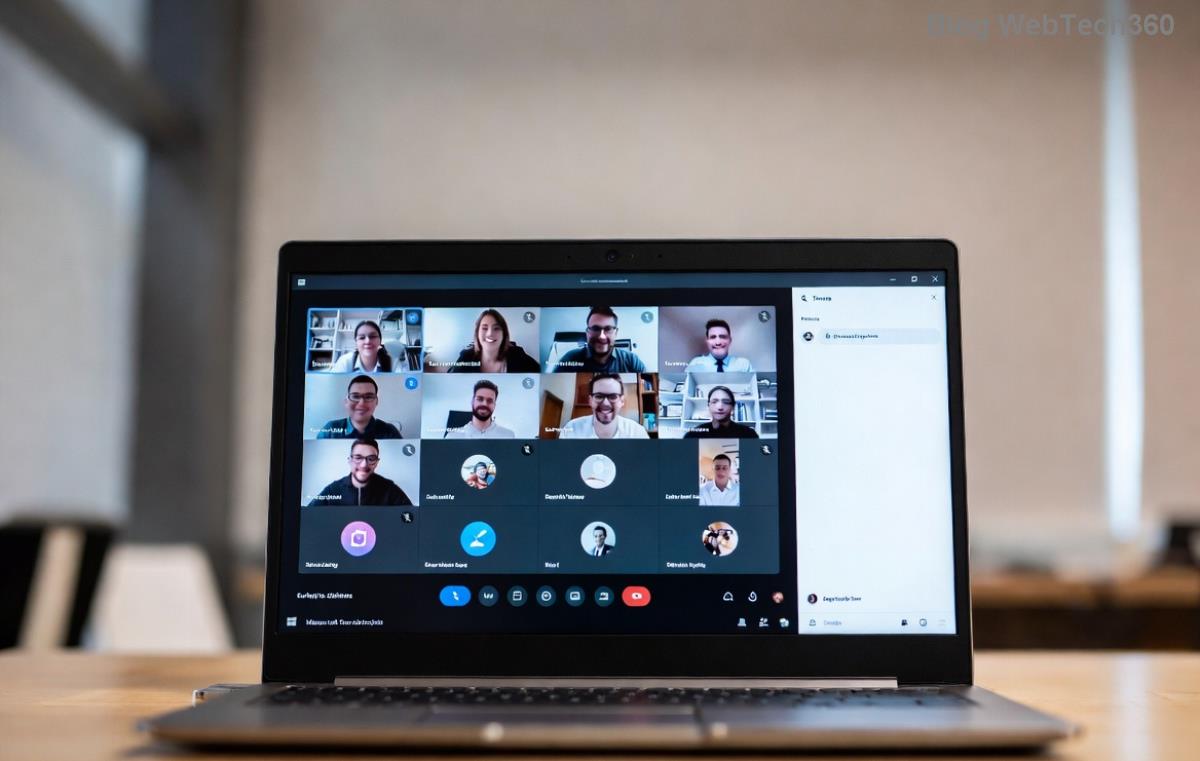
Azure AD guest collaboration settings

3️⃣ Verify Licensing and Permissions

No license? No access. Check these:

Requirement Check Fix
Teams License Guests need no license, but host must have Teams + Microsoft 365. Assign E3/E5 to internal users via Admin Center.
Guest Permissions Ensure "Guest invite settings" allows your role. Teams Admin > Users > Manage roles.
SharePoint/OneDrive Guests need site access for files. Share site explicitly with guest.

4️⃣ Troubleshoot Network and Firewall Issues

Corporate firewalls love blocking Teams. Ensure these endpoints are open (latest Microsoft list):

πŸ”₯ Quick test: Have the guest try incognito mode or mobile app.
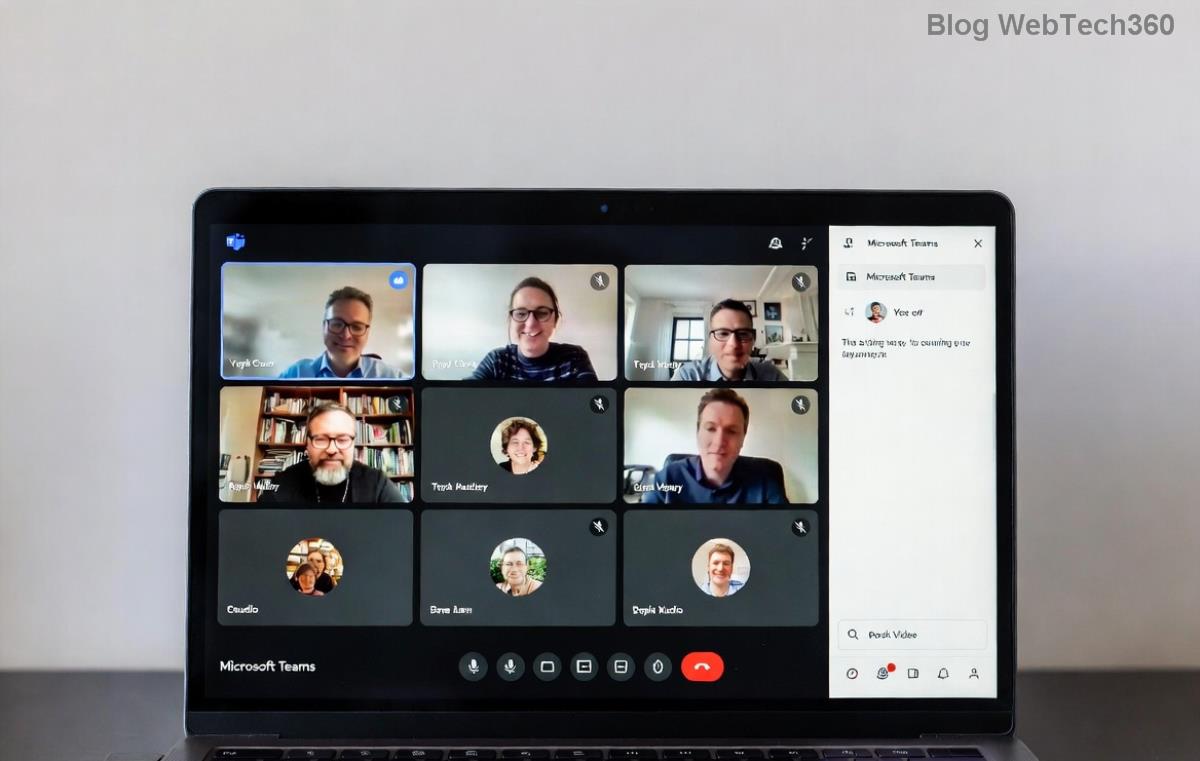
Teams network troubleshooting endpoints

5️⃣ Reinvite and Reset Guest Access

Invites expire or get rejected? Fresh start:

  1. Delete the old guest from Azure AD (Users > Delete).
  2. Resend invite via Teams: Chat > New chat > Invite external user.
  3. Guest accepts in their emailβ€”ensure they use correct account.
  4. βœ… If "Access denied," force consent: Azure AD > Enterprise apps > Permissions.

Advanced Fixes for Stubborn Teams Guest Access Issues

Still stuck? Try these power moves:

  • βœ… PowerShell Check: Run Get-TeamGuestSettings to verify org settings.
  • βœ… Clear Teams cache: %appdata%\Microsoft\Teams > Delete contents, restart.
  • βœ… Sensitivity Labels: If using Microsoft Purview, exclude guests from blocking labels.
  • βœ… Hybrid setups: Sync on-premises AD with Azure AD Connect.

πŸ‘ For enterprise? Audit logs in Teams Admin Center reveal exact errors like "GuestAccessDisabled."

Prevention Tips: Keep Guest Access Working Smoothly

Don't let issues return:

  1. πŸ“‹ Document your guest policy in Teams wiki.
  2. ⭐ Automate invites with Power Automate flows.
  3. πŸ”’ Regularly review guest users in Entra ID.
  4. πŸ’‘ Train users: "Always check spam for invites!"

With these steps, Microsoft Teams guest access not working becomes history. Your cross-org collaborations will flow seamlessly. Got a unique error? Drop it in commentsβ€”we're here to help! πŸŽ‰

Stayed till the end? You're now a Teams guest access pro. Share this guide and high-five your IT team! βœ‹


Leave a Comment

Microsoft Teams Wiki Not Loading? 7 Proven Fixes to Resolve It Instantly!

Microsoft Teams Wiki Not Loading? 7 Proven Fixes to Resolve It Instantly!

Facing the frustrating Microsoft Teams Wiki not loading error? Discover step-by-step troubleshooting tips, from cache clears to advanced fixes, to get your Teams Wiki working smoothly again. Quick, effective solutions for all users.

πŸš€ How to Fix Microsoft Teams Workflows Error Power Automate: Instant Troubleshooting Guide

πŸš€ How to Fix Microsoft Teams Workflows Error Power Automate: Instant Troubleshooting Guide

Stuck with Microsoft Teams "Workflows Error" in Power Automate? Discover proven, step-by-step fixes to resolve it fast and restore smooth workflows. No tech expertise needed!

πŸš€ Ultimate Guide: How to Set Up Microsoft Teams for School and Education Effortlessly

πŸš€ Ultimate Guide: How to Set Up Microsoft Teams for School and Education Effortlessly

Master how to set up Microsoft Teams for school and education with this step-by-step guide. Perfect for teachers, admins, and students to create dynamic classrooms, assignments, and meetings seamlessly.

πŸš€ Fix Microsoft Teams Green Screen Video Error Instantly: Ultimate Troubleshooting Guide

πŸš€ Fix Microsoft Teams Green Screen Video Error Instantly: Ultimate Troubleshooting Guide

Tired of the frustrating Microsoft Teams green screen "Video Error"? Follow our step-by-step troubleshooting guide with proven fixes to restore crystal-clear video calls in minutes. No tech expertise needed!

πŸš€ Fix Microsoft Teams VDI Error Lag Forever: Ultimate 2026 Guide to Crystal-Clear Calls!

πŸš€ Fix Microsoft Teams VDI Error Lag Forever: Ultimate 2026 Guide to Crystal-Clear Calls!

Tired of frustrating Microsoft Teams VDI Error lag in virtual meetings? Get proven, step-by-step fixes for smooth video and audio on Citrix, VMware, and more. Boost productivity now!

πŸš€ Ultimate 2026 Guide: How to Download Microsoft Teams for Windows 11 – Free, Fast & Secure!

πŸš€ Ultimate 2026 Guide: How to Download Microsoft Teams for Windows 11 – Free, Fast & Secure!

Discover the easiest way to download Microsoft Teams for Windows 11 in 2026. Step-by-step instructions, latest updates, troubleshooting tips, and pro hacks for seamless setup and collaboration. Get started now!

Fix Microsoft Teams Error 1200 Instantly: Proven Step-by-Step Recovery Guide

Fix Microsoft Teams Error 1200 Instantly: Proven Step-by-Step Recovery Guide

Struggling with Microsoft Teams Error 1200? Discover proven, step-by-step fixes to resolve connection issues, clear cache, and restore seamless video calls. Get back to collaborating without frustration!

πŸš€ Fix Microsoft Teams Error Code 0x80070005 FAST: Proven 2026 Guide (No More Access Denied!)

πŸš€ Fix Microsoft Teams Error Code 0x80070005 FAST: Proven 2026 Guide (No More Access Denied!)

Struggling with Microsoft Teams Error Code 0x80070005? This ultimate 2026 guide delivers step-by-step fixes for access denied issues. Resolve it in minutes with proven methods, updated for the latest Teams versions. Say goodbye to crashes!

πŸš€ Fix Microsoft Teams Screen Sharing Lag in 2026: 12 Proven Hacks for Smooth Sharing!

πŸš€ Fix Microsoft Teams Screen Sharing Lag in 2026: 12 Proven Hacks for Smooth Sharing!

Tired of Microsoft Teams screen sharing lag ruining your 2026 meetings? Get instant fixes for lag, freezes, and delays. Boost performance with these expert tips – no tech skills needed!

πŸš€ Ultimate Guide: How to Download Microsoft Teams Chat History & Transcripts in Minutes

πŸš€ Ultimate Guide: How to Download Microsoft Teams Chat History & Transcripts in Minutes

Discover simple, step-by-step methods to download Microsoft Teams chat history and transcripts effortlessly. Perfect for meetings, channels, and private chats. Save your data securely today!