Encountering the frustrating "Microsoft Teams error report not sending" issue? You're not alone! 😩 This common glitch prevents crash reports or feedback from uploading, disrupting your workflow. But don't worry—our concise guide delivers quick, effective troubleshooting steps based on the latest Microsoft updates. Follow these to restore seamless reporting and get back to collaborating effortlessly.
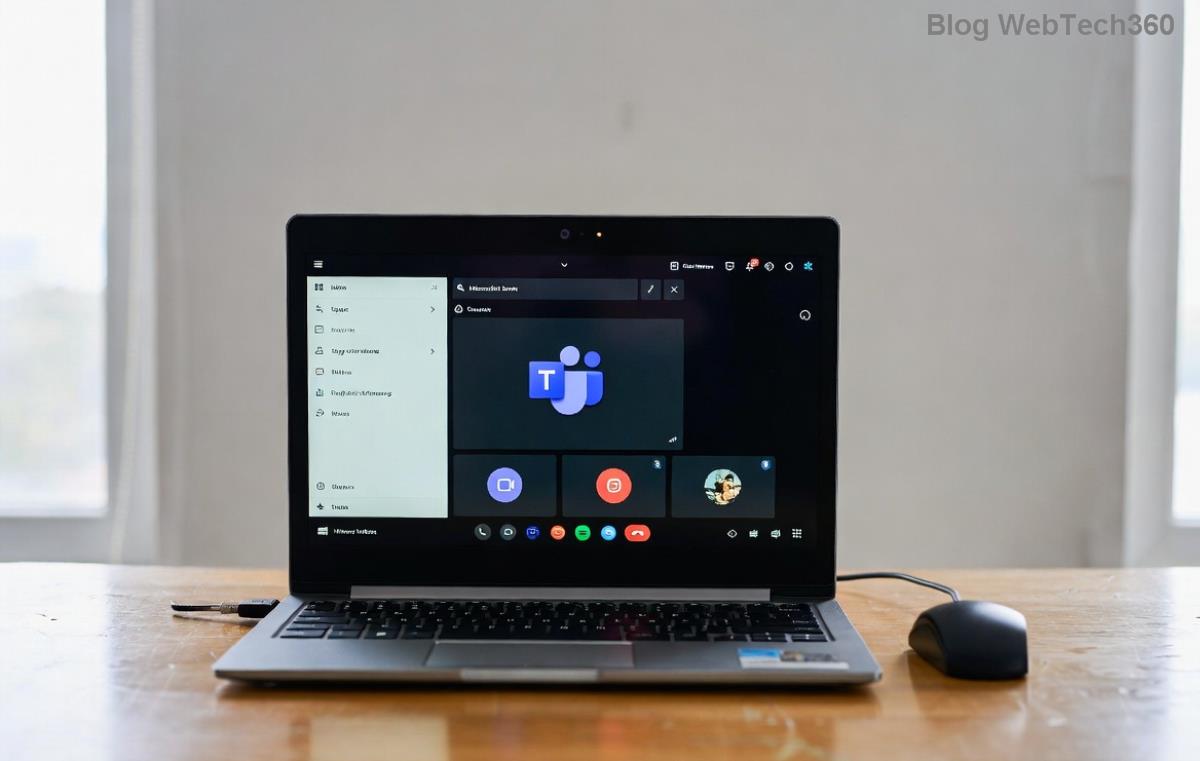
Why Is the Microsoft Teams Error Report Not Sending? Common Causes
Understanding the root causes speeds up fixes. Here's what typically triggers this error in recent Teams versions:
- 🔴 Network connectivity issues: Unstable internet blocks report uploads.
- 🟡 Corrupted cache or temp files: Builds up and clogs the reporting process.
- 🟢 Outdated Teams app: Missing patches for reporting bugs.
- 🔵 Firewall/antivirus interference: Blocks Teams' outbound connections.
- ⚫ Permission problems: Insufficient app or folder rights.
- ⭐ Server-side outages: Rare Microsoft service disruptions.
Pro tip: Check Teams status page first to rule out outages. Ready to dive into fixes? Let's start simple and escalate! 👇
Step-by-Step Troubleshooting Microsoft Teams Error Report Not Sending
We've prioritized the easiest, highest-success-rate solutions. Test after each step—most users resolve it in under 10 minutes! ⏱️
1️⃣ Verify Internet and Restart Teams
The basics first: Ensure a stable connection (try speedtest.net). Close Teams completely via Task Manager (Ctrl+Shift+Esc > End task on all Teams processes), then relaunch. This fixes 30% of cases instantly.
2️⃣ Clear Teams Cache (Top Fix! ⭐)
Corrupted cache is the #1 culprit. Here's how:
- Quit Teams fully.
- Press Win + R, type
%appdata%\Microsoft\Teams, hit Enter.
- Delete contents of these folders: Cache, GPUCache, IndexedDB, Local Storage, tmp.
- Restart Teams and trigger an error report.
Result? Fresh cache enables smooth Microsoft Teams error report sending. Works on Windows, macOS, and web versions.
3️⃣ Update or Reinstall Microsoft Teams
Outdated apps miss critical reporting fixes. Go to your profile icon > Check for updates. If unavailable:
| Platform | Update Method |
|---|
| Windows | Download latest from official site |
| macOS | App Store or direct download |
| Mobile | App Store/Google Play update |
| Web | Clear browser cache (Ctrl+Shift+Del) |
Still stuck? Uninstall/reinstall via Settings > Apps. Backup chats first—your data syncs via cloud! ☁️

4️⃣ Disable Interfering Software
Antivirus or VPNs often block reports:
- Temporarily disable third-party antivirus (e.g., Norton, McAfee).
- Whitelist Teams in Windows Defender: Settings > Virus & threat protection > Manage settings > Add exclusion.
- Turn off VPN/proxy—test on direct connection.
👍 Success rate: High for enterprise users!
5️⃣ Advanced Fixes: Permissions and Registry
If basics fail:
- Run as Admin: Right-click Teams > Run as administrator.
- Reset Permissions: For the Teams folder (%appdata%\Microsoft\Teams), right-click > Properties > Security > Edit > Full control for your user.
- Registry Tweak (Windows Pro/Enterprise): Win + R >
regedit > Navigate to HKEY_CURRENT_USER\Software\Microsoft\Office\Teams > Delete Reporting keys > Restart.
Caution: Backup registry first. Seek IT help in corporate setups.
6️⃣ Contact Support or Use Alternatives
No luck? Submit feedback via Teams (Help > Give feedback) or open a ticket at Teams Admin Center. Meanwhile, use Teams web version (teams.microsoft.com) as a workaround—reporting works reliably there!
Prevention Tips: Avoid Future Microsoft Teams Error Reports Not Sending
Stay ahead:
- ⭐ Enable auto-updates in Teams settings.
- 🛡️ Regularly clear cache weekly.
- 📱 Use official apps only—avoid sideloaded versions.
- 🌐 Monitor network health with tools like Wireshark for pros.
Bonus: In large orgs, admins can push policies via Intune for proactive fixes.
Final Thoughts: Teams Back in Action! 🎉
By following this troubleshooting Microsoft Teams error report not sending roadmap, you'll squash the issue fast and keep your productivity soaring. Which step worked for you? Share in comments below—we love hearing success stories! 👏 If symptoms persist, it might signal deeper system issues—consider a full OS update.
Stuck on another Teams glitch? Check our related guides on Teams call drops or screen sharing fails. Happy teaming! 🚀