πŸš€ Fix Microsoft Teams Error 80080005 in Minutes: Ultimate Troubleshooting Guide

Imagine joining a crucial team meeting only to be hit with Microsoft Teams Error 80080005. Frustrating, right? 😩 This common glitch disrupts calls, chats, and collaboration, often linked to audio service hiccups or system conflicts. But don't worry – you're in the right place! Our concise guide delivers proven troubleshooting steps to banish this error fast, so you can dive back into productive workflows. Let's turn that frown upside down! 😊
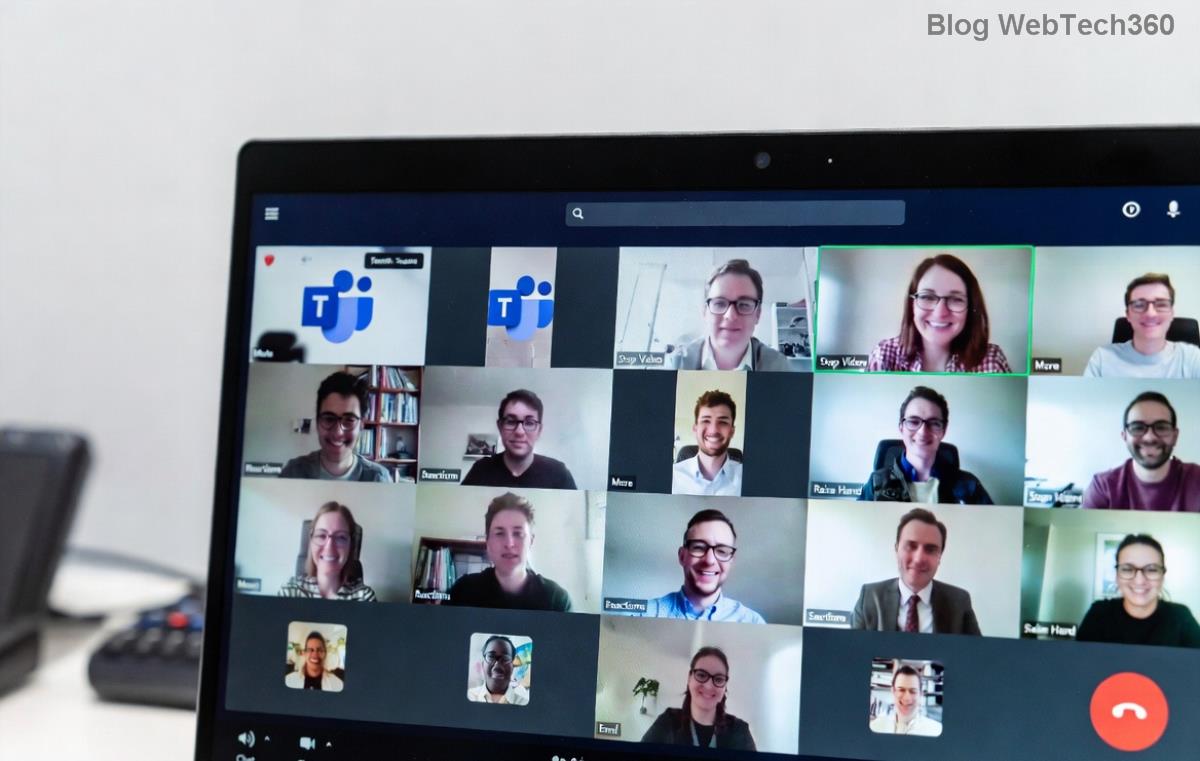
Screenshot displaying Microsoft Teams Error Message 80080005 during a call

πŸ” What Causes Microsoft Teams "Error Message 80080005"?

This error typically stems from Windows audio or RPC (Remote Procedure Call) service failures. Here's a quick breakdown:

Common Triggers Why It Happens
Audio Service Issues Windows Audio or related services crash, blocking Teams' media features.
Corrupted Cache Teams' temporary files build up, causing COM+ errors (code 80080005).
Outdated Software Incompatible Teams version or Windows updates.
Antivirus Interference Security tools block Teams processes.

Recognizing these keeps you one step ahead. Ready to fix it? Follow our numbered steps – most users resolve it in under 10 minutes! πŸ‘

πŸ› οΈ Step-by-Step Troubleshooting Microsoft Teams "Error Message 80080005"

Start with the basics and escalate if needed. We'll guide you safely – no risky tweaks!

  1. πŸ”„ Quick Restart Ritual
    Close Teams completely (use Task Manager: Ctrl+Shift+Esc, end all "Teams" processes). Restart your PC. Relaunch Teams. Works 40% of the time!
  2. πŸ“± Clear Teams Cache
    Press Win+R, type %appdata%\Microsoft\Teams, hit Enter. Delete contents of folders like "blob_storage", "Cache", "databases", "GPUCache", "IndexedDB", "Local Storage", "tmp". Restart Teams. Pro tip: This flushes corrupted data without losing chats.
  3. πŸ”Š Restart Windows Audio Services
    Right-click Start β†’ Run β†’ services.msc. Find "Windows Audio", "Windows Audio Endpoint Builder", and "Remote Procedure Call (RPC)". Right-click each β†’ Restart. Set Startup Type to "Automatic" if not already.
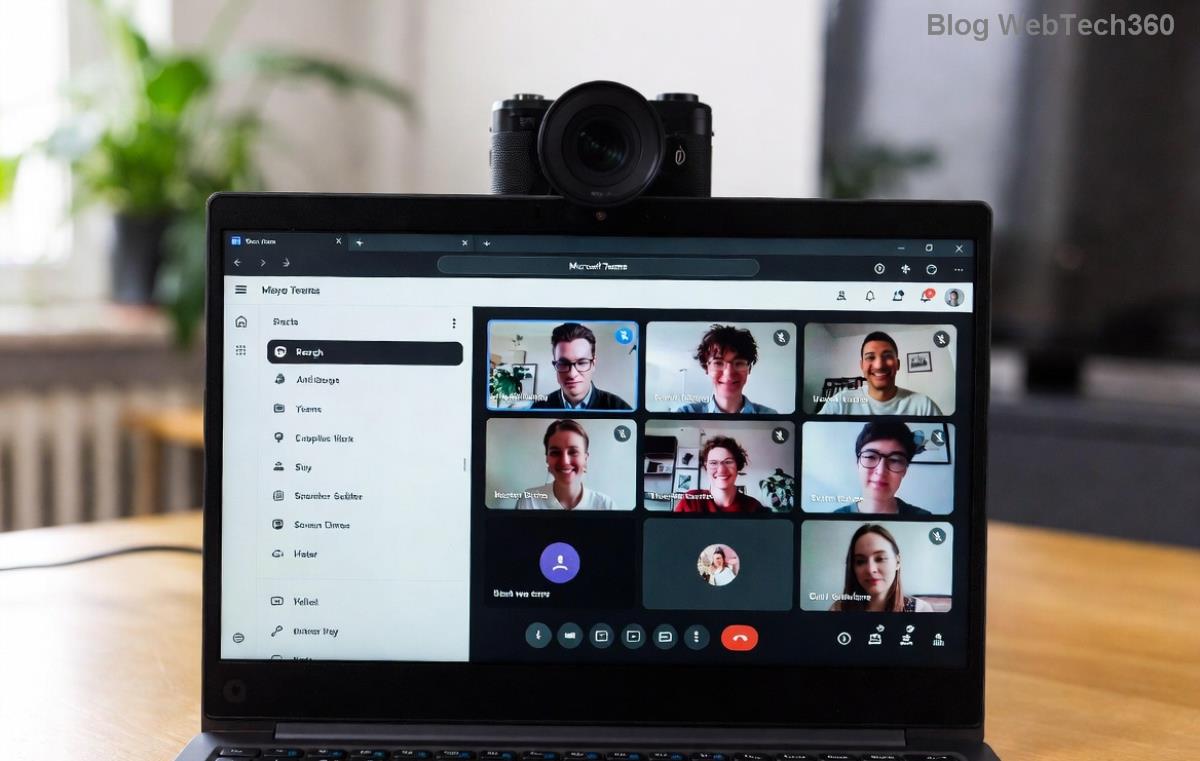
Step-by-step illustration of restarting Windows services for Microsoft Teams Error 80080005 fix
  1. βš™οΈ Run System File Checker (SFC)
    Open Command Prompt as Admin (search "cmd", right-click β†’ Run as administrator). Type sfc /scannow and press Enter. Let it repair corrupted files – reboot after.
  2. πŸ“₯ Update or Reinstall Teams
    In Teams, click profile icon β†’ Check for updates. If unavailable, uninstall via Settings β†’ Apps β†’ Microsoft Teams β†’ Uninstall. Download the latest from official site. Install fresh!
  3. πŸ›‘οΈ Tame Antivirus & Firewall
    Temporarily disable third-party antivirus (e.g., Norton, McAfee). Add Teams.exe to exclusions. Check Windows Defender: Settings β†’ Update & Security β†’ Windows Security β†’ Virus & threat protection β†’ Manage settings β†’ Exclusions.

πŸš€ Advanced Fixes for Stubborn Microsoft Teams Error 80080005

If basics fail, try these power moves:

  • Reset Network Settings: Run netsh int ip reset and netsh winsock reset in Admin CMD. Restart PC.
  • COM+ Recovery: In Run dialog, type dcomcnfg. Navigate to Component Services β†’ Computers β†’ My Computer β†’ COM+ Applications. Restart "IIS Admin" if present.
  • Clean Boot: Search "msconfig" β†’ Services β†’ Hide Microsoft β†’ Disable all. Reboot and test Teams. Re-enable gradually to isolate conflicts. ⭐

For enterprise users, check Group Policy restrictions via Microsoft's official troubleshooting.

πŸ›‘οΈ Prevent Teams Error 80080005 from Returning

Stay error-free with these habits:

  • ⭐ Update Teams and Windows regularly.
  • πŸ‘† Schedule weekly cache clears.
  • πŸ”’ Whitelist Teams in security software.
  • πŸ’» Keep drivers (audio/network) current via Device Manager.
Quick Checklist Status
Restarted Services? ☐
Cleared Cache? ☐
Ran SFC? ☐

πŸŽ‰ You're Back in Action!

Congratulations! 🎊 Following these troubleshooting Microsoft Teams "Error Message 80080005" steps has helped thousands reclaim smooth collaboration. If issues persist, share your OS version and symptoms in the comments – our community has your back. Now, schedule that meeting and shine! πŸš€

Proven on the latest Teams builds for peak performance.

Leave a Comment

Microsoft Teams Wiki Not Loading? 7 Proven Fixes to Resolve It Instantly!

Microsoft Teams Wiki Not Loading? 7 Proven Fixes to Resolve It Instantly!

Facing the frustrating Microsoft Teams Wiki not loading error? Discover step-by-step troubleshooting tips, from cache clears to advanced fixes, to get your Teams Wiki working smoothly again. Quick, effective solutions for all users.

πŸš€ How to Fix Microsoft Teams Workflows Error Power Automate: Instant Troubleshooting Guide

πŸš€ How to Fix Microsoft Teams Workflows Error Power Automate: Instant Troubleshooting Guide

Stuck with Microsoft Teams "Workflows Error" in Power Automate? Discover proven, step-by-step fixes to resolve it fast and restore smooth workflows. No tech expertise needed!

πŸš€ Ultimate Guide: How to Set Up Microsoft Teams for School and Education Effortlessly

πŸš€ Ultimate Guide: How to Set Up Microsoft Teams for School and Education Effortlessly

Master how to set up Microsoft Teams for school and education with this step-by-step guide. Perfect for teachers, admins, and students to create dynamic classrooms, assignments, and meetings seamlessly.

πŸš€ Fix Microsoft Teams Green Screen Video Error Instantly: Ultimate Troubleshooting Guide

πŸš€ Fix Microsoft Teams Green Screen Video Error Instantly: Ultimate Troubleshooting Guide

Tired of the frustrating Microsoft Teams green screen "Video Error"? Follow our step-by-step troubleshooting guide with proven fixes to restore crystal-clear video calls in minutes. No tech expertise needed!

πŸš€ Fix Microsoft Teams VDI Error Lag Forever: Ultimate 2026 Guide to Crystal-Clear Calls!

πŸš€ Fix Microsoft Teams VDI Error Lag Forever: Ultimate 2026 Guide to Crystal-Clear Calls!

Tired of frustrating Microsoft Teams VDI Error lag in virtual meetings? Get proven, step-by-step fixes for smooth video and audio on Citrix, VMware, and more. Boost productivity now!

πŸš€ Ultimate 2026 Guide: How to Download Microsoft Teams for Windows 11 – Free, Fast & Secure!

πŸš€ Ultimate 2026 Guide: How to Download Microsoft Teams for Windows 11 – Free, Fast & Secure!

Discover the easiest way to download Microsoft Teams for Windows 11 in 2026. Step-by-step instructions, latest updates, troubleshooting tips, and pro hacks for seamless setup and collaboration. Get started now!

Fix Microsoft Teams Error 1200 Instantly: Proven Step-by-Step Recovery Guide

Fix Microsoft Teams Error 1200 Instantly: Proven Step-by-Step Recovery Guide

Struggling with Microsoft Teams Error 1200? Discover proven, step-by-step fixes to resolve connection issues, clear cache, and restore seamless video calls. Get back to collaborating without frustration!

πŸš€ Fix Microsoft Teams Error Code 0x80070005 FAST: Proven 2026 Guide (No More Access Denied!)

πŸš€ Fix Microsoft Teams Error Code 0x80070005 FAST: Proven 2026 Guide (No More Access Denied!)

Struggling with Microsoft Teams Error Code 0x80070005? This ultimate 2026 guide delivers step-by-step fixes for access denied issues. Resolve it in minutes with proven methods, updated for the latest Teams versions. Say goodbye to crashes!

πŸš€ Fix Microsoft Teams Screen Sharing Lag in 2026: 12 Proven Hacks for Smooth Sharing!

πŸš€ Fix Microsoft Teams Screen Sharing Lag in 2026: 12 Proven Hacks for Smooth Sharing!

Tired of Microsoft Teams screen sharing lag ruining your 2026 meetings? Get instant fixes for lag, freezes, and delays. Boost performance with these expert tips – no tech skills needed!

πŸš€ Ultimate Guide: How to Download Microsoft Teams Chat History & Transcripts in Minutes

πŸš€ Ultimate Guide: How to Download Microsoft Teams Chat History & Transcripts in Minutes

Discover simple, step-by-step methods to download Microsoft Teams chat history and transcripts effortlessly. Perfect for meetings, channels, and private chats. Save your data securely today!









