๐Ÿš€ Fix Microsoft Teams Browser Not Supported Error Instantly โ€“ Ultimate 2026 Guide

Encountering the dreaded Microsoft Teams browser error: "Browser Not Supported"? ๐Ÿ˜ฉ Don't worry โ€“ you're not alone, and it's an easy fix! This common issue pops up when your browser version lags behind Teams' requirements, blocking access to chats, meetings, and calls. Our step-by-step troubleshooting Microsoft Teams browser error guide will have you back online in minutes. Let's dive in and reclaim your productivity! ๐Ÿ’ช

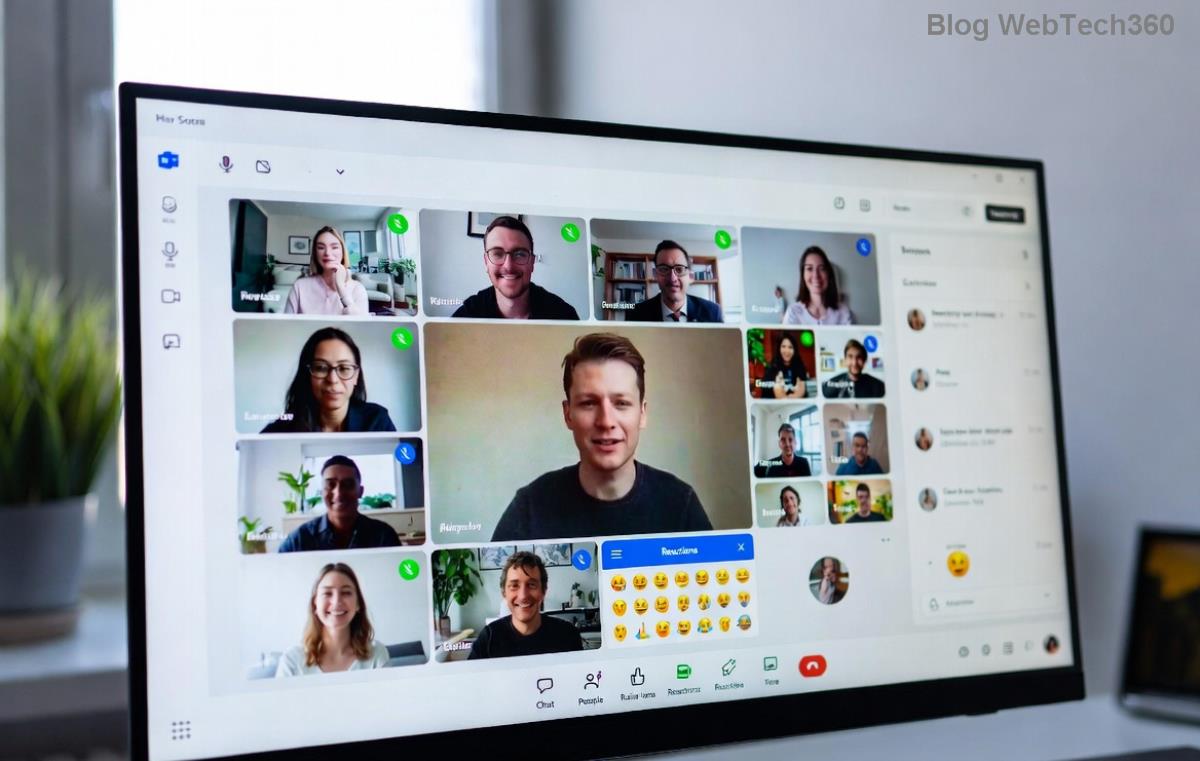
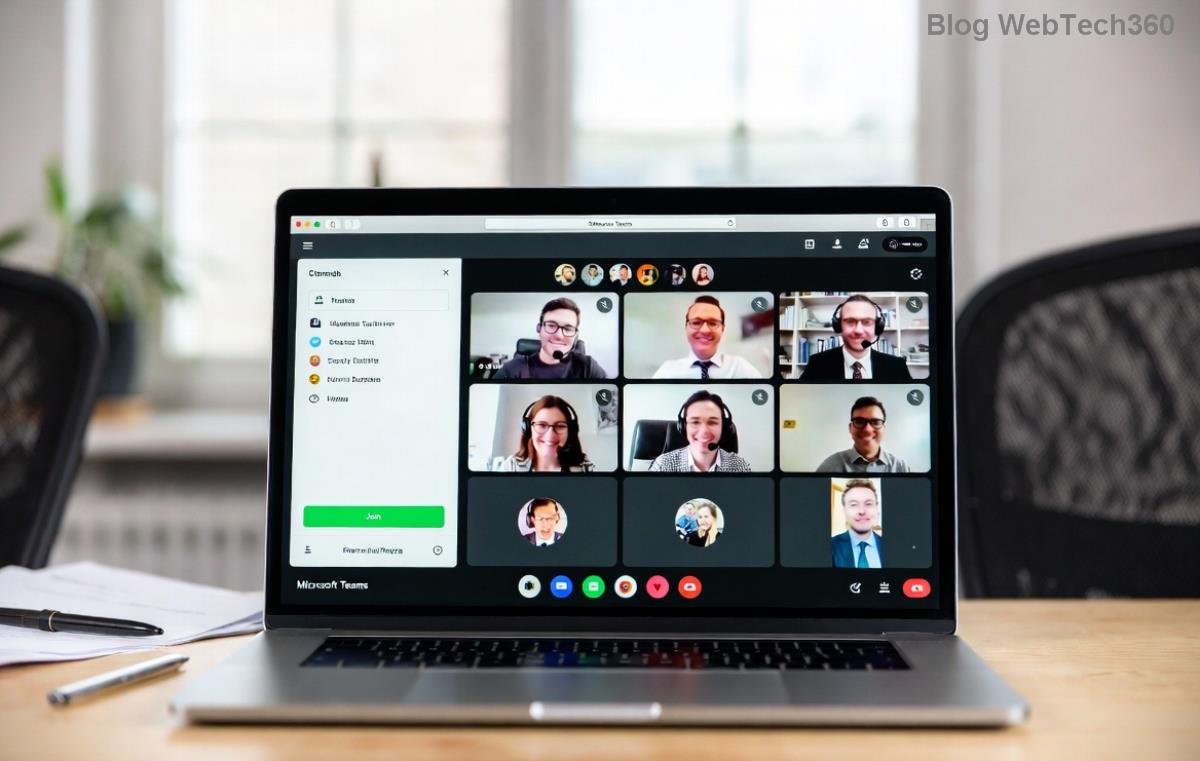
Microsoft Teams Browser Not Supported error screenshot

Why Does the "Browser Not Supported" Error Happen in Microsoft Teams? ๐Ÿ”

The browser not supported Teams message appears because Microsoft Teams demands modern, secure browsers for optimal performance. Outdated versions, incompatible extensions, or cache buildup can trigger it. Key culprits include:

  • ๐Ÿ•ท๏ธ Legacy browsers like Internet Explorer or very old Chrome/Edge versions.
  • ๐Ÿ“ฑ Corrupted cache/cookies from frequent Teams use.
  • ๐Ÿ”Œ Conflicting browser extensions (e.g., ad blockers).
  • โš™๏ธ Enterprise policies restricting browser features.

Good news: Microsoft actively updates Microsoft Teams browser support. Stick to the latest versions, and you'll avoid 90% of issues. Ready to troubleshoot? Follow these proven steps! โญ

Quick Fixes: Step-by-Step Troubleshooting Microsoft Teams Browser Error ๐Ÿ‘‡

1๏ธโƒฃ Update Your Browser to the Latest Version

First and foremost, ensure you're running the most recent browser. Microsoft Teams requires:

Browser Supported Versions Download Link
Google Chrome Latest stable Get Chrome
Microsoft Edge Latest Chromium-based Get Edge
Mozilla Firefox Latest ESR or stable Get Firefox
Safari (macOS) Latest on macOS 12+ Built-in

How to update:

  1. Open your browser settings (โ‹ฎ menu > Help > About).
  2. Let it auto-update and restart. ๐Ÿ”„
  3. Reload Teams: teams.microsoft.com.

Pro tip: Edge often works best as it's Microsoft's own! ๐ŸŽ‰

Updating browser for Microsoft Teams compatibility

2๏ธโƒฃ Clear Cache and Cookies โ€“ The Magic Wipe! ๐Ÿงน

Stale data loves causing browser not supported Teams glitches. Clear it:

  1. Chrome/Edge: Settings > Privacy > Clear browsing data (select Cookies & Cached images).
  2. Firefox: Options > Privacy > Clear Data.
  3. Safari: Preferences > Privacy > Manage Website Data > Remove All.
  4. Restart browser and test Teams.

95% of users fix it here โ€“ feels like a fresh start! ๐Ÿ˜Š

3๏ธโƒฃ Try Incognito/Private Mode to Isolate Issues

Extensions are sneaky saboteurs. Launch incognito (Ctrl+Shift+N):

  • If Teams loads? ๐ŸŽฏ Disable extensions one-by-one (Settings > Extensions).
  • Common offenders: VPNs, ad blockers, grammar tools.

4๏ธโƒฃ Switch Browsers or Use Teams Desktop App

Not tied to one browser? Swap to Edge or Chrome. Still stuck?

  • ๐Ÿ“ฅ Download the Teams desktop app โ€“ bypasses browser woes entirely.
  • Mobile? Update the Teams app via App Store/Google Play.
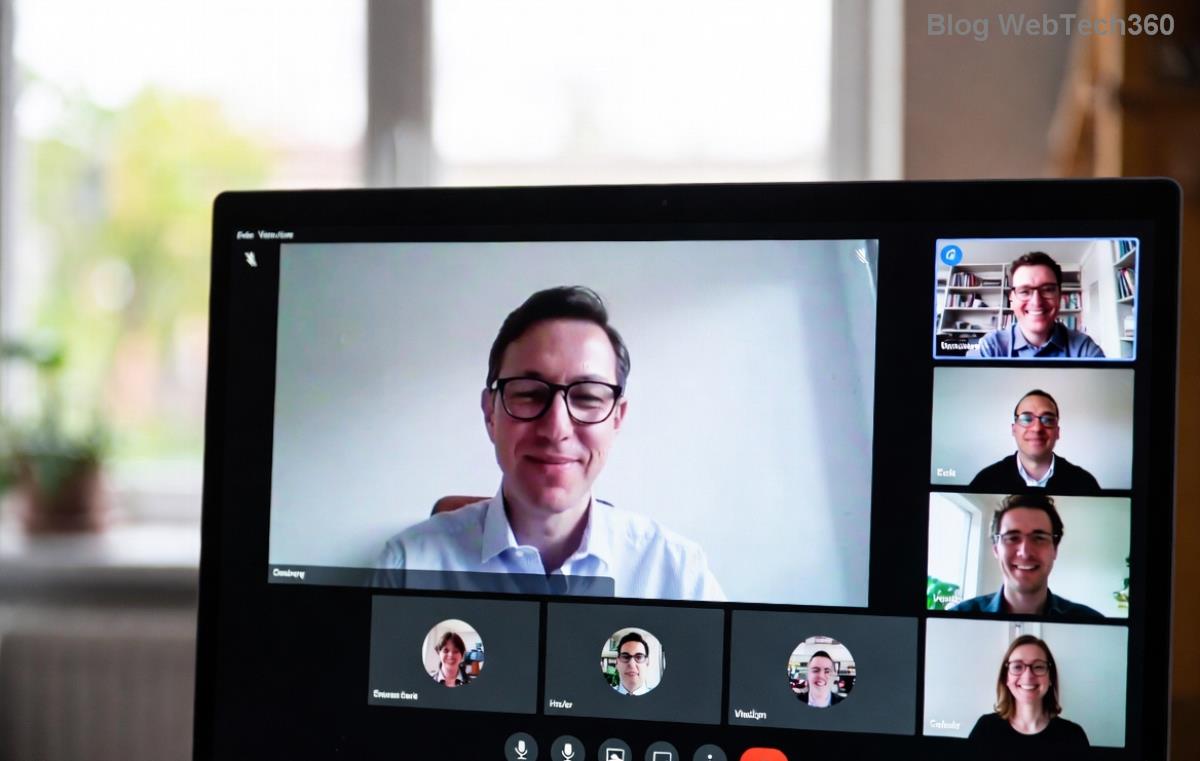
Teams troubleshooting steps illustration

5๏ธโƒฃ Advanced Fixes for Stubborn Errors โš™๏ธ

If basics fail:

  1. Check OS compatibility: Teams needs Windows 10+, macOS 11+, or modern Linux.
  2. Disable Hardware Acceleration: Browser settings > System > Turn off.
  3. Antivirus/Firewall: Temporarily disable and whitelist teams.microsoft.com.
  4. Enterprise users: Contact IT โ€“ Group Policies might block it. Reference Microsoft's official browser support.

Prevention Tips: Stay Error-Free Forever! ๐Ÿ›ก๏ธ

  • โญ Enable auto-updates for browsers and Teams.
  • ๐Ÿ“… Weekly cache clear ritual.
  • โœ… Bookmark this guide for quick reference!

Bonus: For meetings, pre-test via Teams network tester. Smooth sailing ahead! ๐Ÿš€

Still Stuck? We've Got You! โ“

If the troubleshooting Microsoft Teams browser error persists, drop your browser/OS details in comments below โ€“ our community helps fast. You've got this โ€“ happy teaming! ๐Ÿ‘

Optimized for latest Teams web updates. Sources: Official Microsoft Docs.

Leave a Comment

๐Ÿš€ Fix Microsoft Teams Code Error Redemption FAST: Ultimate Troubleshooting Guide

๐Ÿš€ Fix Microsoft Teams Code Error Redemption FAST: Ultimate Troubleshooting Guide

Stuck with Microsoft Teams "Code Error" during code redemption? Discover proven, step-by-step troubleshooting fixes to resolve it instantly and redeem your codes smoothly. No tech skills needed!

Fix Microsoft Teams Test Call Video Error Instantly: Proven Troubleshooting Guide

Fix Microsoft Teams Test Call Video Error Instantly: Proven Troubleshooting Guide

Stuck with Microsoft Teams "Test Call" Video Error? Follow our step-by-step troubleshooting guide for quick fixes to restore your video feed. No tech skills needed!

๐Ÿ”ง Instant Fix: How to Resolve Microsoft Teams Media Error During Playback in 2026

๐Ÿ”ง Instant Fix: How to Resolve Microsoft Teams Media Error During Playback in 2026

Tired of Microsoft Teams media error during playback ruining your meetings? Follow our proven, step-by-step guide to fix audio and video glitches fast. No tech skills needed!

๐Ÿš€ Ultimate Fix: Banish Microsoft Teams Proxy Error on Windows 10 in Minutes!

๐Ÿš€ Ultimate Fix: Banish Microsoft Teams Proxy Error on Windows 10 in Minutes!

Struggling with Microsoft Teams proxy error on Windows 10? Discover proven, step-by-step fixes to restore seamless calls and chats. Quick solutions for proxy issuesโ€”no tech skills needed!

๐Ÿš€ Instant Fix: How to Fix Microsoft Teams Web App Browser Error in 5 Minutes!

๐Ÿš€ Instant Fix: How to Fix Microsoft Teams Web App Browser Error in 5 Minutes!

Tired of the frustrating Microsoft Teams "Web App" Browser Error? Discover proven, step-by-step solutions to get back to seamless meetings. Clear cache, disable extensions, and moreโ€”no tech skills needed!

Master Microsoft Teams for Business: Ultimate Complete Guide to Boost Productivity

Master Microsoft Teams for Business: Ultimate Complete Guide to Boost Productivity

Unlock the full potential of Microsoft Teams for business with this complete guide. Learn setup, collaboration, meetings, security, and pro tips to skyrocket your team's productivity. Start mastering Teams today!

๐Ÿš€ Fix Microsoft Teams Error L License FAST: Proven Troubleshooting Steps

๐Ÿš€ Fix Microsoft Teams Error L License FAST: Proven Troubleshooting Steps

Struggling with Microsoft Teams "Error L" License? Discover step-by-step troubleshooting for Microsoft Teams Error L, clear cache, check licenses, and more. Get back to seamless collaboration in minutes!

๐Ÿš€ Instant Fix: Banish Microsoft Teams Win 7 Error Compatibility Woes Forever!

๐Ÿš€ Instant Fix: Banish Microsoft Teams Win 7 Error Compatibility Woes Forever!

Tired of the frustrating Microsoft Teams Win 7 Error? Discover proven, step-by-step fixes for Microsoft Teams "Win 7 Error" compatibility on modern Windows. Get back to seamless teamwork in minutes!

๐Ÿš€ Ultimate Guide: Fix Microsoft Teams Shortcut Desktop Error in Minutes โ€“ No Reinstall Needed!

๐Ÿš€ Ultimate Guide: Fix Microsoft Teams Shortcut Desktop Error in Minutes โ€“ No Reinstall Needed!

Tired of the frustrating Microsoft Teams "Shortcut" Desktop Error blocking your workflow? Follow our proven, step-by-step fixes to restore your desktop shortcut instantly. Latest solutions for seamless Teams experience!

Fix Microsoft Teams Bแป‹ Lแป—i in Minutes: Ultimate Troubleshooting Guide 2026

Fix Microsoft Teams Bแป‹ Lแป—i in Minutes: Ultimate Troubleshooting Guide 2026

Tired of Microsoft Teams "Bแป‹ lแป—i" ruining your meetings? Discover proven, step-by-step fixes in this complete troubleshooting guide. Resolve crashes, sign-in issues, and more for seamless collaboration.