Unlock Peak Performance: How to Clean C Drive and Free Up Space in 2026

Discover proven methods to clean your C drive and free up space in 2026. Boost your PC
Is your computer running slower than usual? That nagging low disk space warning on your C drive can be a real buzzkill. Don't worry—cleaning your C drive and freeing up space is easier than ever in 2026. With the latest Windows updates and smart tools at your disposal, you can reclaim gigabytes of storage and breathe new life into your PC. This guide walks you through practical, up-to-date steps to clean C drive and free up space 2026, keeping things simple and effective. Let's dive in and get your system humming! 🚀
In today's fast-paced digital world, your C drive—the heart of your Windows operating system—fills up quickly with temporary files, app caches, and forgotten downloads. As of the latest Windows 11 enhancements in 2026, cluttered storage not only slows down boot times but also hampers app performance and security updates. By freeing up space, you'll enjoy smoother multitasking, faster file access, and even better battery life on laptops.
Fun fact: The average user accumulates over 50GB of junk files annually. Ready to reclaim yours? Start with these essential steps.
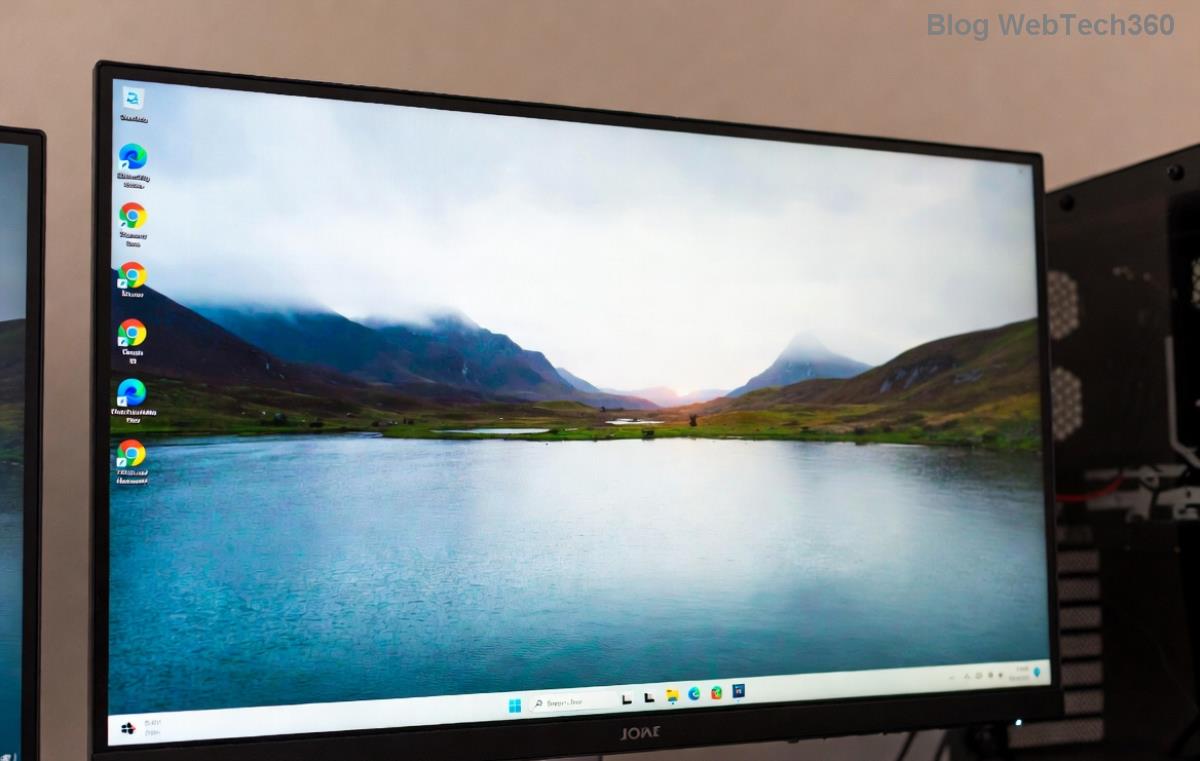
Windows has your back with the trusty Disk Cleanup tool, now supercharged in 2026 versions for smarter file detection. This is your first stop for quick wins.
Pro tip: In 2026, this tool integrates with Storage Sense, automatically zapping unneeded files weekly. Expect to free up 5-10GB effortlessly. Feeling empowered already? Keep going!
The modern way to free up space 2026 is through the Settings app, which offers a visual dashboard for your drives. It's intuitive and handles everything from apps to cloud syncs.
Enable Storage Sense here to auto-delete old files in Downloads or recycle bin. For visuals, here's a quick overview:
| Category | Typical Space Usage | Action to Free Space |
|---|---|---|
| Temporary Files | 2-15 GB | Delete via Storage Sense |
| Apps & Features | 10-50 GB | Uninstall unused programs |
| System Files | 5-20 GB | Run Disk Cleanup |
| Hibernation File | Up to RAM size | Adjust via Command Prompt |
This table highlights high-impact areas—focus here for maximum results. Your PC will thank you with zippy performance! 😊
Browsers like Chrome and Edge gobble up space with caches, especially if you're a heavy surfer. In 2026, with AI-driven browsing, these can balloon to 5GB+ per app.
Bonus: Use CCleaner (free version) for a one-click sweep across apps. Download from the official site for safety—it's a game-changer for clean C drive routines. Just remember to run it monthly to stay ahead of the clutter.
Those forgotten videos or duplicate photos? They're space hogs. Windows' built-in tools help, but for precision:
Imagine ditching 20GB of old backups—your drive will feel lighter and faster. If you're into cloud storage, OneDrive's latest 2026 features auto-migrate files to the cloud, freeing local space seamlessly.
Want to go pro? Here are cutting-edge tricks leveraging 2026's tech:
powercfg -h off to disable it (re-enable if needed for laptops).For official guidance, check Microsoft's support page on freeing up drive space—it's packed with the newest tweaks.
Cleaning once is great, but staying lean is better. Set up these habits:
By 2026 standards, these steps ensure your C drive never hits critical low again. Your system will run like new, and you'll save time on frustrating slowdowns. Ready to try? Start with Step 1 today and watch the magic happen! If you have questions, drop a comment below—we're here to help you optimize. 👏
Discover proven methods to recover deleted photos in Windows 11. From Recycle Bin to advanced software, get your precious memories back quickly and safely. Step-by-step guide for beginners.
Learn how to disable startup apps in Windows 11 effortlessly. Boost your PC
Struggling with the Windows 11 "Boot Manager Missing" error? Discover step-by-step fixes to get your PC booting smoothly again. Easy, reliable solutions for all users.
Struggling with slow SSD performance on Windows 11? Discover proven troubleshooting steps to fix SSD speed throttling and restore peak performance. Easy, step-by-step guide for maximum speed gains.
Discover trusted sources to buy a legal Windows 11 Pro key in 2026. Get expert tips on avoiding fakes, securing genuine licenses, and enjoying hassle-free activation for ultimate productivity.
Discover how to effortlessly use Windows 11 Phone Link for Android 16. Get step-by-step guidance to sync your devices, access notifications, and boost productivity without missing a beat.
Struggling with the frustrating Windows 11 "Something Went Wrong" 0x80070002 error? Discover proven, step-by-step fixes to resolve update failures, missing files, and more. Get your PC back on track fast—no tech expertise needed!
Struggling with the frustrating Windows 11 Outlook password prompt loop? Discover proven, step-by-step fixes to regain control of your email without endless pop-ups. Updated with the latest solutions for seamless productivity.
Discover how to use the Windows 11 Quick Settings menu effortlessly. Learn to customize, access, and optimize this powerful tool for a smoother PC experience. Step-by-step guide with tips for beginners and pros.
Discover how to effortlessly enable and use Windows 11 Live Captions for real-time subtitles in videos, calls, and more. Boost accessibility and stay engaged with our step-by-step guide.







