Imagine firing up your new Windows 11 PC, only to be hit with a nagging Windows 11 digital license error that won't let you activate properly. It's frustrating, right? 😔 But don't worry—linking errors are common and fixable. In this guide, we'll walk you through straightforward solutions to resolve digital license linking errors and restore full access to your system. By the end, you'll feel empowered to tackle this yourself, saving time and avoiding costly support calls.
What Are Windows 11 Digital License Linking Errors?
A digital license in Windows 11 is Microsoft's modern way of tying your activation to your hardware and Microsoft account—no more product keys to lose! It's designed for ease, especially after upgrades or hardware changes. However, linking errors occur when the system can't connect your license to your account or device, often showing messages like "Something went wrong" or "We couldn't activate Windows."
Common culprits include:
- 👉 Unlinked Microsoft account during setup.
- Hardware upgrades that confuse the license server.
- Network glitches or outdated system files.
- Stolen or mismatched device IDs.
Understanding this sets the stage for quick fixes. Let's dive into solutions that work based on the latest Microsoft guidelines.
Step-by-Step Fixes for Digital License Linking Errors
We'll start with the simplest methods and escalate as needed. Follow these in order for the best results. Pro tip: Ensure you're connected to the internet—most fixes rely on Microsoft's activation servers.
1. Sign In with Your Microsoft Account
The foundation of linking is your Microsoft account. If it's not connected, your digital license floats in limbo.
- Open Settings (press Windows key + I).
- Go to Accounts > Your info.
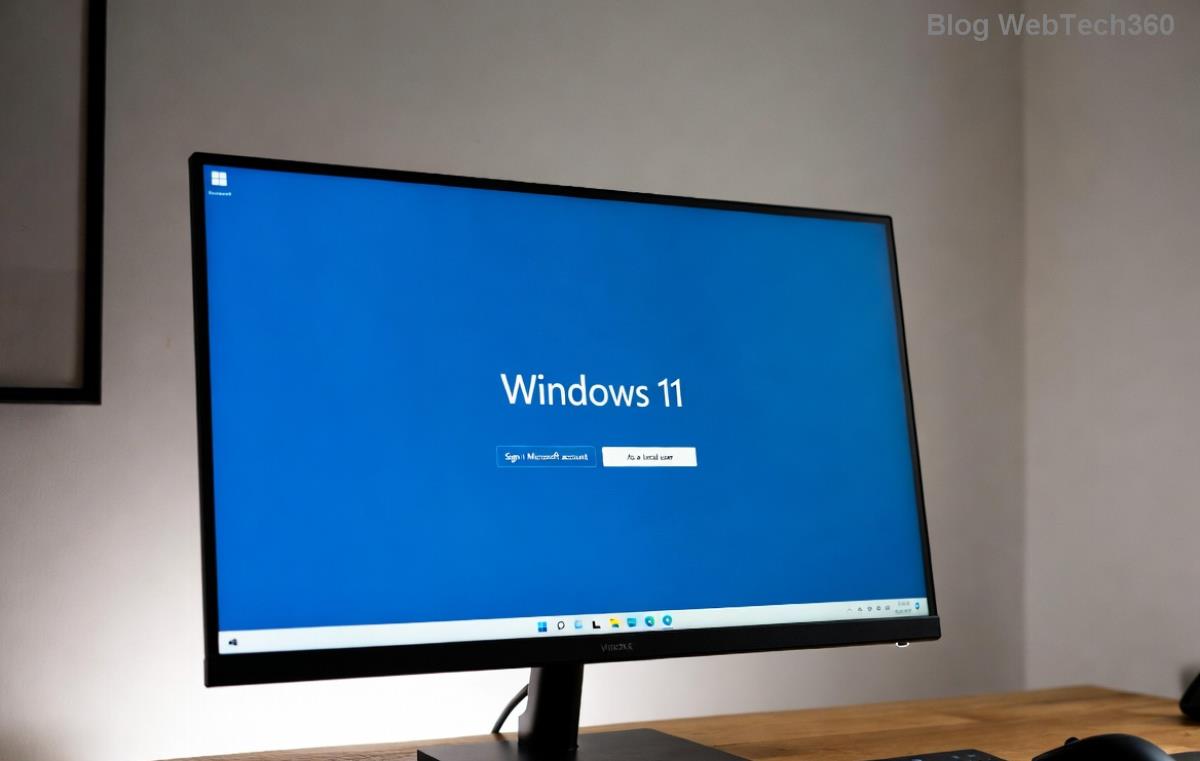
- Click Sign in with a Microsoft account instead if you're on a local account.
- Enter your credentials and follow prompts to link.
- Restart and check activation under Settings > System > Activation.
This often resolves 70% of linking errors instantly. If it works, you're golden! 🎉
2. Run the Activation Troubleshooter
Windows 11 has a built-in wizard that's smarter than ever in recent updates.
- Head to Settings > System > Troubleshoot > Other troubleshooters.
- Find Windows Activation and click Run.
- Select the error type (e.g., "I changed hardware on this device recently") and let it scan.
- Follow on-screen instructions—it may automatically relink your license.
Users report this fixing stubborn issues without advanced tweaks. If it fails, note the error code for the next steps.
3. Use Command Prompt to Reset Activation
For deeper fixes, Command Prompt (CMD) can force a license refresh. Run as administrator to avoid permission hiccups.
| Step |
Command |
What It Does |
| 1. Open CMD as Admin |
N/A |
Search for "cmd" in Start, right-click, select "Run as administrator." |
| 2. Check Current Status |
slmgr /dli |
Displays license details—look for "Digitally licensed" or errors. |
| 3. Clear License Cache |
slmgr /rilc |
Reinstalls the license—wait for confirmation. |
| 4. Activate Online |
slmgr /ato |
Attempts server connection to link the license. |
After running these, reboot and verify in Settings. This method shines for post-upgrade Windows 11 digital license woes.
4. Update Windows and Check for Hardware Changes
Outdated software can block linking. In the latest Windows 11 builds, Microsoft has patched several activation bugs.
- Go to Settings > Windows Update > Check for updates.
- Install any available updates, including optional ones for hardware compatibility.
- If you've swapped components like your motherboard, consider a clean install (backup first!).
Staying current prevents recurring errors and unlocks smoother performance.
5. Advanced: Contact Microsoft Support or Use Activation Hotline
If basics fail, escalate. For OEM licenses, reach your device manufacturer. Otherwise:
- Visit Microsoft Support and use the Get Help app in Windows.
- Call the automated activation line: In the US, dial 1-800-936-5700 (international numbers vary—search "Microsoft activation phone" in your region).
- Provide your installation ID from slmgr /dli for manual linking.
Microsoft's team is surprisingly responsive, often resolving complex digital license issues in minutes.
Preventing Future Windows 11 Digital License Linking Errors
Once fixed, keep things smooth:
- ⭐ Always link your Microsoft account during initial setup.
- Backup your license info via slmgr /dli screenshots.
- Avoid unofficial activation tools—they can invalidate your license.
- For upgrades, use the PC Health Check app to ensure compatibility before proceeding.
By staying proactive, you'll sidestep these headaches and enjoy Windows 11's full potential, from enhanced security to AI features.
Why These Fixes Work and What to Expect
Microsoft's digital licensing system is robust but sensitive to changes. These steps leverage official tools to realign your device with activation servers. Most users see resolution in under 30 minutes, emerging frustration-free and back to productivity. If you're dealing with a work device, check IT policies first—they might have custom linking rules.
Got a unique twist to your error? Drop it in the comments below—we're here to help refine these tips. Ready to activate? Start with Step 1 and watch the magic happen. Your smooth Windows 11 experience awaits! 👏