How to create custom environment variables on Windows 11, 10
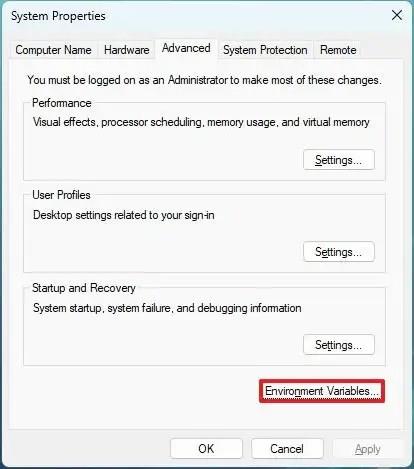
To create environment variables on Windows 11 (10), open System Properties > Advanced > Environment Variables, and create new variable.
To create environment variables on Windows 11 (10), open System Properties > Advanced > Environment Variables, and create new variable.
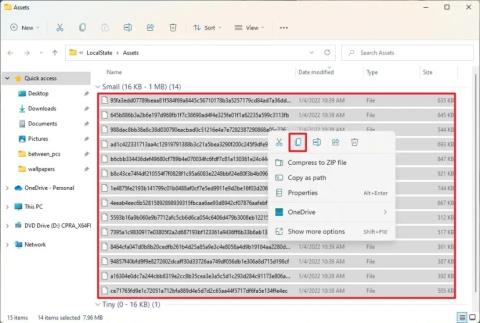
On Windows 11, you can save the Spotlight collection images available on the desktop, but you have to use this workaround.