Imagine having your most-used tools—email, calendar, weather, and to-do lists—right at your fingertips without leaving your browser. That's the magic of the Microsoft Edge Sidebar. This powerful feature transforms your browsing into a seamless productivity hub, tailored perfectly for your daily tasks. Whether you're juggling work emails or checking quick updates, customizing it can save you hours. Ready to dive in? 👆 Let's get started!
What Makes the Microsoft Edge Sidebar a Game-Changer?
The Microsoft Edge Sidebar is a persistent panel on the side of your browser, packed with widgets, tools, and quick-access apps. It's not just eye candy—it's designed for efficiency. Pin your favorites like Outlook, Microsoft To Do, or even Copilot AI, and watch your workflow soar. No more tab overload!
Recent updates have made it even smarter, with seamless integration for daily essentials. Feel the thrill of a clutter-free desk in your digital world. ⭐
Accessing and Opening the Microsoft Edge Sidebar
- Launch Microsoft Edge on your Windows PC or Mac.
- Look for the sidebar icon (a rectangle with a line) on the far right of the address bar—or simply press Ctrl + Shift + / (Windows) or Cmd + Shift + / (Mac). Boom! It's open.
- Toggle it anytime with the same shortcut. Pro tip: Pin it open via settings for always-on access.
Simple, right? Now, let's customize it for your daily tasks.
Step-by-Step: How to Customize Microsoft Edge Sidebar
Customization is a breeze. Follow these steps to build your ideal setup:
- Open Sidebar Settings: Click the gear icon (⚙️) at the bottom of the sidebar.
- Add Tools: Browse the "Tools" menu for built-ins like Weather, Calculator, or Microsoft 365 apps. Drag and drop to reorder.
- Install Extensions: Head to the Edge Add-ons store via Microsoft Edge Add-ons. Search for "sidebar" compatible ones like Todoist or Grammarly.
- Pin Affiliates: Enable quick links to services like Spotify or Amazon in the affiliates section.
- Resize and Theme: Drag the sidebar edge to resize. Switch themes in Edge settings > Appearance for dark mode magic.
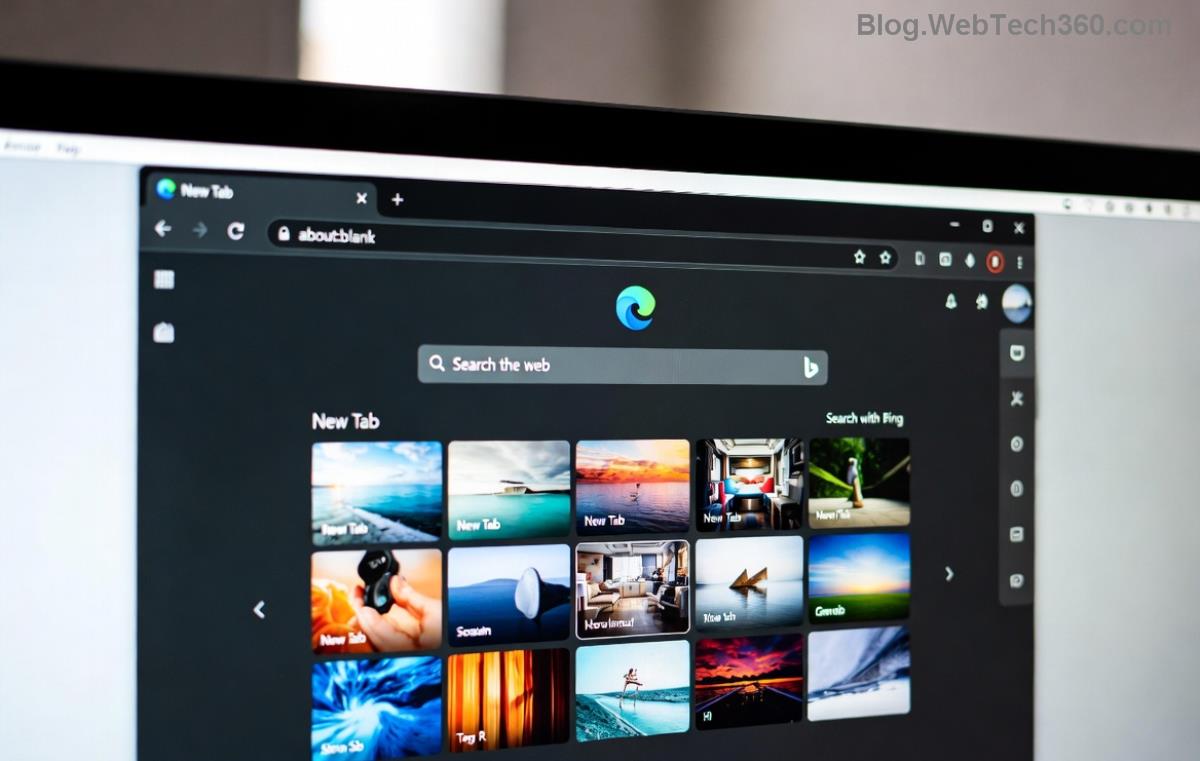
With these tweaks, your sidebar becomes a personal command center. Excited yet? Keep reading for task-specific ideas! 😊
Top Microsoft Edge Sidebar Widgets for Daily Tasks
Match widgets to your routine. Here's a curated table of must-haves:
| Widget/Tool | Best For Daily Tasks | How to Add |
|---|---|---|
| Outlook | Emails & Calendar glances | Tools > Microsoft 365 > Sign in |
| Microsoft To Do | Task lists & reminders | Search "To Do" in Tools |
| Weather | Quick forecasts | Built-in; set location |
| Copilot | AI summaries & ideas | Affiliates or Tools menu |
| Spotify | Background music | Affiliates > Connect account |
✅ Start with 3-5 widgets to avoid overload. Swap them based on your day—work mode vs. chill mode.
Pro Tips to Maximize Your Edge Sidebar Customization
- Sync Across Devices: Enable Edge sync in settings > Profiles. Your sidebar follows you from PC to phone!
- Keyboard Shortcuts: Assign custom ones via Edge extensions for lightning-fast access. 🚀
- Collections Integration: Link sidebar to Edge Collections for saving notes, images, and tasks in one spot.
- Performance Tweaks: Limit to essential widgets if you notice lag—Edge optimizes automatically.
- Third-Party Power: Try "Sidebar Todo" or "Daily Planner" from the store for niche needs.

These hacks turn casual browsing into a productivity powerhouse. Users report up to 30% time savings—your turn! 👏
Troubleshooting Common Issues
Sidebar not showing? Update Edge via Help > About Microsoft Edge. Widgets missing? Check your Microsoft account sign-in. For more, visit Microsoft Edge Support.
Wrap-Up: Make Microsoft Edge Sidebar Your Daily Ally
You've got the blueprint—now customize your Microsoft Edge Sidebar for unbeatable daily task efficiency. Start small, experiment boldly, and feel the productivity rush. What's your first widget? Drop it in the comments and share the wins!
Stay tuned for more Edge tips to keep your browser ahead of the curve. Happy customizing! 🎉