Imagine streamlining your workday from anywhere or diving deep into online courses without distractions. Microsoft Edge isn't just a browser—it's your ultimate ally for remote work and education. Built on Chromium for speed and packed with innovative tools like AI-powered Copilot and efficiency boosters, Edge helps you stay focused, organized, and ahead. Ready to transform your routine? Let's dive in! 👍
1️⃣ Quick Setup: Get Microsoft Edge Ready for Remote Success
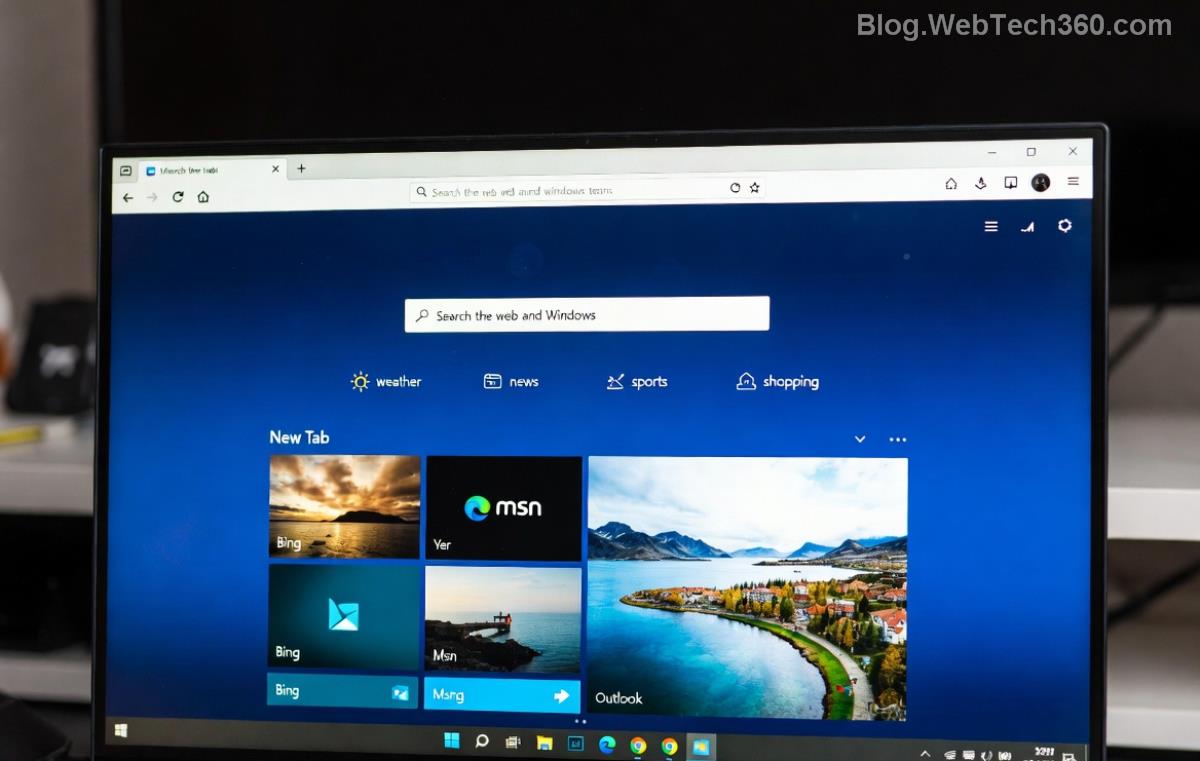
Start strong by downloading the latest Microsoft Edge from its official site. Sign in with your Microsoft account to sync tabs, passwords, and settings across devices—perfect for switching between laptop and phone during remote work.
- Enable Efficiency Mode: Reduces CPU usage by up to 30% for longer battery life on the go. Go to
edge://settings/system and toggle it on.
- Sleeping Tabs: Automatically hibernates inactive tabs to free memory, ideal for juggling multiple work docs.
- Vertical Tabs: Sidebar layout keeps your workspace clutter-free. Right-click the tab bar and select "Vertical tabs."
Pro tip: Customize your new tab page with shortcuts to tools like Teams or Google Classroom for instant access. Feel the speed difference immediately! ⭐
2️⃣ Power Up Remote Work with Edge's Killer Features
Microsoft Edge for remote work shines with seamless Microsoft 365 integration. Open Word, Excel, or PowerPoint docs directly in-browser—no downloads needed.
Collections: Your Digital Workspace
Think of Collections as a smart filing cabinet. Drag tabs, images, or notes into Collections (Ctrl+Shift+Y) to organize projects. Export to OneNote or Excel effortlessly. Remote teams love sharing Collections via links for collaborative brainstorming.
Copilot AI: Your Virtual Assistant
The built-in Copilot (powered by GPT) summarizes pages, generates emails, or creates images. Ask "Summarize this report" on a tab—watch magic happen. For remote work, it drafts meeting notes or troubleshoots code in seconds.
| Feature |
Remote Work Benefit |
How to Activate |
| Collections |
Organize research & share with team |
Ctrl+Shift+Y |
| Copilot |
AI summaries & content generation |
Sidebar icon or Alt+Space |
| PDF Tools |
Annotate & sign contracts |
Open PDF > Draw/Edit |
| Live Captions |
Real-time subtitles for calls |
Settings > Accessibility |
Integrate with Microsoft 365 for Outlook calendars in the sidebar. Track deadlines without leaving your browser—pure bliss for freelancers and distributed teams!
3️⃣ Excel in Education: Edge Tools for Smarter Learning
Whether you're a student conquering online classes or a teacher curating resources, Edge for education makes learning engaging and accessible.
Immersive Reader: Focus Like Never Before
Struggling with dense texts? Activate Immersive Reader (reading icon in address bar) to remove distractions, adjust spacing, and even read aloud. Supports 100+ languages—great for ESL learners.
Math Solver & Grammar Tools
Snap a math problem photo for instant solutions. Built-in grammar checks highlight errors as you write essays.

For group study, use Side-by-Side view (Ctrl+E) to compare notes from two tabs. Extensions like OneNote Web Clipper save lecture clips directly to your notebook.
| Educational Tool |
Key Advantage |
Best For |
| Immersive Reader |
Customizable text focus |
Reading comprehension |
| Math Solver |
Step-by-step solutions |
STEM subjects |
| Read Aloud |
Listen to any webpage |
Auditory learners |
Teachers: Pin classroom tabs and use Drop tool to screenshot annotations into lessons. Students report 20% better retention with these features!
4️⃣ Pro Tips & Extensions to Maximize Edge
- Customize Shortcuts: Edge://settings/keyboard for quick keys to toggle tabs or Copilot.
- Top Extensions: Grammarly for writing, Todoist for tasks, and Zoom Scheduler for meetings—all available in Edge Add-ons store.
- Privacy Boost: Strict tracking prevention keeps your remote work data secure.
- Cross-Device Sync: Continue education sessions seamlessly on mobile Edge.
Experiment with Profiles for work vs. study separation—one click to switch modes.
Wrap Up: Elevate Your Workflow Today
From Collections conquering chaos to Immersive Reader unlocking knowledge, how to use Microsoft Edge for remote work and education is your ticket to peak performance. Implement one tip today and feel the shift. What's your favorite Edge feature? Share in the comments and keep optimizing! 🚀
For the latest updates, check Microsoft Edge Features.